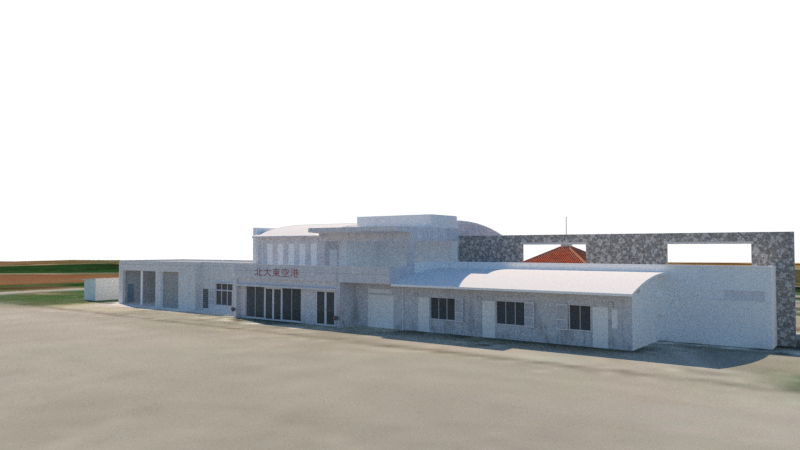
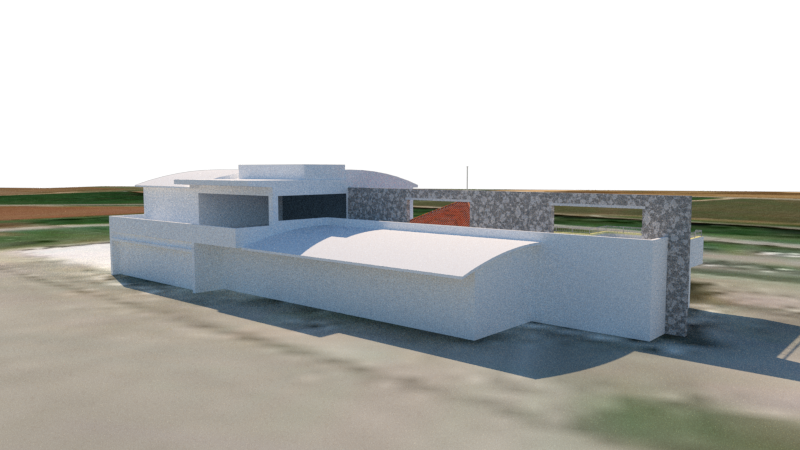
Thank you for your patience while waiting for Kitadaito Airport.
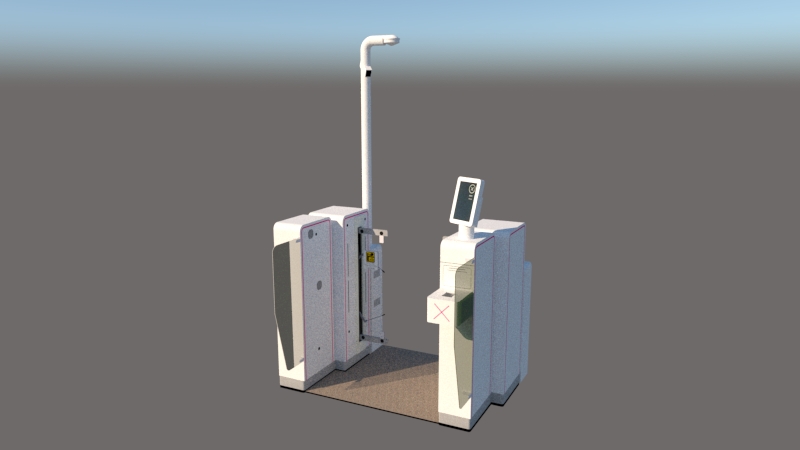
We are currently spending extra time creating the passenger waiting area.
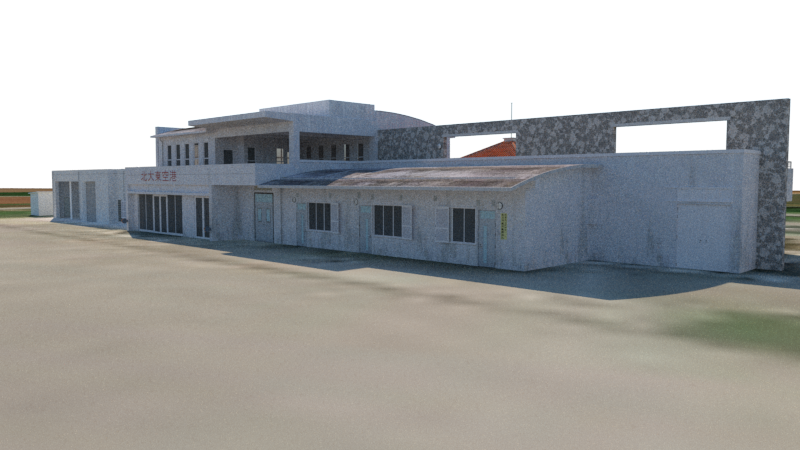
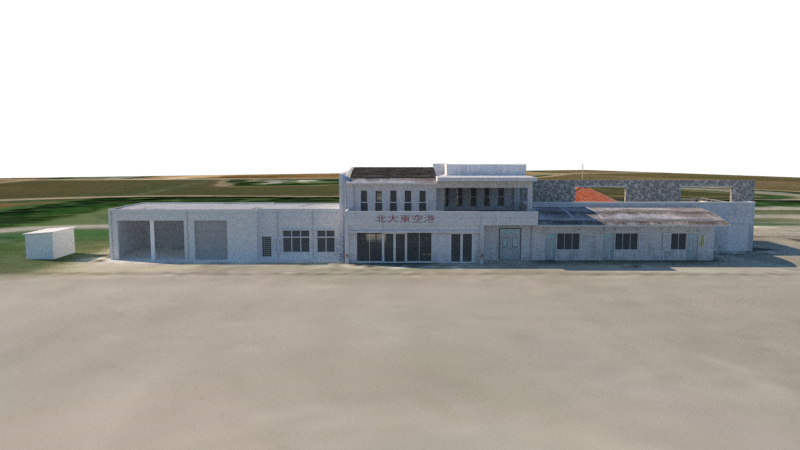
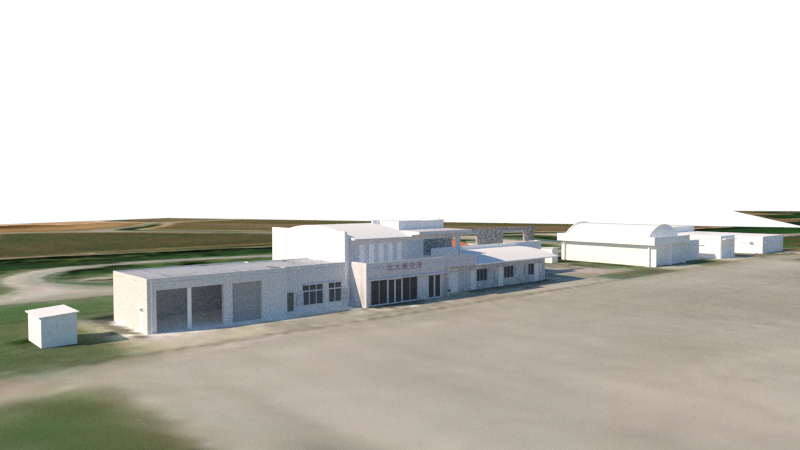
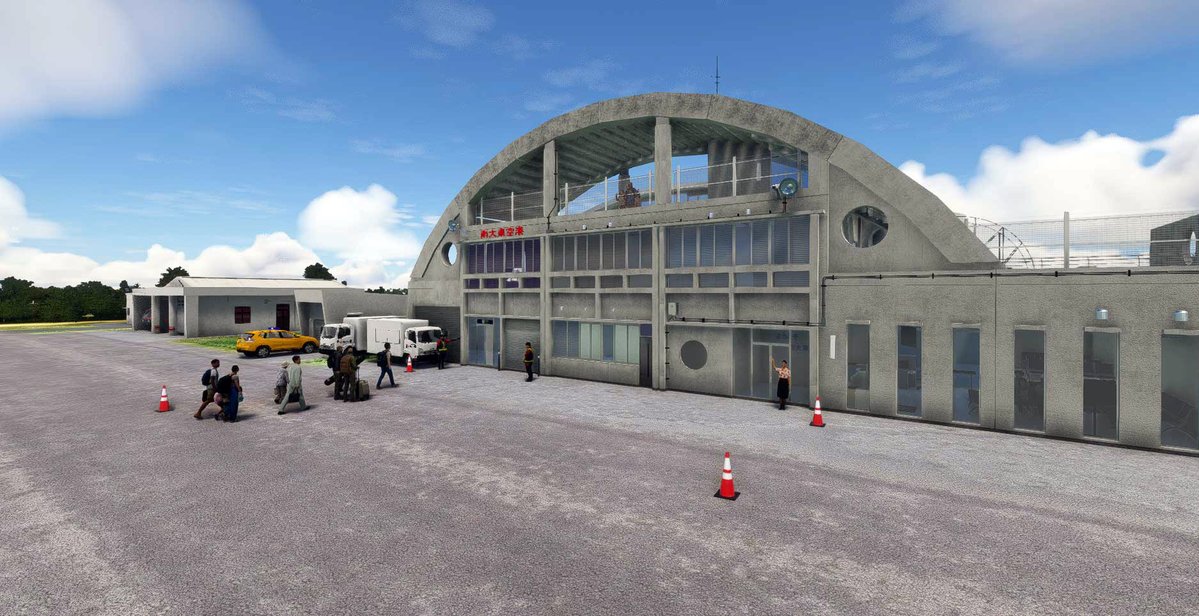
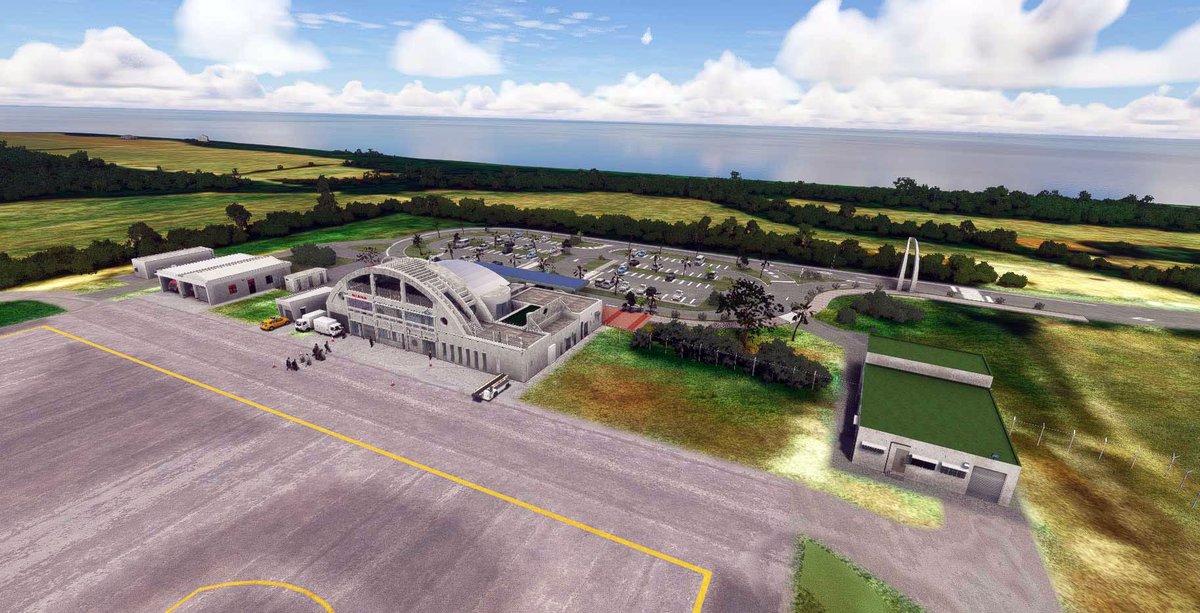
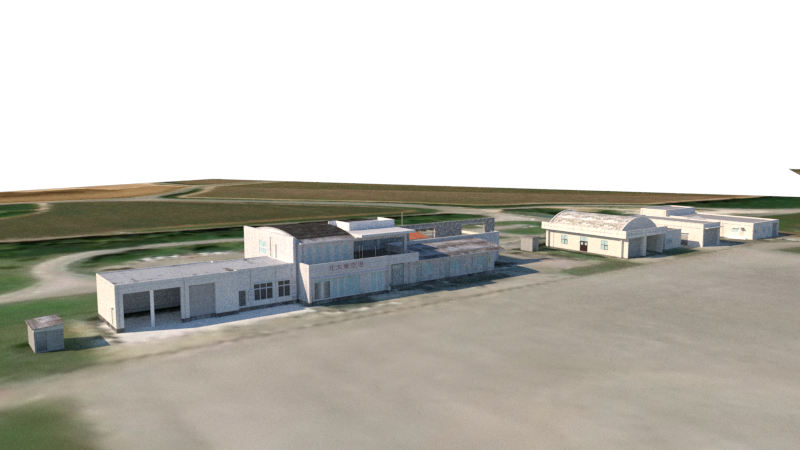
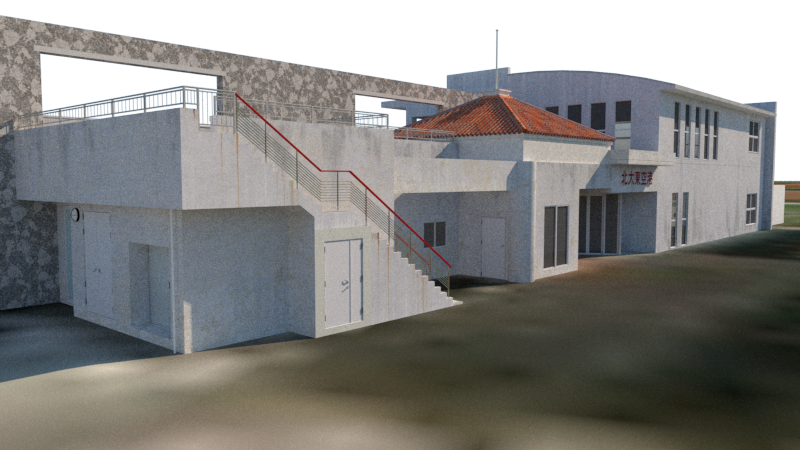
All of the airport buildings have now been completed.
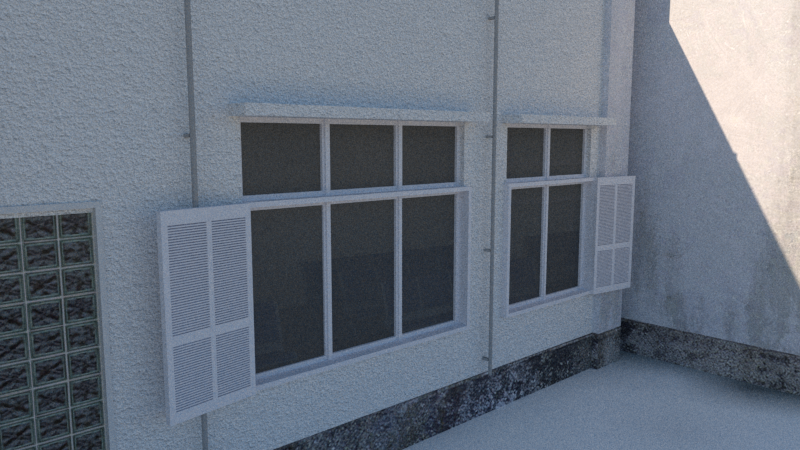
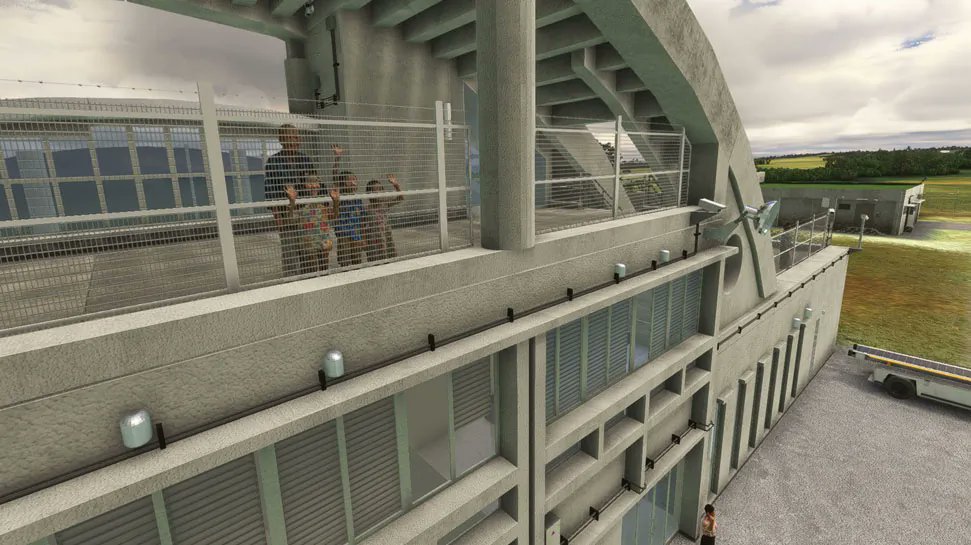
The texturing of the Kitadaito Airport terminal has been completed.
The windows and doors are not represented with textures; instead, they have been modeled as 3D objects to provide a greater sense of depth and realism.
Once the terminal texturing is finished, the remaining work progresses much more quickly.
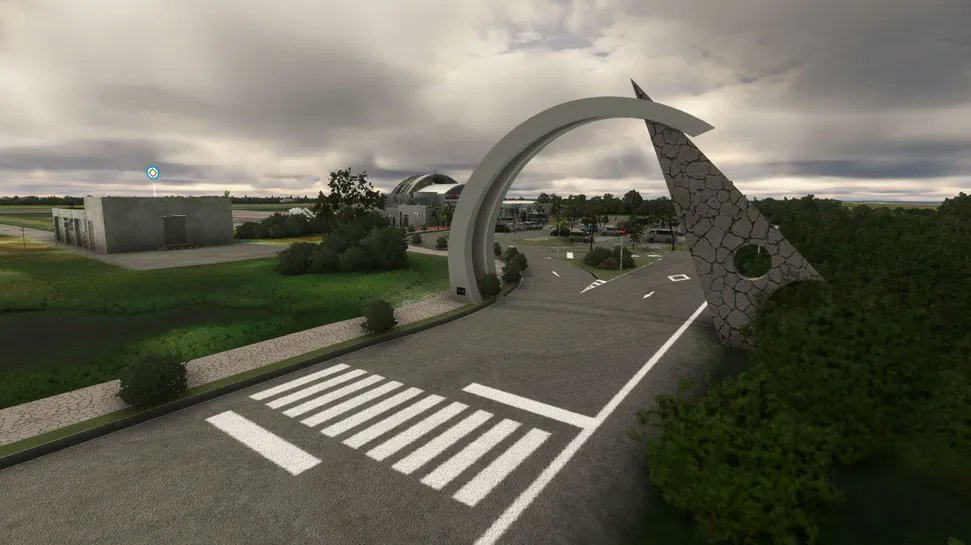
This time, Kitadaito Airport is being modeled in great detail, just like Minamidaito Airport.
The terminal waiting area and other interior spaces will be recreated to the same level of detail as those at Minamidaito Airport.
The development of Kita-Daito Airport is progressing smoothly.
Our team is aiming for a release within June.
Development took longer than expected because we encountered an issue at Minami-Daito Airport where runway markings were duplicated. However, we have now identified the cause of the problem, so work on Kita-Daito Airport is moving forward much more efficiently.
We have also recreated the distinctive Ryukyu roof tiles through detailed 3D modeling.
Minami-Daito Airport update is now complete. The update file will be available for download on SimMarket later today. The Marketplace release will take a few days.
Update Release Notes:
・All charts are included.
・Added approach and departure legs that were missing from the default navdata.
"Please note that some waypoints were already included in the default database, while others were not. Although the missing waypoints have been newly added to the XML and will display correctly, due to MSFS limitations, their positions on the World Map may appear slightly offset even with the correct coordinates applied."
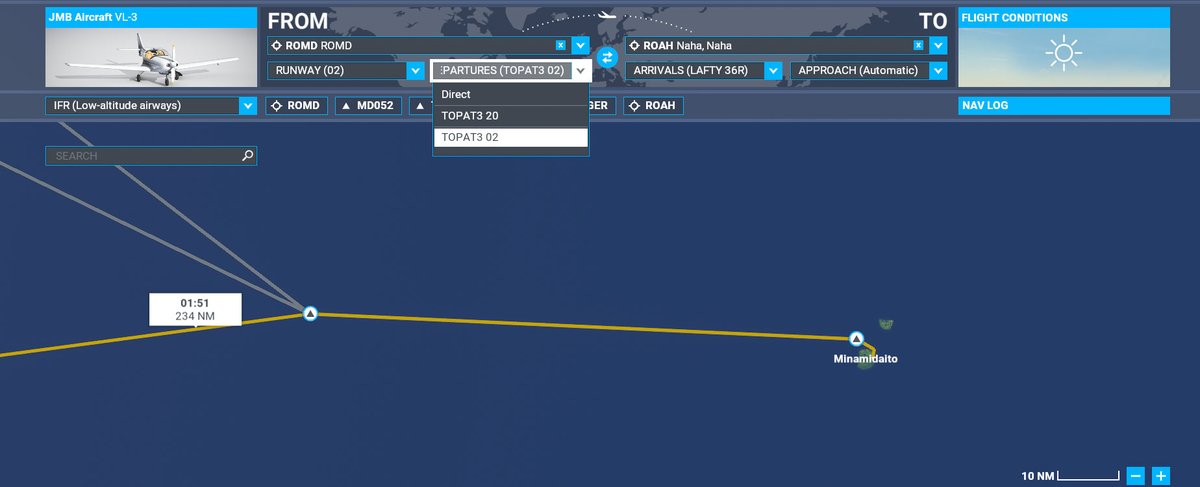
"Furthermore, as shown in the image, even if you program the route exactly as charted, it is impossible to draw a perfectly smooth arc/circle. Due to MSFS constraints, the system automatically attempts to connect the path to the nearest waypoint. Thank you for your understanding."
I finally managed to understand how to write Navdata entries.
It was quite difficult.
The image shows a SID with the TOPAT3 Departure written in.
Waypoints such as MD052 do not exist in the default data, so I entered them using accurate coordinates. However, it seems that the MSFS world map itself is slightly offset.
As a result, I believe the waypoint positions are shifted slightly to the left globally as well.
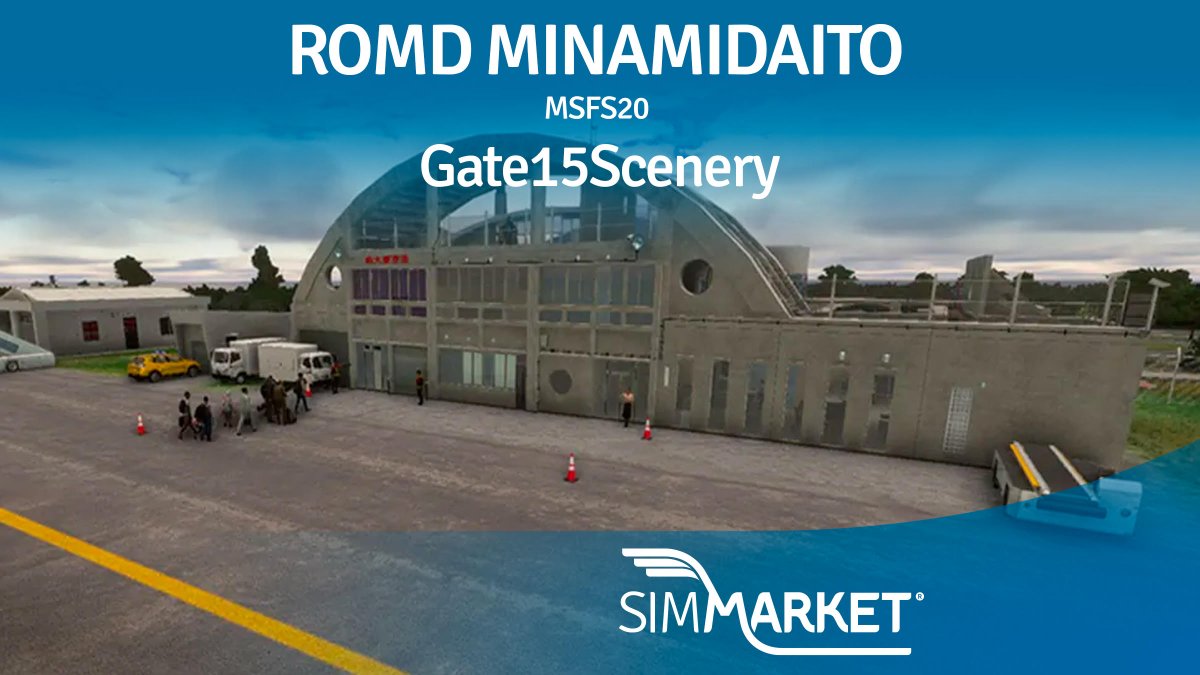
🌊 Gate15Scenery – ROMD Minamidaito Airport MSFS20 ✈️
https://t.co/FYY1dcRbSe
Descend above endless Pacific waters and touch down on one of Japan’s most remote island runways. Rugged cliffs, quiet Okinawan scenery, and coastal isolation turn every arrival into a peaceful escape.
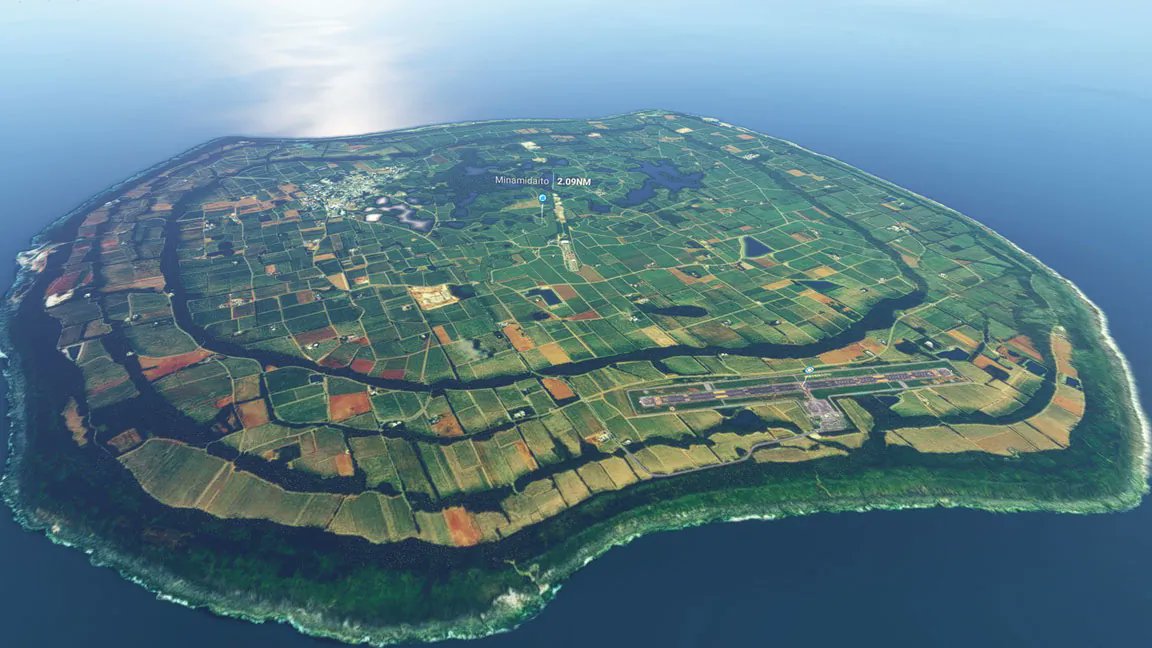
I think there are aspects of Minamidaito Island that many people haven’t noticed yet.
There are also unique sights on this island beyond just the airport.👀
We will begin work on the big project that had been our goal since we originally formed the team, alongside Oshima Airport, after updating Kitadaito Airport.
Although we are not yet able to announce the details, we have finally reached the starting point after conducting multiple rounds of research and interviews for this project.
This project will take time, but it is also a challenge that we are eager to take on.
Yesterday, I received a request to add SID and RNAV approaches to the newly released Minami-Daito Airport.
Unfortunately, the SDK does not have a function for adding waypoints and similar data.
The only way is to manually define everything in XML files, and even those methods are not completely reliable.
I somehow managed to add RNAV and VOR approaches, but this work takes a considerable amount of time.
Since I am also working on Kita-Daito Airport, it will take a little while before I can complete it.
Nemuro Nakashibetsu Airport has been updated.
Details:
Adjusted the elevation of the terminal model
Updated the texture quality of the terminal model
Adjusted the elevation of some vehicles in the parking area
Added an apron in front of the warehouse on the east side
The files have already been uploaded to Simmarket and the Microsoft Marketplace.
Please wait until they become available for download.
Today, Minami-Daito Airport will be released on SimMarket.
As promised, users who previously purchased “OKINAWA JAPAN ISLAND HOPPING! MINAMIDAITO & KITADAITO MSFS” will be able to download it for free.
Kitadaito Airport is also planned for release soon, so please stay tuned.
The price is €6.3.
This time, the MSFS2020 version will be released first, followed later by the MSFS2024 version.
The release on the Microsoft Marketplace will take a little more time.
Everyone, thank you for your patience.
Regarding Minami-Daito Airport, I rebuilt the airport data from scratch and re-placed all models. However, partway through, the same issues reappeared: multiple instances of Runway 02 showing up and the default runway markings not disappearing.
That said, the problem has now been resolved.
The cause was a Navigraph BGL file. It appears that the issue was related to BGL files containing ROMD within the “navigraph-navdata” and “navigraph-navdata-base” folders in the Community folder.
Removing these folders resolved the problem.
We have not updated Navigraph for some time, so it’s possible that updating it may also fix the issue, but we cannot say for certain.
Minami-Daito Airport will be released shortly.
In this version, we have recreated the currently under-construction runway and aimed to capture the relaxed, slow-paced atmosphere of Minami-Daito Airport as faithfully as possible.