We are the GCISD Digital Learning team! We support teachers, staff, and students with meaningful technology integration and personalized learning experiences!
🌟 Happy Digital Learning Day! Did you know this initiative started in 2012 to showcase how tech enhances teaching? 🤔 Let's embrace digital tools to boost engagement and bridge the digital divide! How has tech changed your learning experience? #DigitalLearningDay#EdTech@GCISD
Coding is everywhere! 🖥️ Challenge: During your break, count how many coded devices you use. From smartphones to microwaves, technology surrounds us. How many can you spot? @GCISD#digitallearning#edtech#coding Learning happens everywhere, even during downtime! 🚀
💙 Feeling thankful for our amazing GCISD family!
Your support allows us to do what we love – providing the best possible education for every student. We're grateful for our dedicated staff, families, students, and community.
@gcisd#GCISD#Thankful#CommunityLove#Support
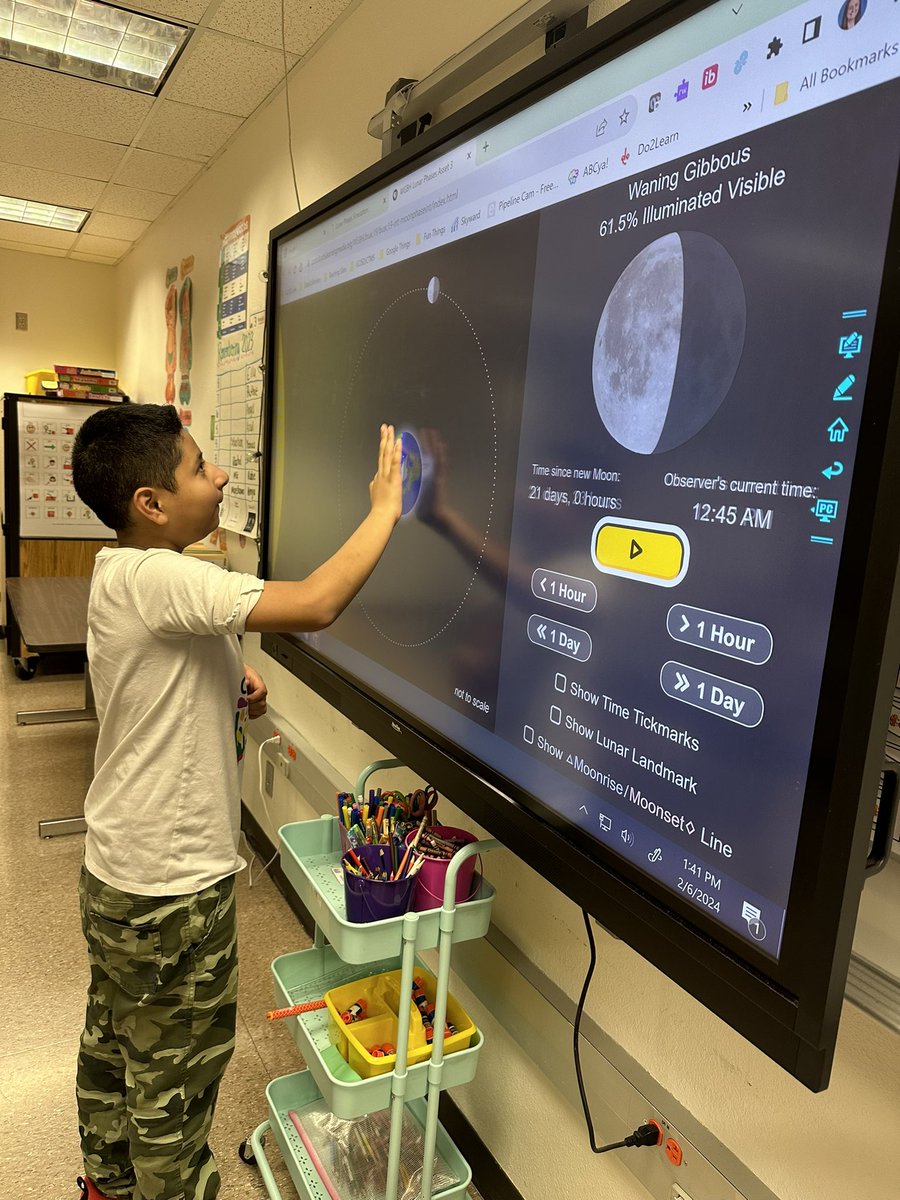
GCISD Teachers, Did you know you can install apps on your Newline Boards? Check out the Newline App Store to see what is available! @NewlineIDEAMAX#interactivewhiteboard
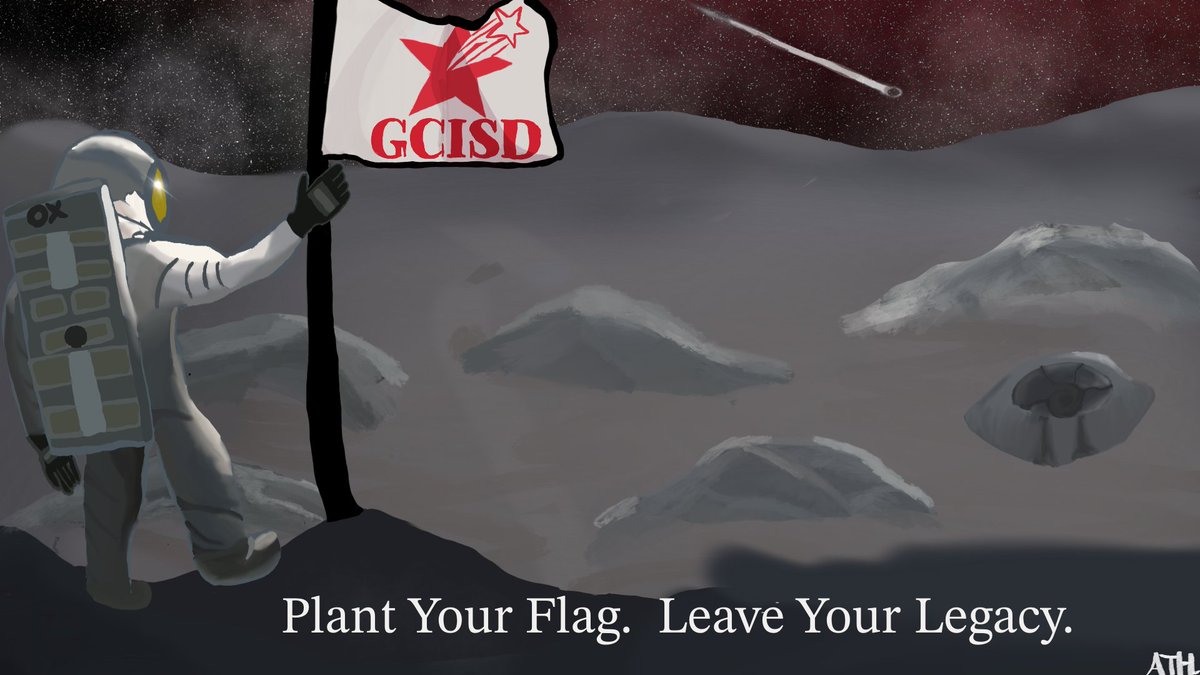
🏆 Congratulations to Andrew Hall, @CTMSWolfWay student and one of the winners of the @ClassLink Digital Design Challenge in @GCISD! You can view the artwork here, as well as our GCISD ClassLink login screen! #ClassLinkDDC23 https://t.co/E7iR2M0aIH
Jennifer! What a great way to use technology to:
👉 challenge students,
👉 stay relevant,
👉 and have fun!
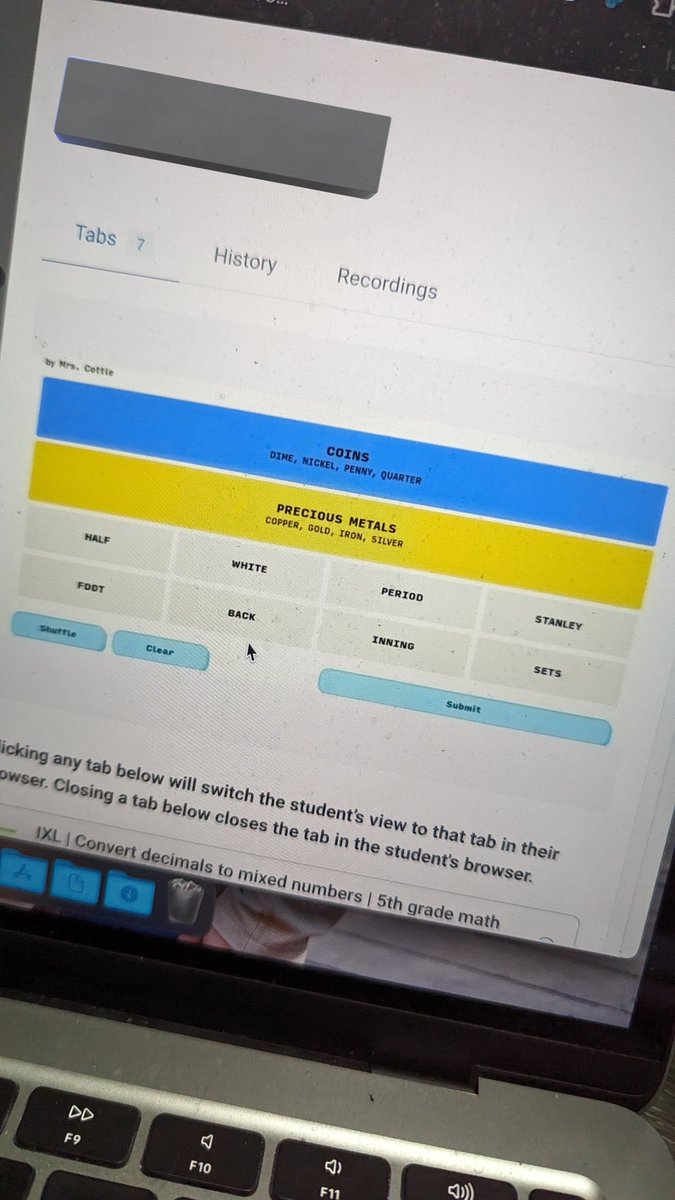
Check out https://t.co/ALxT2Ww26t to make your own puzzle!
Made my own "Connections" game for a student who was needing some extra brain challenges. Now he is creating one for me to complete! 🥰 #teambce@BearCreekElem
Tip #4 for Troubleshooting Tuesday: Submit a help ticket. Our tech support team is here to rescue you! 🦸♂️🛠️ Whether it's a software snag, connectivity crisis, or a mysterious error code, our experts are ready to tackle it head-on. 💪💻 #TechTipTuesday#TroubleshootingTuesday
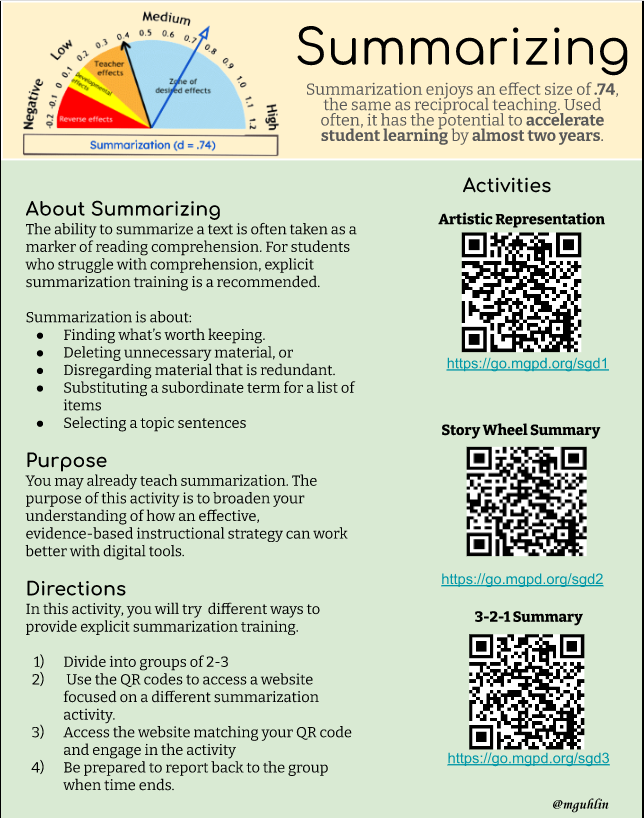
Discover three digital summarization activities that can be customized for your students or incorporated into professional development.
https://t.co/2yg9m0Qk3V @tceajmg
#ela#writing#engchat#teaching
📡 Time for a digital health check! 🔄✨ Tip #3 for Troubleshooting Tuesday: Run policy updates on your device. Embrace the latest improvements, bug fixes, and security patches for a seamless user experience. https://t.co/Ix7uEet2t5 💻🔧 #TechTipTuesday#TroubleshootingTuesday
🏆 Congratulations to Hanah George, @Grapevine_HS student and one of the winners of the @ClassLink Digital Design Challenge in @GCISD! You can view the artwork here, as well as our GCISD ClassLink login screen! #ClassLinkDDC23 https://t.co/E7iR2M0aIH
Our class had the BEST attendance in 4th grade for the first semester of school. To reward our class, we had extra Maker-space time in the library! @OCTQuinn#oct4u#OCTAllStars