🌈I'll be premiering a🎵 #RobloxMusicVideo🎵today & would appreciate your support!💖I'll be singing 🧑🎤my own original lyrics to the amazing 💖 RYYZN's @weareryyzn instrumental, 'Waited'! Set your reminders & watch with me 4 pm CST! #Roblox#Brookhaven
https://t.co/R14e3DTU5z
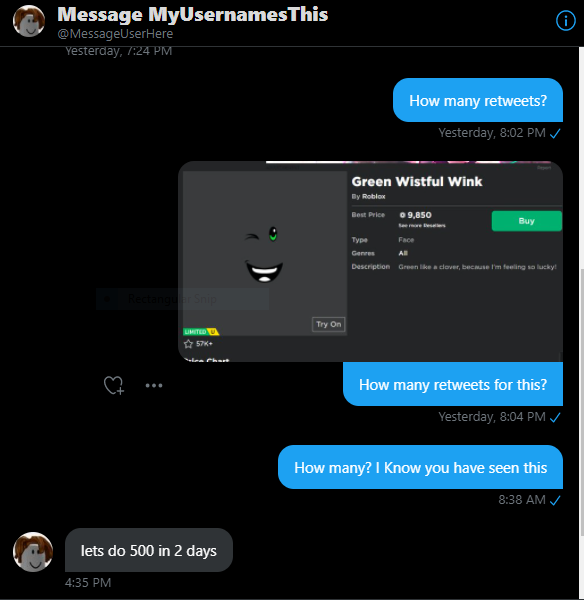
Make this happen! Its not going to be easy! Idc if you use an alt to spam quote/retweets i need this🙏 #UsernameChallenge@MessageUserHere 500 Retweets ln 2 Days! QUICK PEOPLES! Do anything to get this to more people! Any way to make this get more retweets is appreciated.🙏
@GoldenCallum@UptownRoseYT Okay then it's something to do with how you made the blender item. You will need to go back into blender and re-export it again as an FBX file and try again.
@GoldenCallum@UptownRoseYT (5) If you don't change the scale, no worries when Roblox prompts you to resize say yes.
(6) Now drop a MESH PART in roblox studio
(7) Click on Mesh ID over in properties
(8) Find the file you saved and open it.
(9) Your mesh should appear.
@GoldenCallum@UptownRoseYT OHHHHHHHHHHHHHHHHHHHHHH!!!!!!!!!!!!!!!!! OMGOSH yes... okay guy.
(1) Be in Object Mode
(2) Highlight the object(s) you want to export
(3) Click on File, Export, Export as FBX
(4) Make sure you have clicked "Selected Objects" and make sure your scale is right.
@GoldenCallum@UptownRoseYT Well I'm trying to understand you. When you bring in this model, where are you bringing this model into, Roblox Studio or Blender?
@GoldenCallum@UptownRoseYT Oh so when you're in Roblox Studio the item is spawning far away? Well if it sort of "knocks you off the map" as I would explain it, it means the item you're bringing in is HUGE so then you have to move back to the center to see it.