You have a choice...
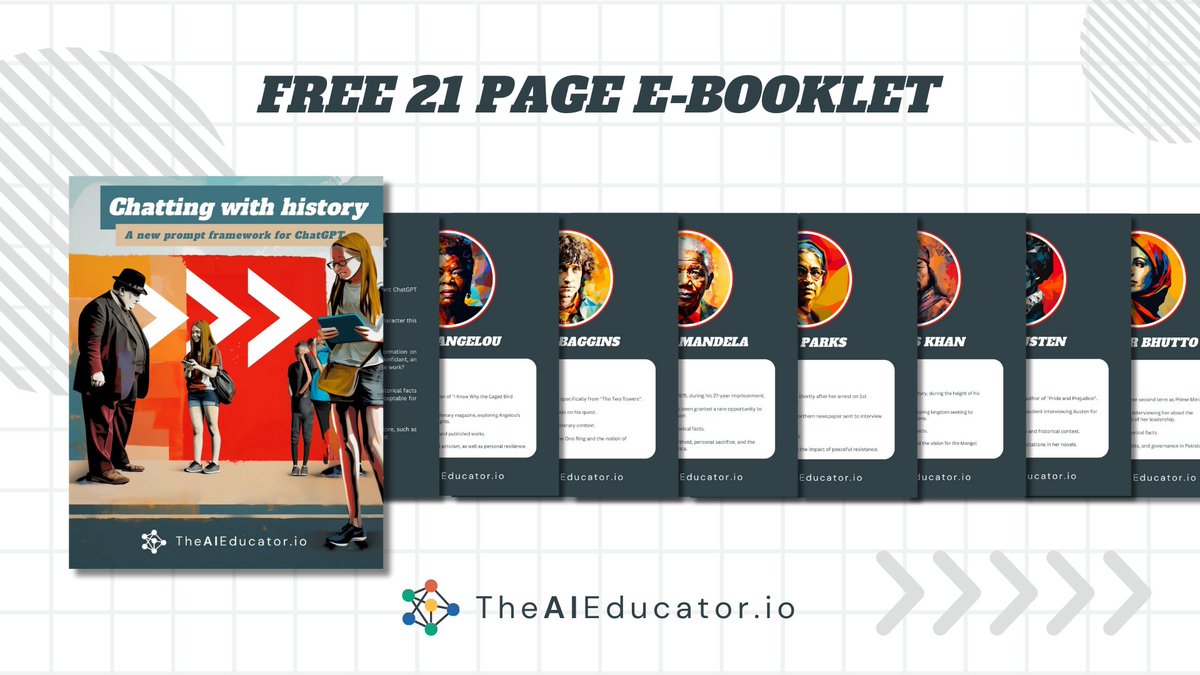
tell them about a person
or
let them chat with that person
No brainer!
I'm giving you the AI prompt framework to make it happen + 12 brilliant examples
Simply comment & retweet & I'll DM it to you for free.
#ai#aiclassroom#chatgpt
@theaieducatorX Would love to explore this concept further as it would save so much time for educators but allow for personalisation - look forward to investigating this further!
🎉🚨 Competition 🚨🎉
To celebrate my new book Retrieval Practice: Primary I am giving away signed copies of all my RP books, including my latest!😁
To enter simply retweet this tweet. Entries can be from all over the world 🌍 Winner announced next week!
NEW - our ‘4 strategies to build schema using vocabulary’ sketchnote. ImpactPlus members will be able to download a watermark free copy this month - if you’re not a member, sign up at https://t.co/K4k0XXjTT8
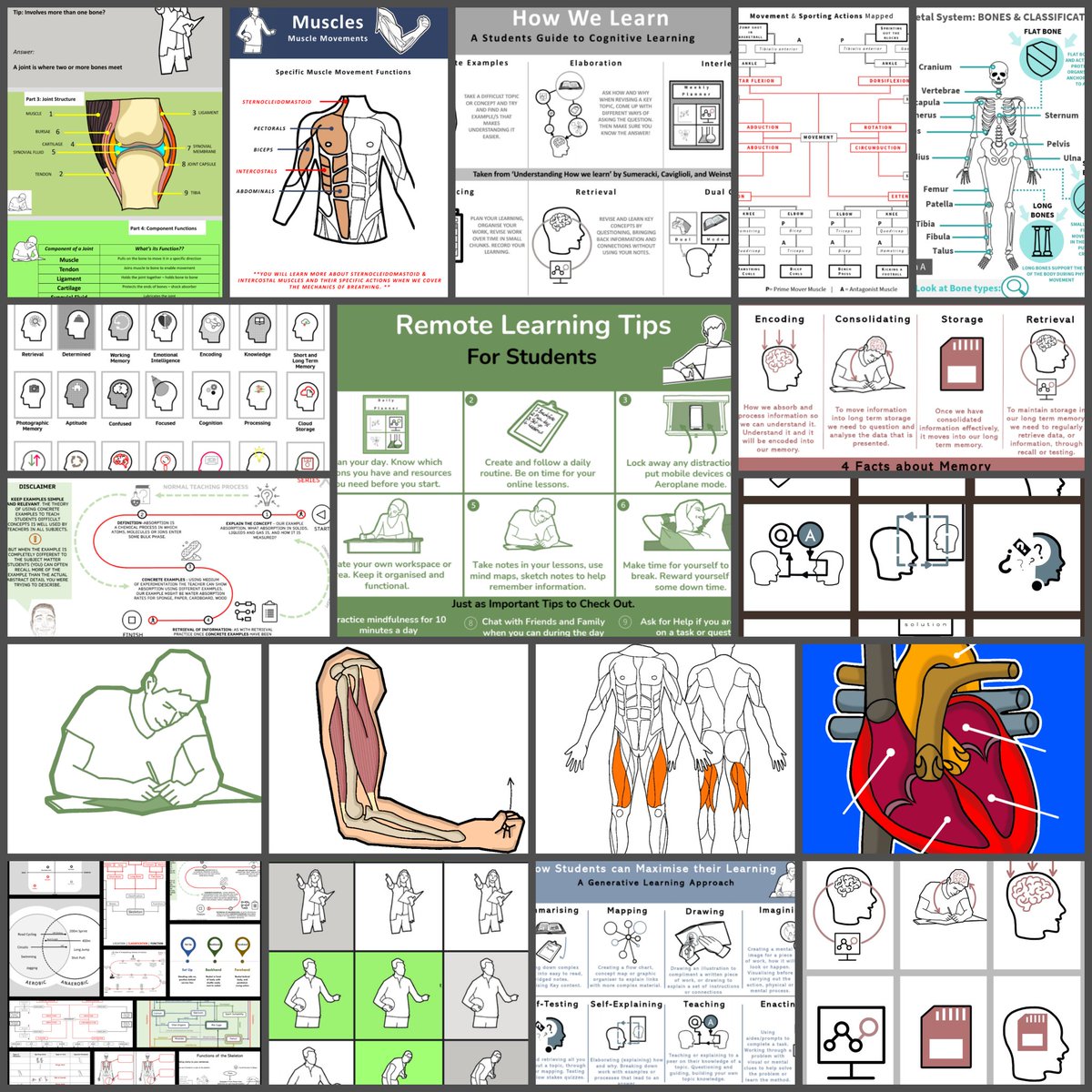
➡️In my shared drive you will find 19 folders, over 350 files, CPD research, infographics, illustrations, PowerPoints, Graphic organisers,templates, quizzes, dual coding resources and icons png's. Plus PE stuff. Please share link below. https://t.co/yNhN6BjYqa
Exit tickets blog with thanks to Doug Lemov for editing & sharing and thanks to Robert Bjork for helping me write it & check for accuracy when referencing/discussing his research
https://t.co/ljKZ1S8m6Z
Join me tomorrow at 9am with @TTRadio2021 to hear a conversation all about effective teaching & learning techniques with my interview with the brilliant @Doug_Lemov 😁👏🏻 #TTradio
A link to all of my resources in one place (link at end of thread). Please RT to share further.
🧠 Retrieval practice guide
💻 Remote learning guide
❌ No written marking guide
✅ Step by step feedback guide
↗️ Challenge guide
📕’Embedded Formative Assessment’ summary
I’ve finally got round to sharing my infographics from our ‘How Learning Happens’ INSET day back in November which many of you requested! The PDFs can be found on my google drive here: https://t.co/FLp52nI9Cf a huge thank you to everyone I’ve referenced for the inspiration! 🌟🌟
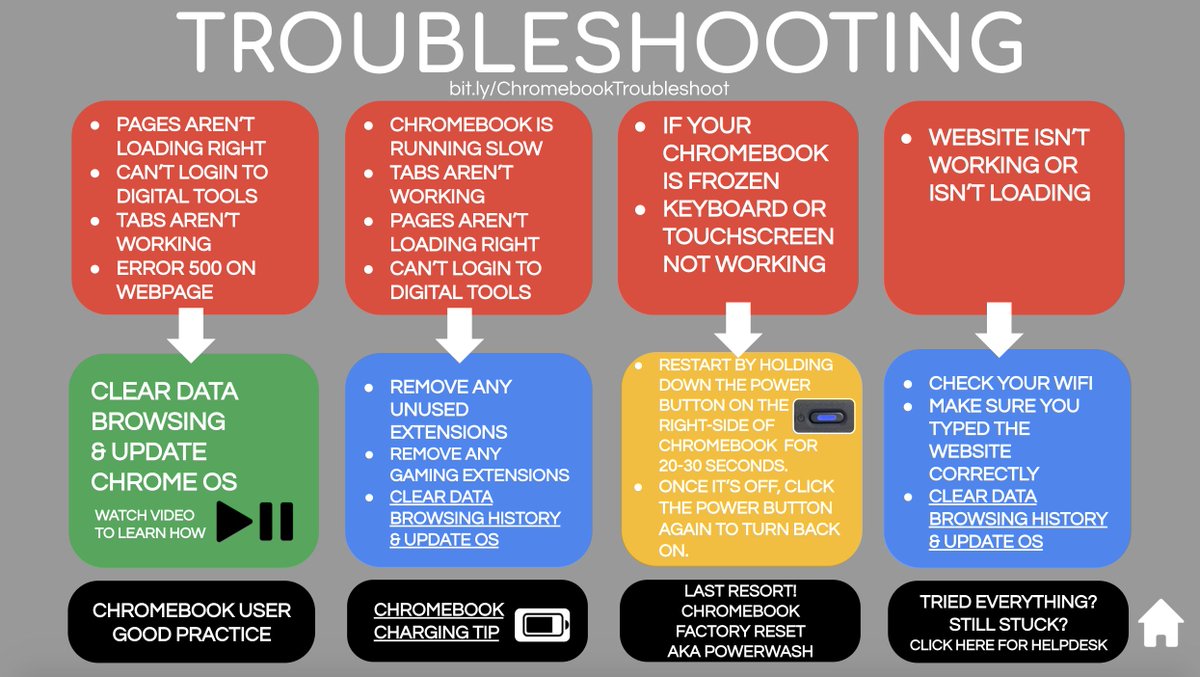
A little Chromebook Troubleshooting resource I put together to help students fix some of the common issues they may run into. (the page is clickable) https://t.co/cLcrIFFA48 #googleET#chromebook#edtech
@acmeulink@GoogleForEdu@ma_ramsey Someone introduced me to use of CTRL & +/- the other day - this enables you to maximise how many learners you see rather than see half of the screen saying 'you are presenting'. I think this is useful for learners too to maximise what you are presenting