.@BingPlaces Case 7102997931 open 2 months for broken photo previews on my listing - blocking me from managing any images. Support says it's escalated, but 2 months in, still no named owner or resolution date. Can someone here actually help?
Laggy games or slow visuals on Windows 11? Before you upgrade your GPU, check your settings. Driver updates, Game Mode, refresh rate, and a few tweaks to visual effects can go a long way. Here is how.
https://t.co/mY1YtmHuiQ
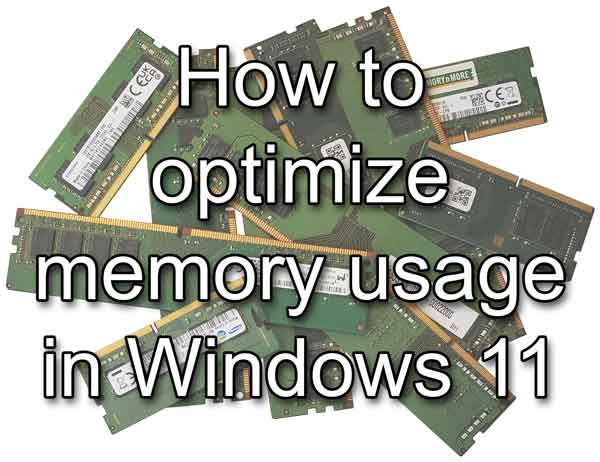
Windows 11 running slow? The fix is often simpler than you think. Check what is eating your RAM in Task Manager, disable startup programs you do not need, and adjust your Virtual Memory settings. Here is how. https://t.co/tVRDzgwsi1
Still on Windows 10? Microsoft’s Extended Security Updates program keeps security patches coming after end of support, and enrollment is free with a Microsoft account. https://t.co/PtGHGC1TvC
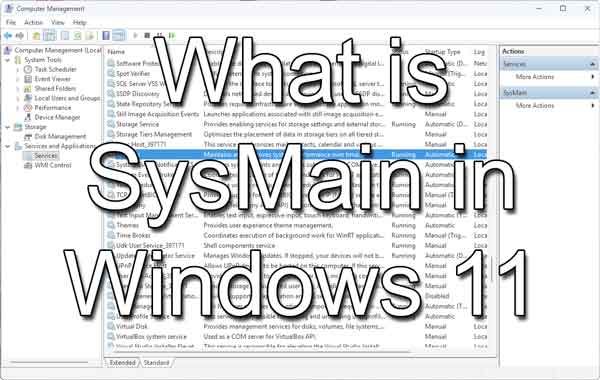
Seeing SysMain in Task Manager and wondering if something is wrong? It is not. SysMain is a built-in Windows service that preloads your most-used apps into memory to make them open faster. Here is what it does and when it is okay to turn it off. https://t.co/PBXQWcWC1T
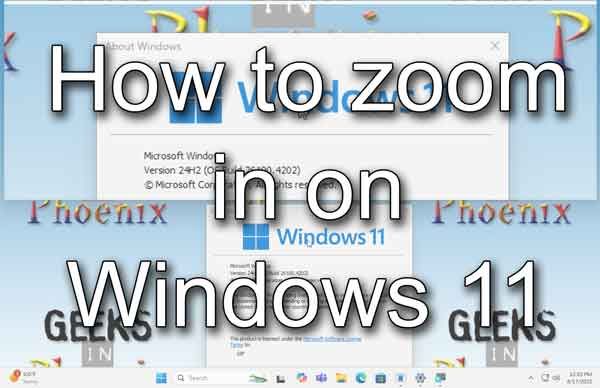
Windows 11 has a built-in zoom tool called Magnifier that works anywhere on your screen. Plus browser shortcuts and app zoom controls. All covered in this post. https://t.co/uMY4WPaA6H
Windows 11 computer running slow right out of the box? Bloatware is usually the culprit. Here are five ways to remove it and get your system running the way you want it. https://t.co/rcL2HD50nR
PC full of bloatware? A fresh Windows reinstall is easier than you think, and Windows activates itself automatically. Here's how to do it with two USB drives and no product key.
https://t.co/cmaw51x9Ab
Windows 11 comes with Windows Terminal built in, and it's a big upgrade over the old Command Prompt window. Tabs, split panes, PowerShell, and more, all in one place. Here's a look at what it can do.
https://t.co/EgTFlWXklC
Microsoft PowerToys is a free set of Windows utilities that keeps getting better. The latest update adds Mouse Button Lock and CursorHide. Here’s our full breakdown of all 33 tools and what they do.
https://t.co/w0ee8W9g8H
Accidentally touching your laptop screen while you type? You can disable the touchscreen in Windows through Device Manager in about 30 seconds. Here's how.
https://t.co/1388G6pvsW
Windows 11 has some useful features built in that most people never try. Snap Layouts, Virtual Desktops, Voice Typing, and more. Here are five worth knowing about.
https://t.co/KZxLmnOCUs
Windows 11 has a full set of accessibility tools built in, and most people have never opened them. Focus, Magnifier, Voice Typing, Narrator, color filters, and more. All in Settings > Accessibility.
https://t.co/X1nHV67Mbk
Windows showing "Automatic Repair couldn't repair your PC"? Here are all the options to try, from a simple restart to Command Prompt fixes, in order from least to most drastic.
https://t.co/VuzrbMtTrs
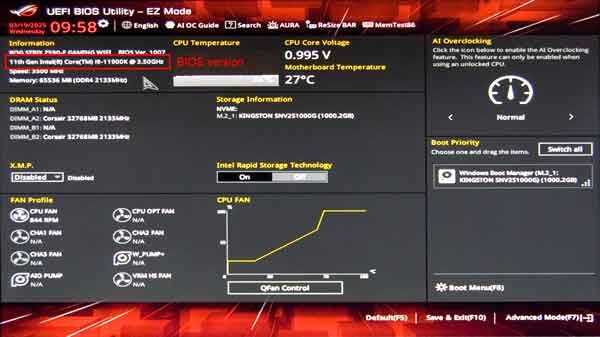
Custom-built PC failing the Windows 11 compatibility check? The fix is often a BIOS update. Here's how to do it safely, step by step.
https://t.co/GfTOErGWLP