🆕 You can generate images from a CSV file easily!
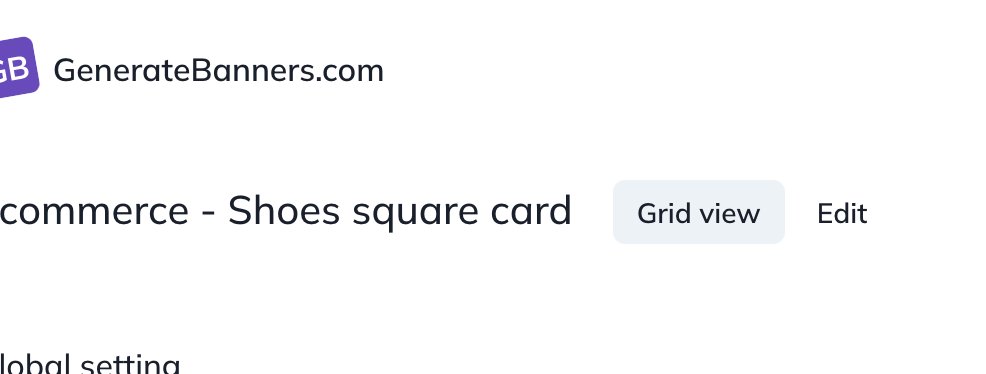
Go to your template, choose the "Grid view".
Import your CSV file, match the columns with your template variables.
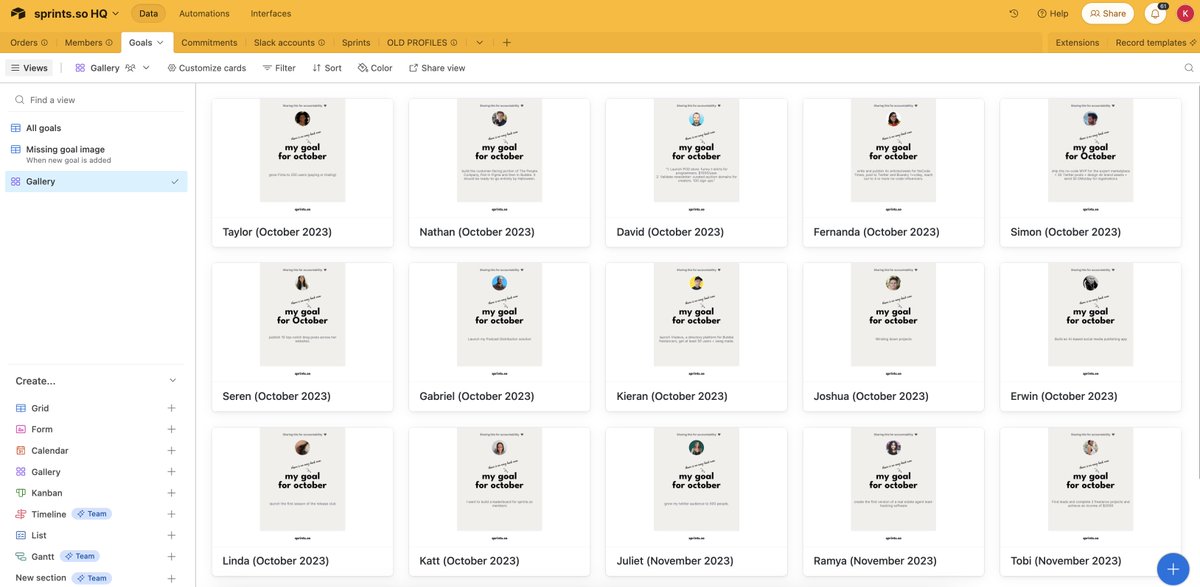
You can now preview and download all your images ✅
The issue has been resolved, it lasted 20 minutes from 12:25 UTC to 12:45 UTC.
The cause was a configuration error while performing maintenance. We will review and create a process to avoid this downtime in future maintenance operations.
Thanks for your understanding.
New feature ✨
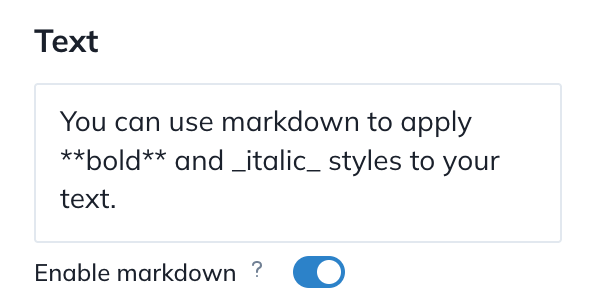
You can now apply bold and italic styles to your text!
1. Toggle "Enable markdown"
2. To use bold, surround your text with double stars: this **word** is bold
3. To use italic, surround your text with a single underscore: this _word_ is italic
You can now create images again, thanks for your understanding.
Next step: we will investigate options to prevent similar issues from affecting image rendering.
We're affected by issues on our hosting provider (AWS).
The app is down and new images can't be created.
We'll keep you updated as they solve the problem.
I've taken the decision to remove the video feature from @GenerateBanners for several reasons:
1. This feature has not been used by any users
2. It was far from being useful
3. Removing it enables a better focus on generating images easily