Your best bike computer and run tracker is already in your pocket, and it’s free. Track all your rides and runs on your iPhone & Android. Made by @ryan_sommers.
@superserz Sorry to hear that's happening. Apple Watch has been tough to troubleshoot because I can't seem to recreate these issues. Are there any specific steps that reproduce the issue every time, or is it just generally long rides with multiple stops?
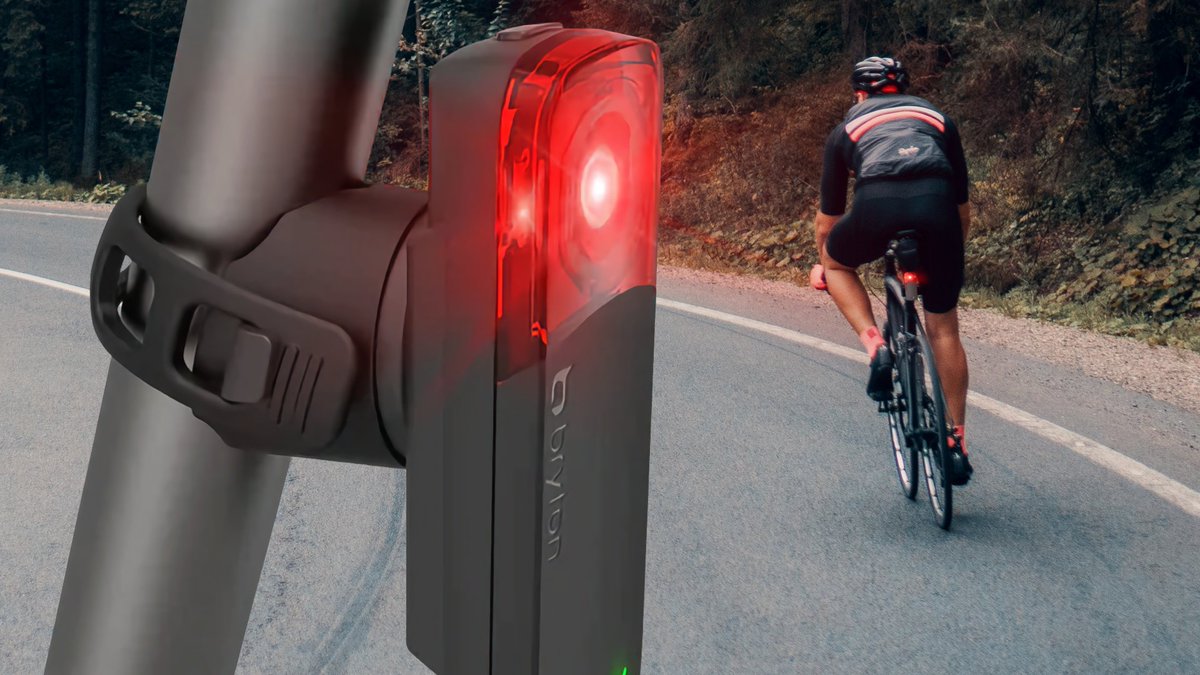
Excited to announce our partnership with https://t.co/DAeK8l9MJe! Cadence can now upload your cycling activities with radar data to MyBikeTraffic. I highly encourage you to sign up and support their research into car traffic and cycling safety! https://t.co/Uyp22ifos8
@p2nvl@Activelook1 Hmm if you're using the Stryd through iPhone it should be saving the power to your History. The Stryd sends power data like a cycling power meter. Running power specifically from Apple Watch will be added in the future.
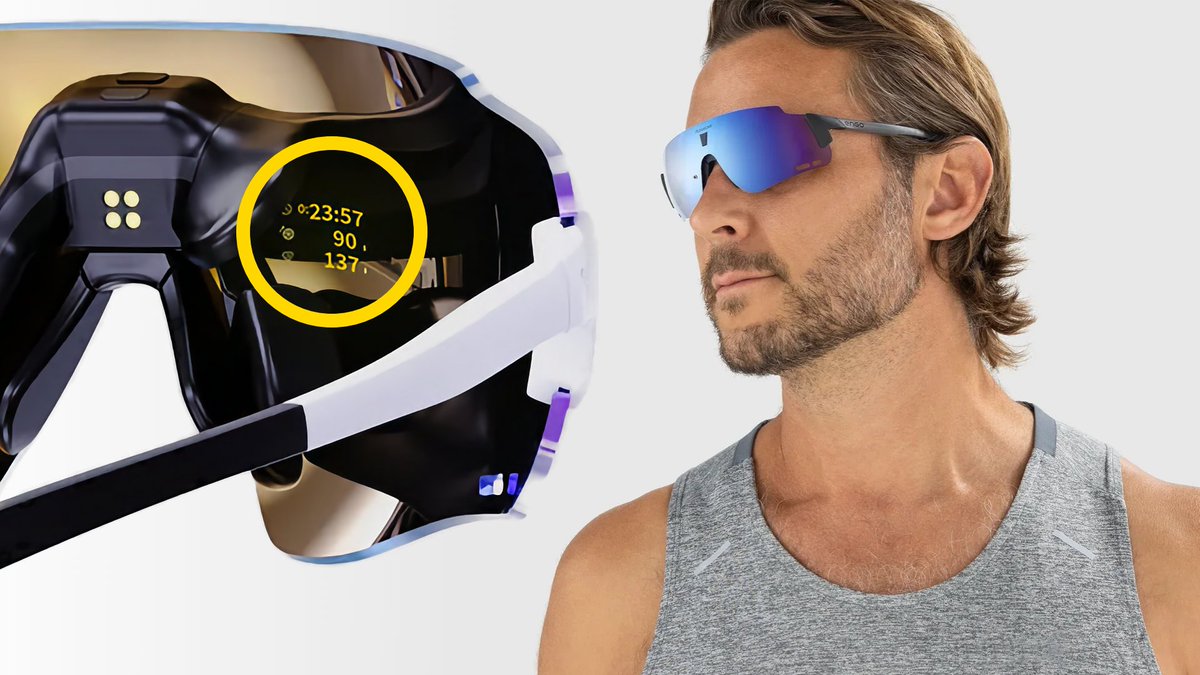
Cadence is the first third-party running and cycling app to add support for @Activelook1 glasses on iPhone, Android, and Apple Watch!
ActiveLook is an augmented reality heads-up, hands-free, near-eye display technology.
https://t.co/CS6R3XadvP
@p2nvl@Activelook1 Yes, currently working on screen customization! In the meantime, there are power values available on the fourth screen. Screen order is General > Speed > HR > Power > Cadence > Elevation
@superserz Sorry about that: black and white color themes were an accident, "Black" and "White" was only supposed to show up for individual metric fields. This has been fixed in version 2.1.6, please make sure to update.
@ReoMagus You should see power data but Cadence doesn't do any FTP estimates, only manual entry on the Power Zones screen.
If you're not seeing power in Apple's apps, make sure that Cadence has permission to write power data in the main Settings app > Health > Data Access > Cadence.
@whulsbergen Just tap the Lap button when you're recording to create a new lap. There's a default Lap Stats screen as well, but you can add lap metrics to any of your screens. After you save, you can view the stats of each lap on the activity details screen.
@superserz There's not currently a field that shows the remainder of the elevation for a route, but I have plans to make a more dedicated climbing interface that will have that data.
@superserz Thank you! No, Elevation: Total Change shows total elevation change of your recorded ride. So if you went up a 1,000ft climb, that number would be 1,000. But then if you turned around and went down, you'd now be at 0.
@Fodoj "compete with myself on same routes" is handled by Strava Live Segment support, though you need a paid Strava subscription for that. I do plan to add workout and interval support in the future, just need to get to it!