Too many apps turn work into a scavenger hunt. A visual source of truth turns it back into a place you can return to. Read the draft: https://t.co/az3439hy4n
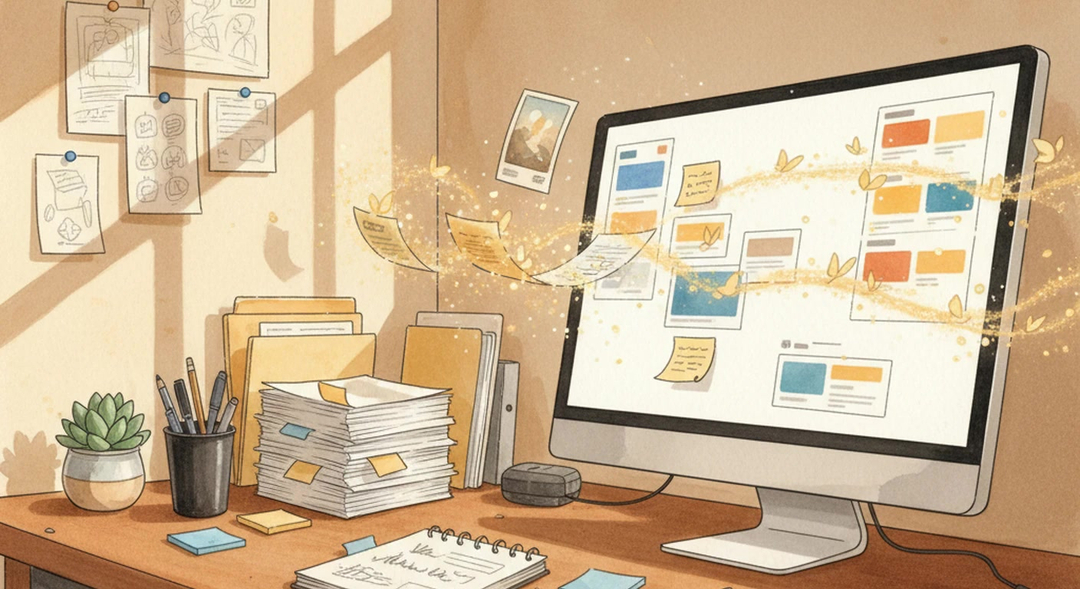
Recognition is faster than search. When your project materials stay visible together, you can re-enter the work without reconstructing it from memory.
Link in comments 👇
For freelancers, solopreneurs, and small teams, a single source of truth keeps notes, tasks, drafts, decisions, and follow-ups from drifting into separate systems.
Link in comments 👇
Too many apps is usually a source-of-truth problem. The note, task, draft, client decision, and reference may all exist, but no single place tells the full story.
Link in comments 👇
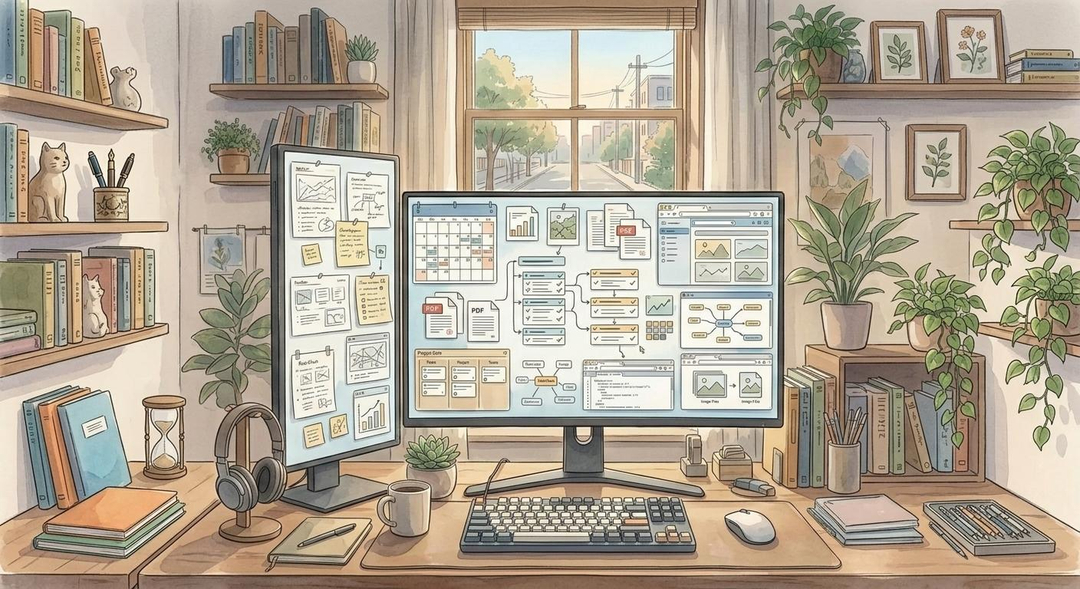
The best digital desk does more than store information.
It restores continuity.
Unfinished work has somewhere to wait. Related ideas stay close enough to help each other. You spend less time rebuilding context and more time moving the work forward.
That is what your computer should feel like: less like a filing system, more like a place to think.
A Kanban card called "revise homepage" is thin by itself.
Put that task beside the mockup, the client notes, the offer language, and the latest email thread, and the next move becomes obvious.
That is why a digital desk works for visual project management.
The workspace itself becomes part of your memory.
The deeper framework is here: https://t.co/vJwufvgSCJ
A useful digital desk is not a pretty board.
It needs to do practical work:
- keep active materials visible
- let proximity carry meaning
- make capture fast
- avoid becoming a maintenance hobby
- build trust that the important pieces are still there
That is the difference between a tool people admire and a tool people actually use.
Search helps when you remember the right words.
But a lot of work is remembered by place.
You remember the note was near the client brief. You remember the invoice was below the proposal. You remember the rough idea was beside the screenshot.
A digital desk gives you another path back into the work: recognition.
Folders are useful for storage.
They are not great for momentum.
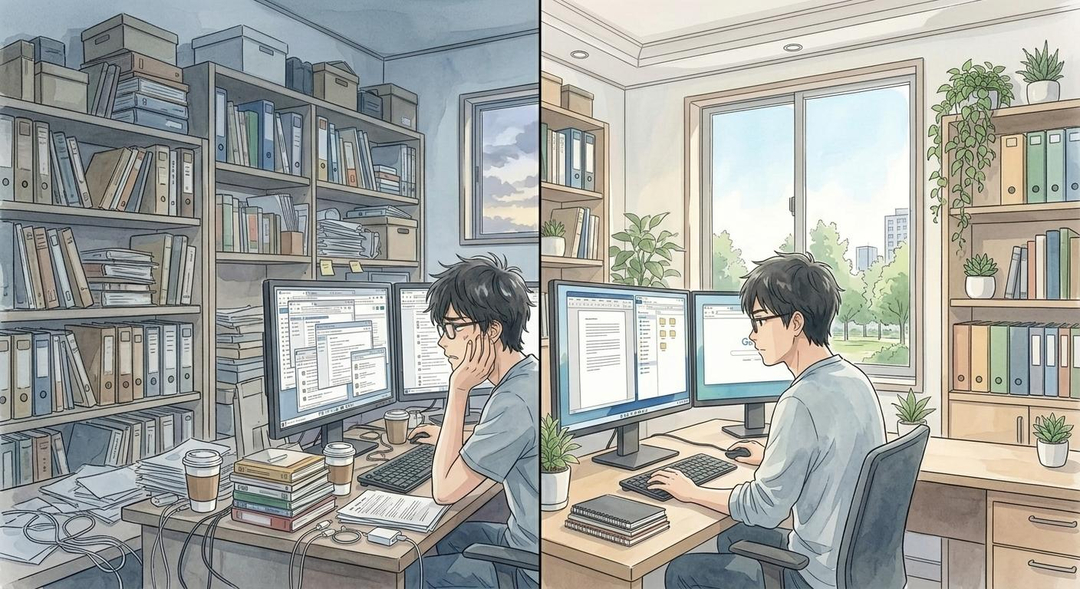
The problem starts when a note goes into one place, a link stays in a tab, the task lives somewhere else, and the file disappears into a folder.
By the time you return, the work is technically organized and practically invisible.
That is the problem behind why so many productivity apps fail people: https://t.co/vJwufvgSCJ
Most digital systems are good at storing work after it is finished.
They are much worse at holding the messy middle.
Notes, links, drafts, files, reminders, questions, and next actions all belong together while the work is still alive. A digital desk gives that active work a visible place to live.
If your freelance work is scattered across tabs, folders, notes, tasks, and client threads, try a different test:
Can one visual workspace make this project easier to re-enter tomorrow?
That is what Opal is built for.
Try it free: https://t.co/MGI5DBzYcy
A visual workspace works because position carries meaning.
The contract can sit near the notes.
The notes near the draft.
The draft near the feedback.
The feedback near the next action.
That is hard to replicate with another hidden folder tree.
Freelancers do not get paid to maintain software ecosystems.
They get paid to deliver useful work on time without dropped balls.
So the best freelancer tools are not the most impressive ones on a feature table. They are the ones that make the next action obvious.