@Stephen66900397 I just followed you. Follow me back and send me a DM with the address you’re using to bridge, and I’ll check it on our dashboard to see why you’re unable to connect and why your $MOVR balance isn’t being detected.
@Stephen66900397 Just to clarify, are you saying you’re able to bridge your Moonbeam to Base, but you’re unable to connect your wallet to bridge your $MOVR? Is that correct?
@Gilang_Moonbeam I think knead able to get my moonbeam over to base. Although I don’t really know how to check to make sure the process worked. It seemed weird because there was never an address. I was sending it to. I just use the bridge. But I guess that’s all built into the process right?
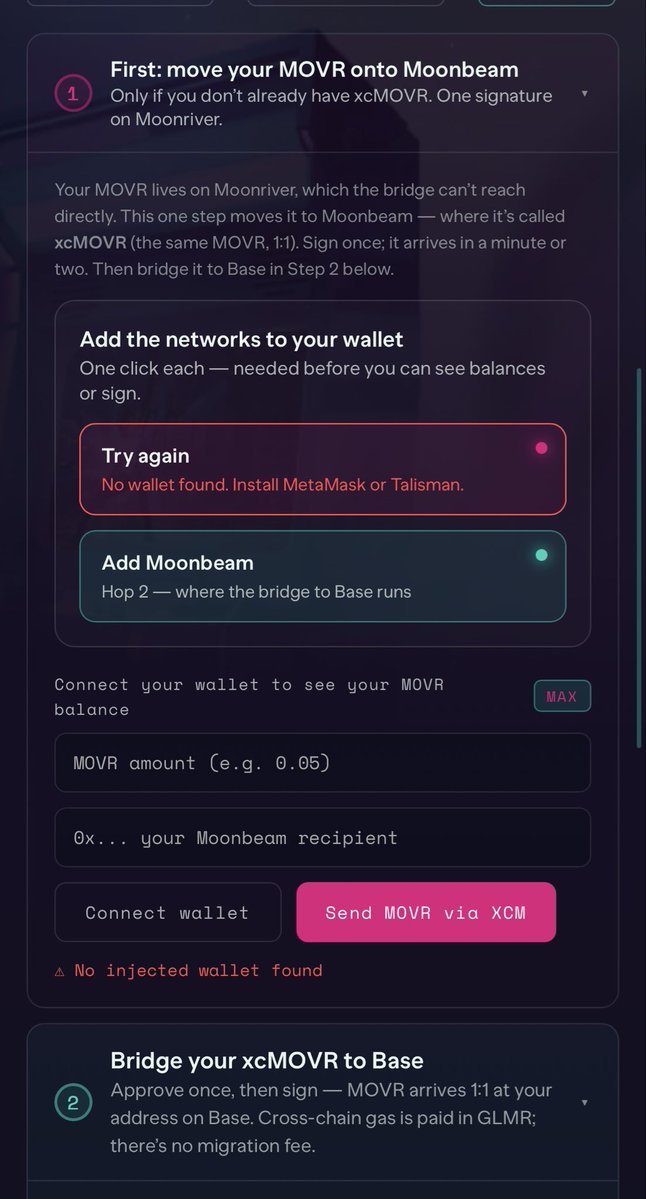
@Gilang_Moonbeam So I’m basically hung up on the section that says ad Moon River and then add Moon beam. I can’t connect my wallet for that function on the site on my MacBook Pro and on my iPhone. It shows this message where it doesn’t recognize the wallet.
@Stephen66900397 That’s unusual. If you’re connecting the wallet that holds your $MOVR but the bridge portal isn’t detecting your balance, it’s due to a wallet sync issue causing the Moonbeam dApps to not read your wallet correctly, even though your $MOVR is still visible in it. Which wallet are you using to connect to the bridge portal?
On my MacBook Pro using the brave browser, I’m trying to bridge my moon river over to moon beam so I can get it to bass. When I follow the steps on the website, it doesn’t allow me to connect my wallet in the section where I’m supposed to convert my Moon River. I also tried on my iPhone and got this message where it’s not reading my Moon River in my wallet for some reason, even though I can see it in my wallet.
That’s unusual. If you’re connecting the wallet that holds your $MOVR but the bridge portal isn’t detecting your balance, it’s due to a wallet sync issue causing the Moonbeam dApps to not read your wallet correctly, even though your $MOVR is still visible in it. Which wallet are you using to connect to the bridge portal? @Stephen66900397
@Stephen66900397 What issue are you experiencing while bridging your $MOVR? What error message are you seeing? Also, are you trying to bridge it on a PC or a mobile device?
@MoonbeamNetwork I can’t get my moon River to convert on your bridge. Something’s not working there. I’m gonna be really bummed if it doesn’t end up converting and I just lose it.
@Stephen66900397 What issue are you experiencing while bridging your $MOVR? What error message are you seeing? Also, are you trying to bridge it on a PC or a mobile device? @Stephen66900397
@realCryptoWilde That’s unusual. Are you trying to unstake through the website on a PC or a mobile device? Also, have you tried clearing your browser cache before reconnecting your wallet to the website and attempting to unstake again? @realCryptoWilde
@realCryptoWilde That’s unusual. Are you trying to unstake through the website on a PC or a mobile device? Also, have you tried clearing your browser cache before reconnecting your wallet to the website and attempting to unstake again?
@MoonbeamNetwork Could not unstake my tokens because the website did not load,, so I guess all the coins are lost,, the website was too laggy to unstake
@Ultima_thule19 The migration deadline cannot be extended, and the migration period will end in a few days. However, you can manually unlock your tokens by paying a small penalty fee, allowing you to complete the migration before the deadline. You can do this through the Moonbeam Mainnet portal. Which of the wallet did you hold your token on?
@MoonbeamNetwork I had my voting tokens locked for the maximum period. Please postpone the migration for such cases, as I've been waiting a month for these tokens to be unlocked and I still have 1 week left to wait.
The migration deadline cannot be extended, and the migration period will end in a few days. However, you can manually unlock your tokens by paying a small penalty fee, allowing you to complete the migration before the deadline. You can do this through the Moonbeam Mainnet portal. Which of the wallet did you hold your token on? @Ultima_thule19
@isaira1217 I just followed you. follow back and send me a DM with the wallet address which you hold the $MOVR you’re using for the migration process. I’ll take a look and guide you through the next steps. @isaira1217
@isaira1217 So, your MOVR migration is currently stuck at Hop 2 because you’re unable to obtain the required GLMR to complete the process. Is that correct? @isaira1217
@isaira1217 Yes, exchanges have temporarily suspended withdrawals due to the ongoing migration. Which exchange are you holding your tokens on?
@isaira1217
@Marcobroggi20 The migration isn’t automatic. You’ll first need to unstake your old $GLMR, then manually migrate it to the new token through the migration portal. @Marcobroggi20
@Marcobroggi20 You’ll need to unstake your GLMR before you can migrate your old $GLMR to the new token. Which wallet did you use to stake your GLMR? @Marcobroggi20
VANRY migration update
We are slightly delaying the VANRY migration timeline to complete final coordination with supported CEXs and stakeholders.
Our priority is making sure the swap is smooth for all holders, especially users holding VANRY on centralised exchanges where migration support needs to be fully aligned before anything goes live.
Token migrations also attract fake links, fake portals, impersonators, and scam accounts. Giving our community more to understand the correct links helps us protect holders and make the process clearer for everyone.
Updated timing and official instructions will be shared soon through official Vanar channels only. PLEASE only use official communication channels.
VANRY migration starts on Tuesday.
Before then:
Unstake if you are staking.
Wait for the cooldown and claim your tokens.
Watch for official CEX announcements.
Wait for the official portal link.
Do not trust DMs or reply links.
The next VANRY chapter is on Base.
VANRY migration update.
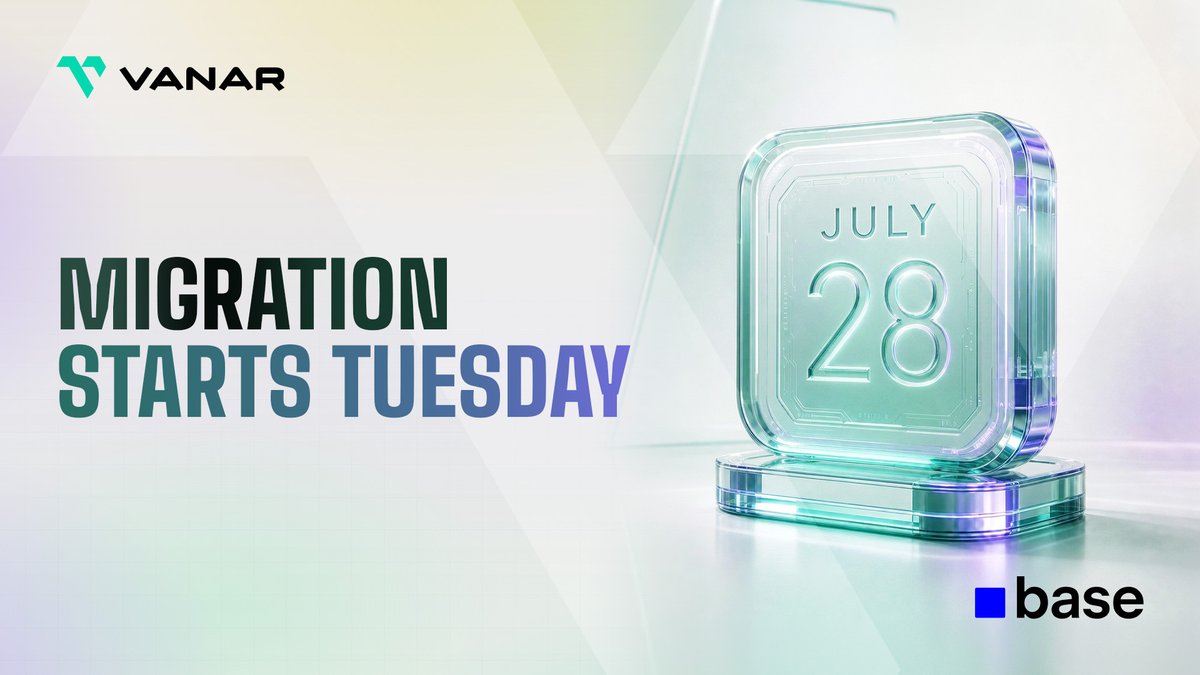
On Tuesday, July 28, the VANRY token swap and migration process begins.
Official links will be shared only through official Vanar channels.
This post explains what users should prepare before the swap goes live.