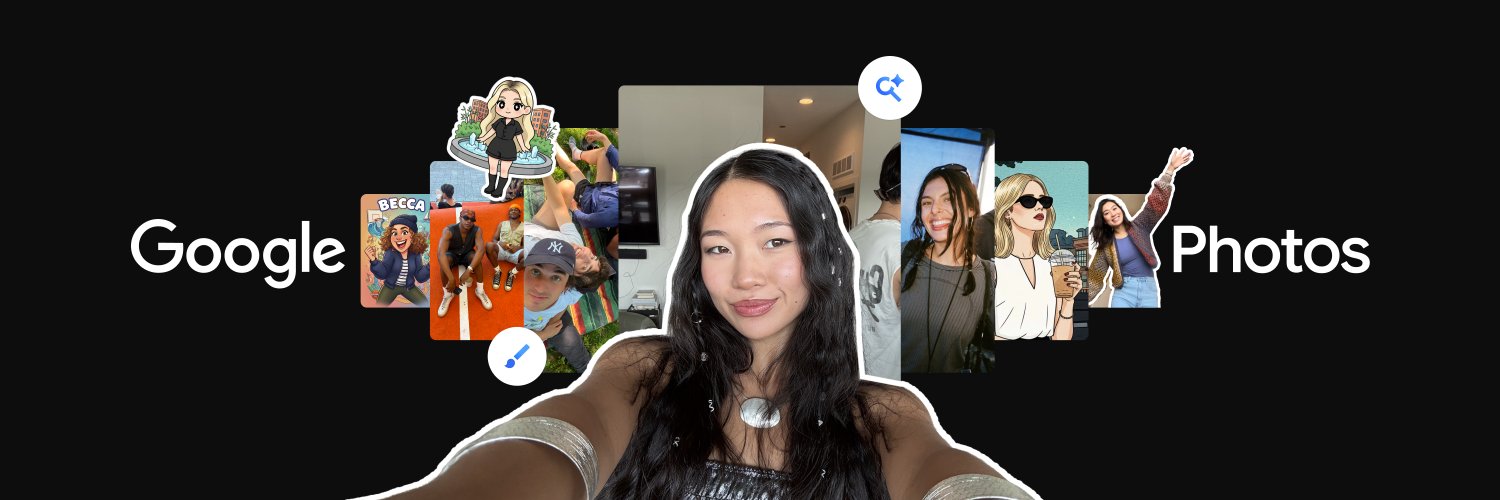
I love hearing how you all are making @GooglePhotos and @GeminiApp work for you ahead of the holiday season! There is so much on our (literal) plate already 🍝, and we want to help you save time managing your photos and videos, and free up time to making new memories.
1. Let Tasks in @GeminiApp handle multi-step requests with one prompt, like making a Thanksgiving highlight album and emailing the link to your family with a summary of the day.
2. Turn festive photos into scrapbook-style holiday cards or pastel illustrations with 12 new Remix templates. Check them out in our Create tab!
3. Get a head start on gifts with customized photo books, blankets, and mugs through the Fujifilm for Google Photos Print Store.
More details here!
https://t.co/ZKKEYb2Gt0
Don't let your favorite holiday memories just sit in your library. Turn them into albums, festive cards, personalized gifts, or delightful videos with our latest Google Photos updates ✨🎁 Learn more: https://t.co/vTuXAiNjUc
@The_Tripman Hola Juli. Si te gustaría que se añadiera esta funcionalidad, por favor comparte tus comentarios con el equipo aquí: https://t.co/tSjMx2mX7p https://t.co/ahvi0bftI3
@AuntieThope Hi Carly. You can safely remove local copies of photos that are already backed up. Just tap your Profile picture and select 'Free up space'. Note that this won't change your Google Account storage quota! Learn more: https://t.co/7bfiDVtV9L.
@felide4d Hi there. Your Google account comes with 15 GB of storage that’s shared across Google Drive, Gmail, and Google Photos. You can purchase additional storage as a Google One member. Learn more: https://t.co/OeyR8rWPUp.
@ShatterDone Hi there. You can safely remove local copies of photos that are already backed up. Just tap your Profile picture and select 'Free up space'. Note that this won't change your Google Account storage quota! Learn more: https://t.co/7bfiDVtV9L. Hope this helps.
@Superposed_Mind Hi there. You can easily hide (or unhide) specific people, pets, or dates from your memories! Just open the Google Photos app and go to Settings > Preferences > Memories, then select 'Hide people & pets' or 'Hide dates'. Learn more: https://t.co/X2tNkI8LDk.
Hi Laide. Losing new photos after clearing storage is stressful. If they were backed up, check Google Photos: 1) Archive: https://t.co/dEhZtmAoTn 2) Locked Folder: https://t.co/42aBNXV1rJ 3) Trash: https://t.co/xMJydheo6f. Also check your phone's own Trash in case they weren't backed up yet.
I love seeing all the ways people are getting stuff done with Ask Photos in @googlephotos! People have many hobbies, and I'm very passionate about salads. Don't judge! So I’m always taking photos of salads I love. When viewing the photo later, I use Ask Photos to help me recreate my favorites at home. 🥗
@SrikanthJosyula Hi Srikanth. If you're missing a photo or video, try these 3 steps to track it down: 1) Check your Archive: https://t.co/os473FwT6c. 2) Check your Locked Folder: https://t.co/PHdn7TseQ7. 3) Check your Trash to see if it can be restored: https://t.co/LV6epNylqR.
@SwatiBalod79929 Sometimes this happens if a duplicate photo is currently in your Google Photos Trash. Try emptying your Trash & then try moving the photo again. If you're still running into issues, we'd like to investigate further—please share feedback with our team directly: https://t.co/ZdFhiNiasP.
@ohyeah_xdd Hi there. I'd love to understand more about the exact issue you're seeing when you move photos to the locked folder —could you share a few more details via feedback here: https://t.co/tSjMx2mX7p?
@richa_priyanka Hi Richa. You can easily turn off the music! Just open a featured memory and tap the Volume icon at the bottom of the screen to mute it. You can also tap the Music icon to pick a new track. Feel free to share more feedback with us here: https://t.co/tSjMx2mX7p.
@mbta535@mbta535 Hi Paris. To help our team investigate why the backup function is re-enabling on your device, please share feedback with us directly in the Google Photos app: https://t.co/tSjMx2mX7p. In the meantime, you can review your backup settings here: https://t.co/aPdOQjokbM.
@royalabhi19041 Hi there. You can recover backed up items that were permanently deleted recently. To start the photo recovery process, consult the Help Center article for the step-by-step process to recover photos and videos deleted in the last few days. Learn more: https://t.co/XUuNew9K33.
@LBPHeretic Hi there. If your photos and videos don't sync to your Google Account, check your backup status. Learn how to troubleshoot issues with backup: https://t.co/lkRhUMqTYy.