I've been building @mathlonapp: an AI math tutor that teaches with real-time voice and an interactive canvas.
It has infinite patience, lets you interrupt the second you get stuck, and feels like working through problems with a live person.
Kodash Update
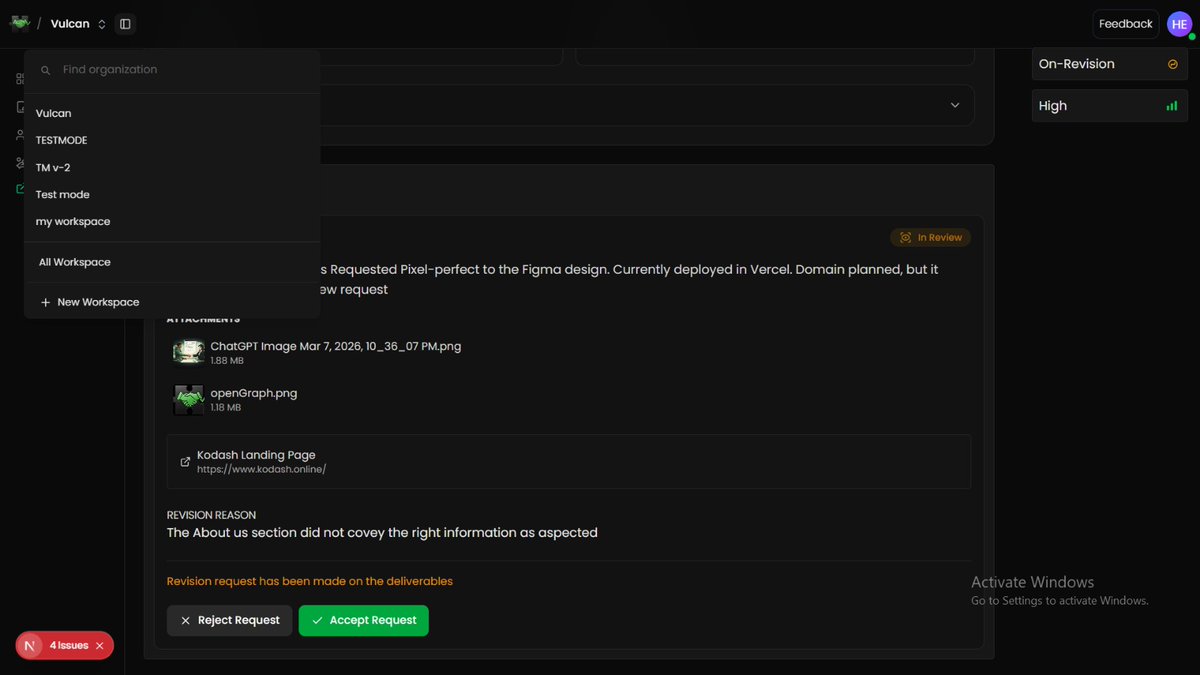
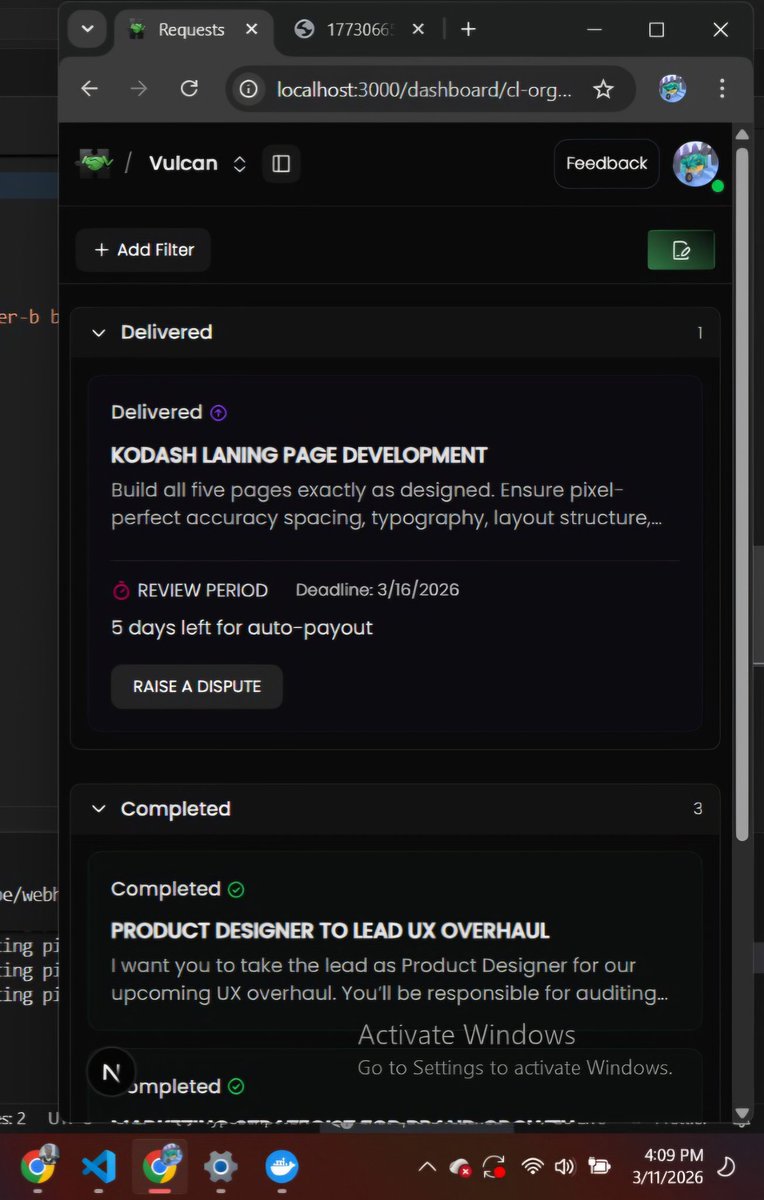
Payment will be automatically released to the freelancer a few days after delivery if the client does not release the funds or make a revision request. If there are any issues, either party can raise a dispute #Buildinpublic
Claude —> coding
Supabase —> backend and DB
Vercel —> deploy
Namecheap —> domain
Stripe —> payments
GitHub —> version control
Resend —> emails
Clerk —> authentication
Cloudflare —> DNS
PostHog —> analytics
PineCone —> vector DB
Ship that startup bro, it’s not that deep.
KODASH Update:
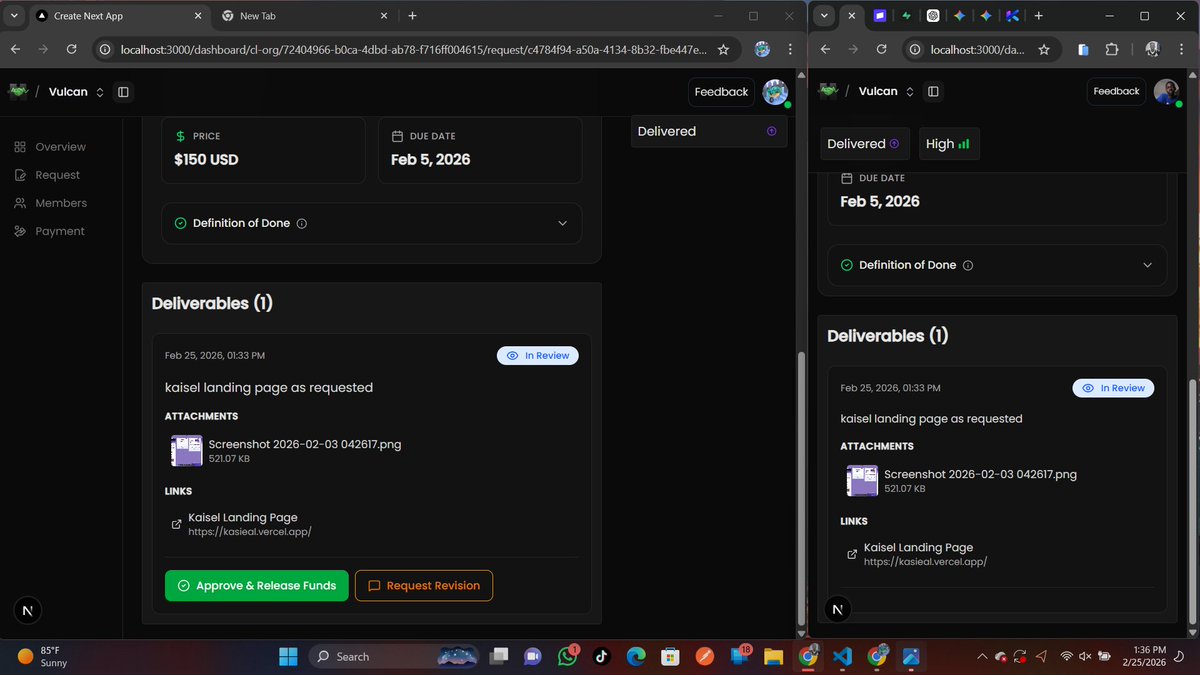
Escrow flow is live.
Freelancers submit work.
Clients approve.
Funds move from escrow to the freelancer’s account.
Bank details added.
Transactions page implemented.
Learning how payments works with Stripe and trying to understand the escrow flow using Stripe Connect. It was confusing at first, but breaking it down step by step is helping things click. Still learning, but it’s starting to make sense
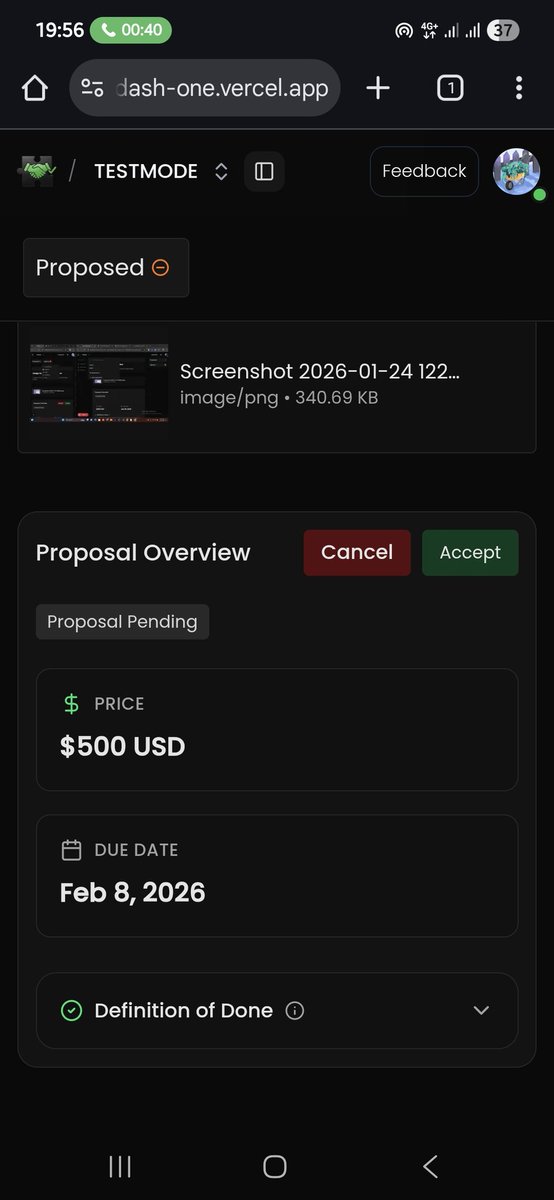
Kodash update: worked on the request details page, filters, priority changes, and status updates. This flow shows submitting a proposal to a client’s request. Proposals can be accepted or rejected. When accepted, payment is held until delivery. Next: working on the escrow flow.
Coding with AI isn’t bad if you know what you’re doing. I own the system flow on what am building , told AI exactly what I wanted, and cut a 30-minute task down to under 5. AI speeds up execution, not thinking.buh I use it less when learning new concepts
Kodash update: this shows how a client creates a workspace, invites members, and creates request. Freelancers don’t create request they view them and submit proposals. This is how work starts and stays clear in Kodash.
Next up: proposals.
I used to think TypeScript was a pain until a JavaScript app crashed in production. With TypeScript, builds fail early and force fixes before users see anything. It doesn’t make apps perfect it just saves you from mistakes
Kodash update: clients create requests in the dashboard. They can do it manually or use AI to draft the request. Files and links can be attached. Freelancers don’t create requests they can only view them and submit proposals. This is how work starts in Kodash.
@Techk_e4ma Design looks easy from the outside, but it’s not just layouts and colors. It’s product thinking how users understand, interact, and feel using it.
The first
Learning to debug properly saves you time in the long run. Don't just paste errors into AI, read and understand the message. When it shows up again, you won't panic because you'll already know what's going on.