In this tutorial, I’ll show you how to combine multiple video files into one single exported file using Adobe Media Encoder’s stitching feature.
#Adobe#mediaencoder#Tutorial
https://t.co/EwM5SBxTLZ
In this quick tutorial I'll show you one of the easiest ways to loop footage in Adobe After Effects, no keyframes or plugins needed.
#Adobe#aftereffects#Tutorial
https://t.co/CDot8mj4IP
In this tutorial I’ll show you how to apply a grouped mask so you can add multiple adjustments to one mask layer.
#Affinity#Canva#Tutorial
https://t.co/Kw4WUgS8JS
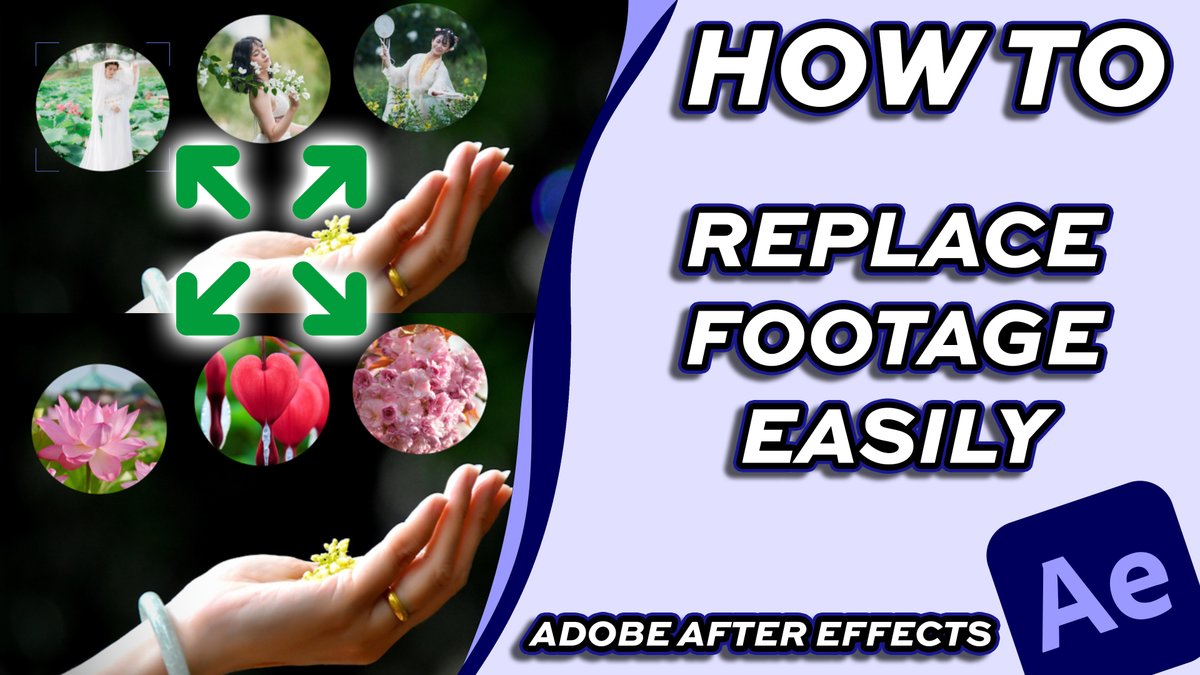
In this tutorial I’ll show you three methods to quickly replace images or videos inside your composition while keeping all effects, keyframes, and animations intact.
#adobe#AfterEffects#Tutorial
https://t.co/pfrwcsZWfF
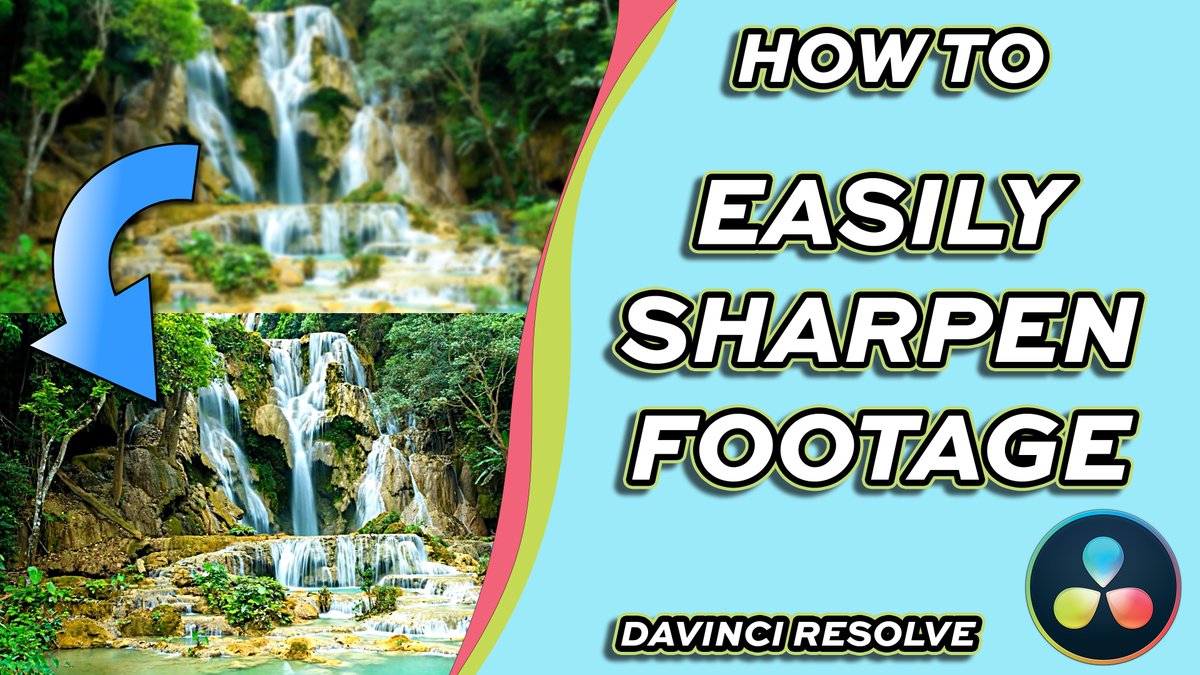
In this short tutorial I’ll show you how to add crisp detail to your footage, without using the fusion tab in Davinci Resolve.
#DaVinci#dacinciresolve#Tutorial
https://t.co/XZDWh0g6Gb
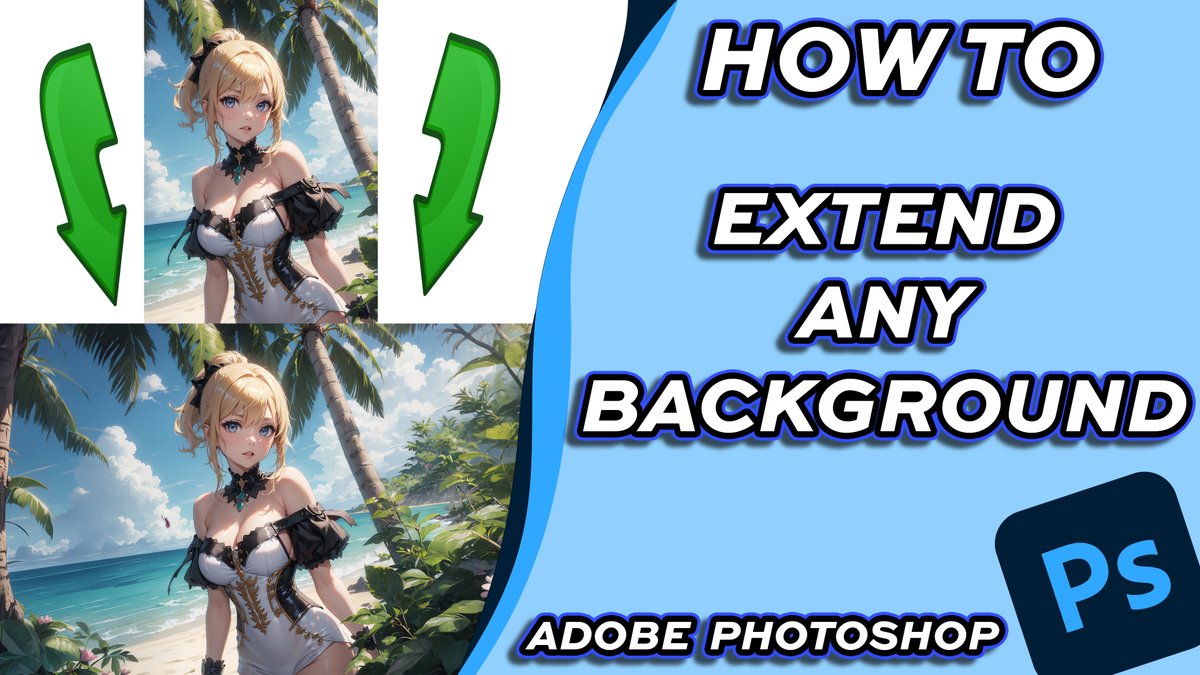
In this tutorial I’ll show you two ways to seamlessly expand your image background using simple tools inside Photoshop.
#adobephotoshop#photoshop#Tutorial
https://t.co/CiRrobr1zL
In this quick tutorial, I’ll show you exactly how to use Insert Gap to create space between clips without manually moving everything.
#DaVinciResolve#tutorial
https://t.co/lUDEMRdF70
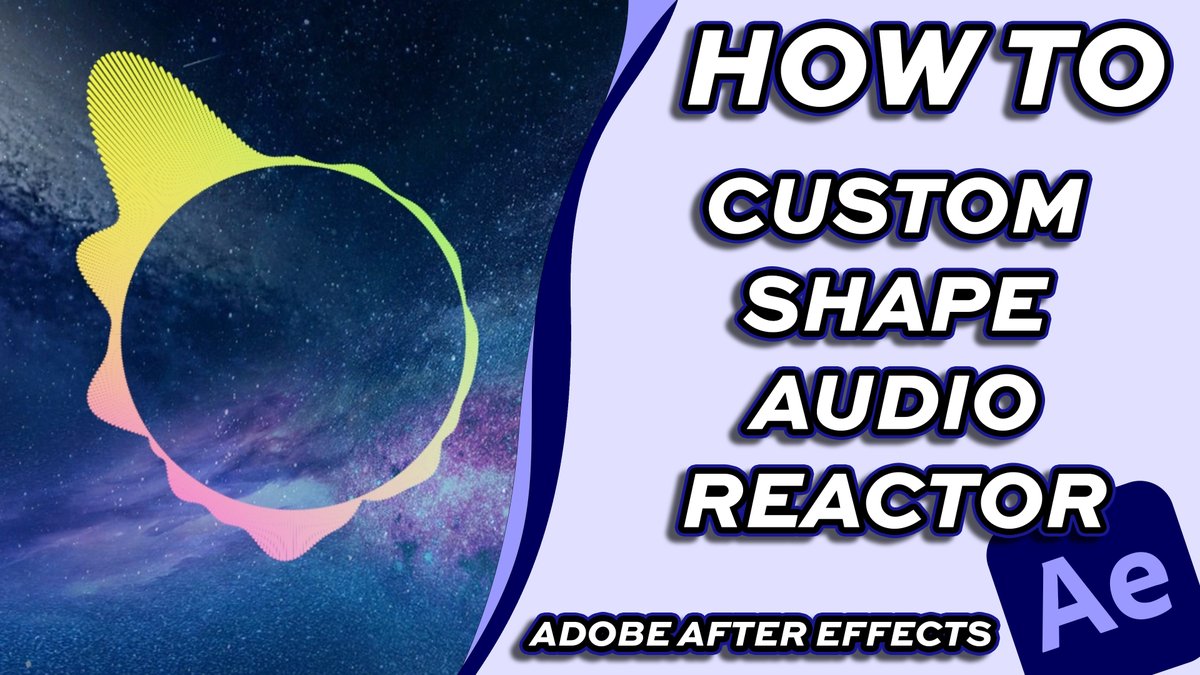
In this tutorial I’ll show you how to build a custom shape audio reactor that reacts perfectly to music — using only built-in After Effects tools, no plugins required.
#aftereffects#adobe#tutorial
https://t.co/yBnFFbnuRA
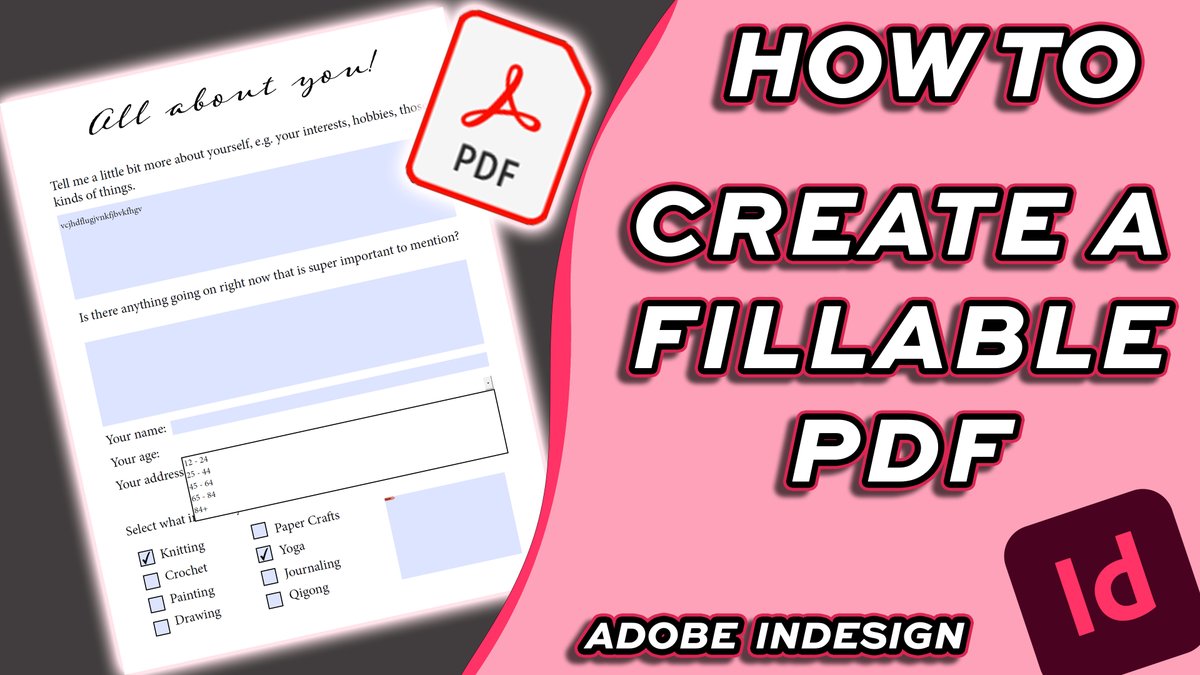
In this tutorial I’ll show you how to design a fillable PDF form using Adobe InDesign and export it to edit and fill it in Adobe Acrobat.
#indesign#adobe#tutorial
https://t.co/oPalgDlfkQ
In this tutorial I’ll show how to use the object mask tool for background removal or using effects, and how to get the previous mask tools in Adobe Premiere Pro.
#premierepro#adobe#tutorial
https://t.co/JwOp0XjlYn
In this tutorial I’ll show you how to add, remove, and rearrange quick actions so you can work faster and streamline your PDF workflow.
#adobeacrobat#pdf#acrobat
https://t.co/41ssGUn8XZ
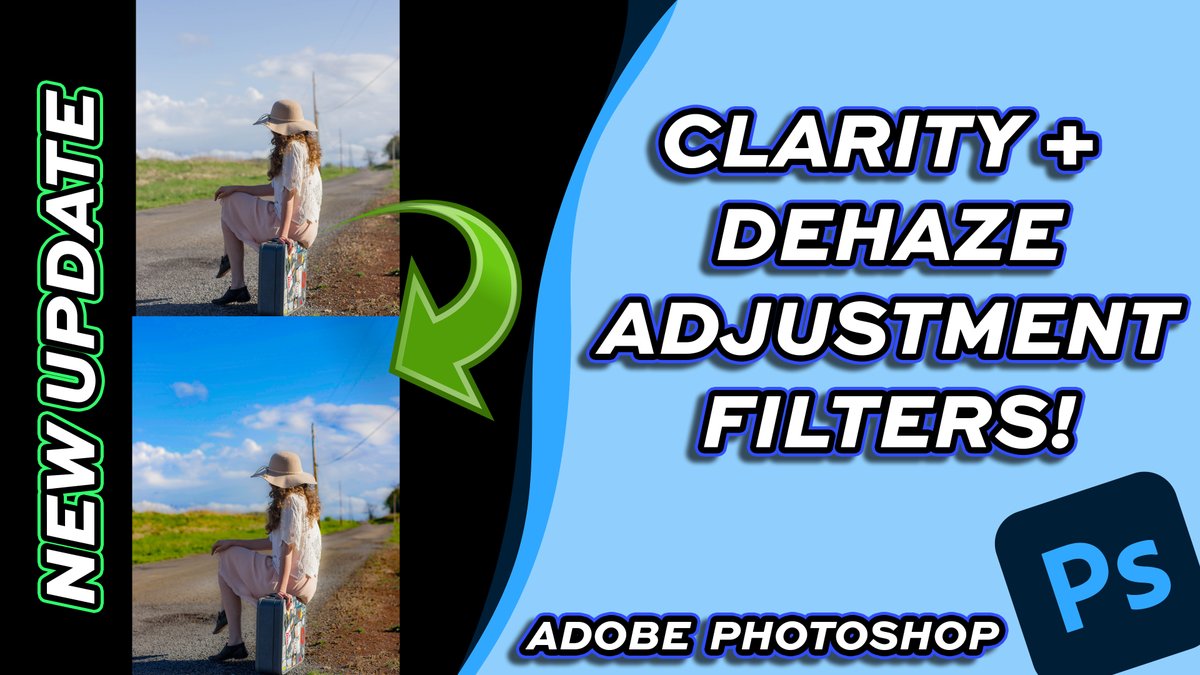
Adobe Photoshop just added new Clarity, Dehaze, and Grain adjustment filters, and in this video, I’ll walk you through exactly how they work and how to use them.
#adobephotoshop#photoshop#tutorial
https://t.co/97ALZNBgKB
In this tutorial I’ll show you how to turn music into animated visuals using After Effects’ built-in tools — no plugins required!
#adobeaftereffects#aftereffects#tutorial
https://t.co/le317P2vV2
In this tutorial I’ll show you how to create audio-reactive animations using After Effects’ built-in tools — no plugins required!
#adobeaftereffects#aftereffects#tutorial
https://t.co/qHHIoJKto4
In this quick tutorial I’ll show you exactly how to outline text using Resolve’s built-in text tools — no plugins needed!
#DaVinciResolve#davinciresolve20#tutorial
https://t.co/aPhHUS1KBM
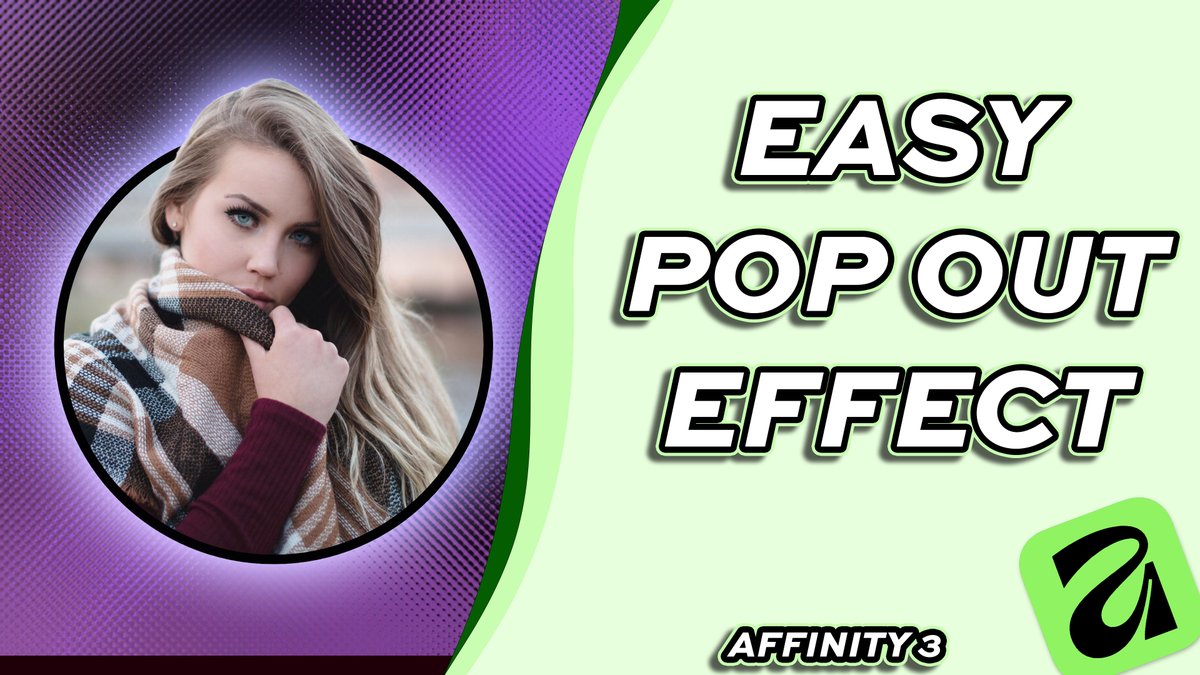
In this quick and beginner-friendly tutorial, I’ll show you how to design a clean pop-out / 3D effect using simple tools — no plugins required.
#Affinity#canva#tutorial
https://t.co/jIwxTRdgFk
In this tutorial I'm going to show an easy and fast way to circle crop your pictures in Adobe Photoshop.
#adobephotoshop#photoshop#tutorial
https://t.co/xhletQ6mjX
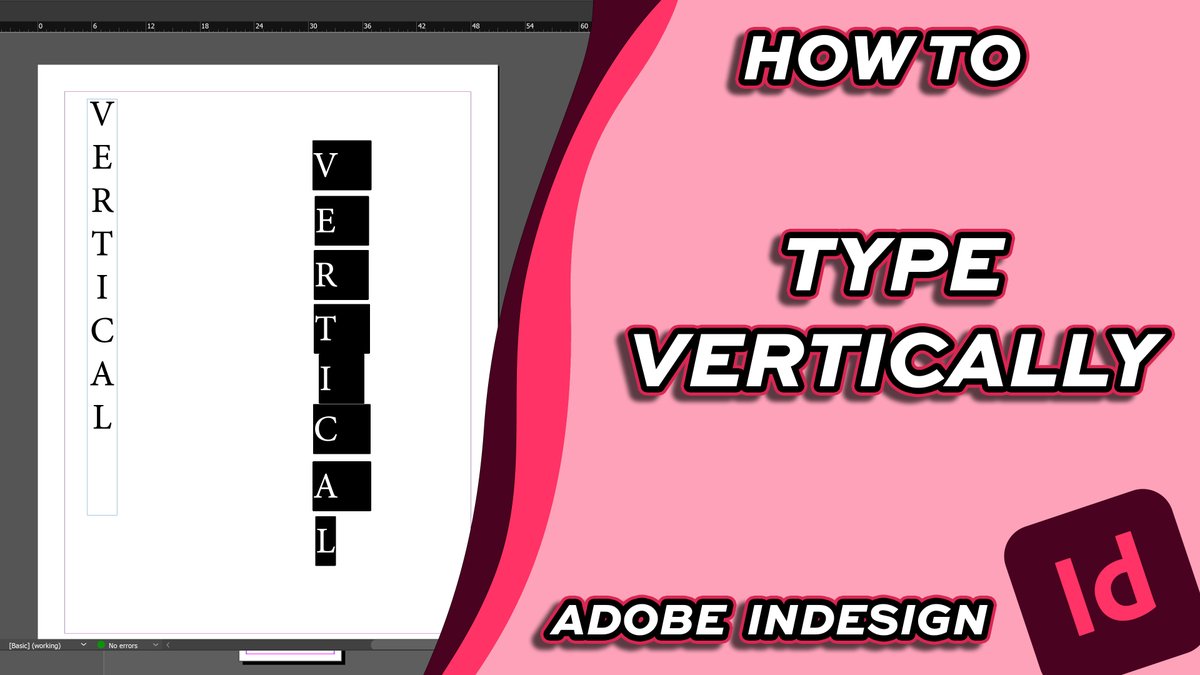
In this quick tutorial, I’ll show you how to create vertical text using built-in tools and simple techniques.
#adobeindesign#indesign#tutorial
https://t.co/Gr1zr0bpnj
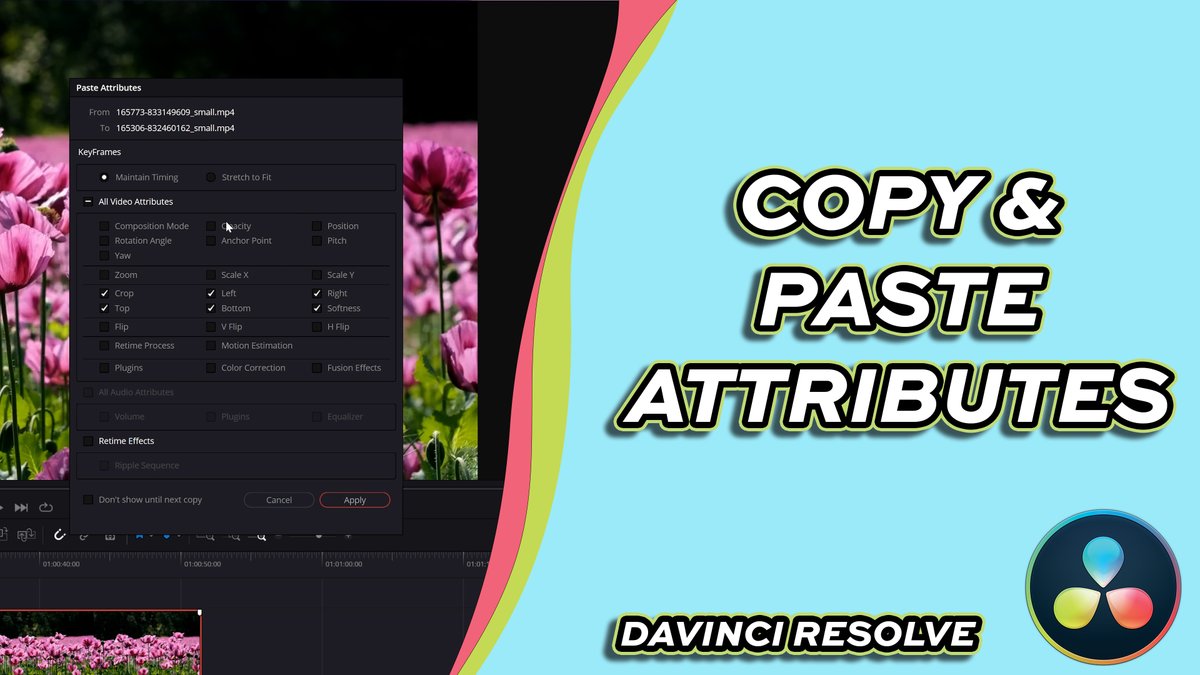
This quick tutorial shows you how to duplicate attributes from one video to another — saving time and speeding up your workflow!
#DaVinciResolve#davinciresolve20#tutorial
https://t.co/Njo5c6aNJN