Gravit Designer is now Corel Vector! We're excited to announce that your favorite web-based vector design app has a new home, a new name, and a bright future! Learn more here: https://t.co/k1Kse7H8U9
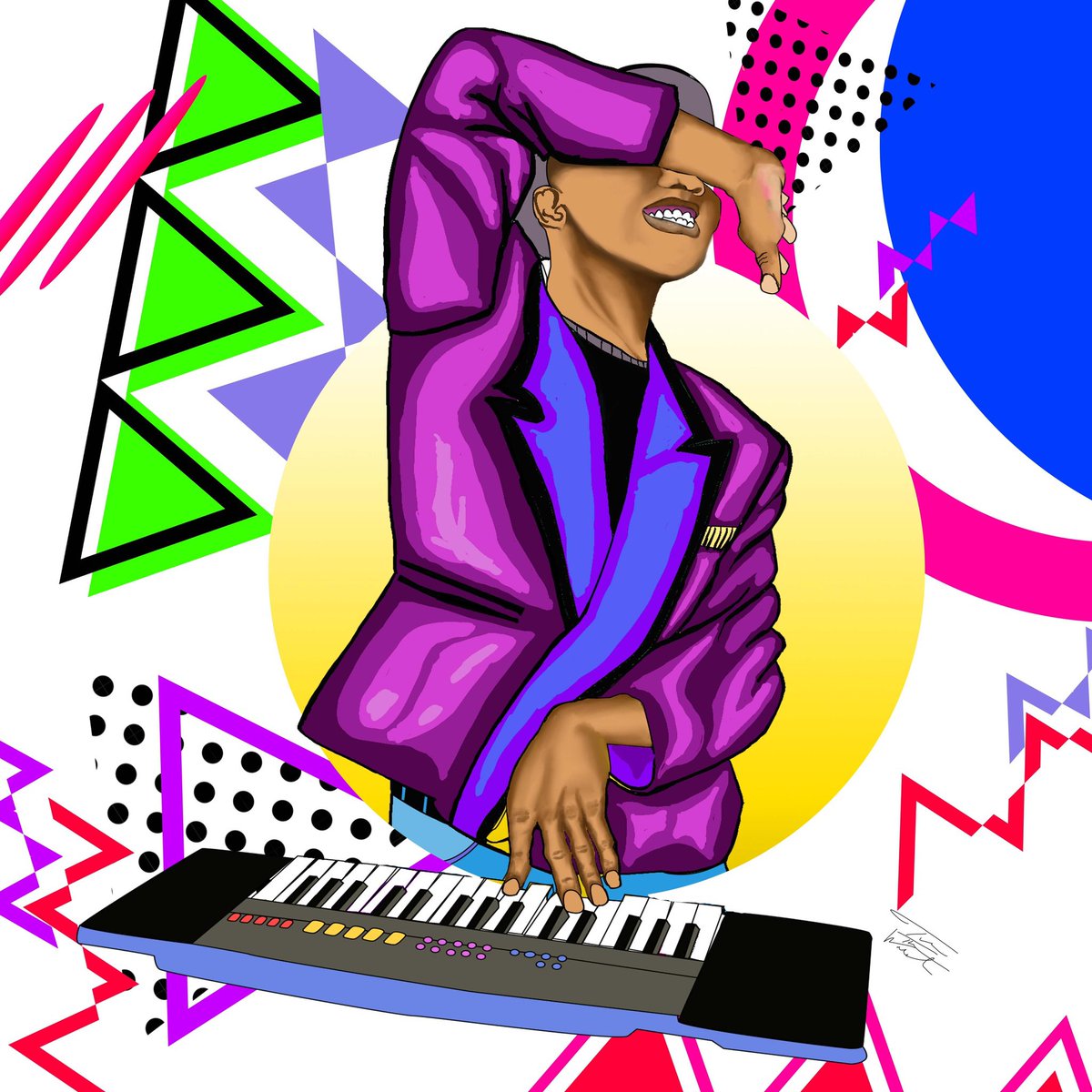
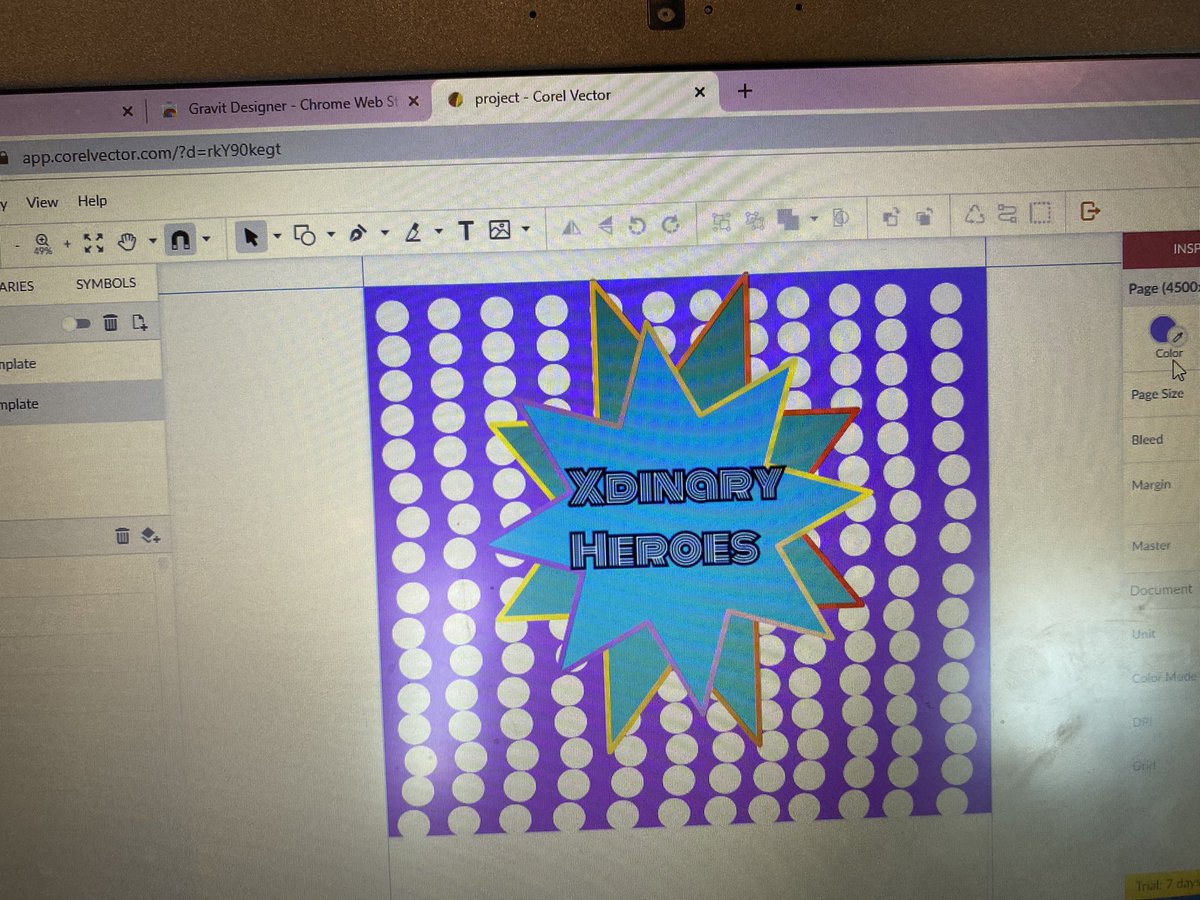
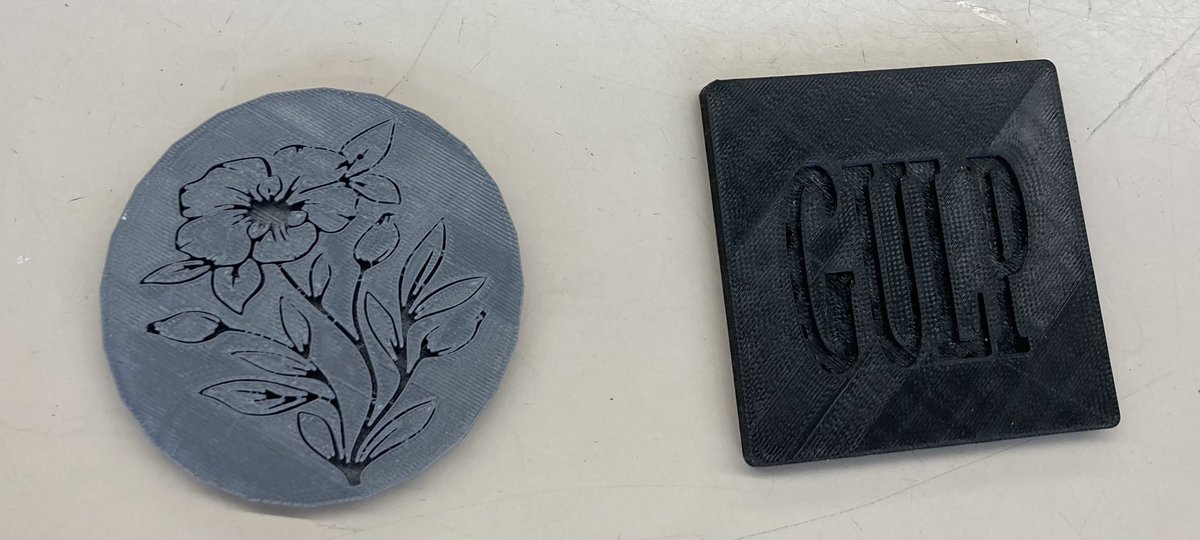
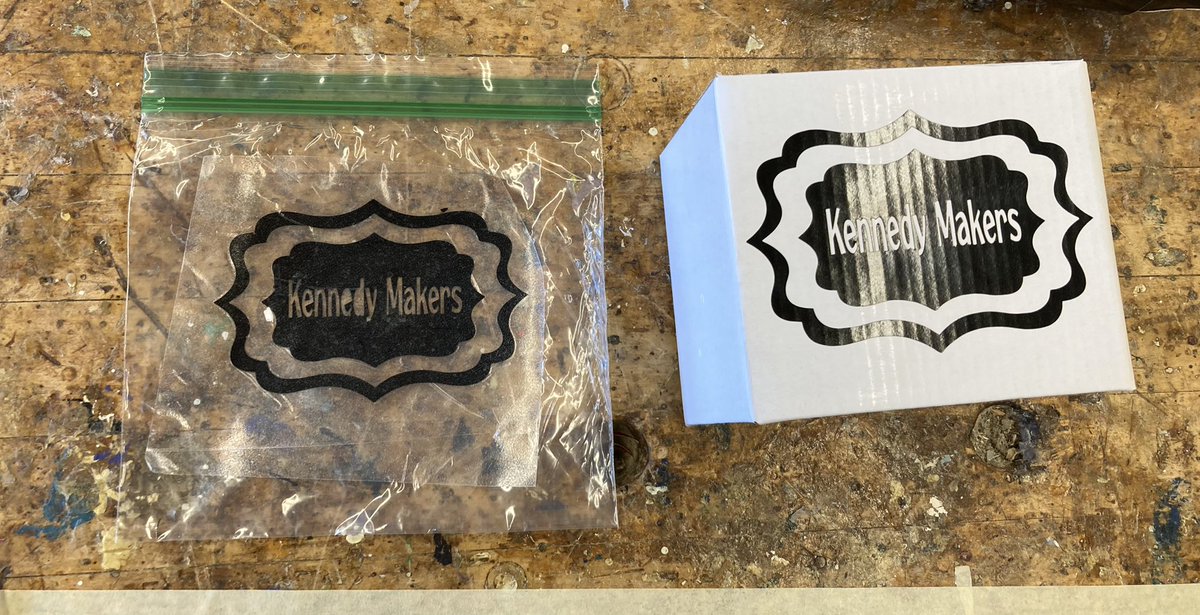
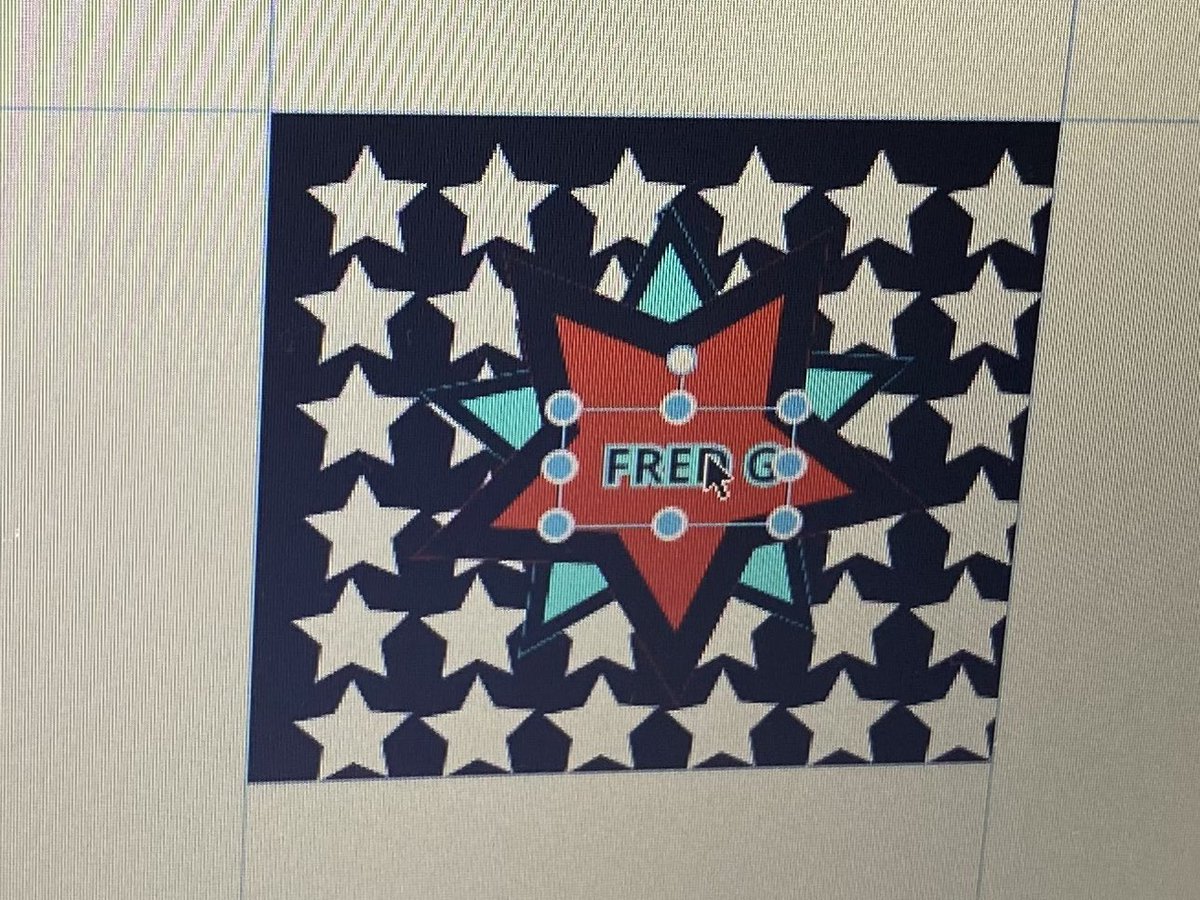
We used @GravitDesigner to create the outlines & backgrounds FOK On Tour collection. The background also are classroom assets the are used to teach Elements & Principles of Design students #algofam#nfteducators
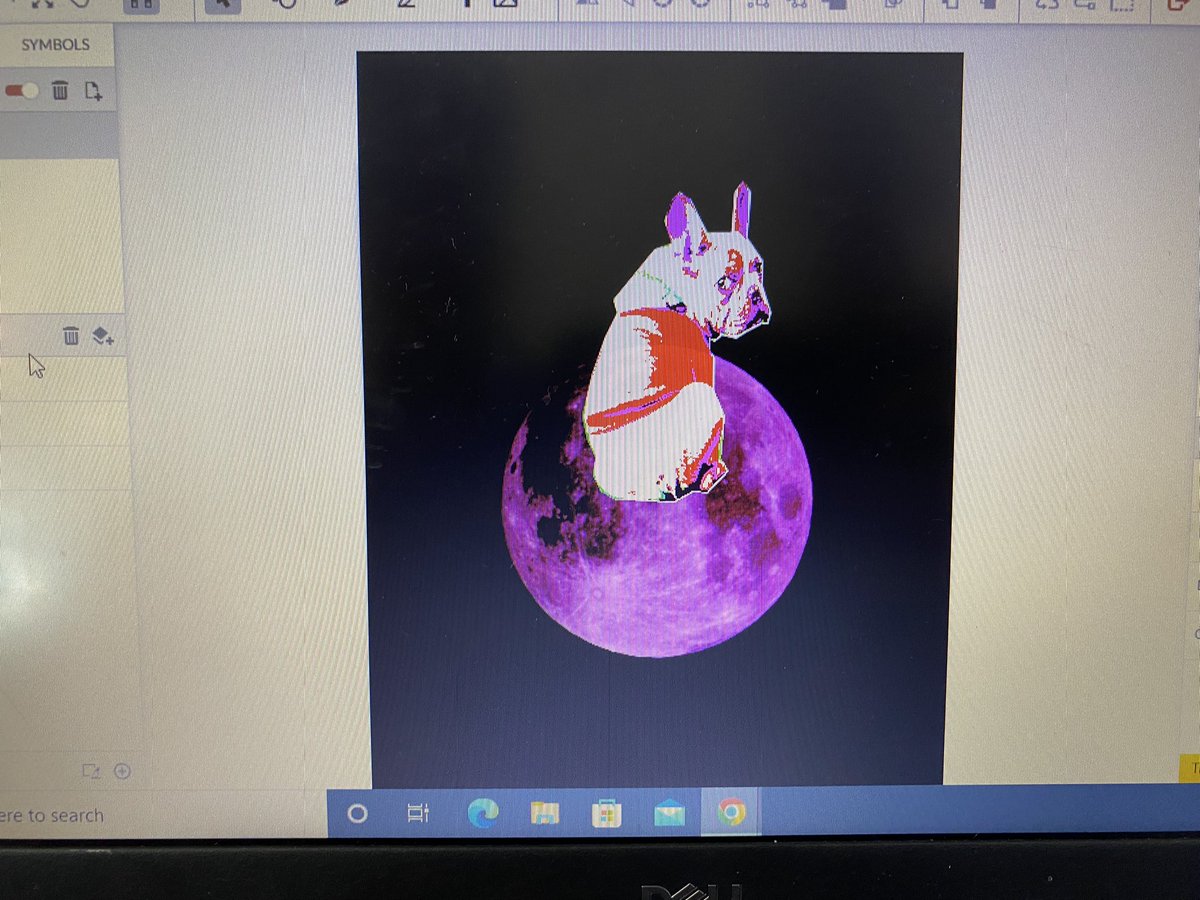
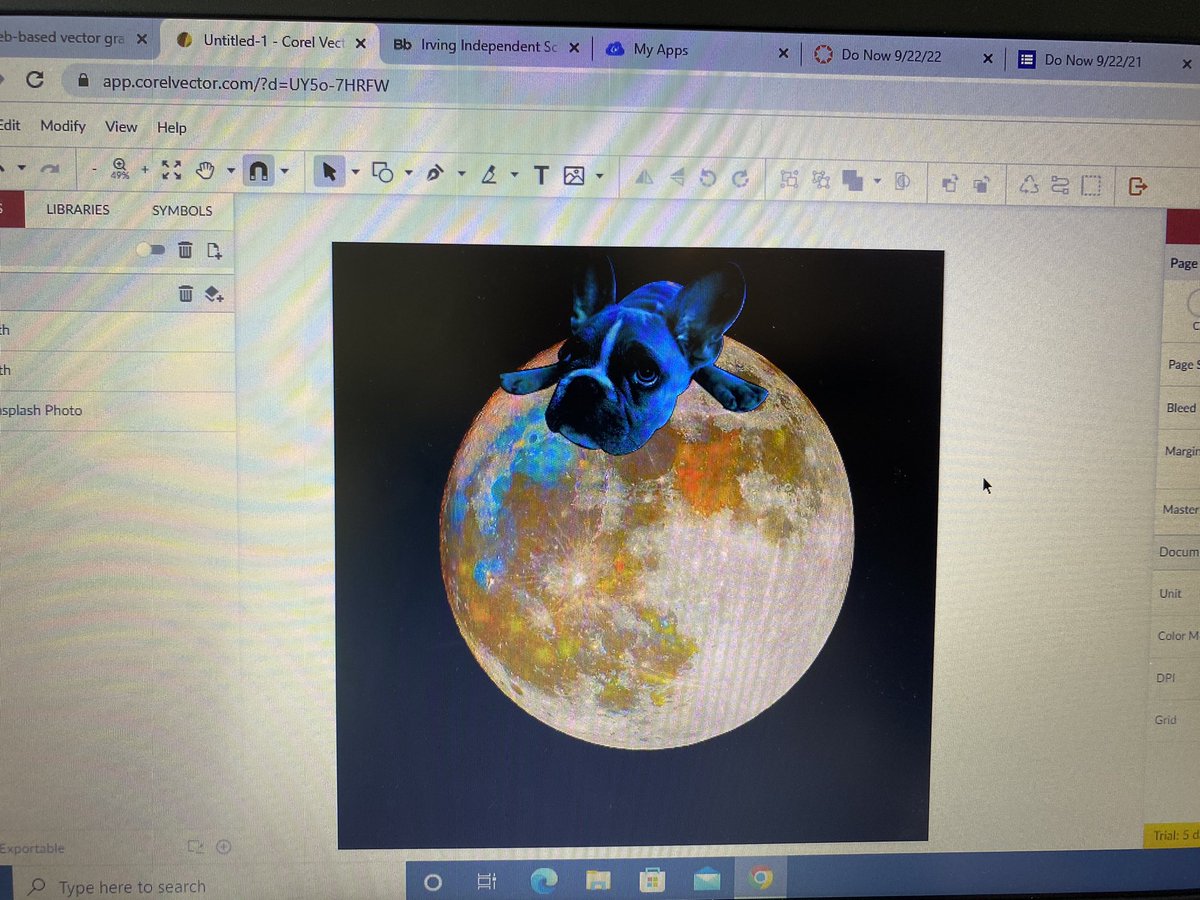
I’m constantly impressed with the work my students do daily. We did an activity where they learned to clip an image using @GravitDesigner and add it to another image. @netzeroJMS@dpvils@iisdCTE
@oh_uau Hi Alexander.
I'm sorry about that but unfortunately, Corel Vector doesn't support desktop builds (and we do not keep older Gravit Designer's desktop versions).
Please use the web version or the PWA version instead.
Gravit Designer is now Corel Vector! We're excited to announce that your favorite web-based vector design app has a new home, a new name, and a bright future! Learn more here: https://t.co/k1Kse7H8U9
@algorhythmsNFT You mentioned you "can’t even log in and retrieve our files", our support team can help you with that.
And about student access, although free accounts are no longer available, you may learn more about our educational offers.
@ggparks It is possible that you are using an older version of Gravit Designer. Corel Vector doesn't have a desktop version. Please use the PWA version instead in order to keep it automatically updated.
@ggparks Don't worry. Please create a support ticket here: https://t.co/0MN9BJwSba and on the ticket description share a link to your file (sharing feature, top right) and we'll help you.
@ggparks Try to drag the layer mask up, over the image, and not below, like in the video. Then you can disable the fill color if you want. It will be still masked.
@Thomasbnt_ If you are using Linux, please try the web version with Chrome or Firefox. If you still can't make it work, please contact support with details about your Linux distro.
https://t.co/0MN9BJP1pi