Which software does your team rely on most?
A. Microsoft 365
B. Adobe Creative Cloud
C. QuickBooks
Comment A, B or C. Keep it licensed. Keep it working.
Find the right version for you with us today.
#HCMAsofttechUK#SoftwareLicensing#SoftwareBuying
An installation is not the finish line. Open the software, sign in and try the task it is meant to support before the working day depends on it.
Get personalized help today with HCMA SoftTechUK.
#HCMAsofttechUK#SoftwareInstallation#ITSupport
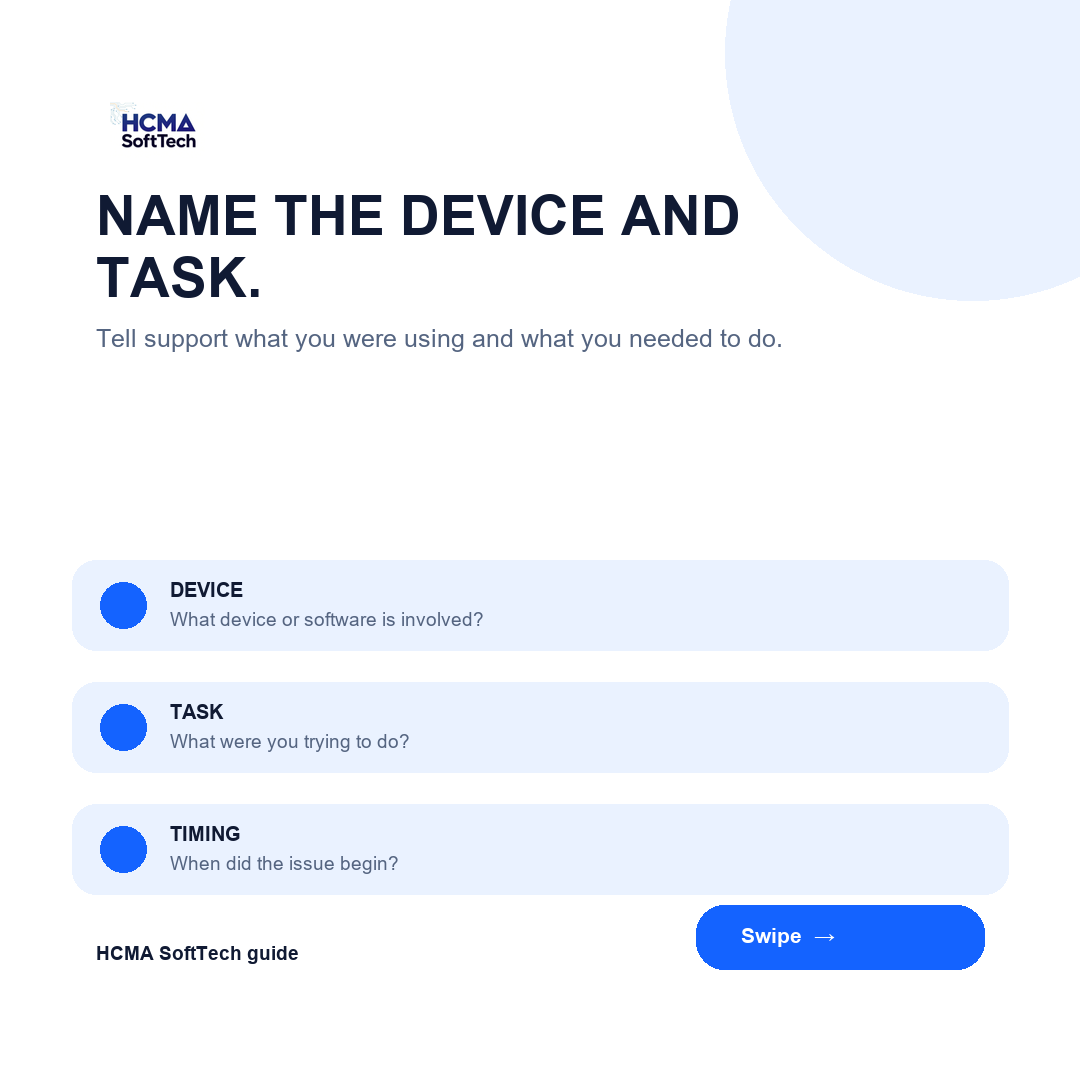
IT support works better when the starting detail is clear. The device, the message and what changed can help diagnose the issue sooner. Swipe through the essentials.
Get personalized help today with HCMA SoftTechUK.
#HCMAsofttechUK#ITSupport#Troubleshooting
Before reinstalling everything, check what is actually slowing the PC down. The cause may be software, hardware or a mix of both.
Start with the checks before choosing the reset.
Get personalised help today with HCMA SoftTechUK.
#HCMAsofttechUK#ITSupport#Troubleshooting
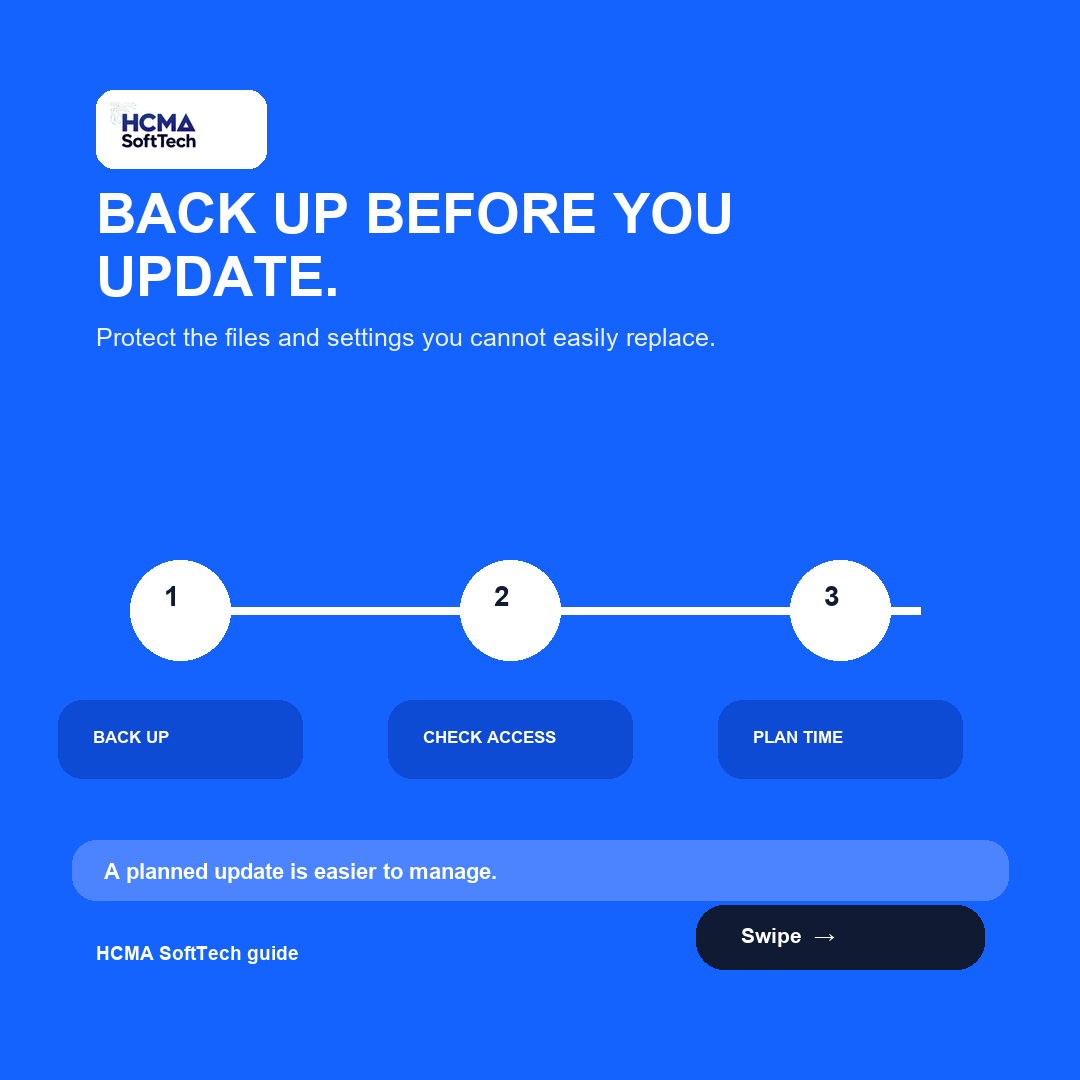
An update may be important, but it should not take the working day by surprise. Back up, check access and test the task once it is complete. Swipe through the essentials.
Get more tips from HCMA SoftTechUK.
#HCMAsofttechUK#SoftwareUpdates#ITSupport
A licence is not just a product name. It needs to fit the people who will use the software and the work they need to do.
Find the right version for you with us today.
#HCMAsofttechUK#SoftwareLicensing#SoftwareBuying
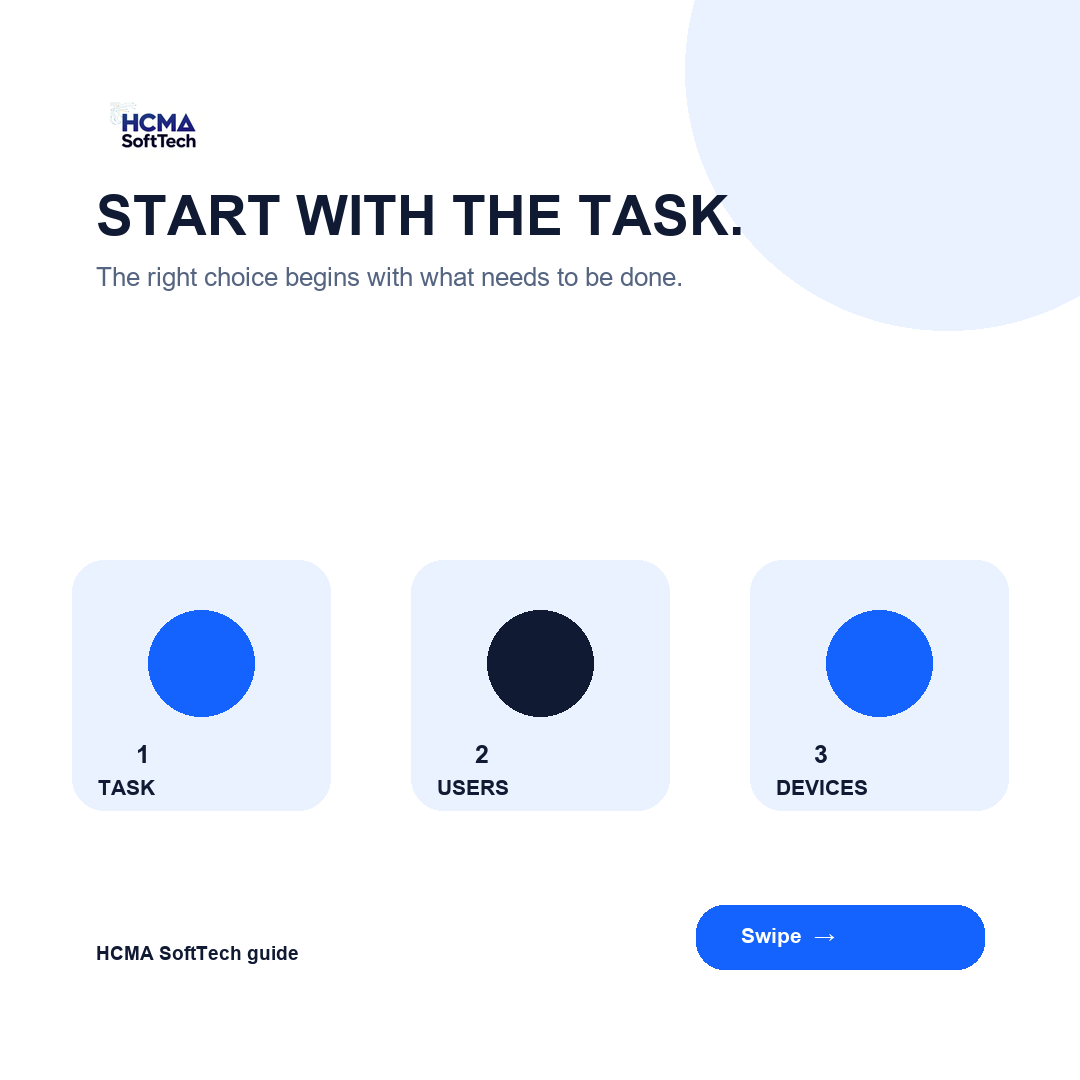
Software choices work better when they start with the job. Think about the task, users and devices before comparing editions or feature lists. Swipe through the three checks.
Find the right version for you with us today.
#HCMAsofttechUK#SoftwareBuying#SoftwareLicensing
That greyed out button is usually trying to tell you something.
Before you keep clicking, check what the software needs first. The next step is often clearer once you identify the missing condition.
Get more tips from HCMA SoftTechUK.
#HCMAsofttechUK#ITSupport#SoftwareTips
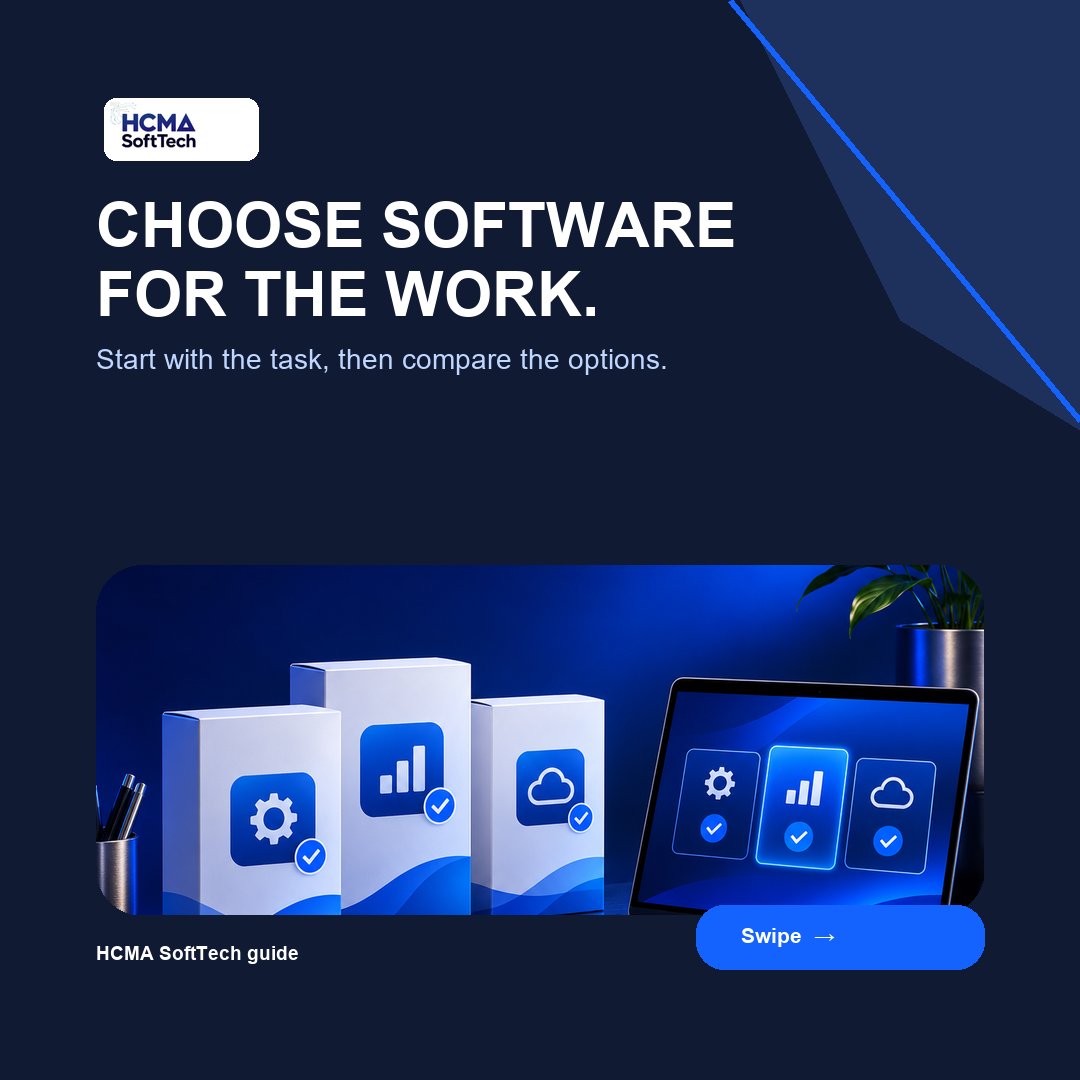
Software choice works better when you start with the task. Think about the people using it, the devices involved and the work it needs to support.
Find the right version for you with us today.
#HCMAsofttechUK#SoftwareBuying
After an upgrade, a working device can still need the right account, permissions and sign in details. Check access before the workday depends on it.
Get personalized help today with HCMA SoftTechUK.
#HCMAsofttechUK#itsupport
If a file will not open, begin with what you can see: the file type, error message, device and access. Keep a safe copy before making changes. Swipe through the checks.
Get more tips from HCMA SoftTechUK.
#HCMAsofttechUK#itsupport
Five minutes left. Maya has a presentation to begin, but her file will not open. This Reel follows a fictional support story about checking the issue quickly so the meeting can move forward.
Get personalized help today with HCMA SoftTechUK.
#HCMAsofttechUK#ITSupport#Business
Planning a drive migration? Back up the right files, then test the new setup before returning to normal work. Swipe through the practical checks.
Get more tips from HCMA SoftTechUK.
#HCMAsofttechUK#DriveMigration#itsupport
Changing phones?
In this Reel, Ricky uses EaseUS MobiMover to look at Phone to PC, PC to Phone, Phone to Phone, iCloud Transfer and Device Backup Manager. He also points to useful extras for messages, HEIC images and video files.
Get personalized help today with HCMA SoftTechUK
Upgrading a drive? Start by listing the files, settings and access that need to move with it. A plan gives the work a safer starting point.
Get more tips from HCMA SoftTechUK.
#HCMAsofttechUK#DriveUpgrade
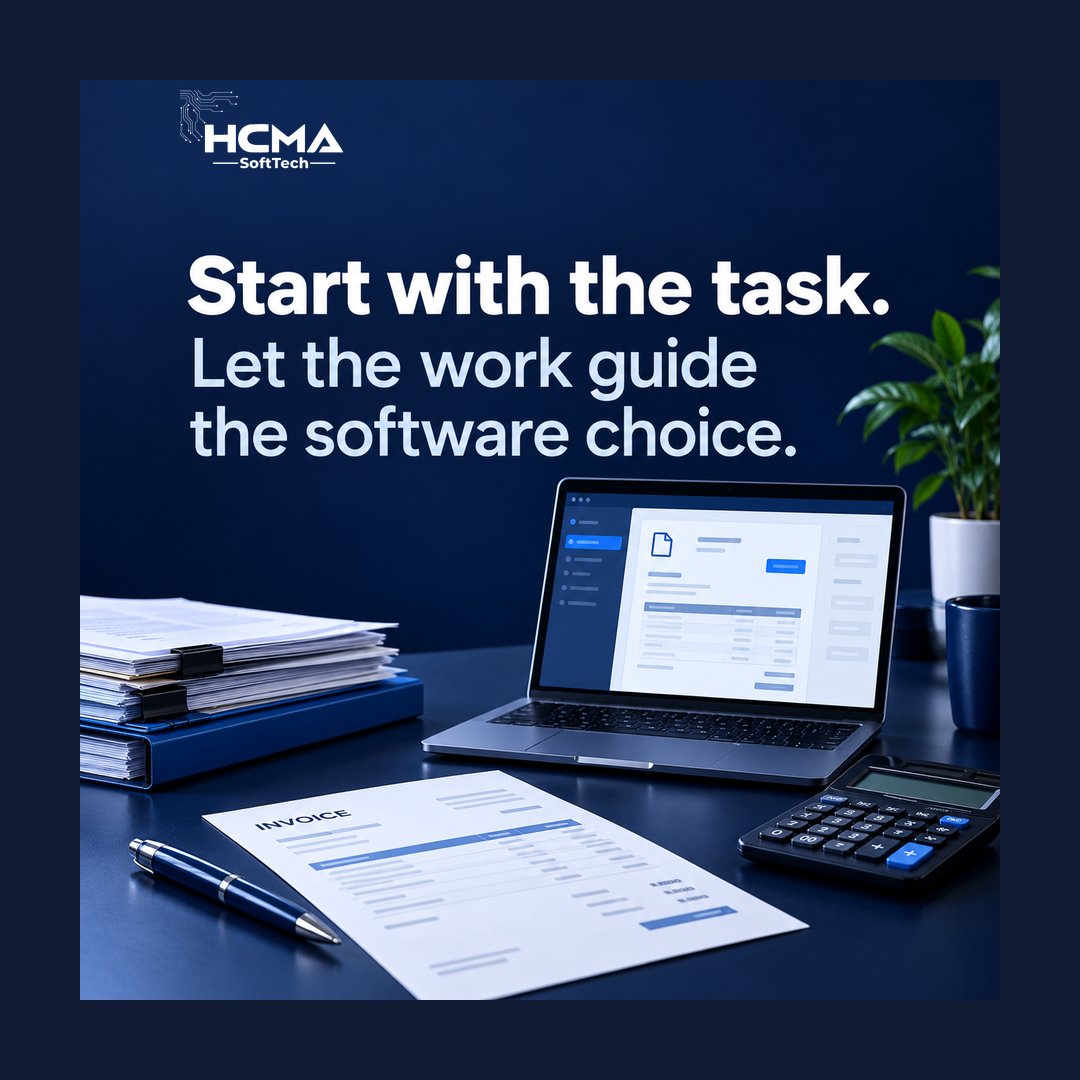
Writing invoices, sharing files or keeping track of work? Start with the task when choosing software. It makes the comparison more useful.
Find the right version for you with us today.
#HCMAsofttechUK#SoftwareBuying
Before you install, check that your device has enough available storage for the software and its requirements.
Get more tips from HCMA SoftTechUK.
#HCMAsofttechUK#SoftwareInstallation
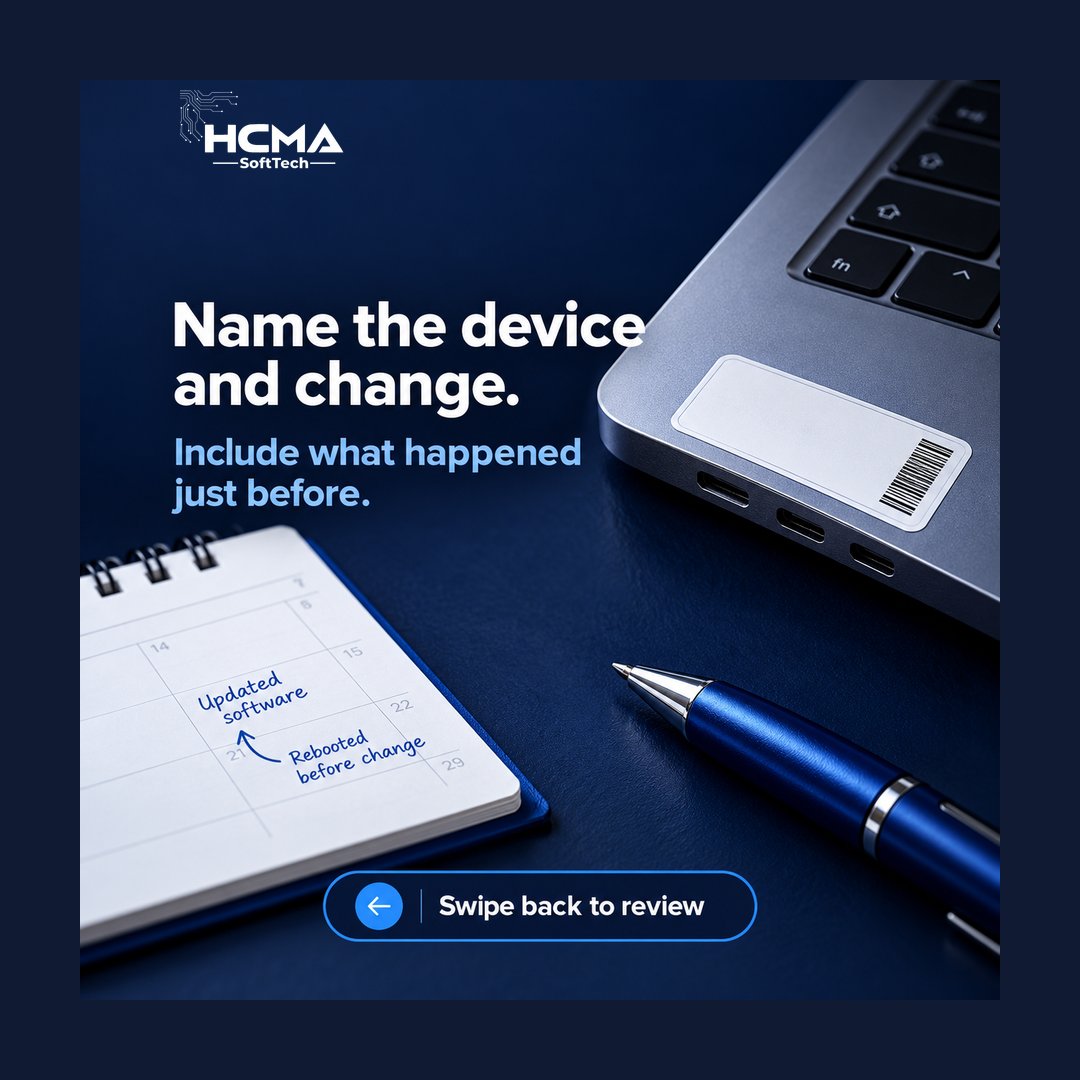
Not sure what to tell IT support? Share what you see, the device and what happened before the issue. Swipe through the checklist.
Get more tips from HCMA SoftTechUK.
#HCMAsofttechUK#ITSupport
Choosing software does not have to start with a long comparison. Begin with a few questions about the work, the users and the devices.
Find the right version for you with us today.
#HCMAsofttechUK#SoftwareBuying
Before installing software, check the device, available space and access you will need. A little preparation helps you spot questions early.
Get more tips from HCMA SoftTechUK.
#HCMAsofttechUK#SoftwareInstallation