Windows 11 QOL tweak you need to enable 👇
Instantly close frozen apps without opening Task Manager:
1️⃣ Open Settings
2️⃣ Go to System > Advanced
3️⃣ Enable “End Task”
You can now right click on an app in task bar and end task on the app.
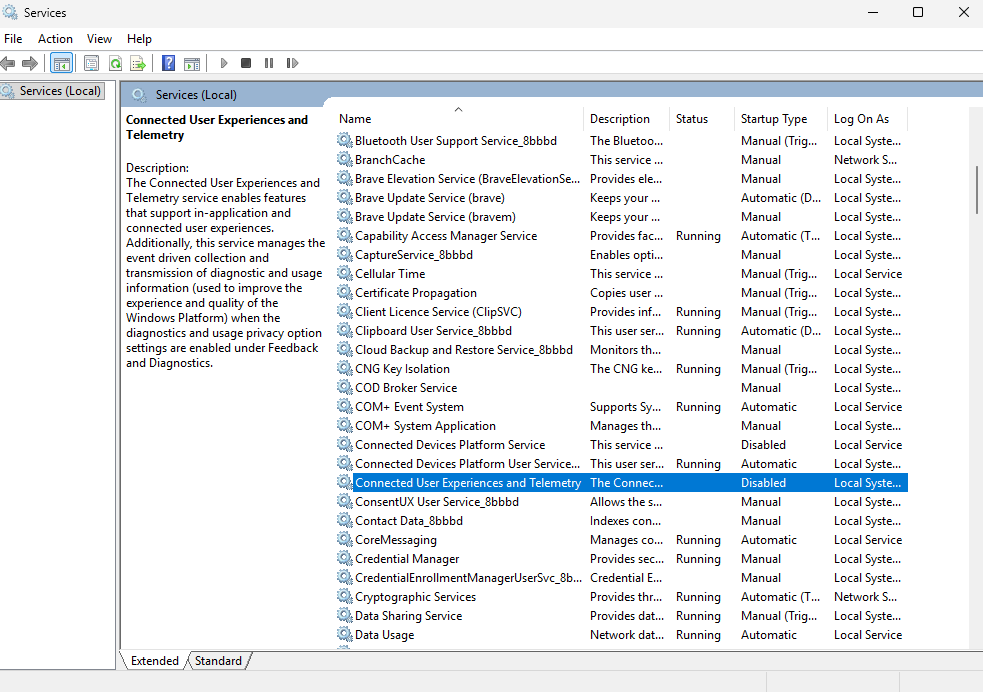
🚨Windows privacy tweak🚨
1. Press Win + R
2. Type services.msc
3. Find Connected User Experiences and Telemetry
4. Right-click → Properties
5. Click Stop
6. Set Startup type to Disabled
Disabling it can reduce unnecessary data collection and background diagnostic activity, limit personalised recommendations, and improve your privacy.
🚨 HD OPTI v4.6.3 is now live 🚨
We’ve updated Game Mode with support for more titles:
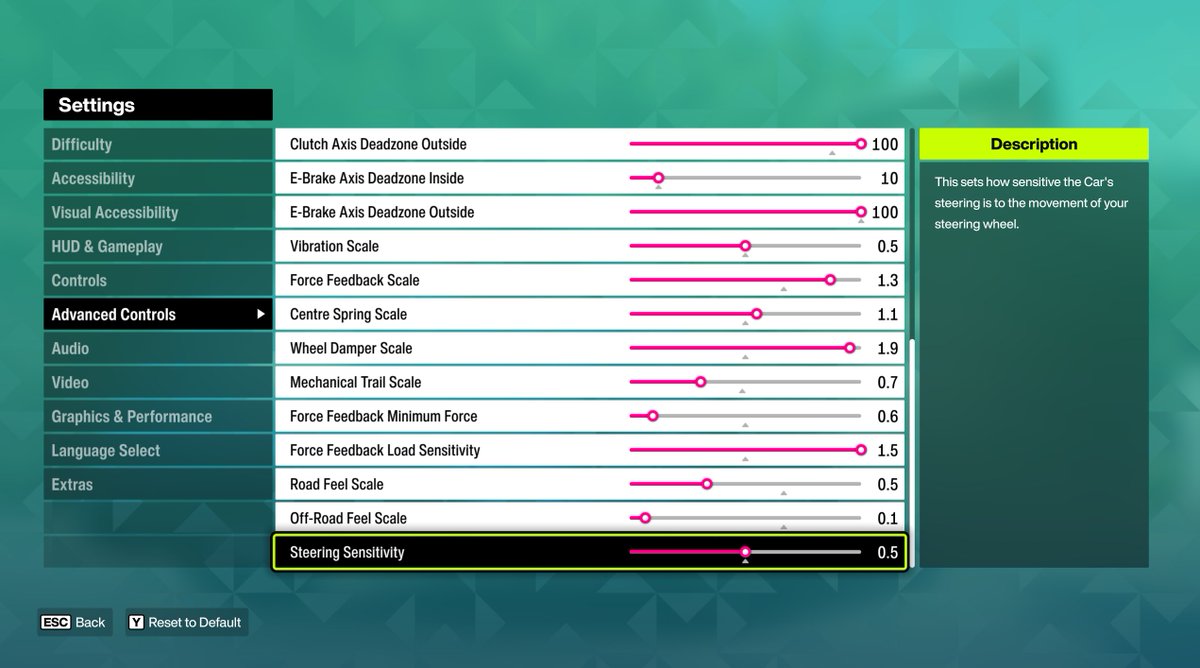
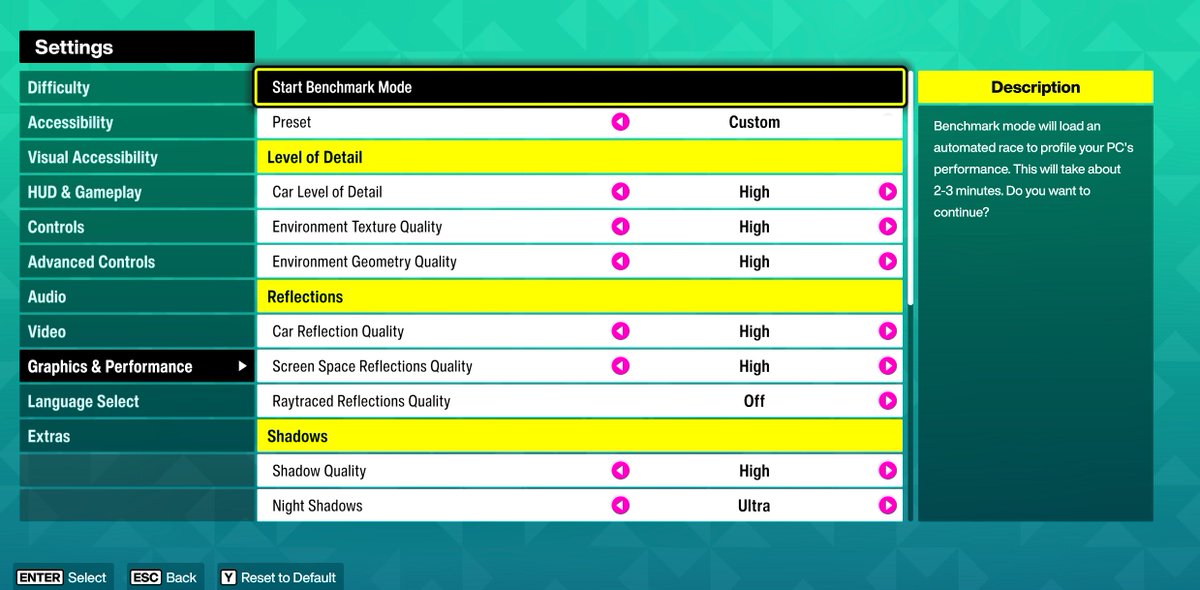
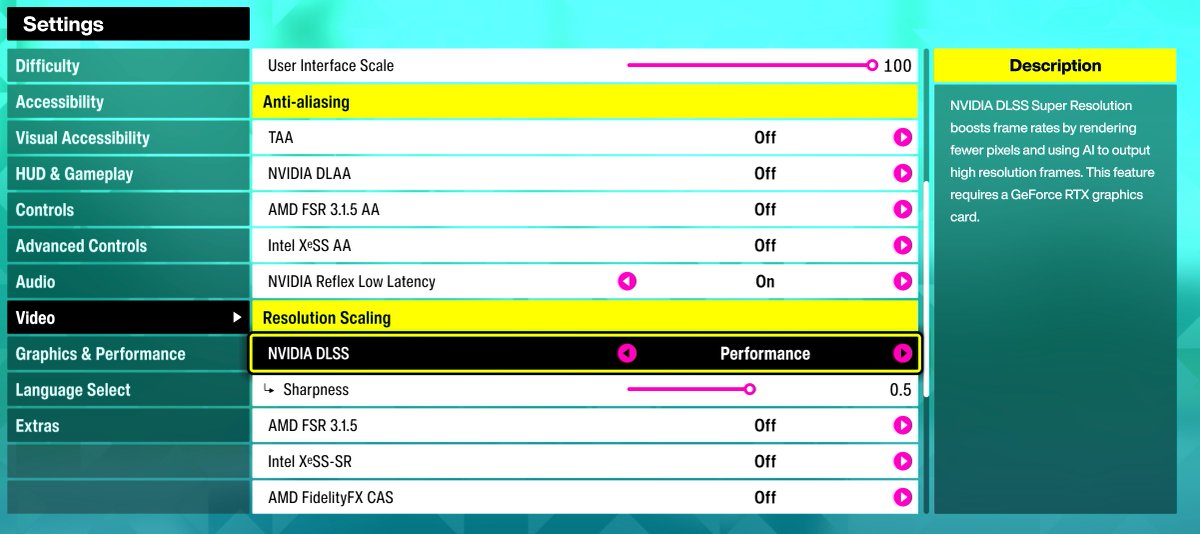
- Forza Horizon 6
- Counter-Strike 2
- Valorant
Update your app via the top bar of the app or our website
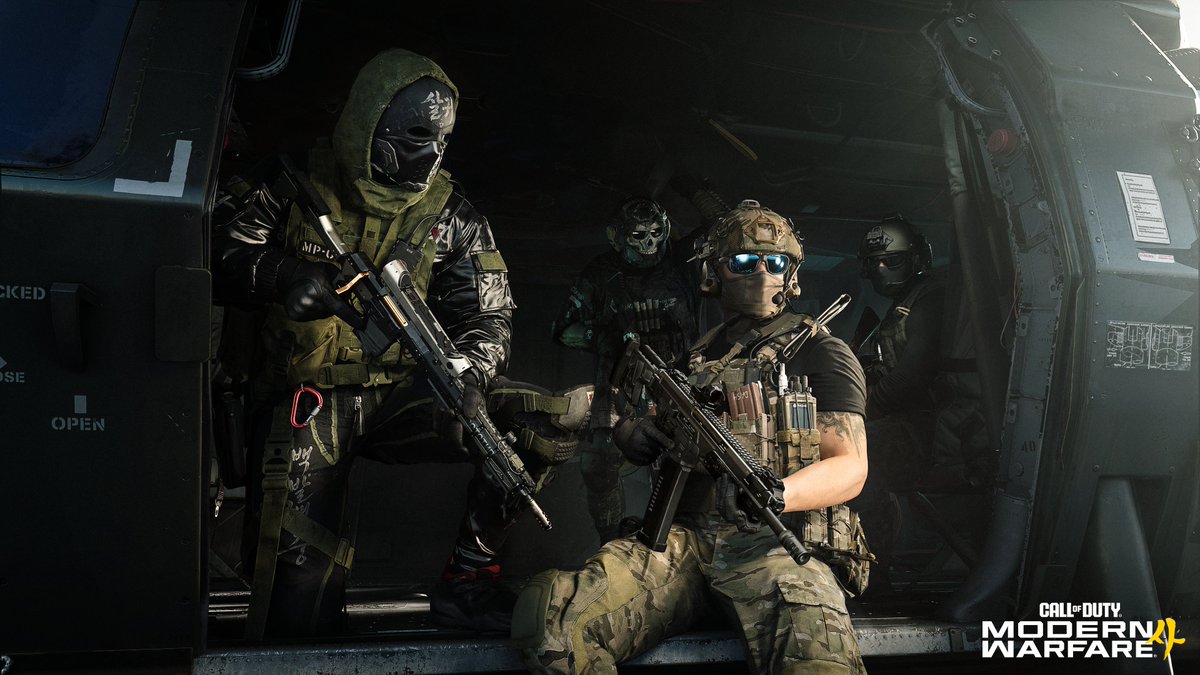
#MW4
✅ Theater Mode
✅ Classic Perks
✅ Weapon Build Sharing
✅ All-new movement suite
✅ Slide Cancelling
✅ Slide-to-ADS
✅ Sprint & Mantle Assist
✅ Dynamic Kill Block map
✅ Apex Attachments
✅ Gunny weapon build recommender
✅ Destructible Riot Shield
✅ Riot Shield = Field Upgrade
✅ Red dots
✅ Ninja Perk is back
✅ No bloom
✅ Map Voting
✅ Operators & Killstreaks in Loadouts
✅ Equip any Operator, no factions
✅ No more last-gen support
✅ Two Prestige Paths
And more in the tank for later this year ⛽️
https://t.co/ZPI4dV1QZh
Windows privacy tweak👀
Go to:
Settings → Privacy & Security → Diagnostics & Feedback
Then turn OFF:
- Optional diagnostic data
- Improve inking and typing
This helps reduce unnecessary data sharing and keeps Windows a little cleaner in the background.
Bad PC airflow can kill your FPS 😬
If your case is full of dust, cables are blocking fans, or your intake/exhaust setup is poor, your CPU and GPU can run hotter and throttle under load.
Quick airflow checklist:
1. Clean dust filters
2. Keep front intake clear
3. Use intake + exhaust fans
4. Tidy messy cables
5. Make sure hot air can escape
🚨 INTEL CPU USERS 🚨
Want more FPS in games? Enable Intel APO 👇
1. Update BIOS
2. Go into BIOS and enable Intel Dynamic Tuning Technology / Intel DTT / Intel IPF
3. Update chipset drivers
4. Install Intel DTT from your motherboard support page
5. Install Intel Application Optimization UI
6. Open APO and check supported games
Free FPS if your CPU/game supports it 🔥
We’re looking for creators who deserve more recognition. 💎
New faces. Big potential. The next step starts here.
Tag someone you want to see join CT. 🚀
#EnterTheTheory
🚨 Windows FPS Boost Tip 🚨
Disable Widgets on your taskbar to cut down background clutter and stop Windows pulling unnecessary live content while you game.
How to do it:
Settings → Personalisation → Taskbar → Widgets → Off ✅
Less background noise. Cleaner taskbar. More focus on FPS.