Had the privilege of attending this STEM Exploration Day with my son. Thank you, Mr. Singh for providing this amazing hands-on opportunity for our children! #WeNeedMoreOfThis@NYCDOED15
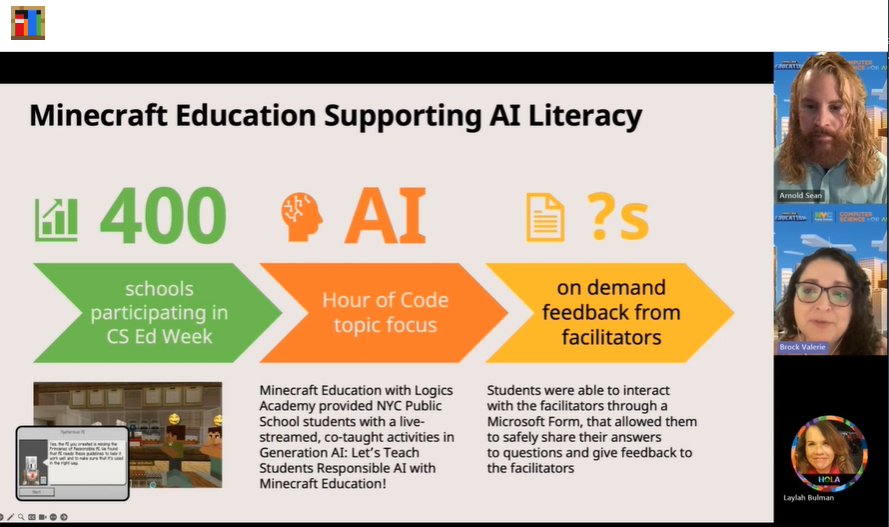
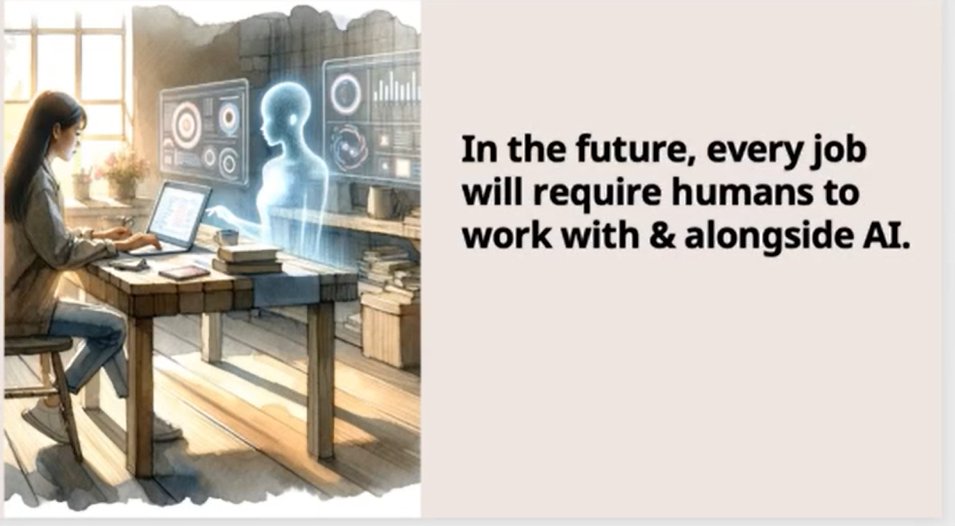
I've just attended Level Up Learning: Computer Science and AI with @PlayCraftLearn
Thank you to @ValerieBrock24, @seanmarnold & @amycep for sharing your inspirational journeys at NYC Department of Education and Urban Arts. Thank you for hosting @laylah & @southjoseph. 🫶
Here's your chance to register today! Can't wait to see you! Thanks @paulcgorski for this gathering of hearts and minds centered on love, joy, genius and justice! @GholdyM@DenaSimmons@CorneliusMinor
😂😂😂 this is was way too much fun- I can't wait to see student projects. What games will manifest from the minds of our genius kids? #LearningIsFun#ScratchJr#CSforallNYC
Participants help @Hannon131 debug and perfect her asteroid game. This game has all the bells and whistles that will keep students engaged in #Coding with ScratchJr. @techstrodinaire
@Hannon131 shares a spicy tip for coding in #ScratchJr. You can change the color of the envelope to code different commands to happen throughout your project. Thank you for this amazing hands on session!!! @techstrodinaire
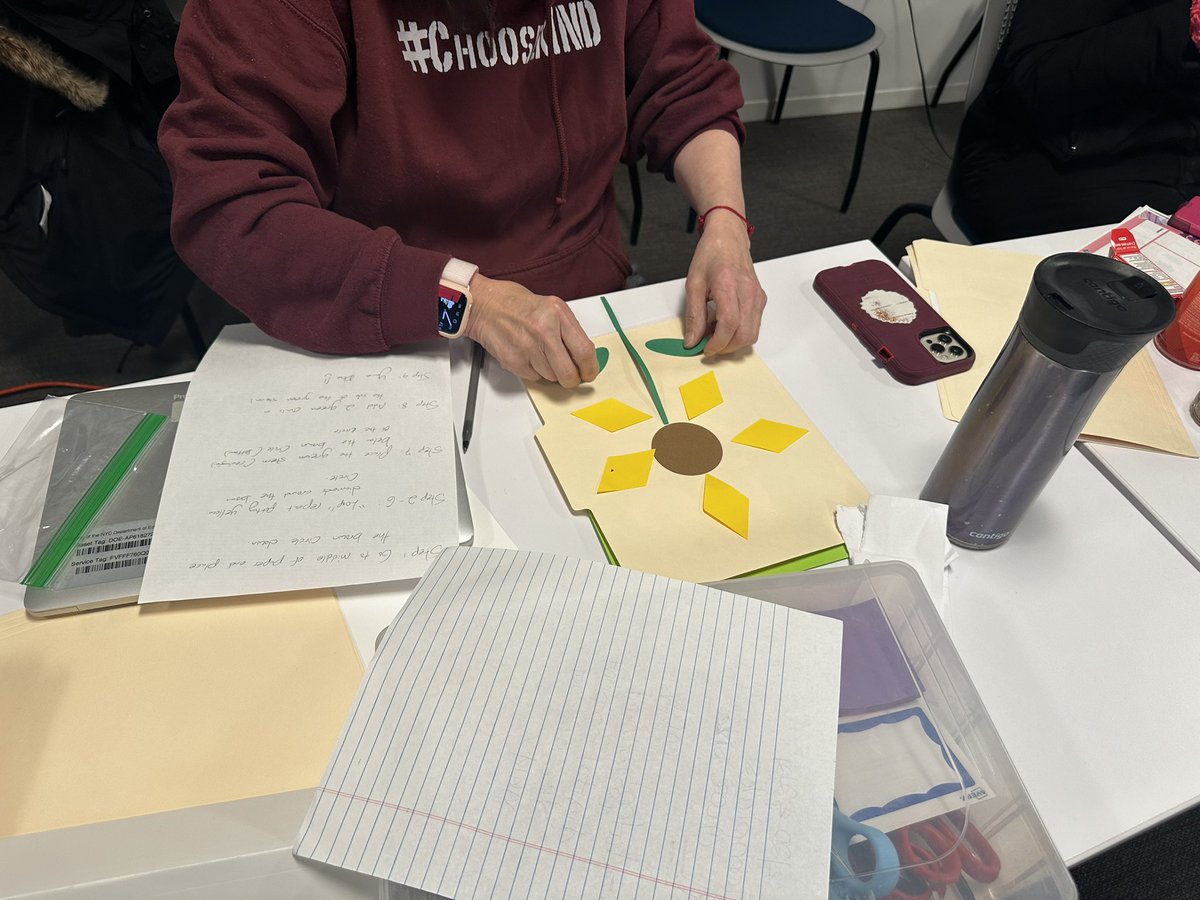
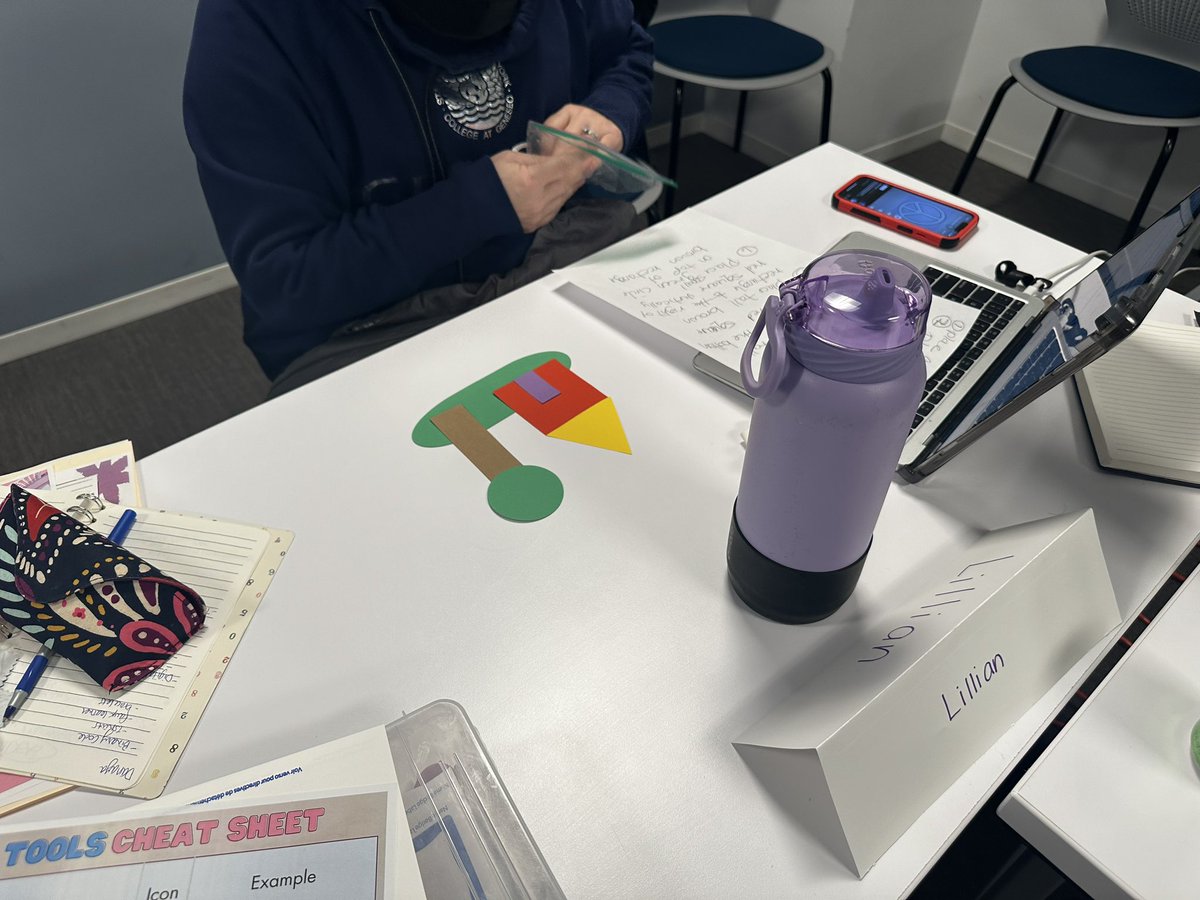
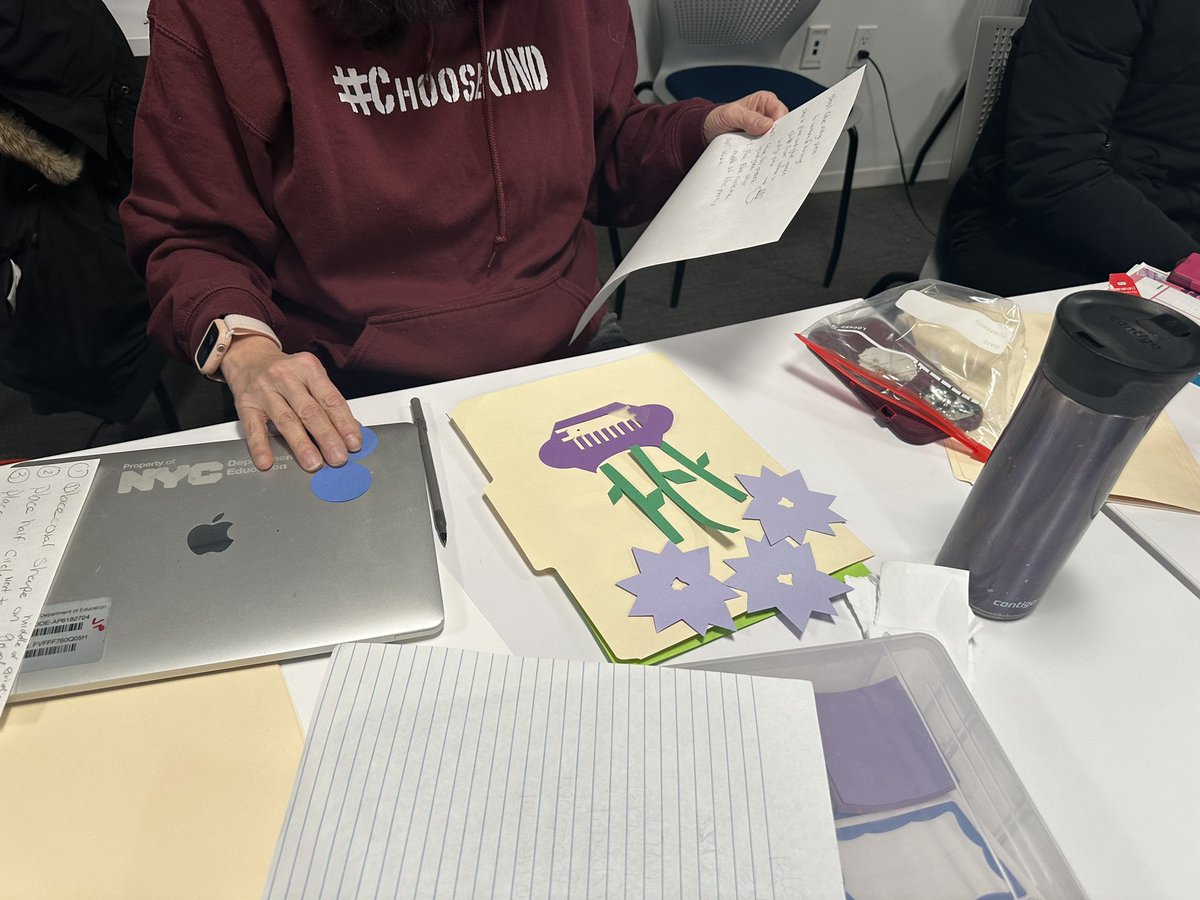
Algorithm art anyone? 1st we designed algorithm art using @cricut DS, then we write out the algorithm for someone to recreate our designs! Lots of debugging along the way🐞These teachers were amazing! @CS4AllNYC#csforallnyc
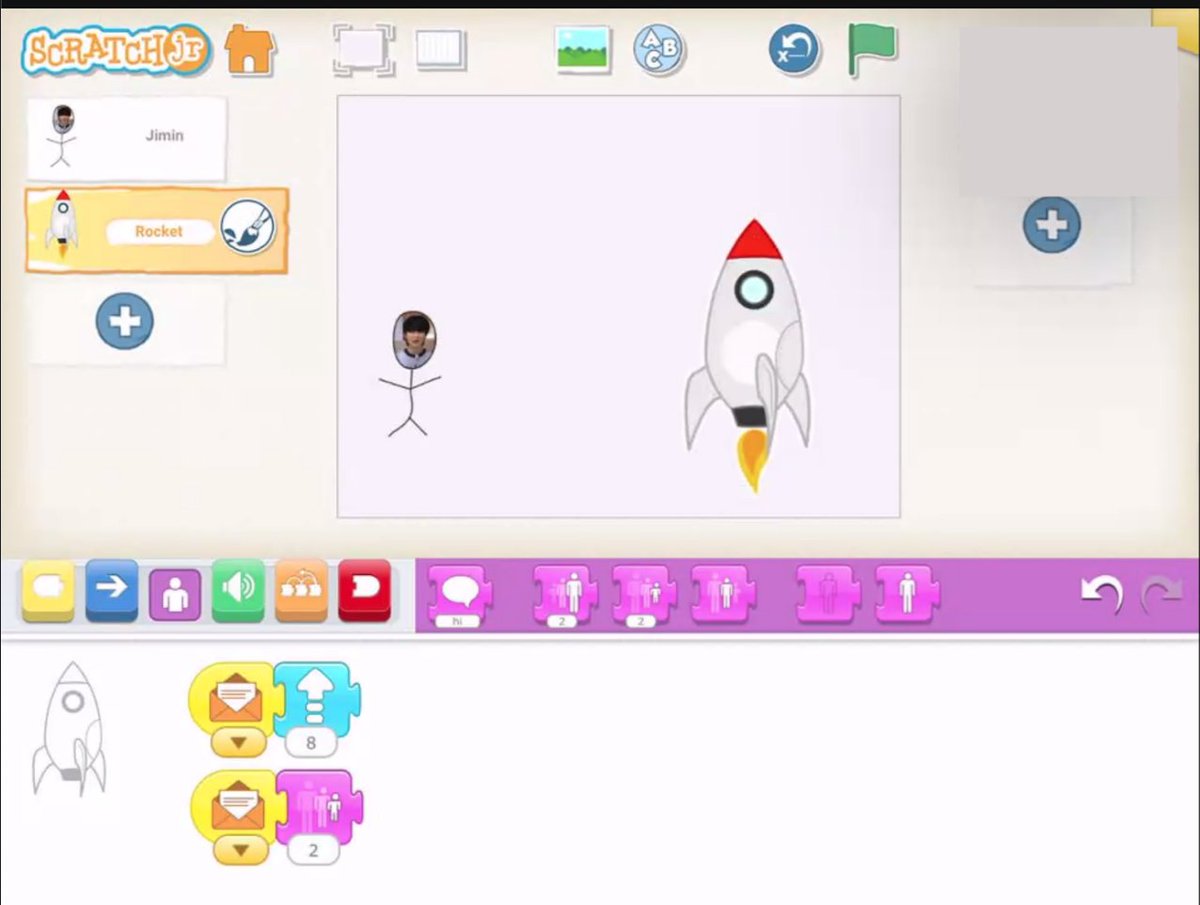
Participants have a chance to get personal in today's Intermediate Scratch Jr session with @Hannon131. They will add their own beautiful pictures to their projects. Tip: You must add a frame to the paint editor before the camera takes your picture. @techstrodinaire
@Hannon131 shares another cool tip in today's #ScratchJr pd. You can click on your Sprite character on the far left and drag them to a new page on the far right and the codes will also be copied. This tip works well when creating stories with Scratch Jr. @techstrodinaire
Check out this sample project from today's Intermediate Scratch Jr. with @Hannon131 where participants have a chance to record their own sound. @techstrodinaire
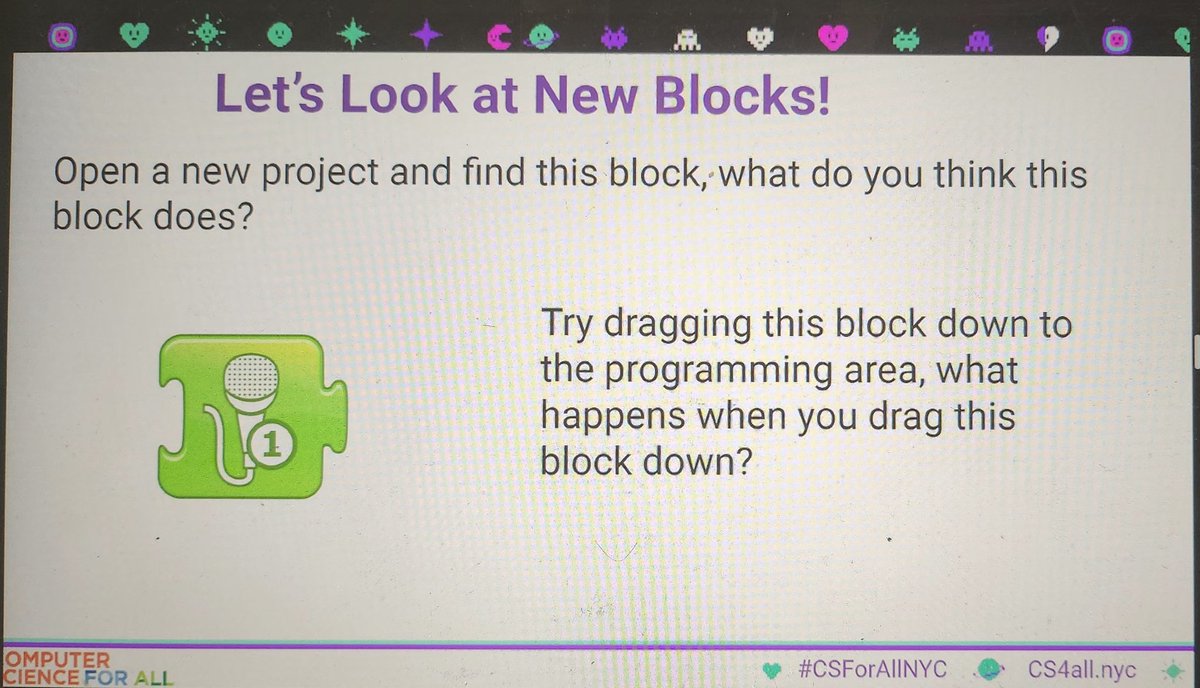
It's time to add some sound. @Hannon131 shares a new block that will help teachers add some excitement for students to record their voices or sounds to their #ScratchJr projects. @techstrodinaire
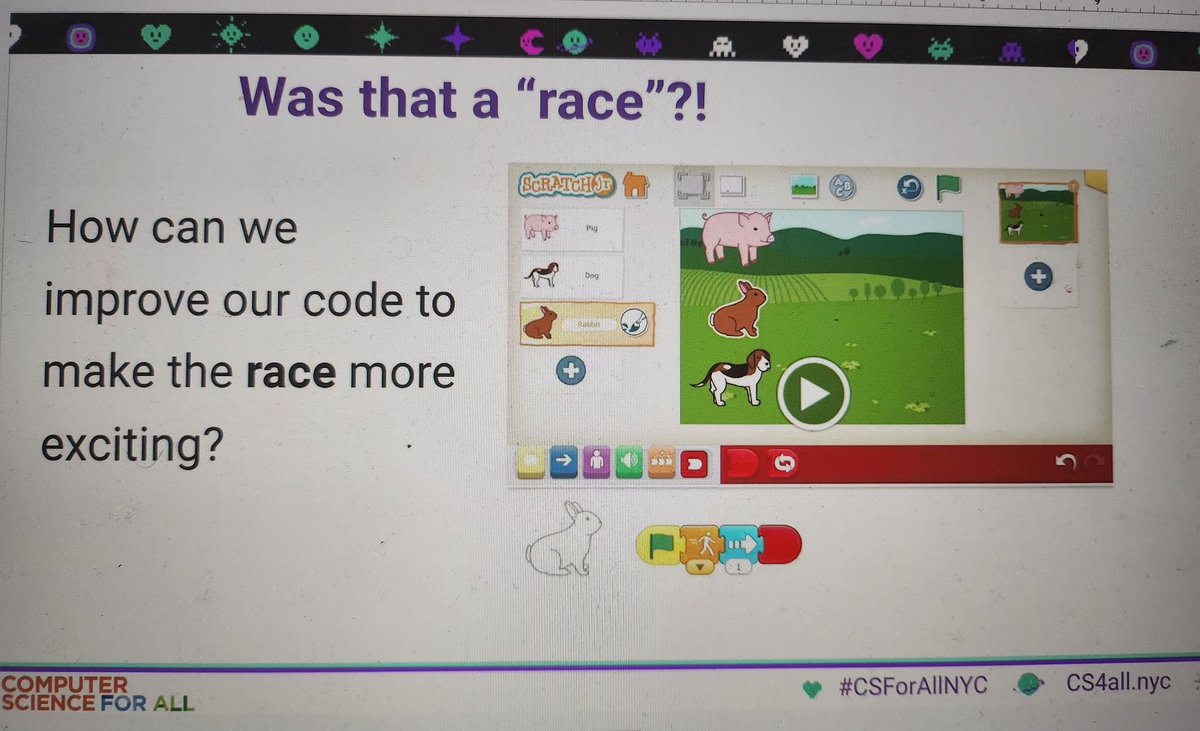
In today's Intermediate Scratch Jr. Project 1 session with @Hannon131, participants get a chance to practice coding with the speed block. Who do you think won? @techstrodinaire
Riddle Time: What do you call teachers that show up for PD during mid winter break? Dedicated… @Hannon131 sharing another #ScratchJr. Pd where teachers are getting hands on practice to take back to their classrooms. For more info check the book icon. @techstrodinaire
#CS4all Cluster Creator Track for Scratch Jr. is underway with @Hannon131. Thank you for providing hands on training so that teachers can be comfortable with Computer Science. Teachers will be creating some cool games and projects. Stay tuned. @techstrodinaire
Participants get to explore the 6 different types of Code Blocks in today's Cluster Creator Track for Scratch Jr. with @Hannon131. Are you familiar with how these blocks work in Scratch Jr.? @techstrodinaire
What is parallel programming in coding? Participants explore how parallel programming works in #ScratchJr with @hannon131. Debugging codes and timing also came up as important things to pay attention to in order for programs to run properly. @techstrodinaire
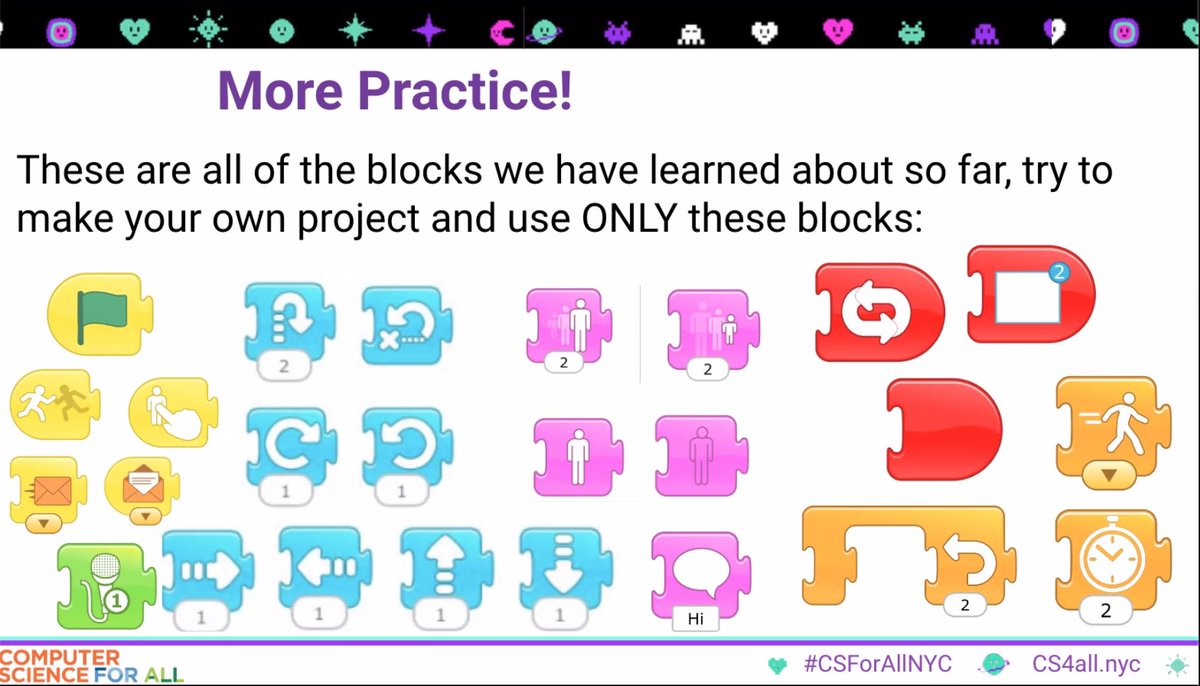
Time for a challenge in today's Cluster Creative Track for #ScratchJr with @Hannon131. Participants have been challenged to create a game or their own project using only these blocks. Stay tuned to see what they come up with. @techstrodinaire
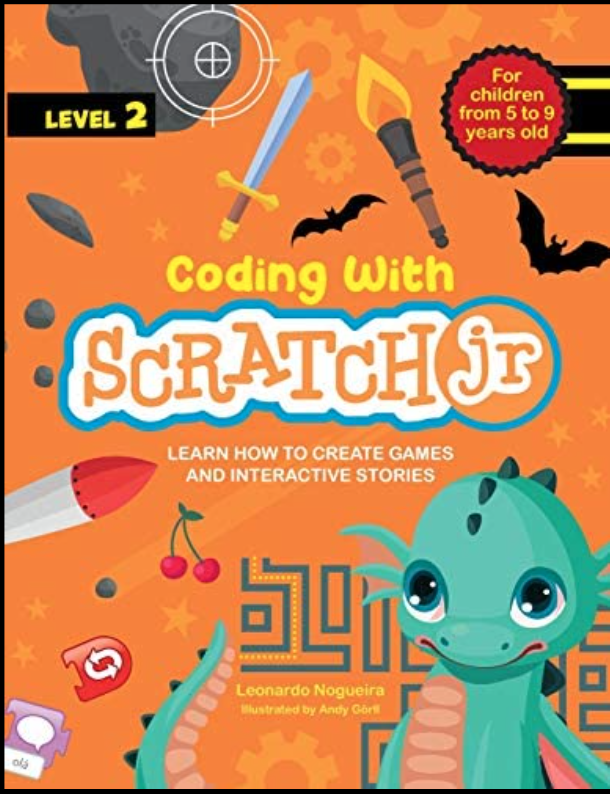
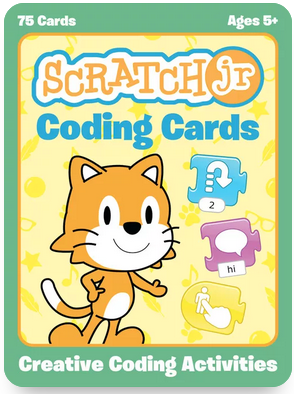
@Hannon131 shares this awesome coding book with participants in today's Cluster Creative Track for #ScratchJr. If you can't get your hands on this book, you can check out #Sora for, "ScratchJr. Coding Cards" to get new ways to introduce coding with Scratch Jr. to your students.