3️⃣ Expand your #knowledge : While the cheatsheet covers the essentials, continue exploring SQL's vast capabilities. Dive deeper into advanced topics and experiment with complex queries to take your skills to the next level.
#Heba_Haddad#Prime_Studies لـ #البحوث
📲 معك خطوة بخطوة
💡 How to Make the Most of the SQL Cheatsheet?
1️⃣ Keep it handy: Print out the #cheatsheet or save it as a digital reference to have quick access whenever you need it.
#tobecontinued
2️⃣ Practice, practice, practice! Apply the #SQL concepts you learn by working on real-world #datasets and projects. The more you practice, the more comfortable and proficient you'll become.
#tobecontinued
✅ Subqueries: Harness the power of subqueries to perform complex queries and solve intricate problems. ✅ Advanced techniques: Explore advanced SQL features like window functions, CTEs (Common Table Expressions), and stored procedures.
#tobecontinued
🌟 Unlock the Power of SQL with This Handy Cheatsheet! 🗝️💻
✅ Basic query structure: Learn how to retrieve specific columns, filter rows, and sort data to extract the information you need.
https://t.co/2dqvlkMvtw
✅ Joins: Discover different types of joins to combine data from multiple tables and gain valuable insights. ✅ Aggregation functions: Dive into powerful functions like SUM, COUNT, AVG, and MAX/MIN to perform calculations on grouped data.
#tobecontinued
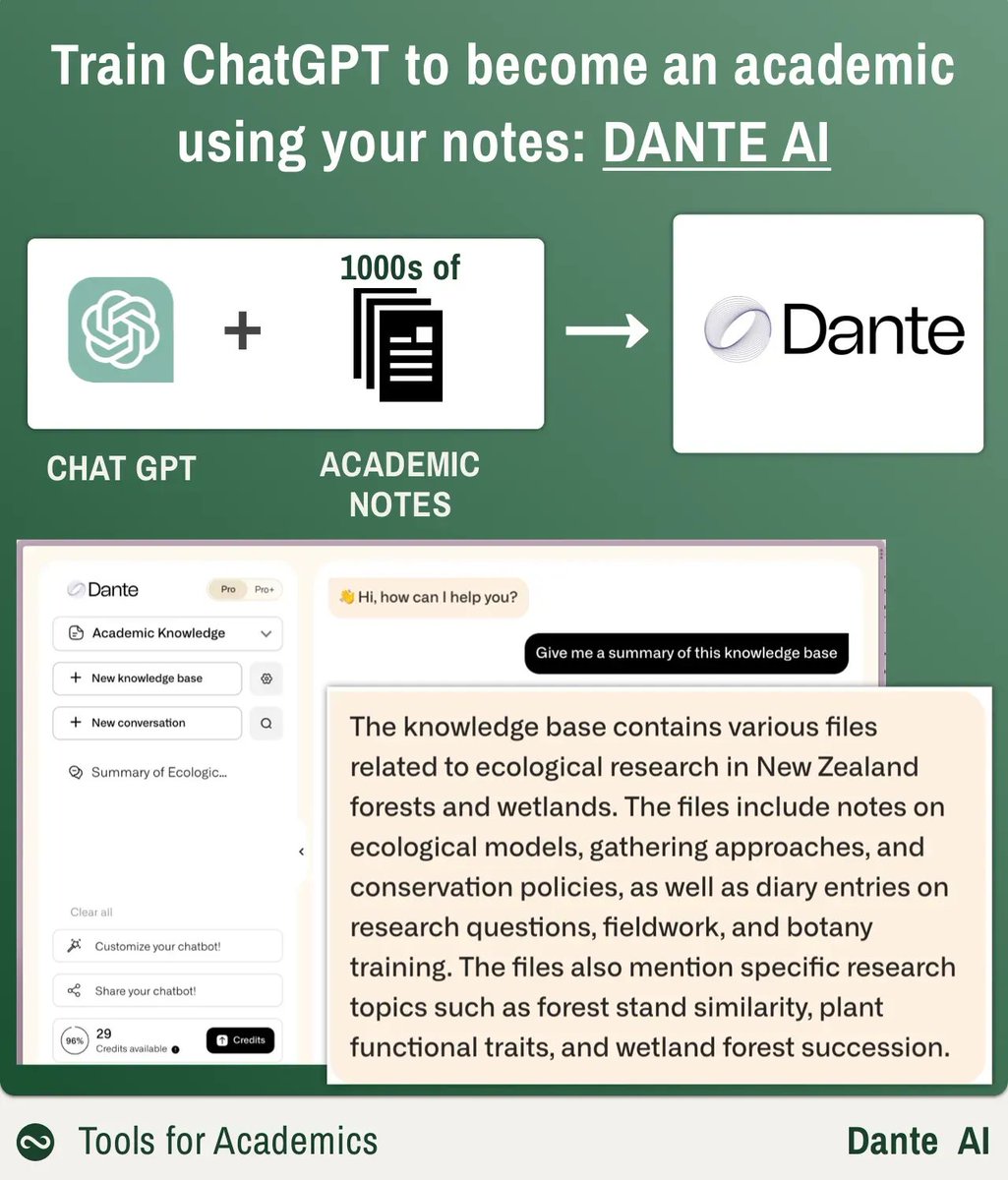
5⃣- نقطة اختيارية: إذا كان لديك ملف ملاحظات كبير فيمكنك إنشاء ملف نصي كبير مع جميع ملاحظاتك وتحميله إلى الأداة #DANTEAI
لهذا ستحتاج إلى برنامج PANDOC ويمكن تحميله من 👇
https://t.co/IwaBAVSArG
قم بتنزيله وتثبيته
#هبة_حداد#Prime_Studies_للبحوث
VBA offers endless possibilities for automating Excel tasks and enhancing your productivity. Take your #Excel skills to the next level by exploring the power of #VBA automation. 🚀💼 #Heba_Haddad#Prime_Studies
🔧💡 Mastering #Excel Automation: Learn How to Autofit Columns with VBA!
Are you tired of manually adjusting column widths in Excel to fit #data perfectly? Welcome the power of VBA automation! In this post, I'll show you a simple and effective way to autofit columns using VBA🚀📐
4️⃣ Run the Macro: Close the VBA editor and return to your workbook. Press "Alt + F8" to open the macro dialog box. Select the "AutoFitColumns" macro and click "Run" to autofit all columns in your worksheet. #Heba_Haddad#Prime_Studies