I am starting my journey into Ai automation
I'll be sharing my daily experience and also mistakes
If you are also new into tech like me, follow along
#Ai#Automation#tech#beginner
@w3rk_co_za Thank you!
For this workflow, student data remains within trusted services like Google Sheets, Google Drive, Gmail, and Make.with access restricted to only authorized accounts only.
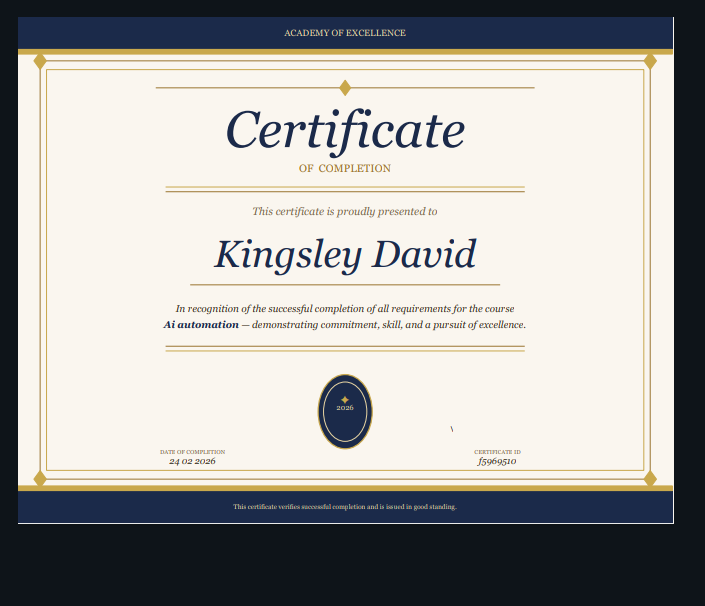
Built an automated certificate system using https://t.co/r2vJtVhhy3
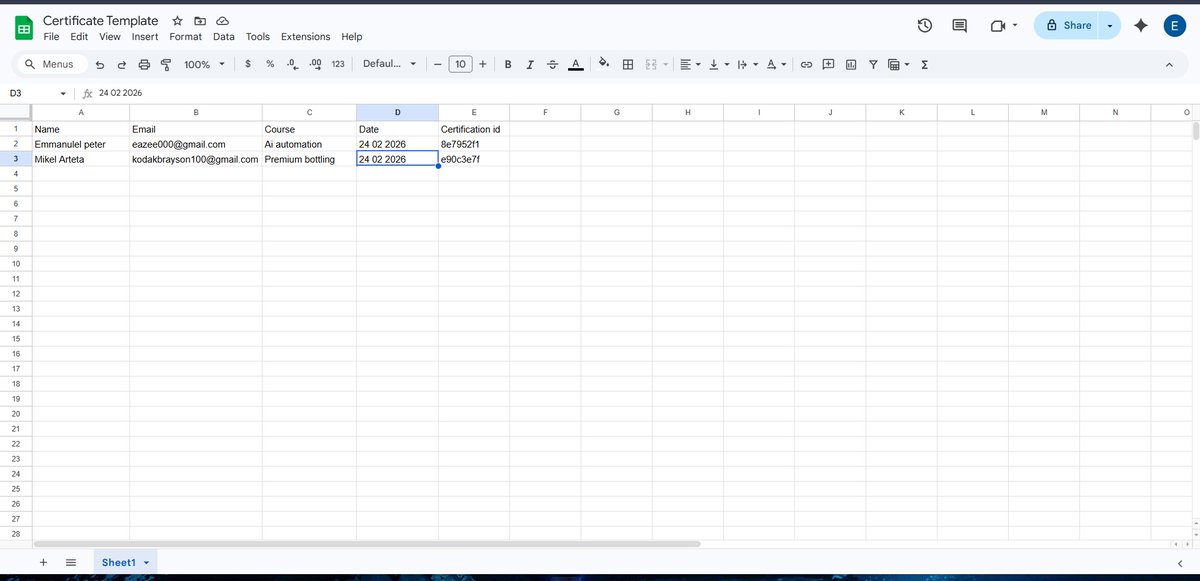
Pulls student data from Google Sheets
Generates unique certificate IDs
Creates personalized certificates
Converts to PDF
Automatically emails students their certificates
End-to-end, fully automated.
#make.com
I'm currently learning and I'm really grateful I learned Make first. It gave me a much clearer understanding of how n8n works.
I did run into some challenges with self-hosting though my webhooks weren't working at first, so I had to watch several tutorials to get it running.
I'm currently learning and I'm really grateful I learned Make first. It gave me a much clearer understanding of how n8n works.
I did run into some challenges with self-hosting though my webhooks weren't working at first, so I had to watch several tutorials to get it running.
Which one is better between n8n, Zapier and Make?
Zapier: easiest, priciest
Make: powerful visual
n8n: developer-friendly, self-hostable
For small businesses, Make is the best
I recently built an AI-powered social media automation system using Make.
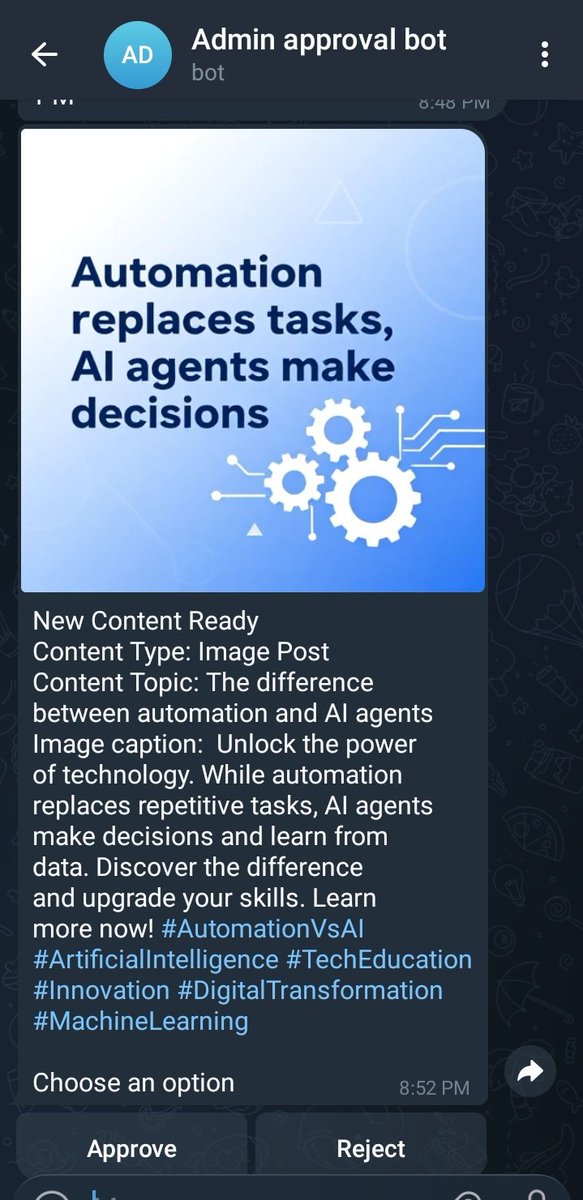
The workflow automatically, Generates captions & images Sends content for approval via Telegram, Schedules and posts daily to LinkedIn & Facebook
One content database fully automated posting pipeline.
Here's how the system works: content data on airtable, ai generates a caption for either text and a prompt image post , ai also generates an image based on the prompt, then sent to admin for approval, when approved the post will be sent to either Facebook, LinkedIn or both