Not everyone is an AI image prompt engineer.
But with Magai, you don't have to be.
Introducing Magai's Prompt Enhance: Your secret weapon for creating extraordinary AI art—no expertise required.
Just type your basic idea, click enhance, and watch as our AI transforms your simple prompt into a masterfully crafted description. It's like having a professional prompt engineer in your pocket.
✨ One click
🎯 Expert-level results
🚀 Instant enhancement
Stop wondering if your prompts could be better. With Magai, they will be.
Try Prompt Enhance today and unlock your creative potential.
And for a limited time, Magai is 30% off: https://t.co/AlxNBiwCMS
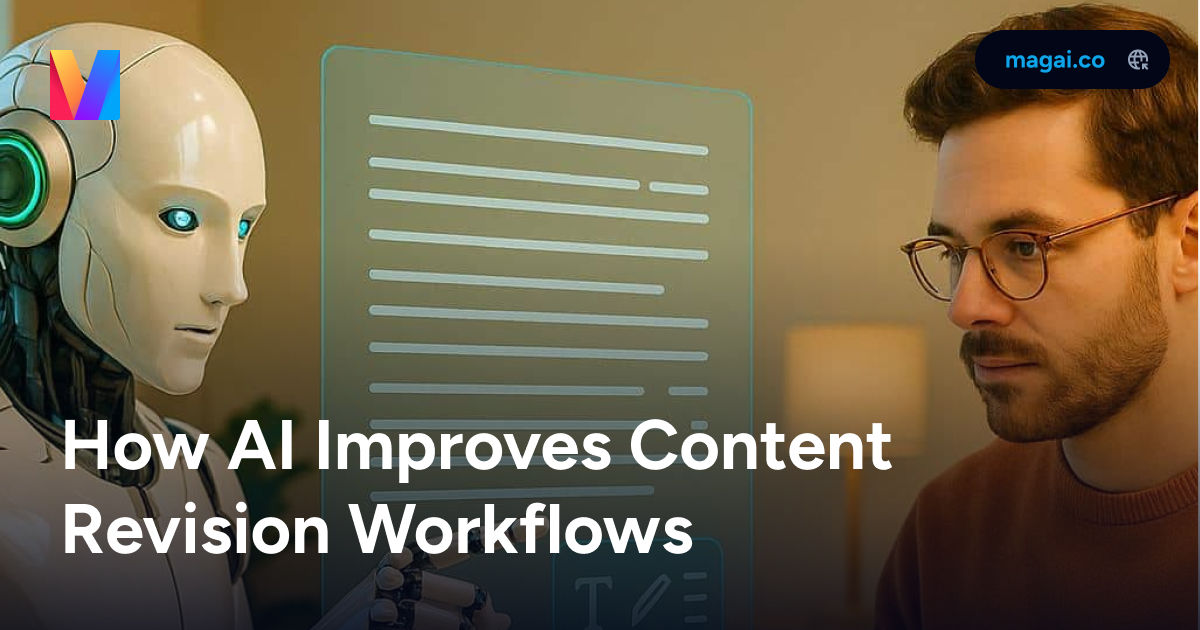
📊 AI is transforming content workflows! Teams report:
• 60% faster editing time
• 54% lower costs
• 56% smoother processes
The future of content revision is here. Learn how AI is revolutionizing the game:
https://t.co/eubA8SQv1G
Daily AI Tip: Document Management
📝 Streamline your document workflow with Magai:
- Use Document Editor alongside chat
- Import URLs for instant analysis
- Extract YouTube transcripts
- Export conversations as PDFs
Try: Research a topic using web search while organizing findings in the Document Editor. Pro tip: Create workspace folders for different project types to keep documents organized.
Daily AI Tip: Using AI to Plan Social Media Posts
Want to make your social media content more engaging? Magai can help optimize your posts across different platforms. Try this prompt: "Help me create 3 variations of a social media post about [your topic] optimized for LinkedIn, Facebook, and X. Include best posting times."
This helps you craft platform-specific messages while maintaining a consistent brand voice. You can then use Magai's image generation to create matching visuals that complement your text.
🤖 Did you know: Adaptive AI learns and evolves in real-time, while Static AI follows fixed rules. The difference? One shapes itself, the other needs reshaping! Learn more about choosing the right AI for your business: https://t.co/v0ZfEHQfOo
Daily AI Tip: Multi-Model Image Creation
🎨 Enhance your visual content by combining different Magai image models strategically:
Primary Generation:
Dall-E 3 - Photorealistic scenes
Flux 1.1 Pro Ultra - Artistic interpretations
Stable Diffusion 3.5 - Detailed illustrations
Ideogram - Typography and design
Enhancement Flow:
1. Generate base image
2. Use image-to-image for variations
3. Apply Stable Style for consistency
4. Add motion with Leonardo Motion
Try: Create a product showcase using Flux 1.1 Pro Ultra, then enhance with Stable Style for brand consistency.
Pro tip: Use the Prompt Enhance button to refine prompts automatically, and save successful combinations for future projects.
🤖 Did you know? 80% of consumers prefer personalized experiences, and generative AI makes it possible at scale. Companies using AI-driven personalization see up to 8x ROI on marketing investments!
Learn more: https://t.co/zj2TI4ZDMe
Daily AI Tip: Weekend Content Planning
📱 Plan next week's content using AI assistance:
- Generate content ideas
- Optimize the best times to post
- Create visual templates
Try: "Create a week's worth of social media content with matching visuals."
Pro tip: Save successful prompts for consistent quality.
📊 Understanding weighted metrics is crucial for ML model evaluation. They prevent dominant classes from skewing results and ensure fair evaluation of underrepresented classes. Learn more about macro, micro, and weighted averages: https://t.co/vjEK1mgnHI
Daily AI Tip: Research & Development
📚 Maximize research efficiency:
- Enable web search for current data
- Import YouTube transcripts
- Use URL imports for analysis
- Leverage Perplexity Deep Research (0.7x)
Try: "Research market trends, then create a comprehensive report."
Pro tip: Use the Document Editor to compile findings while maintaining citations.
📊 94% of consumers want AI-generated content clearly disclosed.
Learn how watermarks and labels can help maintain transparency while protecting your content integrity.
Full guide here: https://t.co/mI1rXn1teo
Daily AI Tip: Video Content Excellence
🎬 Create engaging video content using multiple models:
Basic animation: Leonardo Motion (2x)
High quality: Luma (8x)
Premium effects: Veo 2 (42x)
Text-to-video: Kling 2.1 Master (23x)
Try: "Generate a product demonstration with smooth transitions and dynamic movement." Pro tip: Test concepts with Leonardo Motion before using higher-multiplier models.
⚖️ EU's AI Act mandates human oversight for high-risk AI systems.
Non-compliance penalties: Up to $37.5M or 7% of global turnover.
Is your organization prepared?
https://t.co/fhwdnsXEln
🔄 Pro tip: Don't choose - combine!
Use ChatGPT for brainstorming
Claude for analysis
Gemini for fact-checking
All in one place with Magai!
Learn how: https://t.co/YzKCe1JkF9
Daily AI Tip: Smart Model Selection
🎯 Optimize your workflow by choosing the right AI models for different tasks:
Quick Tasks (Low Cost):
Brainstorming: Gemini 2.5 Flash (0.1x)
Basic edits: Nova Micro (0.01x)
Simple queries: Llama 4 Scout (0.01x)
Detailed Work (Medium Cost):
Creative writing: Claude 3.7 Sonnet (2x)
Image generation: Flux 1.1 Pro Ultra (2x)
Animation: Leonardo Motion (2x)
Pro tip: Start with low-multiplier models for drafts, then switch to premium models for final versions.