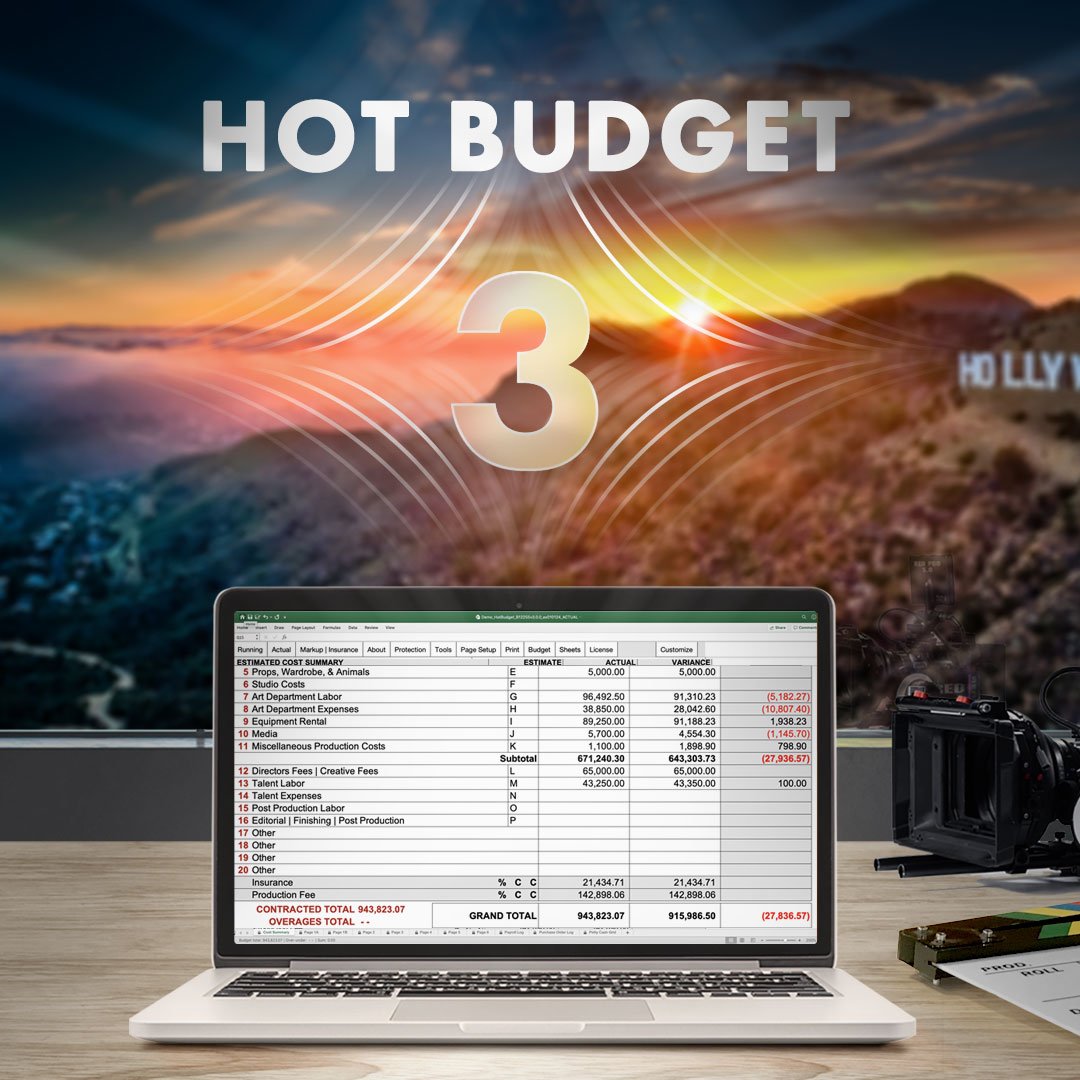
Add Contingencies to the Cost Summary Page that can be displayed in the print or pdf output of your budget. This feature is only available in Hot Budget Version 3.
Visual Instagram Guide: https://t.co/v2FT7CrL8B
Computers with M1 or M2 chipsets should turn on the Rosetta Setting before using Hot Budget. A visual guide can be found on Instagram: https://t.co/FnXNSRXOyC
Hot Budget Version 3 allows you to choose from multiple templates for commercial/music video, post production, and animation. An overview and PDF previews of the templates can be found via https://t.co/9W8Xkl9oN0
Video on YouTube: https://t.co/jgwZpK3QlR
Hot Budget Version 2024 updates are now available. Download and purchase your licenses today and continue using Hot Budget into the new year. 2023 calendar year licenses and templates will expire midnight on December 31st.
Download & Purchase: https://t.co/IIAu7F9qC6
Hot Budget Version 3 is now available! It features multi-template support, dynamic sheet creation, range validation and relaunch recovery.
Download Version 3 via https://t.co/IIAu7F9qC6
#production#budgeting
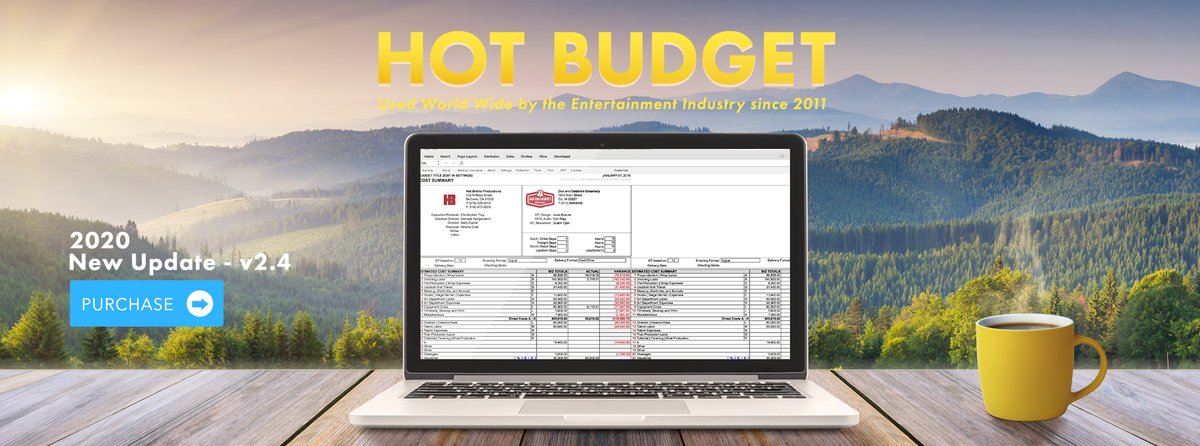
#HotBudget 2.4 for 2020 is now available for purchase and download via https://t.co/xKlVgh6gLw
» Please review the compatibility requirements on our site before purchasing Hot Budget.
For our production budgeting needs, there's none better than @HotBudget. Comprehensive, clear, and flippin' awesome, us it for all of your projects.
https://t.co/owaEqbsY96
Mention "Action Ready Supplies" when you rent $500 worth of production supplies from Hot Bricks (by Oct. 31, 2019) and earn one free Hot Budget license good for the remainder of 2019!
Hot Bricks: https://t.co/3KmOqjBU70
Order Form: https://t.co/D3fqRusnn7
@donwardson13 Hi Donwardson, very late response but Hot Budget is an Excel template. It can't be used with Google sheets. If you need help in the future please contact [email protected]