@somebobcat8327 Maybe there was some kind of bug on their side. I'm not aware of any sale starting on 19-20 Dec.
(If you're referring to the sales marks on Orbital Market: I haven't found the time to fix the scrapper yet... Should be fixed soon!)
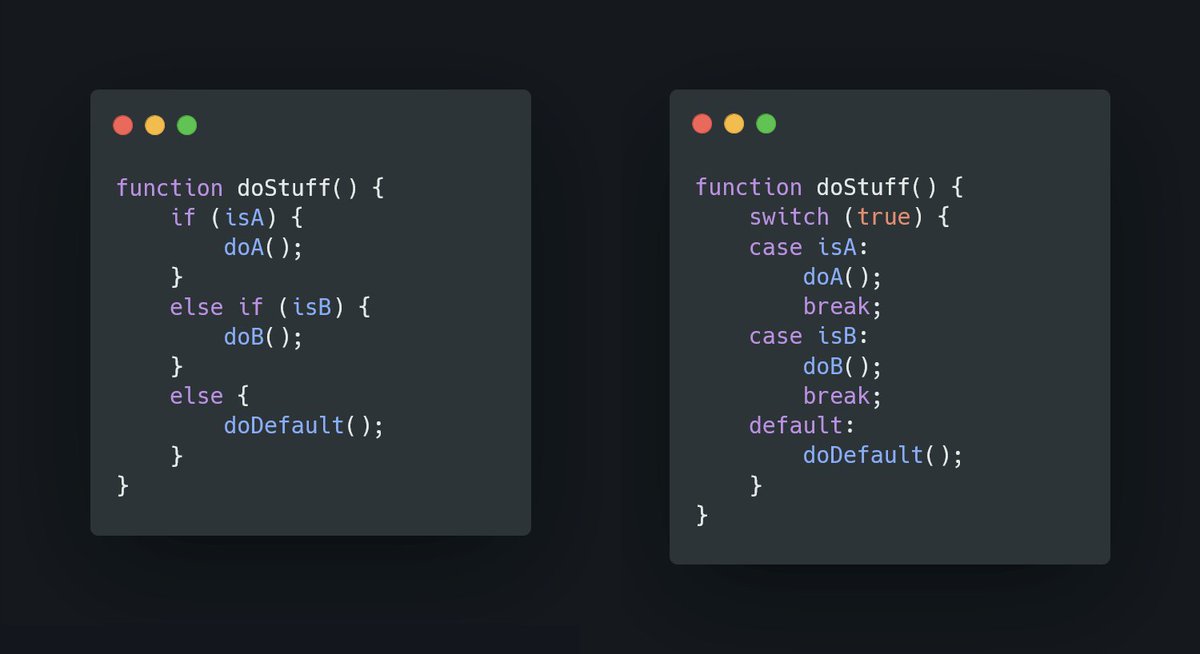
I know the "if-else" pattern is a lot more common and simpler when there are few conditions, but I'm starting to really like this "switch(true)" pattern. I feel it's easier to read when there are a lot of conditions. Wdyt?
Working on the menu bar of the desktop version of
@LunaParkHQ!
It's weird to compare desktop and web apps... There's usually no cursor change on a menu bar.
So, would it be better to keep the default cursor? Or keep the "standard" UX rule of webdev and use a pointer cursor?
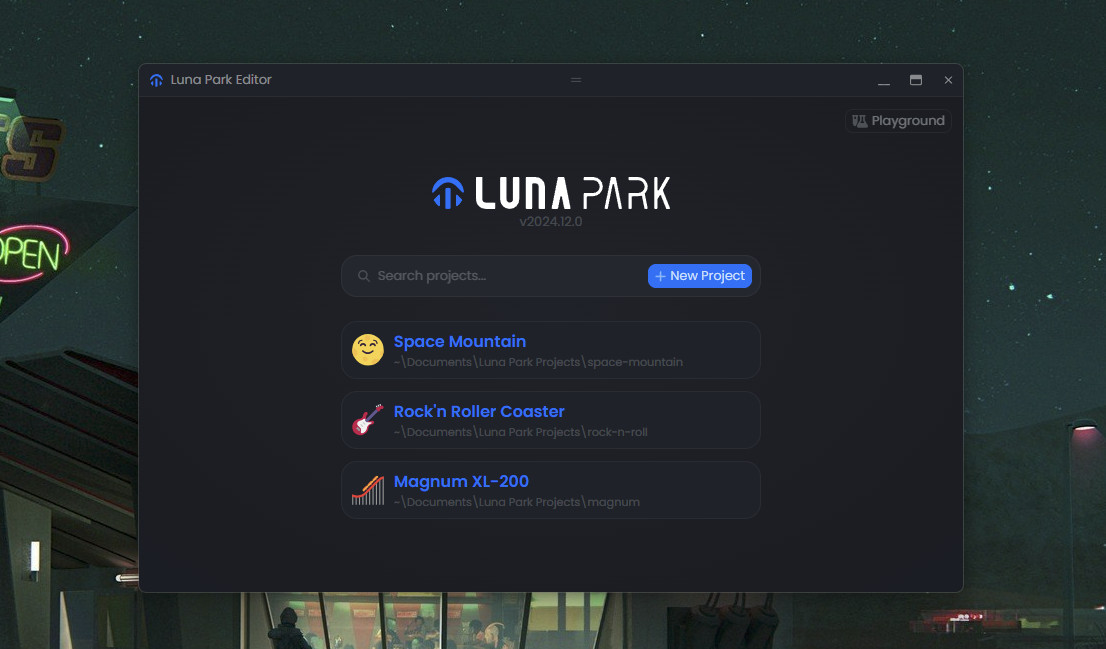
Short break on the tutorial level design, I HAVE to build that desktop version of Luna Park... So here it goes using @TauriApps (I love it so much)
For now, I just have the launch screen, but it's taking shape. Next step is to use the file system to open/save projects.
@adrienrna I went with the simple option: it's all emojis! (So it might not look the same depending on your OS)
Each emoji is linked to the content of its level 😎.
@Iggydus Hey, sorry for this, it's a known bug which is going to be fixed as soon as the marketplace validate the update... https://t.co/cx22zr0Oxy
In the meantime, you can disable "Activate Popup on Update" in the settings.
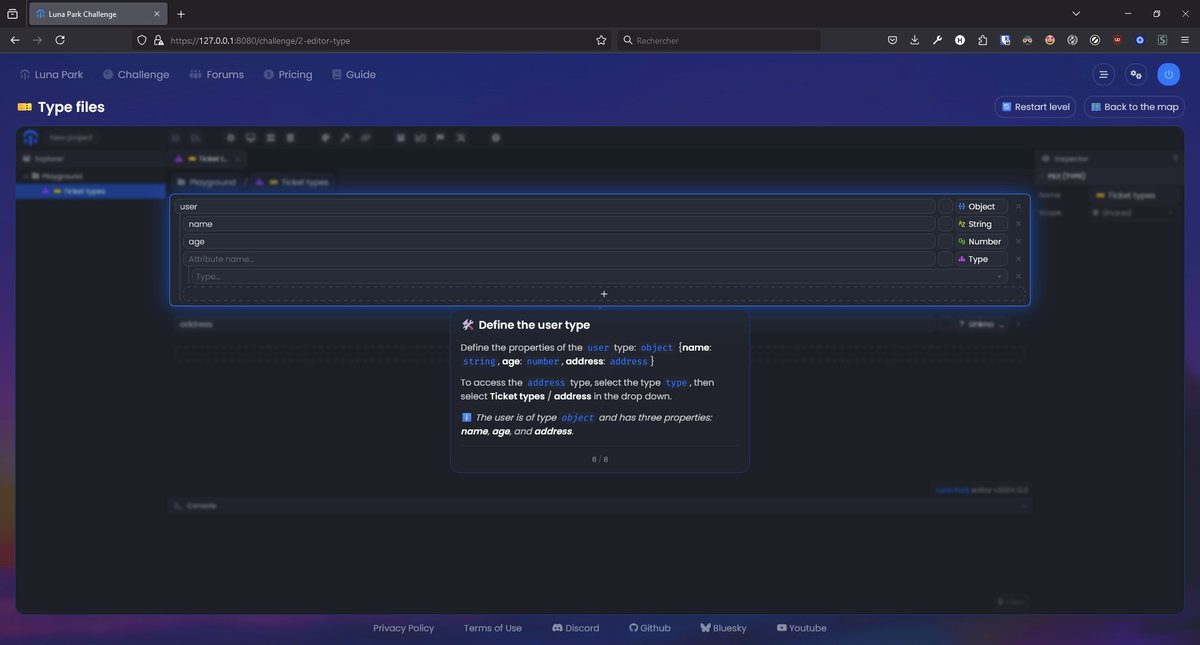
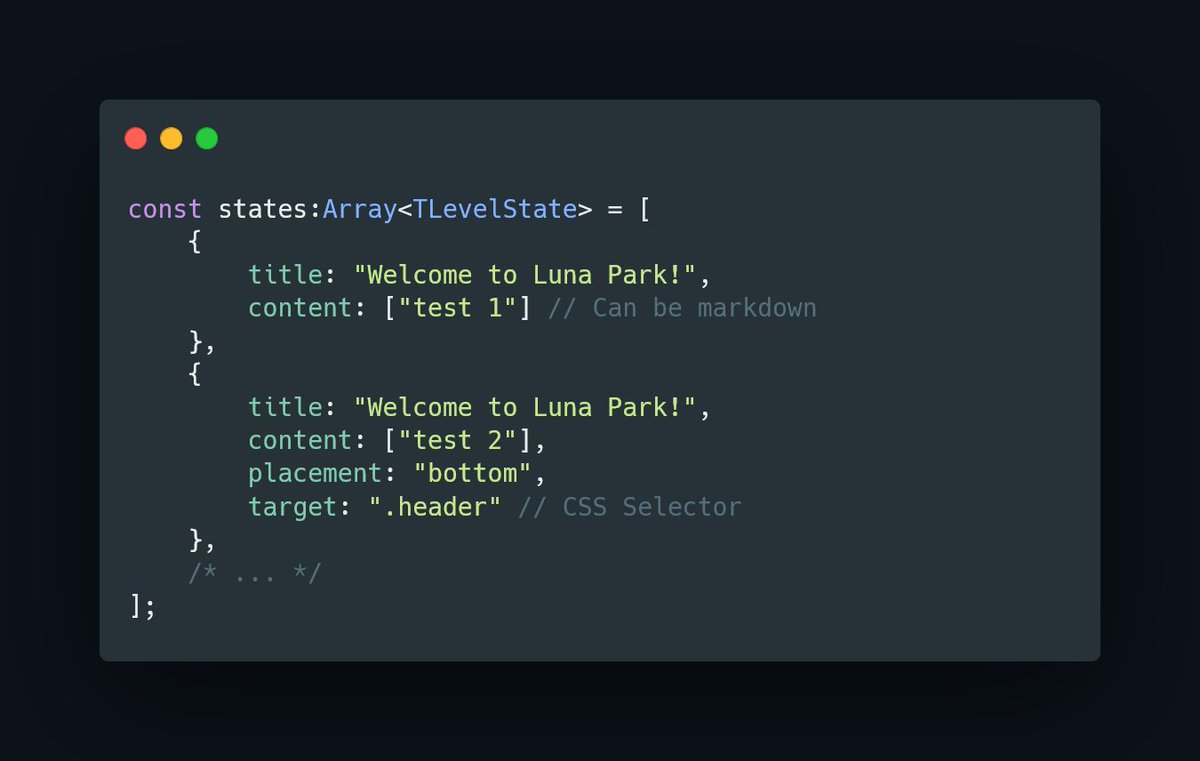
Still working on my tutorial. I implemented a system of popups and highlights to give specific explanations on any part of the editor 😄.
I mainly used Vue's <Teleport> component, and Vue-Use useElementBounding() utility.
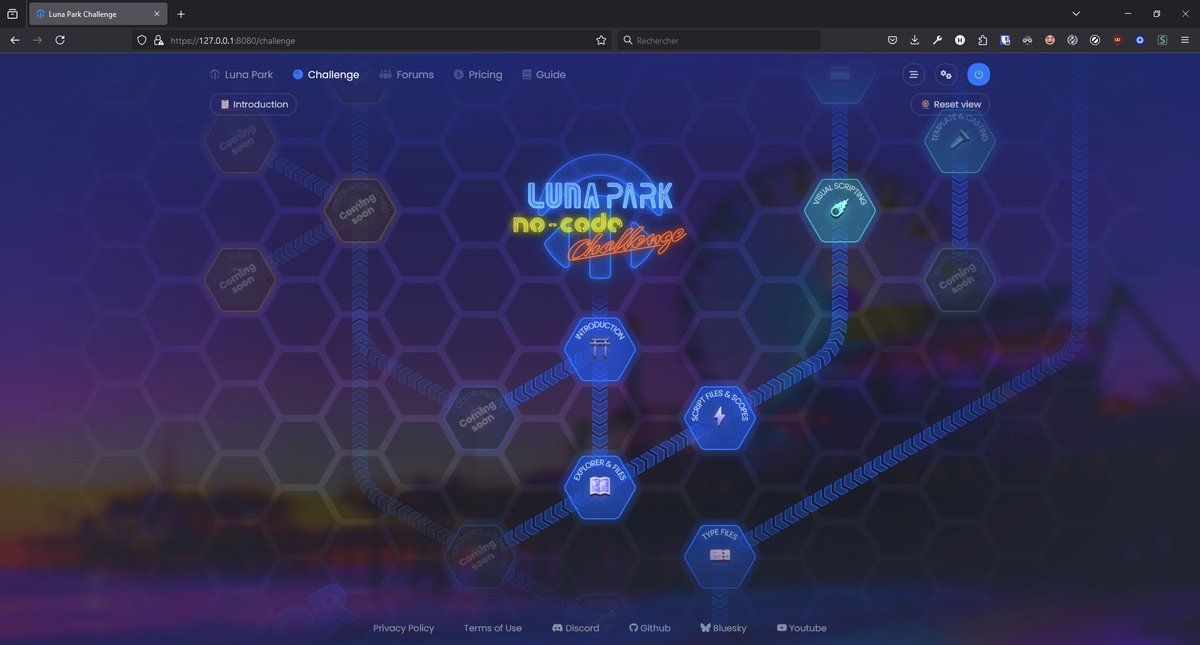
Working on the next version of @LunaParkHQ tutorial. This map with levels will introduce all the features available, from frontend building to algorithmic and deployment 😄 !
Hopefully, this will be ready for December 🤞.
@CarlosGameDev Hey @CarlosGameDev! The videos are displayed in the order they are found in your description 🙂. I check it and here are you video links:
- "disable any UGT Feature"
- "Easy Integration"
- "Video Tutorials (English)"
- "Video Tutorials (Spanish)"
- "Step by step guide"
First PR landed in @vite_js 🤩! Thanks a lot to @sapphi_red, @bluwyoo and @patak_dev for their review and help ❤️!
The next version of Vite will have "?inline" and "?no-inline" queries for imported assets 🥳
https://t.co/nbp0k4EwGE
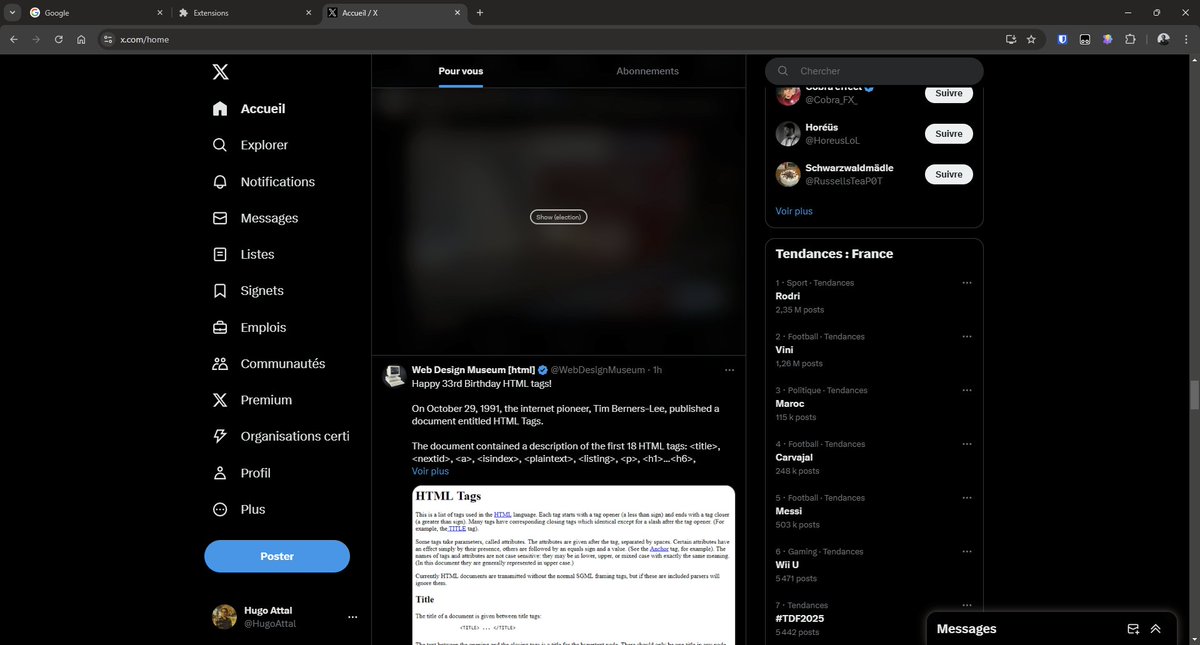
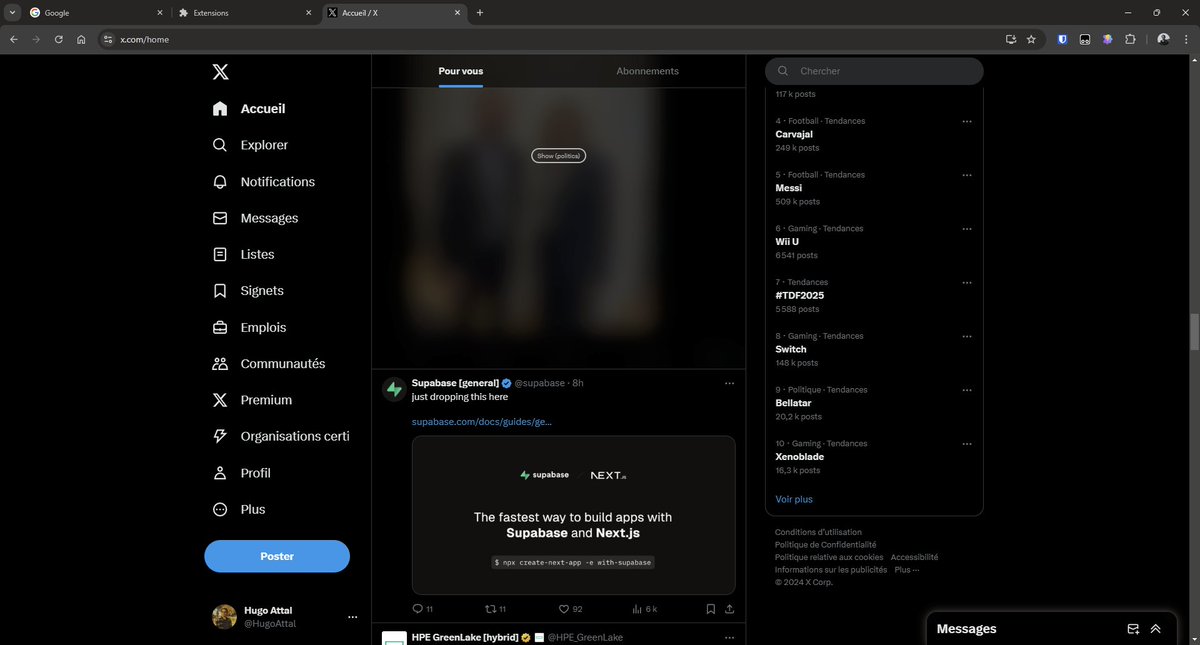
I made a focus mode for Twitter that hides all political/election/hateful content using a local LLM.
I find Twitter more and more clogged with content I don't want to see (I'm here for the tech), so I thought about this little experience using the experimental Chrome AI API.
I didn't delete the flagged posts because of the virtual scroller, which is good for performance but makes DOM changes unpredictable.
A better way to handle this would be to intercept requests and remove flagged posts there, but I think it's no longer possible since manifest v3.