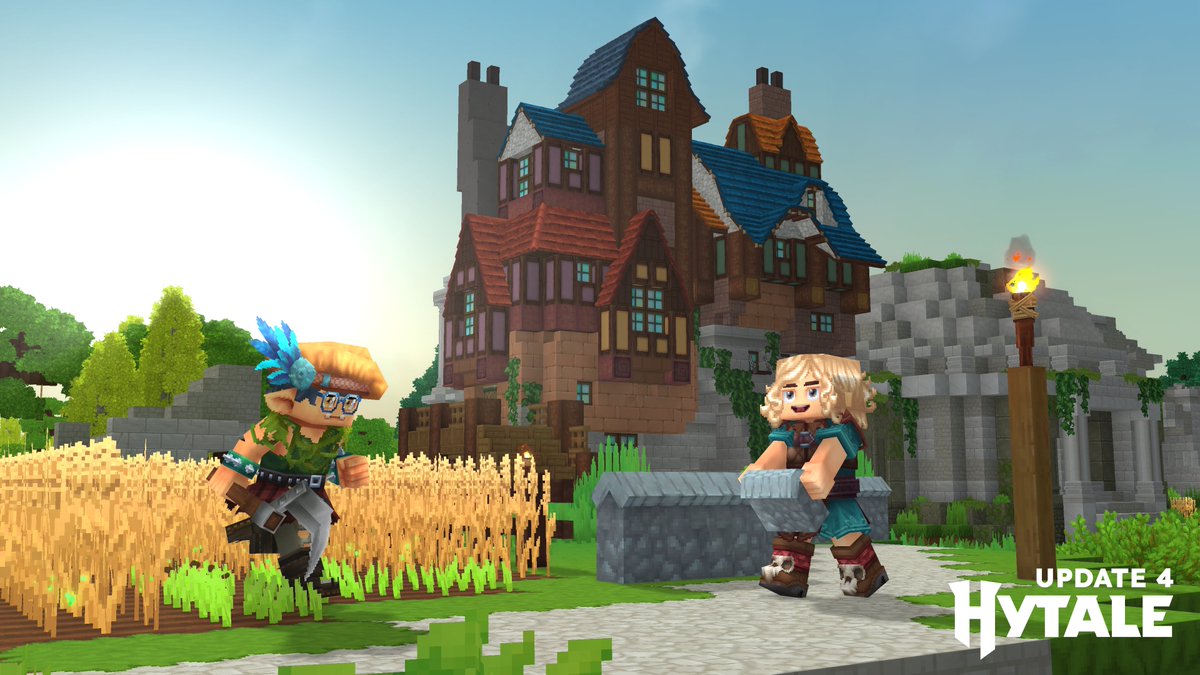
📢 Hytale’s Update 4 is now LIVE! 📢
Today’s blog post dives deep into our headline updates with tons of new screenshots/videos + Full Patch Notes.
▶️ Read it here: https://t.co/1t7O1w0PZg
FEATURES & HEADLINE UPDATES
- 500+ New Blocks
- Proximity Voice Chat
- Emote Wheel + New Emotes
- 7 New Hairstyles
- New Creative Tool: Revolve
- New Sickles Added
- And so much more!
Thank you for all your continued support and feedback! 💚 #Hytale #HytaleUpdate4
Hytale Update 3 releases Tuesday, February 17 at 10 am EST.
We are also planning a pre-release for Update 4 (part 1) on Thursday of the same week.
Have a great weekend!
Pre-Release Patch Notes (Feb 11, 2026)
Update 3 (Part 3 of 3)
Enable via Launcher → Settings → Pre-Release
The release of Update 3, including its 3 parts, is scheduled for next week!
HEADLINE FEATURES
- Added a very basic, early version of taming! Some of the friendlier animals you find in your adventures can now be tamed, provided you have their favourite food in hand!
- Tamed animals can be petted with an empty hand and fed once in a while - some of them can also be milked, sheared, or mounted!
- Tamed animals won't run away from players (unless they’re hit), and will occasionally greet them.
- Added Sickles, capable of harvesting multiple crops in a single swing.
- Updated climbing, enabling side-stepping, dropping down, and rotating around ropes.
- Added an Anchor UI system, enabling server plugins to add UI elements to client pages, such as the world map. This will allow modders to insert into various predefined points as we add them.
- Brazilian-Portuguese and Russian have been added as our first new in-game language options, kicking off the first phase of our localization efforts. Additional languages will be introduced in the coming weeks.
CONTENT
- Updated a number of prefabs, removing workbenches and chicken coops from several of them.
- Added a green variation of the Rhino Toad.
- Updated the requirements for Farmers Benches:
- Tier 4 now requires Drywood Log instead of Redwood Log.
- Tier 6 now requires Redwood Log instead of Drywood Log.
- Updated the crafting times for several early-game items:
- Crude ammo, weapons, and tools now craft instantly.
- Builders Bench craft time reduced from 3 seconds to 2 seconds.
- Chicken Coop craft time reduced from 4 seconds to 2 seconds.
- Overpants are now referred to as Legwear.
- Added random block ticking and the spreading of grass.
- Shortbows and Crossbows can now use ammo directly from the backpack.
- Updated several NPCs with improved target switching behavior.
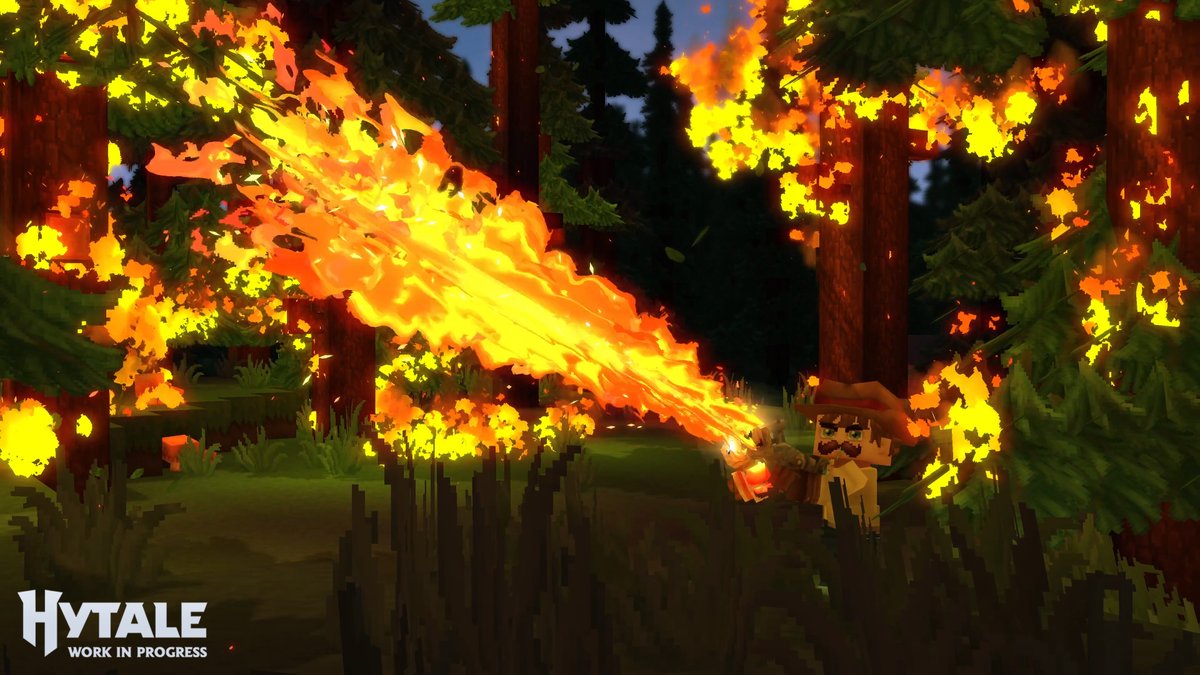
- The flamethrower VFX has been updated, and the weapon now attacks faster.
- Implemented separation between Stereo Headphone and HRTF Headphone modes. Output mode options have been extended to cover Speakers (Stereo), Headphones (Stereo), and Headphones (3D Audio).
MODDING & TOOLS
- Added a warning when loading into worlds with missing mods.
- The Creative Hub, where players initially find themselves on Creative Worlds, is now referred to as the Crossroads.
- Added a ‘Return to Crossroads’ button on the World Map for Creative Worlds.
- Removed some older debug commands and improved validation for the Machinima tool.
- Added the ability to change the playback speed within the Machinima tool.
- Added a new debug flag, VisLeashPosition, enabling visualization of NPC leashing.
- Added a new debug flag, VisFlock, enabling visualization of flock membership and structure.
- Updated packet handlers for builder tools to utilize the World packet handler for world-specific packets.
- Renamed light radius to bright radius and set the default to 1 so that light color is maintained.
- Changed the draft brush shape to Sphere, instead of Cube.
- Entities will now rotate and render in the Selection tool’s rotate/translate mode.
UI/UX
- Reworked item tooltips to better support localization.
- Increased the dimensions of some UI elements to better support localization.
- Added a confirmation message when attempting to swap Avatar Presets with unsaved changes.
- Added an Avatar Presets counter to the Add Preset button.
- Improved navigation of longer server lists.
- Added a scrollbar to aid navigation for users with a large number of mods.
- Added Noto Sans as a secondary fallback font for Cyrillic glyphs.
BUGFIXES & OTHER IMPROVEMENTS
- Updated the world map and chunk updates to use their own streams.
- Fixed a crash related to creative tool previews when undoing & re-applying very large changes.
- Fixed a crash when a skin fails to be saved.
- Fixed a crash on Linux when opening a folder without Nautilus installed.
- Added missing validation to reduce the number of IllegalStateExceptions that may be encountered.
- Fixed an issue whereby copied entities could share data structures incorrectly.
- Fixed an issue whereby debug frustums would not render.
- Fixed an issue whereby key binding information would not display correctly.
- Fixed an issue whereby some Apple Trees would float off the ground.
- Adjusted the player hitbox when sitting and sleeping.
- Fixed an issue with the spawn suppression system crashing upon regenerating chunks.
- Fixed an issue where respawning inside of a portal world would leave the player in a zombified state.
- Fixed an issue with full-bright toggling that prevented full brightness occurring when entering Creative mode.
- Fixed an issue with server configurations enabling all mods by default.
- Fixed an issue whereby some unlucky fish would spawn in lava.
- Fixed a number of village furniture items incorrectly requiring a pickaxe to break.
- Fixed a number of issues related to clouds when the weather transitions.
- Fixed an issue with fire spreading above 256 blocks.
- Fixed an issue with durability whereby dying would cause some carried items to incorrectly become unusable.
- Fixed an issue with client worlds not enabling backups by default, if not otherwise configured.
- Fixed a number of memory leaks.
- Updated some grammar and removed some typos.
LAST WEEK
Pre-Release Patch Notes - January 29, 2026
Update 3 (Part 1 of 3)
MAP & NAVIGATION
- User-placed Map Markers have been added!
- Create custom markers anywhere on your map with customizable names, icons, and colors
- Share markers with other players in multiplayer
- New gameplay settings to toggle marker visibility on map and compass
- Delete markers via the map context menu
- Updated map marker icons and improved their display resolution
- Player names are now always rendered on the map and are more readable when zoomed in
- Compass now shows different icons based on vertical distance (above/below you)
- Teleport option is now hidden for map markers when in Adventure gamemode
COSMETICS & CUSTOMIZATION
- New Avatar customization options:
- New Hat: Tweed Hat
- New Overtop: Mage Shirt
- New Shoes: Styled Flats, Wedge Shoes
- New color variations for Fashionable Shoes
- New haircut added
- Updated visuals for the Morning haircut
- Added Construction Hard Hat
COMBAT & ITEMS
- Weapon Adjustments & Fixes:
- Adjusted damage value inconsistencies and upgrade differences across some weapon tiers
- Adjusted the guarding stamina costs that were previously misconfigured for certain drop-only weapons
- All spear types should now consistently stack up to 5 and be throwable
- Necromancy Grimoire Improvements:
- Summons no longer take damage from their summoner (and vice versa)
- Summons now respond when the player is attacked, not just when attacking
- Summons are faster and more aggressive
- Added variety to the types of skeletal minions that are raised, including a ranged variant
- Misc:
- Improved in-hand positioning for Ingots and Sticks
GAMEPLAY
- Doors no longer close when blocked by entities or players
- Teleporters now require you to clear a short distance before re-use
- Sort keybind now works in the player's inventory
- Added "Take All" functionality for processing bench output items
- Shift-dragging now quickly transfers items between inventories
- Minecarts no longer move when stuck
- Reduced farming bench tier requirement for Chicken Coop from 5 to 3
- Large Kweebec Chests now support placing blocks on top
- Fixed NPCs in a Coop transforming into other NPCs
- Fixed being able to capture a dead NPC with the Capture Crate
- Reworked utility wheel quick swap to include the inactive slot
BLOCKS & WORLD
- Re-added Incandescent Volcanic Rock
- New block textures and variants:
- Thorium Cracks
- Basalt Cracks
- Magma Cracks
- Mud Dry Cracks
- Updated crack variants for 4 Ore blocks
- Updated Cobalt texture
- Fixed Magma Adamantite block tiling
- Added Default_Flat and Default_Void weather configurations for their respective world instances
AUDIO
- Fixed water emitter radius so audio plays properly in stereo instead of just the left ear
- Fixed audio emitter entities not playing correctly
- Fixed fluid ambient effects not triggering properly
- Updated sword swing and impact sounds
UI & QUALITY OF LIFE
- Moved container action keybind indicators to a better position
- Fixed chest/bench keybind tooltips when keybinds are unassigned
- Updated workbench chest connection radius text to be clearer
SECURITY
- Fixed a permissions bypass in the Asset Editor that allowed unauthorized JSON asset modifications to non-standard asset packs (already patched in release builds)
STABILITY & BUG FIXES
- Improved world generation performance
- Fixed filler blocks not breaking in some cases (e.g. large doors)
- Fixed block placement mis-predictions
- Fixed issues when changing worlds while mounted:
- Fixed minecart mount state not being removed correctly
- Fixed horse mount state not clearing correctly
- Fixed screen fade issues that could occur during world transfers
- Fixed an issue that could cause chunk saving to deadlock when removing a world
We are pleased to announce a special collaboration with a core member of the Hytale modding community - @Kaupenjoe!
Working closely with modders, gathering feedback and suggestions from the Hytale community, he will serve as our official Modding Ambassador to help us capture requests that will feed directly into our work backlog to improve Hytale modding!
Expect regular streams, tutorials and AMAs from him on anything modding-related in Hytale on his YouTube channel. He'll also set up a dedicated Trello board for community requests to ensure feedback and ideas are managed effectively. While not every request can be implemented, this ensures feedback is seen, discussed, and prioritized transparently.
This will lead to more direct communication, clearer priorities, and community-driven improvements to our modding tools!
We expect this partnership to be a great benefit for our community, and we look forward to working more closely with Kaupenjoe and the community.
Please join us in welcoming Kaupenjoe as our official Modding Ambassador!