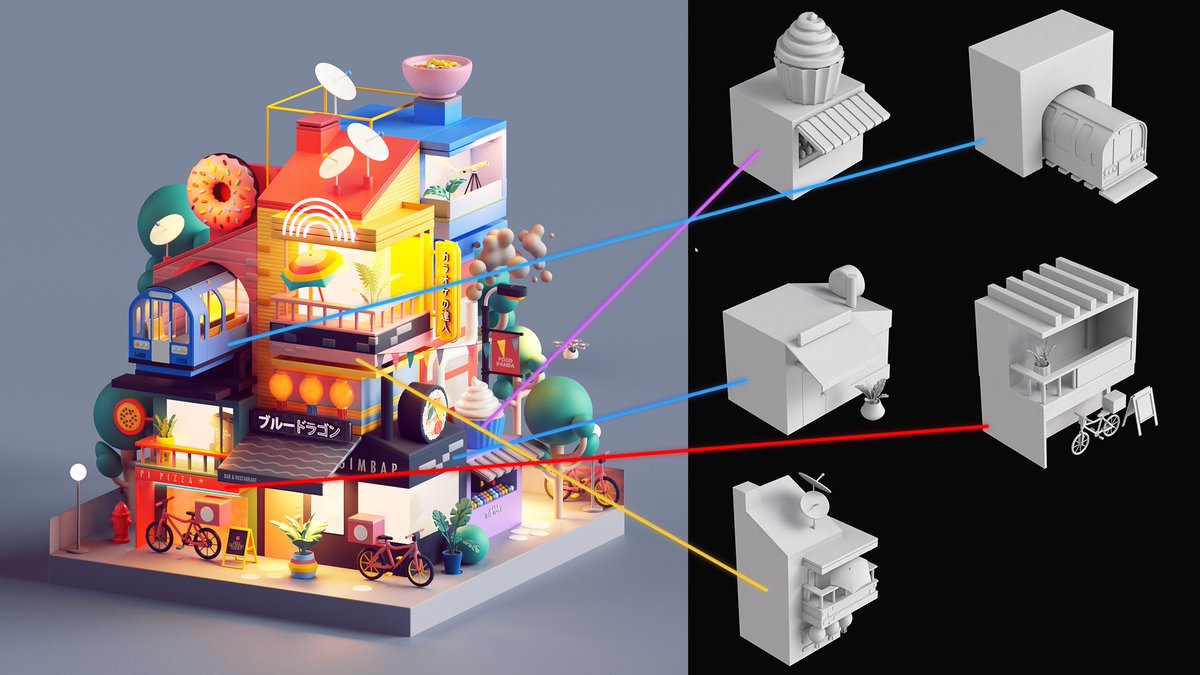
@animtree This is amazing. Been trying to wrap my head around for a while trying to understand how this was made. Is this super complex or does it use some sort of texture based or predefined mesh pattern for the bricks?
#b3d tip: Since Blender 4.0 snapping has gotten a lot faster and more accurate, thanks to the new Base Point feature. In this video we look at how it works, and how it can help us.
This little test is 50 frame. 0.55 seconds x 50 frames, this should render in 28 seconds-ish. Right? Here's the animation. WELL, I've told you never to render in PNG right? Here's why! See the table on the next tweet. This is how long each output takes to render the 50 frames.
⚡️ The teaser for Blender-to-Resolve freemium series is coming tomorrow alongside the release date announcement! 🦐
p.s. Haha, and this tweet is a teaser of the teaser then. 😌🤦
#b3d
Houdini 20.5 Sneak Peek - check out some of the upcoming new tools and enhancements that will be in the next public version of Houdini! More information to be revealed at the Paris launch on June 18, 2024.
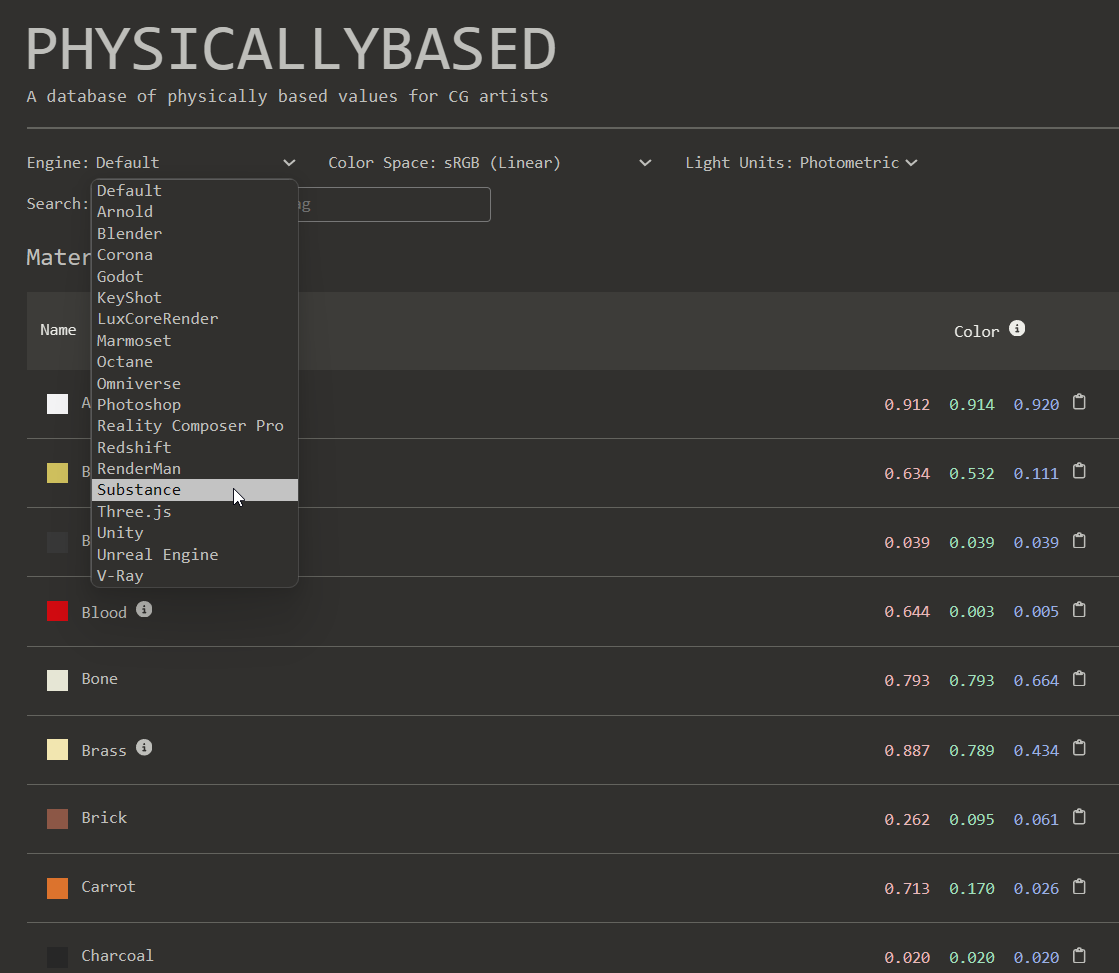
A really great material resource is https://t.co/lost7byvLy
it's a huge database of material values that target a wide variety of engine platforms. Like Unity, Unreal, Godot, Blender, Substance Painter and Marmoset. Which is just perfect for texturing.
#gamedev#gameart
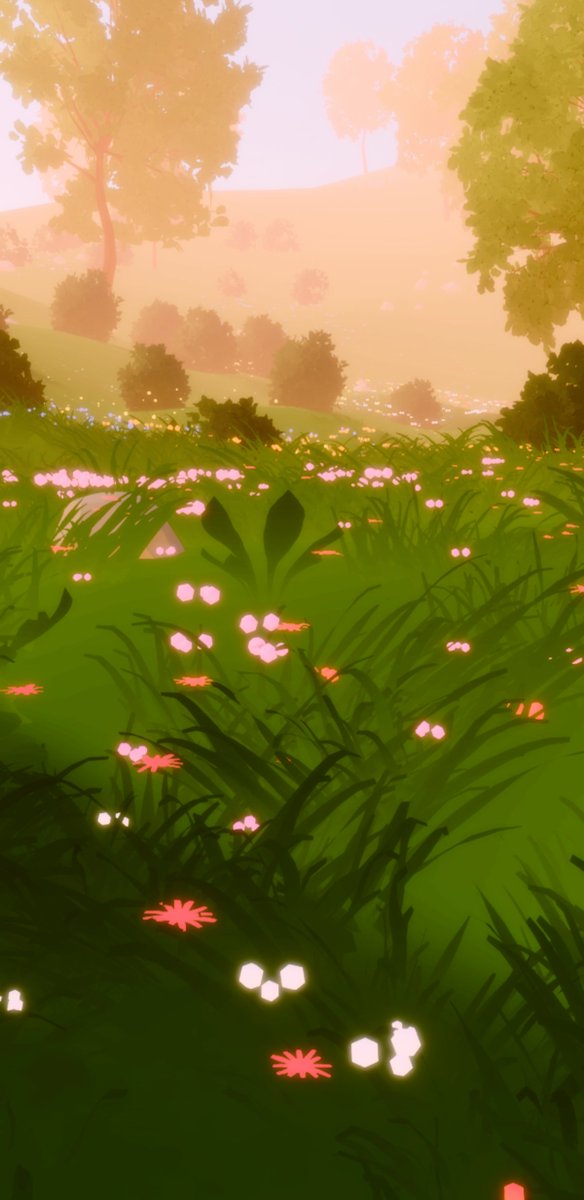
Good news, got into import plugins and learned that Godot lets you modify scenes on import 🤖
This is big because it allows you to use the power of Blender geonodes as a world generation tool seamlessly. This is basically a Blender-Godot equivalent of Unreal PCG
Not sure why this isn't default, but set the #b3d 3D Cursor hotkey to Geometry. Then you can set your orientation to 3d Cursor to move stuff perpendicular to any surface or align objects super fast.