Create your very own AI Influencer with Midjourney v6 !
Despite not being the "go-to" AI to do it, Midjourney is pretty capable when it comes to using images as references.
But the easiness of execution is where it shines!
Here is the 2 step process:
1. Generate your reference image, you want as less distraction as possible so that Midjourney can have a really great understanding of the subject later on.
💬 instagram style photography of a blonde influencer --ar 2:3 --v 6 --style raw
2. Time to feed this image back into Midjourney.
If you have access to the alpha website, just click on "Use Image" and go on with the prompting — Else, copy the image URL (open the image in the browser and copy the url), paste it as the first token of your prompt, then go one with the prompt.
💬 <image url> an instagram influencer at a golf course --style raw --stylize 250 --v 6
→ You may have seen that I kept the description of the subject in the prompt, that seemed to help Midjourney focus on the changing elements, in this case, the backdrop.
You can add as many reference images as you want, and if needed, you can play with the --iw parameter to define the weight of your images in the prompt (from 0.5 to 2)
- A lower value let more freedom to Midjourney, while a higher value (anything above 1) restricts it.
Today is officially the last day I'll be using Midjourney in Discord!
The only thing that kept me in discord was the ability to organize projects in my own servers
But MJ just pushed a big update to their web alpha that makes staying organized WAY easier
All the new features:
Delicious 128x zoom
NanoLand: Bonus
"Everyone is happy"
🔊 Sound on
Prompts and settings
Midjourney Prompt:
a slice of hot pizza in the air, black background, product photography --style raw --v 6
Magnific Prompt:
a slice of hot pizza in the air, black background, ultra-realistic, 8k
1️⃣ First Magnific enhance
→ Preset: Standart
→ Creativity: 6
→ HDR: 0
→ Resemblance: -3
2️⃣ Second Magnific enhance
→ Preset: Standart
→ Creativity: 2
→ HDR: 0
→ Resemblance: -1
3️⃣ Crop it and replace the prompt with what you want to see, then repeat.
The Magnific prompts I used in order:
→ a slice of hot pizza in the air, black background, ultra-realistic, 8k (for initial enhance)
→ macro shot, a slice of hot pizza, roasted cherry tomatoes, melted pizza cheese, black background, ultra-realistic, 8k (for 4x zoom)
→ macro shot, a slice of hot pizza, melted pizza cheese, black background, ultra-realistic, 8k (for 8x zoom)
→ macro shot, melted pizza cheese, ultra-realistic, 8k (for 16x)
→ macro shot, (Molecular structures:1.5), melted pizza cheese, ultra-realistic, 8k (for 32x, 64x, 128x)
That's all!
If you like what you see,
You can repost and follow me.
I'm exploring and sharing Gen AI daily.
See you in another one! ✌️
🚨#promptShare🚨
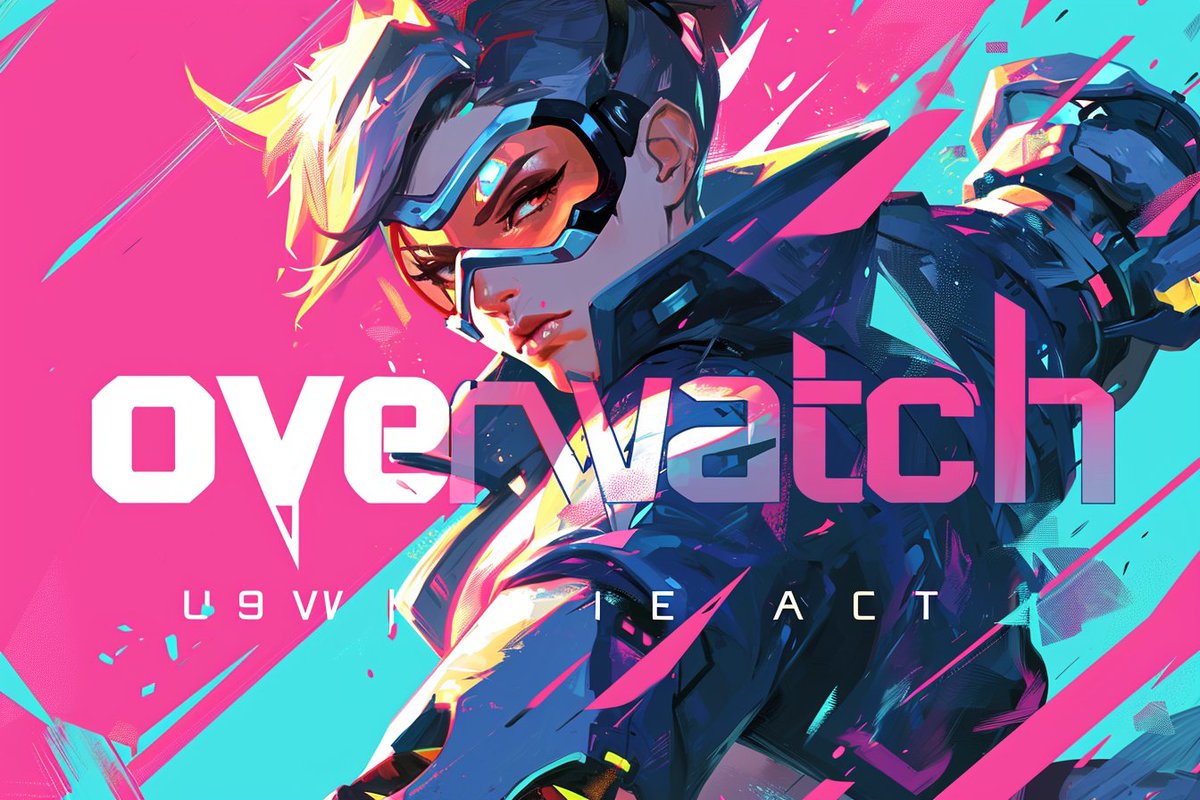
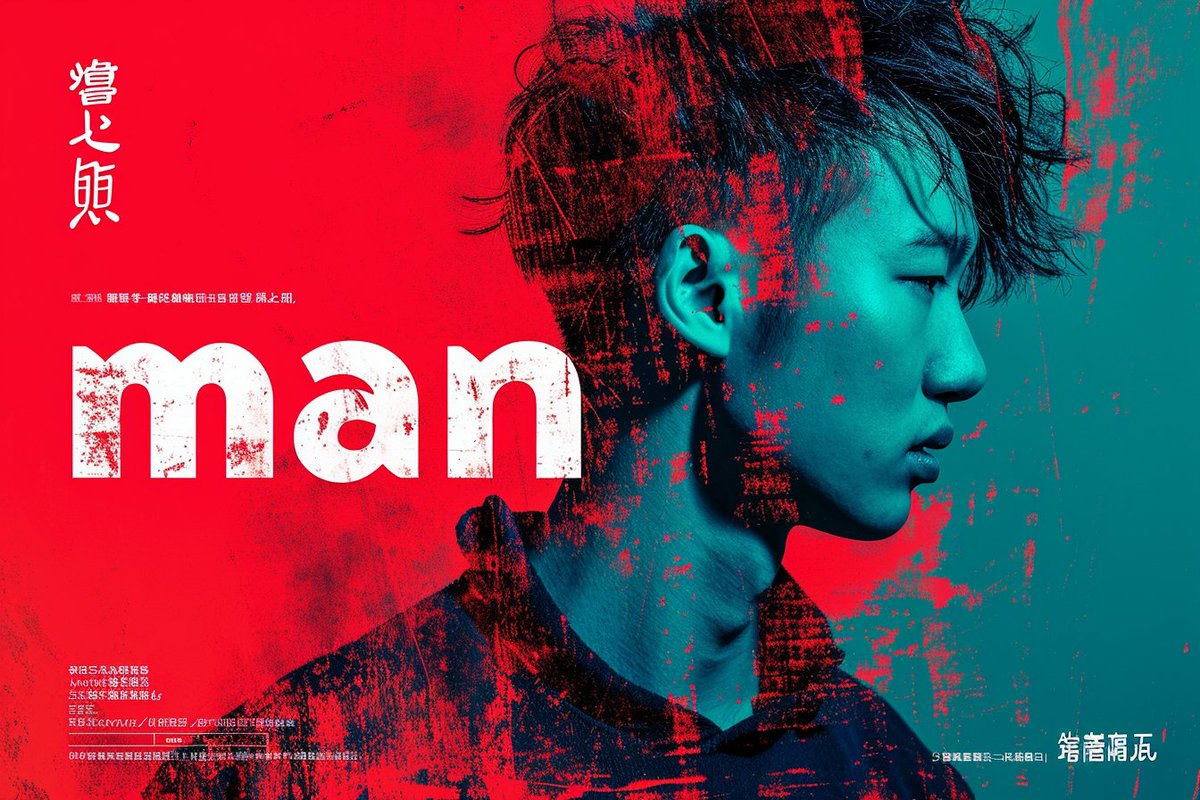
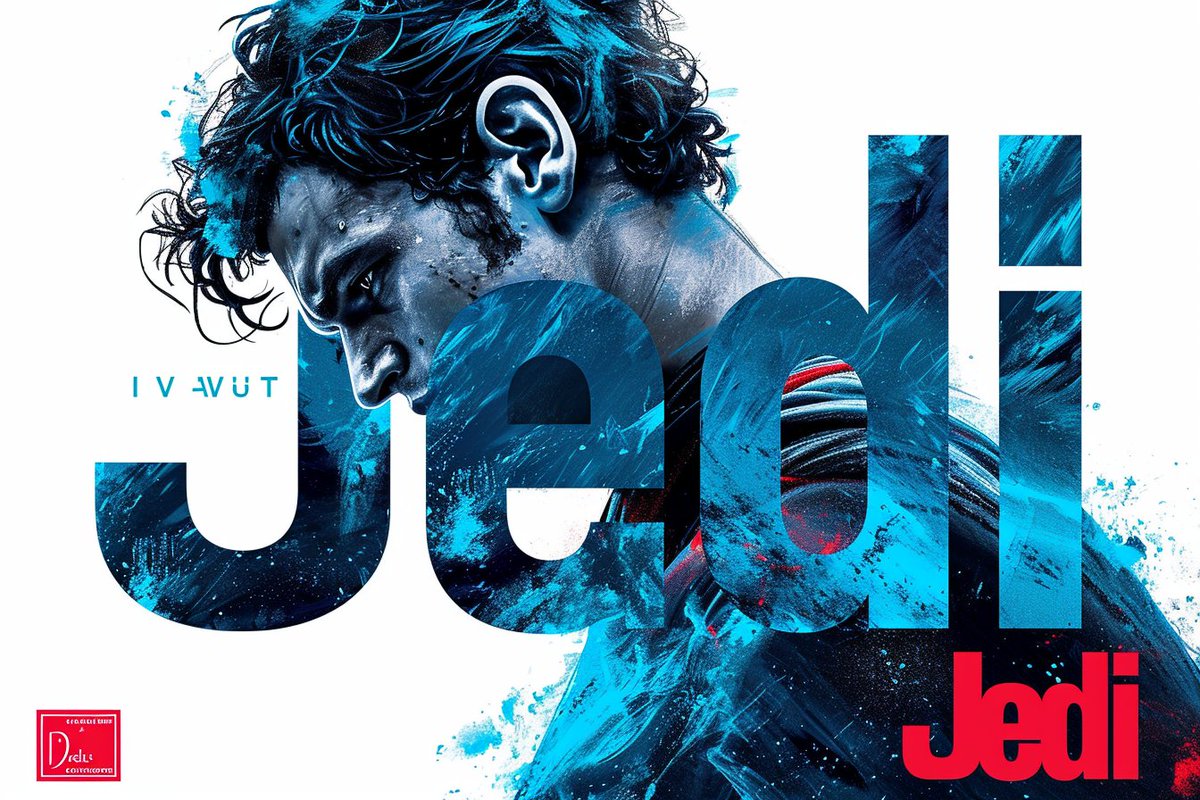
Launching a new, creative typographic prompt!
Perfect for highlighting characters, games, or all sorts of objects.
Like, give it a try, and share your best creations!
In 2023, I've shared with all of you over 700 prompts, guides, and tutorials for MidJourney. And 2024 will be even wilder!
I've selected my top 🔟 prompts to see how they turn out with v6.
🏷️ Bookmark now, thank me later! 😉
#PromptShare#MidJourney#AIArtCommunity
🎬 First quick teaser made on @pika_labs ! Like any video AI, it has some bugs and imperfections, but the potential is huge. By 2024, we could definitely be making Pixar-quality productions with AI.
Meta inicia la conversión de texto a vídeo.
Y el resultado literalmente destroza a la competencia.
¿Y lo mejor? Es GRATIS.
Te explico cómo funciona y te muestro las mejores creaciones:
🟠 Te comparto las 3 P de la felicidad laboral para aportar al bienestar de tu equipo, ¿por qué es importante?. Porque tener colaboradores felices te asegura beneficios...
#liderazgo#lider#productividad#climalaboral#exito