how to permanently disable AI overview on google searches in Google Chrome
1. copy-paste this in your address bar: chrome://settings/searchEngines
2. Next to the "Site search" section click on "Add" button.
3. Fill the details in the dialog window:
Search engine: Google Web
Shortcut: @web
URL: {google:baseURL}search?q=%s&udm=14
You will see your new search engine "Google Web" in the list. Click on the menu icon next to it and then on "Make default".
there you go! no more obnoxious AI overview.
Hey c’mon guys, don’t be so hard on the octogenarian.
He may not be able to clasp a Medal of Honor around a veteran’s neck, but at least he can open a box…
…Jesus Christ, scratch that.
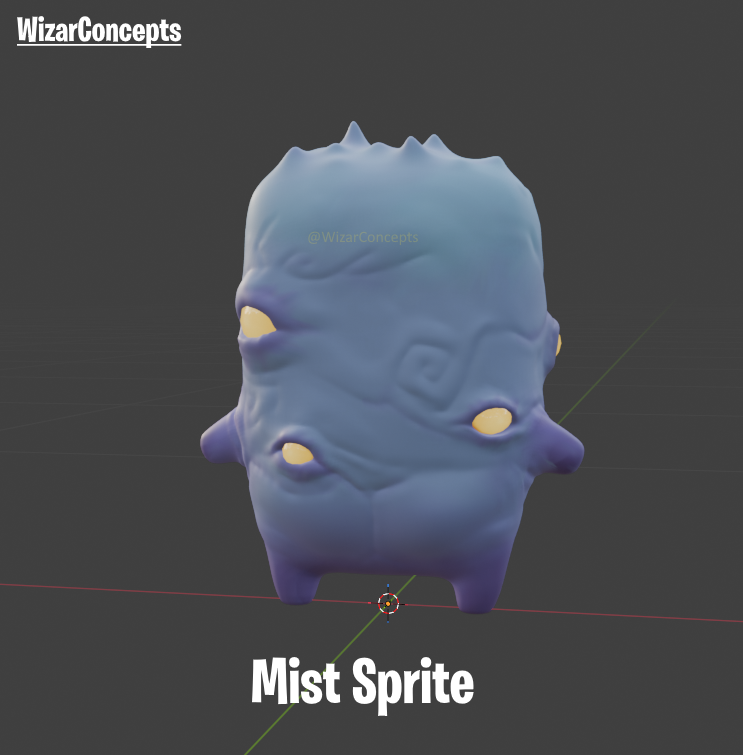
Yo big man @TimSweeneyEpic what do you think of my sprite suggestion ?
It'd be super easy to find and what it does is it kicks you off the CEO chair.
#DesignASprite