Pivoting into Cyber Security 💻 | Training to become a SOC Analyst. Currently deep in networking labs, switch hardening, & core defense protocols. Learning in
I am officially documenting my pivot into Cyber Security.
My ultimate goal is to become a SOC Analyst. Instead of just reading textbooks, I am building out practical networking and security labs from scratch. 🧵👇
My name is Iretioluwa Akerele, Director at CybariK Limited.
We help organizations strengthen their Cybersecurity posture with tailored, practical services (see flyer for details).
If your organization stores or processes data, then Cybersecurity isn’t optional, and you are exactly who we support. We are registered in both the UK and Nigeria, and we work with clients globally.
If you come across this post, I will appreciate a repost. Our next client might be on your TL 🙏🏾
I earned my "Write your first query with Kusto Query Language" badge! I’m so proud to be celebrating this achievement and hope this inspires you to start your own @MicrosoftLearn journey!
https://t.co/09yD6kpCYH #MSLearnBadge
All listed SOC certifications are free:
1. Coursera - Security Operations Center (SOC) Fundamentals
https://t.co/NWKkisc1oD…
2. Cisco SOC Analyst (CCST)
https://t.co/zVBS4IlW15…
3. TryHackMe SOC Level 1
https://t.co/bFaxbmCJq6…
4. LetsDefend SOC Analyst Path
https://t.co/Xu9grJTyae…
5. Splunk Fundamentals 1 (SOC focus)
https://t.co/BzYP61f4n8…
Each program provides free training and an official certificate or badge at no cost.
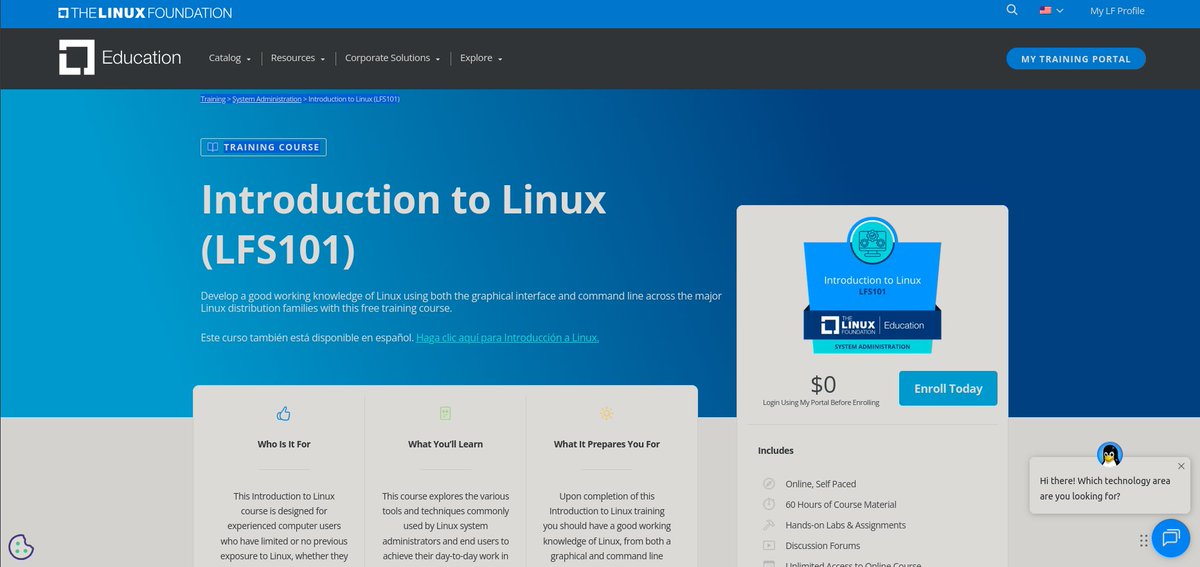
The best Linux resources that are FREE to learn in 2026:
1. Linux Foundation Training
https://t.co/lb0u5E5ptl
2. Linux Journey
https://t.co/jtGd0Muzi8
3. Ubuntu Tutorials
https://t.co/Bzzqyvh5ay
4. Red Hat Training Resources
https://t.co/czdQ2HZkI9
5. GNU Documentation
https://t.co/Fr8DYYHP9p
6. OverTheWire Bandit (Linux Wargames)
https://t.co/fEVqANSlkV
7. The Linux Command Line Book
https://t.co/Vzk5I7x9Vj
8. MIT Missing Semester (Linux & CLI)
https://t.co/mGRZgMjgi2
9. DigitalOcean Linux Tutorials
https://t.co/Gewym4sg2b
10. Linux From Scratch
https://t.co/2HPp4ZLj4r
11. Arch Linux Wiki
https://t.co/CdfA9gOOGg
12. freeCodeCamp Linux Course
https://t.co/i8ZbNPhXYw
13. Linux Survival
https://t.co/a94ZVchlJp
14. NDG Linux Essentials
https://t.co/IBMbsG2xTQ
15. Bash Guide
https://t.co/q6wAtVeRVB
Everything you need is already free.
Free Linux resources that actually taught me the fundamentals. No paid courses needed.
Beginner:
1. https://t.co/cDL7hONKP6 — best free visual Linux learning site
2. https://t.co/vk3jphNqMp — learn Linux by hacking. Addictive.
3. https://t.co/QAHMJhkXjy — paste any command, it explains every part
Intermediate:
1. https://t.co/diFHopj5Ox — short, practical man pages. Way more useful than man.
2. https://t.co/Dh1lzQhFaG — MIT course on tools every dev needs. Free.
3. youtube: LearnLinuxTV — practical, no fluff
Advanced:
1. https://t.co/ifOyr2uP8v — Brendan Gregg's blog on Linux performance. Elite level.
2. https://t.co/8hGBTSI8XJ — full man pages when you need the real detail
3. https://t.co/NVXbhpZp2T — when you want to go very deep
Small commands like these make a big difference when working in Linux and are essential for cybersecurity professionals.
One lab at a time, one step closer to becoming a SOC Analyst. 🚀
> Another Linux lab completed! 💻🐧
Today I practiced using Linux wildcards to search and manage files more efficiently.
I learned how to use:
* to match multiple characters
? to match a single character
[ ] to match specific characters
Copying a file with cp and renaming it during the copy process.
Updating the locate database using updatedb.
Verifying the new file with the locate command.
Every Linux command I learn strengthens my understanding of the Linux file system and builds a solid foundation
Linux Foundation Lab: File Location with locate
Completed another Linux Foundation hands-on lab focused on locating and managing files from the command line.
In this exercise, I practiced:
Using locate to search for files with the .doc extension.
These may look like simple commands, but they are the building blocks for mastering Linux, system administration, and cybersecurity.
Follow my journey as I continue learning, practicing labs, and sharing what I discover along the way.
Today, I took my first steps by learning some essential Linux navigation commands:
✅ "pwd" – Display the current working directory.
✅ "cd" – Change to another directory.
✅ "cd .." – Move up one directory level.
✅ "cd -" – Switch back to the previous directory.
Follow my journey as I document what I learn, the challenges I face, and the practical labs I complete. Every day is another step toward becoming a better IT and cybersecurity professional
Now it's time for the next phase: Linux Fundamentals 🐧💻
I'm excited to learn the Linux command line, file systems, permissions, shell scripting, and everything that builds a strong foundation for cybersecurity and system administration.




![Ifecobanky's tweet photo. > Another Linux lab completed! 💻🐧
Today I practiced using Linux wildcards to search and manage files more efficiently.
I learned how to use:
* to match multiple characters
? to match a single character
[ ] to match specific characters https://t.co/3kmARR66Xm](https://pbs.twimg.com/media/HO-MvNeXcAAxP39.png)


