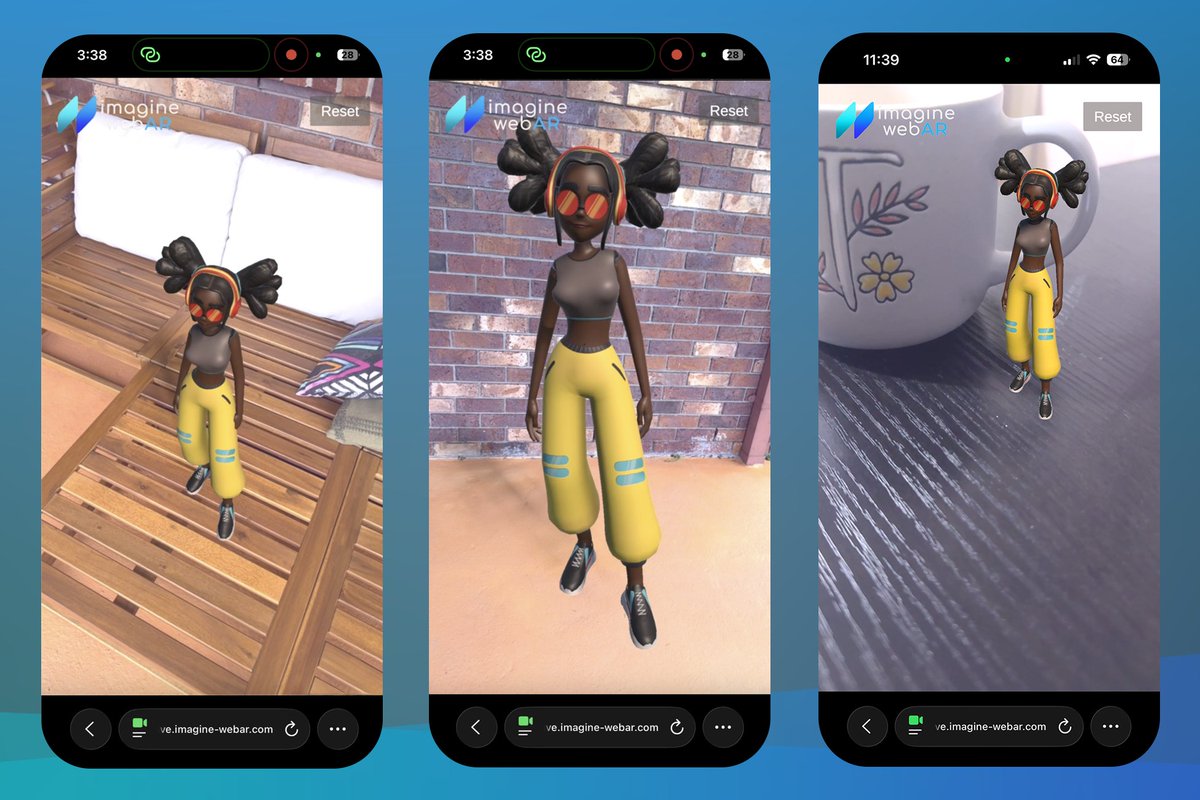
Web Video Recorder Update:
- recording UI no longer shows in footage
- optional timer bar that stops recording
- save video file to gallery/downloads
- share video file to any app
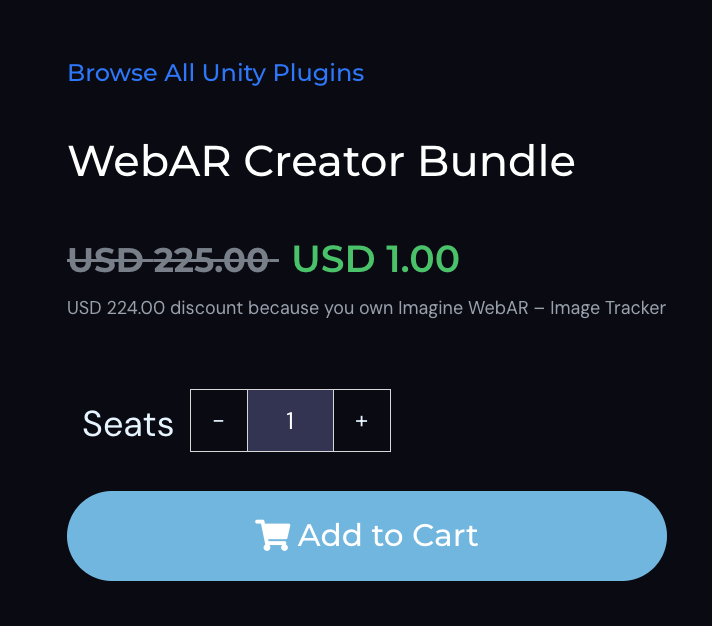
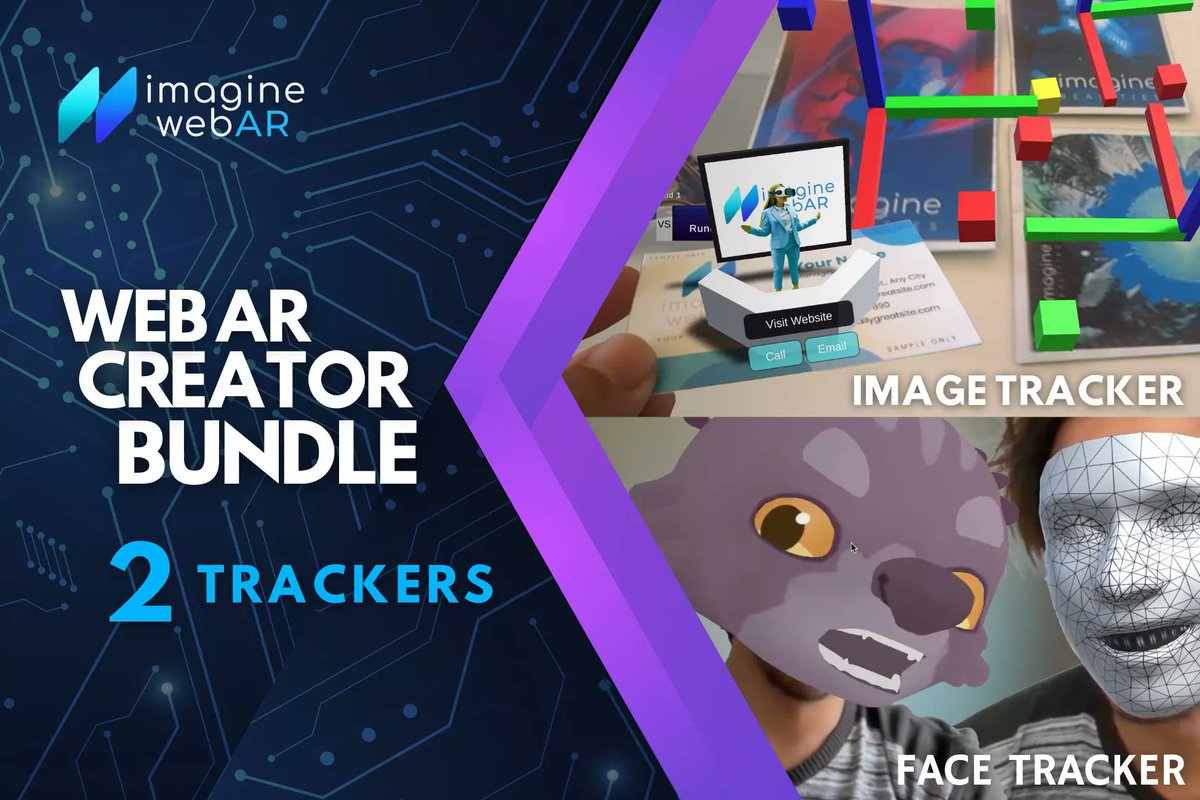
ICMYI: If you already own #ImagineWebAR ImageTracker or FaceTracker, the other one is just $1.
Check out the WebAR Creator Bundle and save $224.
https://t.co/Iui7I5OjTD
@watanoge Awesome work with the CurvedTracker! The tracking looks really robust. I’m curious how you set up the curved target. Did you use the Undistort-Conical-Image Feature?
Primer prototipo impreso de boletos coleccionables con AR para #TADC
Falta pulir diseños impresos y efectos digitales, pero con escanear el QR en el posterior de los boletos acceden a la web con la experiencia en AR y una galería interactiva
Meguta
Completed our new product page design.
Built with WordPress, Elementor, WooCommerce, plus some custom PHP/JS magic.
We’re a WebAR company, not a web development agency… but here we are, building websites anyway.
Now back to AR.
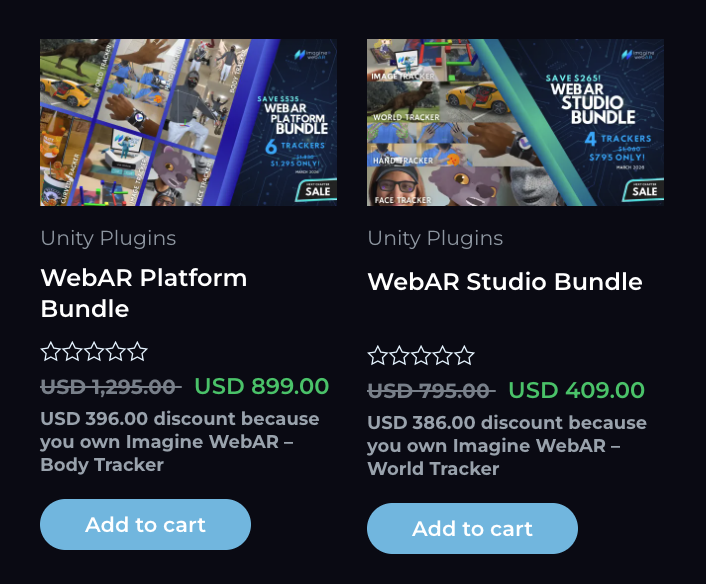
At last, added this store feature — discounts based on the products you already own.
Unity has something similar with lite/major upgrades, but I’m taking it a step further by showing the specific asset that gave you the discount.
No more guessing why you got a different price.
Bad/unstable image target but no option to replace it?
Crop it. Seriously.
Only keep the areas with lots of keypoints and remove the empty/boring parts. More features = better tracking
#ImagineWebAR
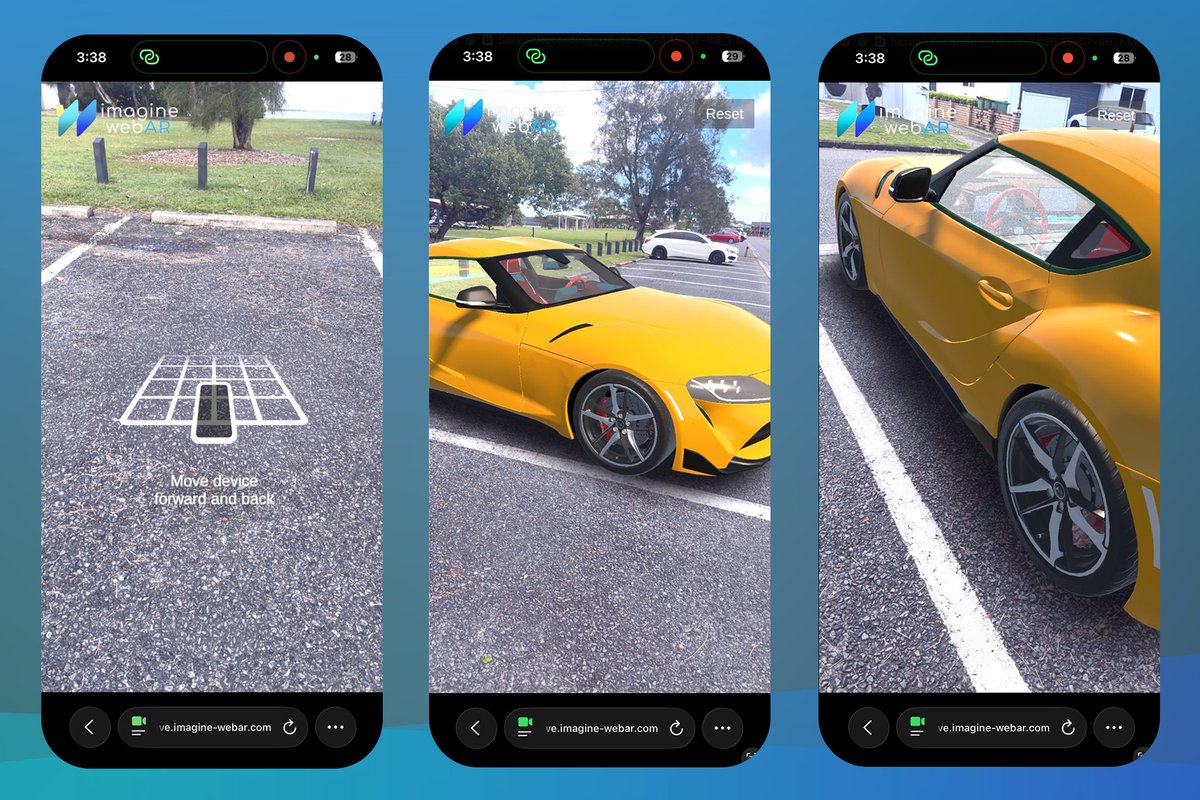
WorldTracker V8 is up! https://t.co/zUK94S9Bh0
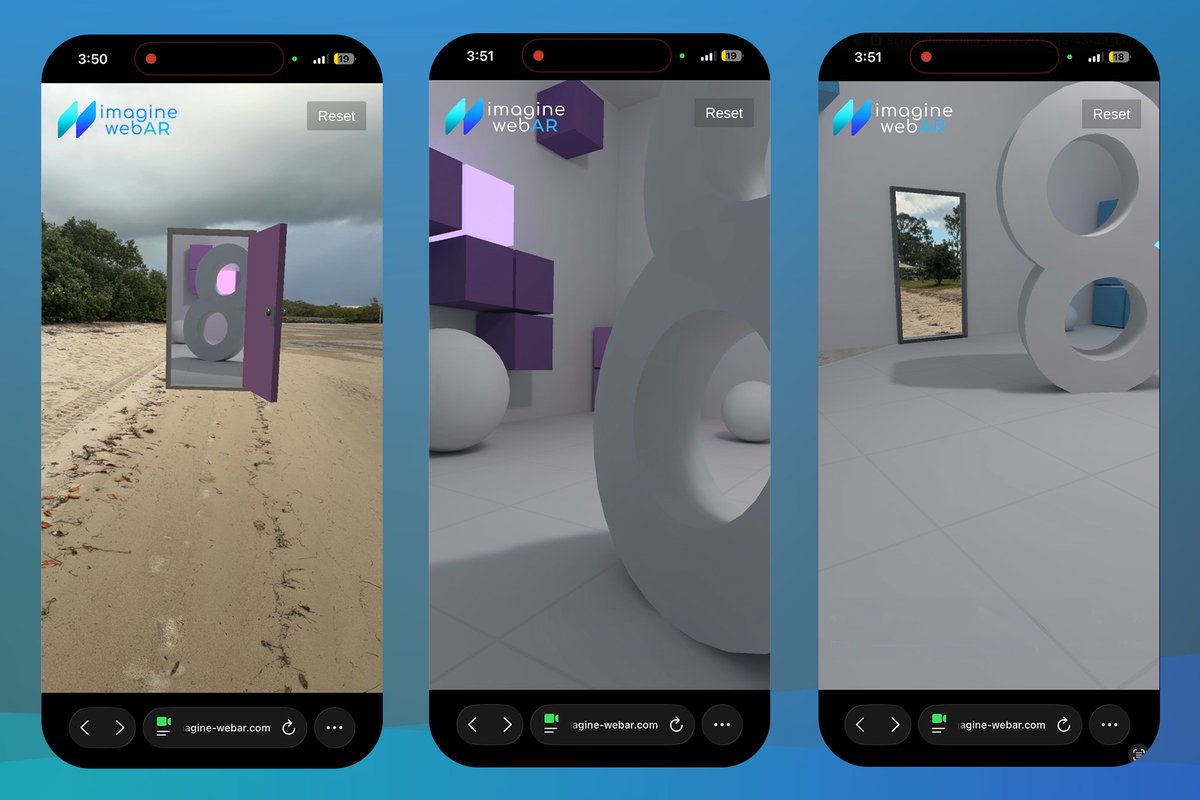
• WTV8 can integrate with 8th Wall's XR Engine
• Unlike WT-Classic’s scale-as-depth approach, this plugin enables full X, Y, and Z axis movement.
• Supports both Responsive and Absolute scale
• Let's you create better AR portals
WebAR Video Player Update:
• Added support for multiple videos
• Improved lerp animations
• Updated player UI for mobile and desktop
Findings in iOS:
• No simultaneous play
• No volume control
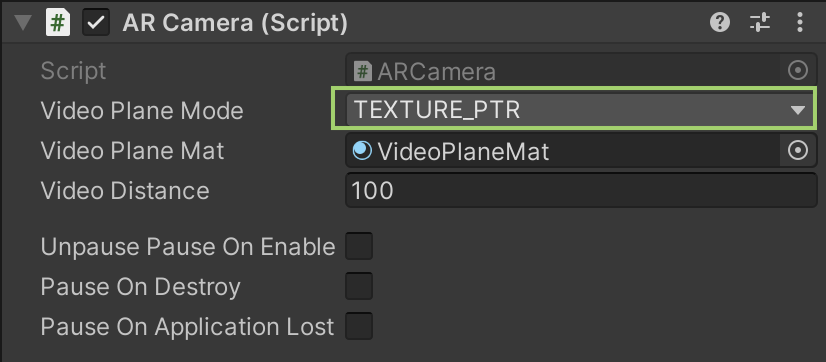
Getting a black screen in build?
Maybe you're using URP & Post-processing:
✅ 1. Switch to URP: Assets → Imagine WebAR → Update Plugin to URP
✅ 2. In ARCamera:
Video Plane Mode = TEXTURE_PTR
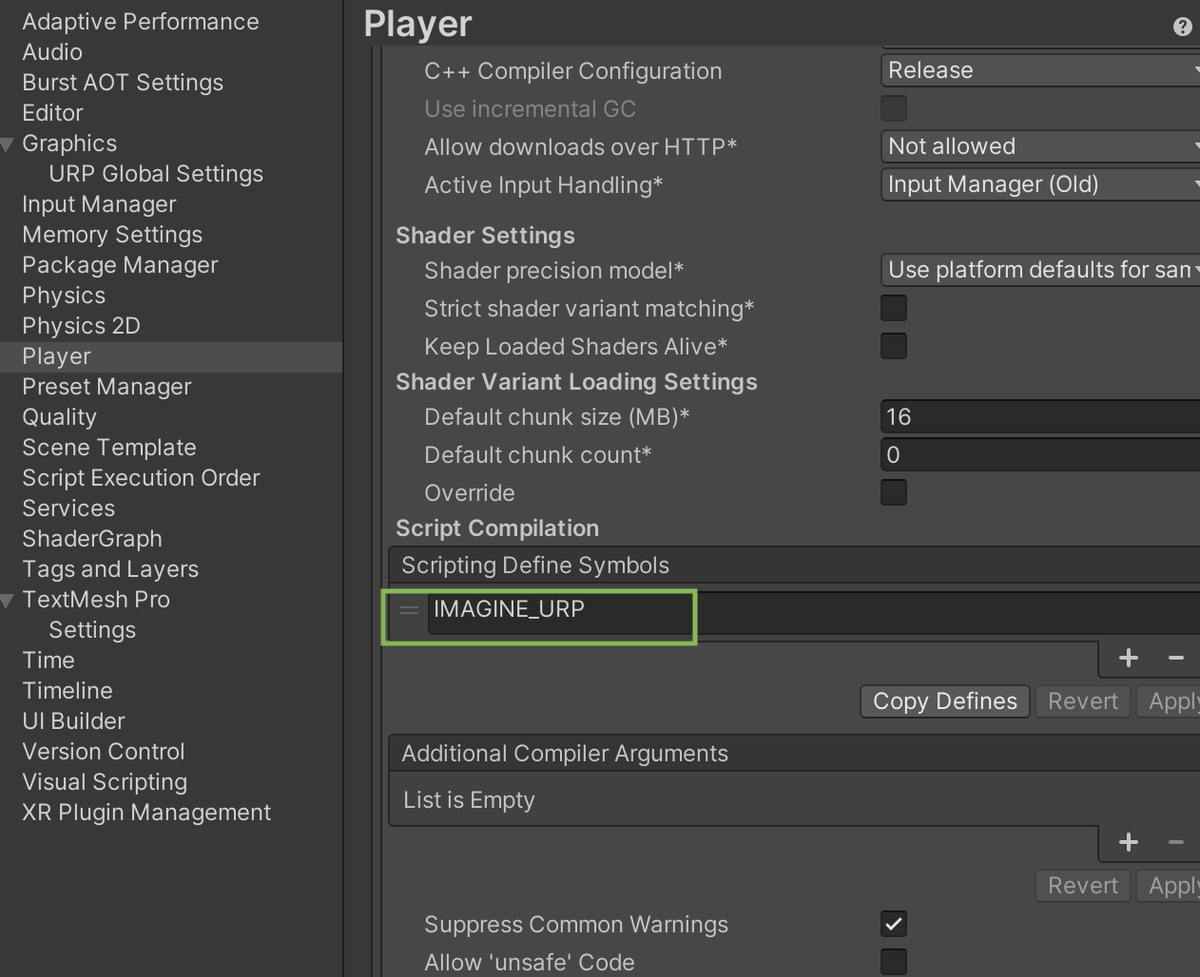
✅ 3. Make sure IMAGINE_URP is in:
Player Settings → Scripting Define Symbols