Three ways off Access: fix it in the same tool (same decision in a few years), rent a replacement (per user, forever), or own one (pay once, keep it running). Each is right for someone. Know which one you're choosing. https://t.co/FRrviY0GVu
Developer surveys (Stack Overflow, 2024 to 2025)
Stack Overflow’s annual survey asks which web frameworks respondents used in the past year. Approximate shares:
React~40 to 45%
jQuery~21 to 23%
Next.js~18 to 21%
https://t.co/EEtySIgku0 ~17 to 20%
Angular~17 to 18%
Vue.js~15 to 17%
Svelte~6 to 7%
#Blazor~4.5 to 6%
#Blazor isn't as popular as we'd like. Developer surveys put it around 4.5 to 6%.... but that number hides where it actually lives: internal business apps behind a login. You won't see them on the public web, and they're exactly where Blazor shines.
#dotnet
🚀 The latest @code release brings interactive canvases for agent workflows, chat handoffs without losing context, and new ways to edit Markdown.
🧵 Here’s what’s new:
https://t.co/kOo0CVRtEm
Deals, contacts, companies, and email history all in one place, where they belong. AI helps with drafting and reviewing deals. We actually use this system to run our own business: https://t.co/AGdQOM6Uf9
Repeating the same instructions to an AI agent?
Put the useful project rules in AGENTS.md and keep them current.
Here is my Blazor walkthrough:
https://t.co/yQ1Ctv5ndX
Microsoft eating their own dogfood.... Adam Ratzman shows how the Aspire team used Blazor & .NET to build a killer CLI & dashboard.
Watch: https://t.co/5C7WLzCbHs
Scheduling crews and equipment, tracking field hours and job costs, and knowing whether a job is making money before it's even finished. https://t.co/EJ7p4OIe57
Is your business still running on an Access database? If only one person knows how it works, it lives on one machine, or it's already had a scare, it's time to plan the move. We move it onto a system you own. Start with a fixed-price assessment: https://t.co/xlzcEEa4QN
Is your business still running on an Access database?
That's not a mistake. Somebody built something that worked, and it carried the business for years.
But if some of these sound familiar, it's time to plan the move:
• Only one or two people really know how it works • It lives on one machine, one server or one shared drive • Remote or mobile access is a workaround, not a feature • You've had a scare: corruption, a failed update, a lost file • The business grew and the database didn't
We move processes like these onto a modern, proven system that you own outright: your data, your database, no per-user fees. It starts with a fixed-price assessment, so you know exactly what the move involves before you commit to it.
https://t.co/8oi6026JaJ
As AI Does the Coding, How Do Human Devs Stay Essential?
AI codes more 🤖 How do human devs stay essential? Judgment 🧠 learning and knowing when to take the wheel.
https://t.co/8DnLrOf1aL
For seniors staying essential is easy: well written ABENTS.md/Claude.md (with AI;'s help) describes well defined, layered architecture that keeps the AI written code human readable
Outgrowing SaaS looks like this: a tool bent around your process, half the work in exported spreadsheets, a bill that grows with every hire. Some companies would rather own the system than keep renting it. Cancel, and you keep the running system and your data.
An Access file never charged you per user. Per-seat costs grow with every hire. We work the other way: a one-time deployment, you own the system and the data, and there are no per-user fees.
If someone raises pay-as-you-go: concede it helps for occasional users (about $10 per active user per app per month), not for a team in the app every day.
Microsoft's path off Access is Power Apps + Dataverse. Premium is $20/user/month, rising to $22 on Jan 1, 2027. 40 users = $10,560/yr, and forms, reports and VBA still get rebuilt. You're rebuilding either way. Rent the result, or own it?
SaaS CRM stopped fitting how you work? Same for time and resource tracking?
We start from a working application, then fit it to your process. CRM, time and resource tracking, reporting.
No per-seat pricing. It runs in your own database. Cancel and it keeps running.
https://t.co/MzMBJv4F4n
This isn't a knock on specialists. If the process is small and stable, staying in Access can be the right call. The question is whether you're fixing it because it's the right platform, or because it's the only option anyone considered.
When an Access or FileMaker system breaks, most companies call a specialist in that same tool. You get a cleaner version of the same platform, and the same decision a few years later. Ask first: should this process still live here at all?
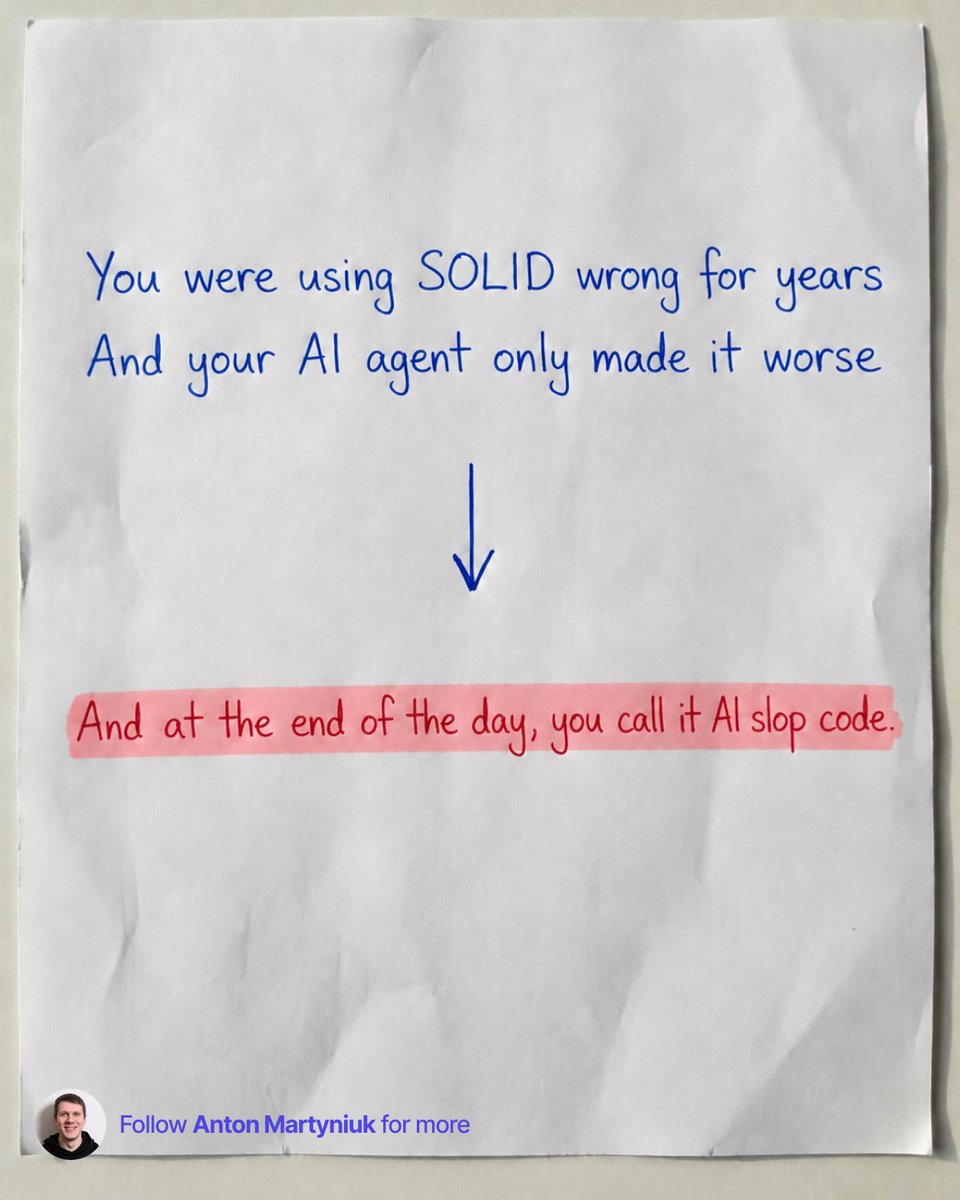
You were using SOLID wrong for years
And your AI agent only made it worse
SOLID was meant to make code easier to change.
In many codebases, it did the opposite.
You have seen this: you open a project and see one simple feature spread across 8 files: An interface, an implementation, a factory, a base class, 3 helpers and a DTO.
Half of them exist "just in case" we need more implementation in the future.
Now AI agents write a big part of our code.
And they learned from millions of codebases like that.
Here is what your agent does by default:
❌ Creates an interface for every class, even with one implementation
❌ Splits one feature into 5 classes to "follow" Single Responsibility
❌ Copies the over-abstraction already in your code, so it spreads faster
The agent just repeats the patterns we taught it.
Only now it does it much faster.
And at the end of the day, you call AI slop code.
Here is how I apply SOLID today:
𝟭. 𝗗𝗲𝗽𝗲𝗻𝗱𝗲𝗻𝗰𝘆 𝗜𝗻𝘃𝗲𝗿𝘀𝗶𝗼𝗻 is where you start.
Depend on abstractions at the edges: database, message bus, external APIs.
𝟮. 𝗦𝗶𝗻𝗴𝗹𝗲 𝗥𝗲𝘀𝗽𝗼𝗻𝘀𝗶𝗯𝗶𝗹𝗶𝘁𝘆 is something to strive for, without overcomplicating.
If one class does 2 things and is still easy to understand and maintain, keep it in one class. It's simpler than 3-5 tiny classes that work together.
𝟯. 𝗢𝗽𝗲𝗻-𝗖𝗹𝗼𝘀𝗲𝗱 comes from composition.
We rarely use inheritance anymore.
Decorators add logging or caching around a class without touching it.
You can change the order of decorators without changing other classes.
𝟰. 𝗟𝗶𝘀𝗸𝗼𝘃 moved from base classes to interfaces.
Every implementation and every decorator must behave as the interface promises.
If your caching decorator returns different results, you broke Liskov.
𝟱. 𝗜𝗻𝘁𝗲𝗿𝗳𝗮𝗰𝗲 𝗦𝗲𝗴𝗿𝗲𝗴𝗮𝘁𝗶𝗼𝗻 starts with not creating interfaces you don't need.
I write mostly integration tests.
I don't mock my handlers and services, so they don't need interfaces.
→ Endpoint handlers: no interface
→ Services with one implementation: no interface
→ External API clients: interface, I replace them in tests
→ Classes wrapped with decorators: interface
📌 Clean up these patterns in your code, and your agent will write better code
Before you add the next class or interface, ask one question:
"Does this make the code easier to change, or does it just look more like SOLID?"
Do you agree with me?
I've spent a good part of my career modernizing systems like these. The situation that worries me most is when the only documentation is the person who built it. If that's your situation, I'd like to hear how it's going.
Every growing company has one: an Access or FileMaker database running something critical, built years ago by someone who may not be there next year. It works until the builder leaves, an update breaks it, or growth outruns it. What's the oldest system you still depend on?
Every growing company has one: an Access or FileMaker database running something critical, built years ago by someone who may not be there next year. It works until the builder leaves, an update breaks it, or growth outruns it. What's the oldest system you still depend on?