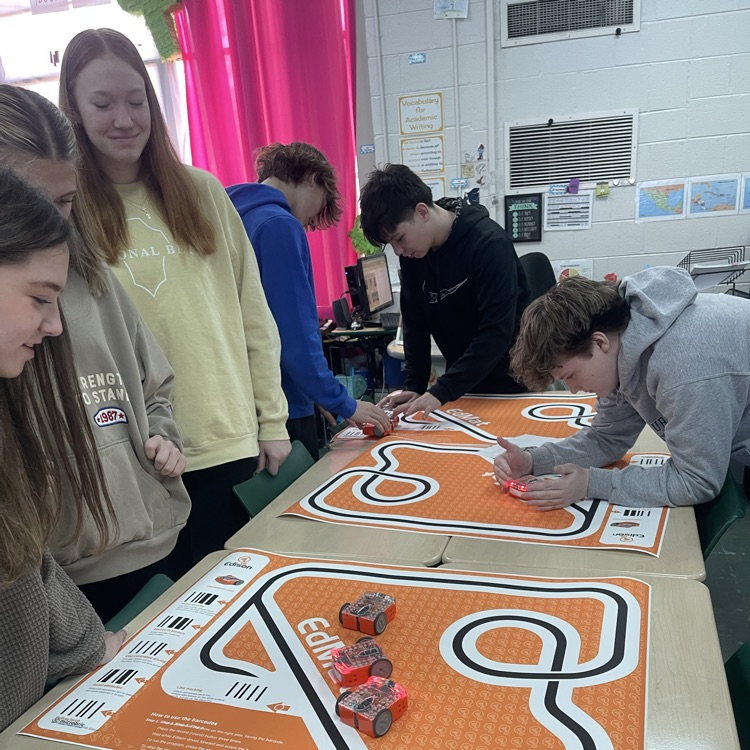
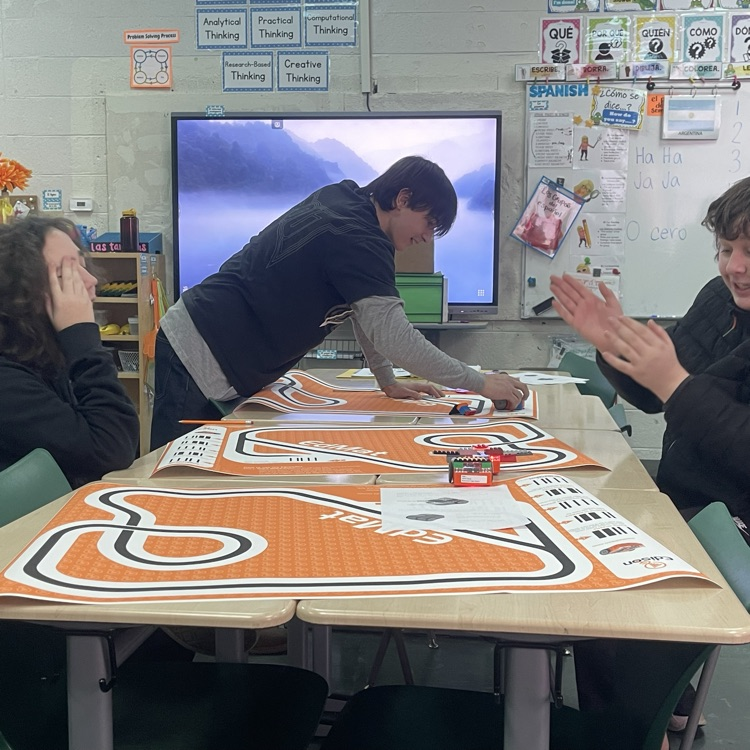
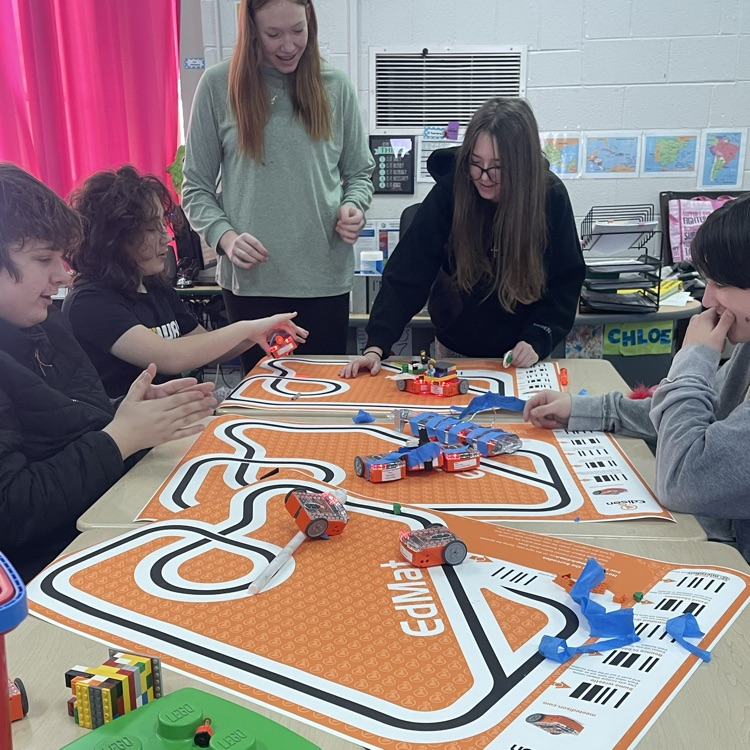
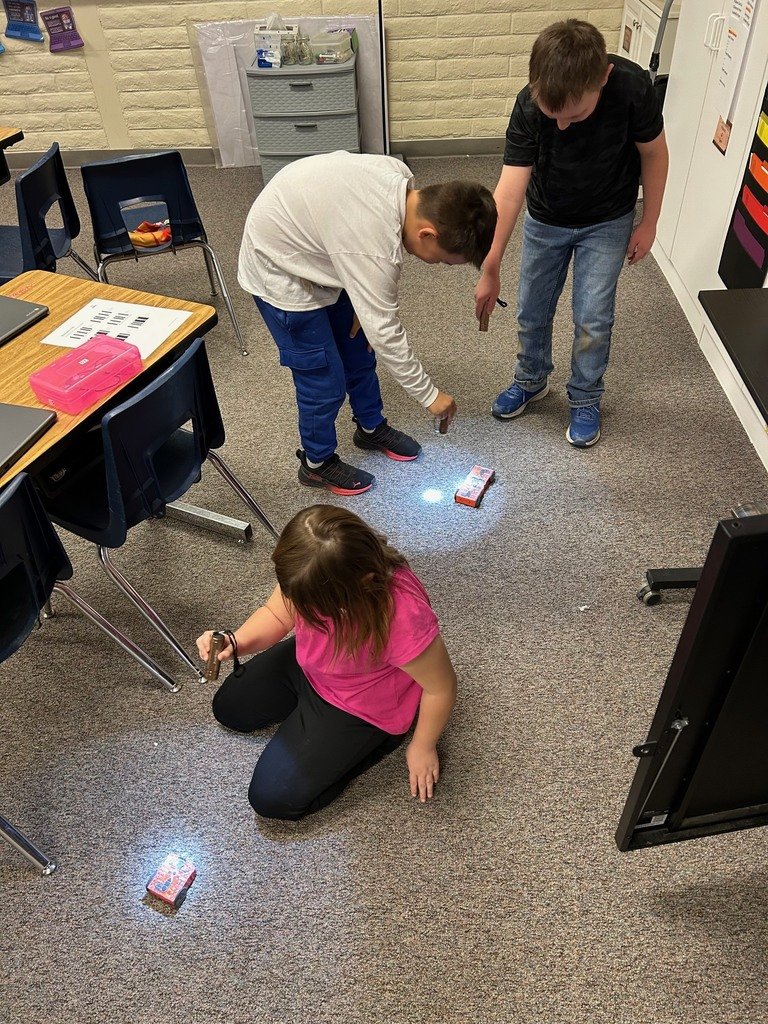
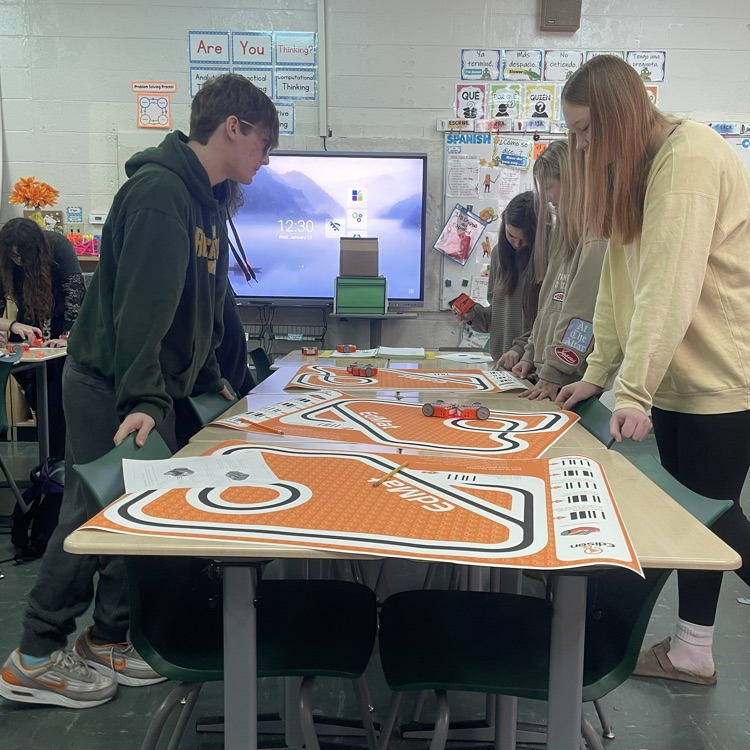
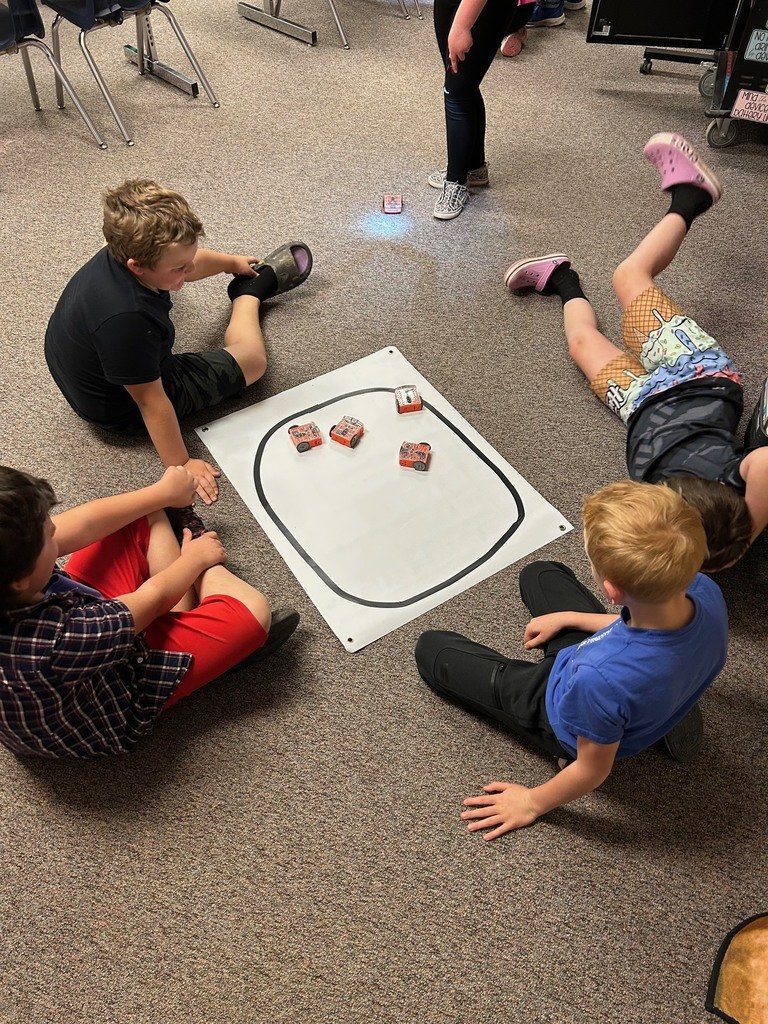
Miss Barbie's students are diving into the world of Edison robots! 🤖 Yesterday they explored what the robots can do, including sumo wrestling and following a flashlight. Next up: programming them using EdBlocks. Hands-on learning and fun in action!
From design to debugging! 6th Grade Coding Students @BeachStreetWI finished the quarter by coding Edison robots through self-made mazes—testing, fixing, and trying again until they nailed it! #EdScratch#coding
In Unit 3 students become true inventors and undertake a term project of their choice solving real-world problems.
Find the free student and teacher resources for Unit 3 on our website at https://t.co/v4CSIRsiJU
#STEM#STEAM#edtech#coding#InventionEngine#learntocode
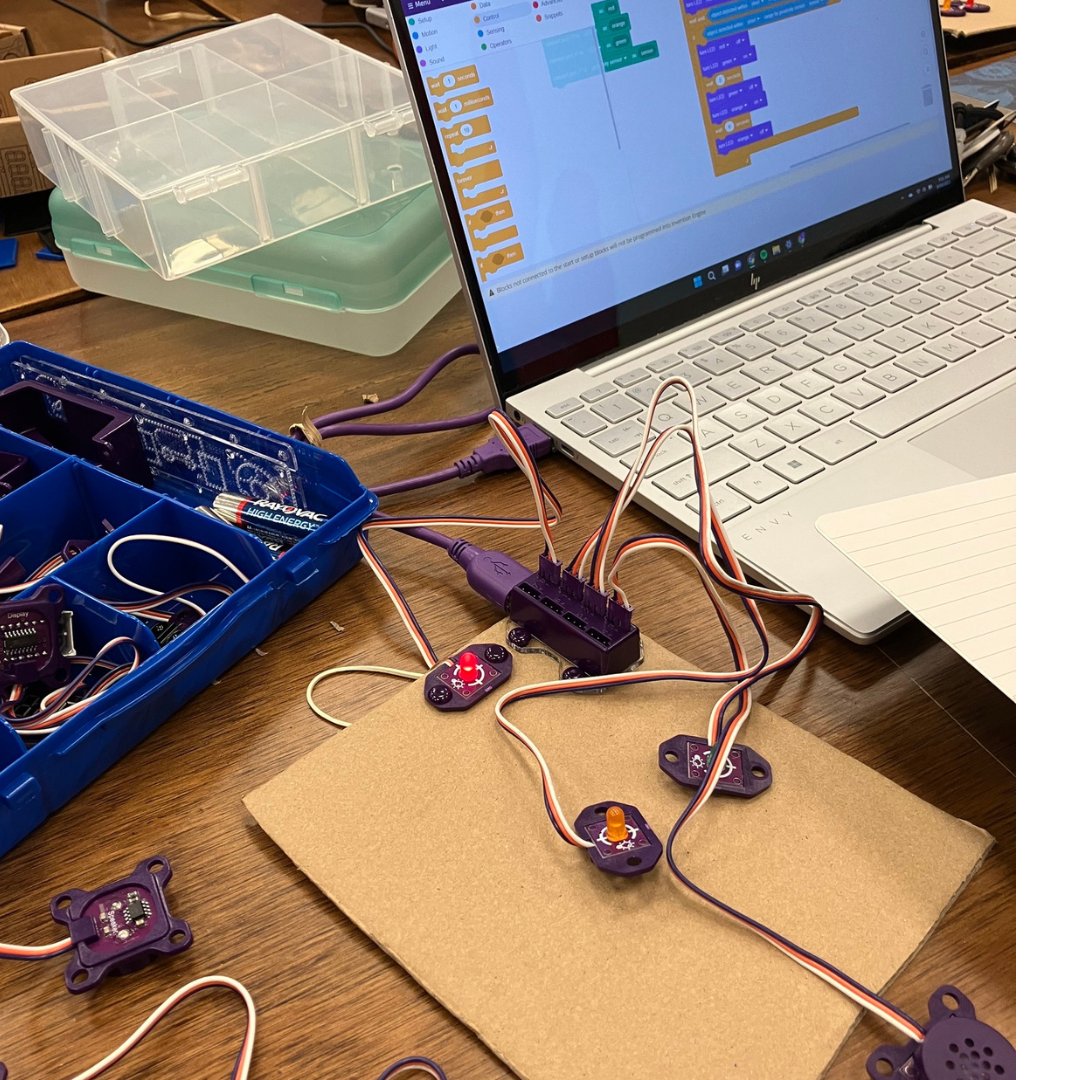
With Invention Engine students proudly transform humble cardboard into working products including "The Dunkerer."
What unique creations will your students come up with? Learn more at https://t.co/kRPk2AQnRW
#STEM#STEAM#edtech#coding#learntocode#engineering#designthinking
A design thinking approach to teaching STEM through engineering and code, Invention Engine is a robust and hands-on platform for learning computer science.
Learn more about Invention Engine on our website at https://t.co/kRPk2AQnRW
#STEM#STEAM#edtech#coding#InventionEngine
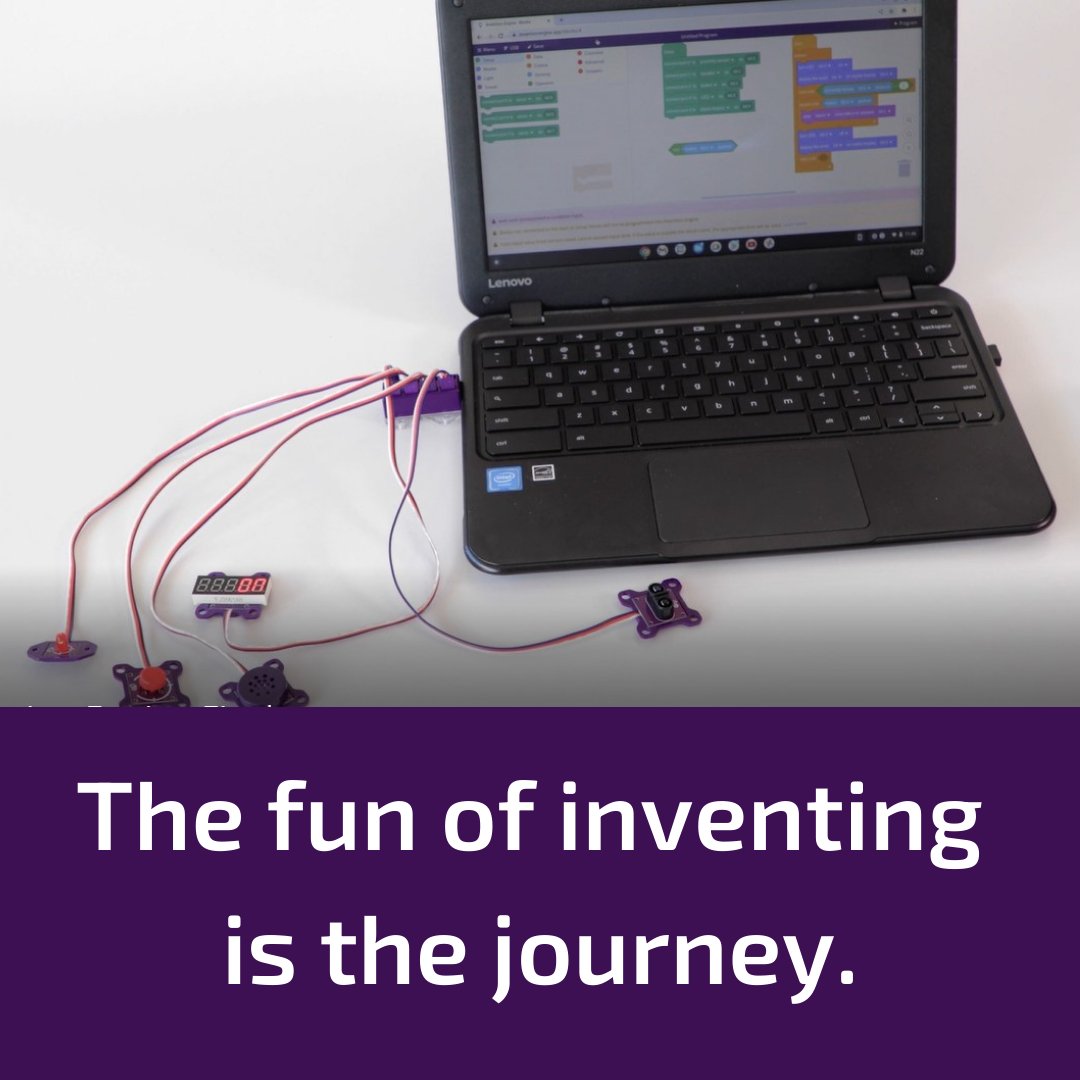
The Invention Engine system contains a programmable hub and a range of connectable Invention Engine bits, all of which can be easily attached to cardboard.
Learn more about Invention Engine and the teacher sample pack at https://t.co/Mx0IxA2Bg2
#STEM#STEAM#edtech#coding
In Invention Engine Unit 2 Activity 4, students learn about nocturnal and diurnal animals and create an electronic creature that reacts to light.
Find this free student activity and teaching guide on our website at https://t.co/XbKajf6J6J
#STEM#STEAM#edtech#coding
The Invention Engine dial bit is an input bit that allows a user to set a level or number
manually. The dial bit rotates from 0 to 280 degrees.
Learn more about the Invention Engine dial bit and the other Invention Engine bits at https://t.co/sA5X7pMfob
#STEM#STEAM#edtech
Empower students to code, engineer, and design their own inventions.
With Invention Engine students proudly transform humble cardboard into working products.
Learn more about Invention Engine at https://t.co/kRPk2AQnRW
#STEM#STEAM#edtech#coding#learntocode#InventionEngine
In the Invention Engine sample pack, you will receive everything you need to complete Unit 1 of the lessons and the Sample pack introduction activity. The activity guide will guide you to design, code, and build a Cookie jar alarm.
https://t.co/PxJMfl1YhF
#STEM#STEAM#edtech
The LED is an output bit that emits light.
There are three colours of Invention Engine LED bits: red, amber, and green. Every LED can be turned on or off.
Learn more about the LED bit and the other Invention Engine bits at https://t.co/sA5X7pMfob
#STEM
There are three progressive units for learning with Invention Engine; coding, engineering, and design thinking.
All resources are now available to download at https://t.co/o75aMDjq3k
#STEM#STEAM#edtech#coding#learntocode#InventionEngine
The Invention Engine digital display bit is an output bit that emits patterns of light using LEDs that are attached to a special display board.
Learn more about all the Invention Engine bits at https://t.co/sA5X7pMfob
#STEM#STEAM#edtech
The Invention Engine Unit 2 teacher's guide is now available for download!
Find all the free Unit 2 resources including the student guide and Invention Engine Journal at https://t.co/XbKajf6bhb
#STEM#STEAM#edtech#coding#learntocode#engineering#designthinking
The LED is an output bit that emits light. LED stands for ‘light emitting diode’.
There are three colours of Invention Engine LED bits: red, amber, and green.
Learn more about the speaker bit at https://t.co/sA5X7pMfob
#STEM#STEAM#edtech#coding#learntocode#electronics
Do you have questions? We have answers!
Contact our team via our online contact form and an Invention Engine representative will be in touch - https://t.co/XxL24C9An5
#STEM#STEAM#edtech#coding#InventionEngine#classroom
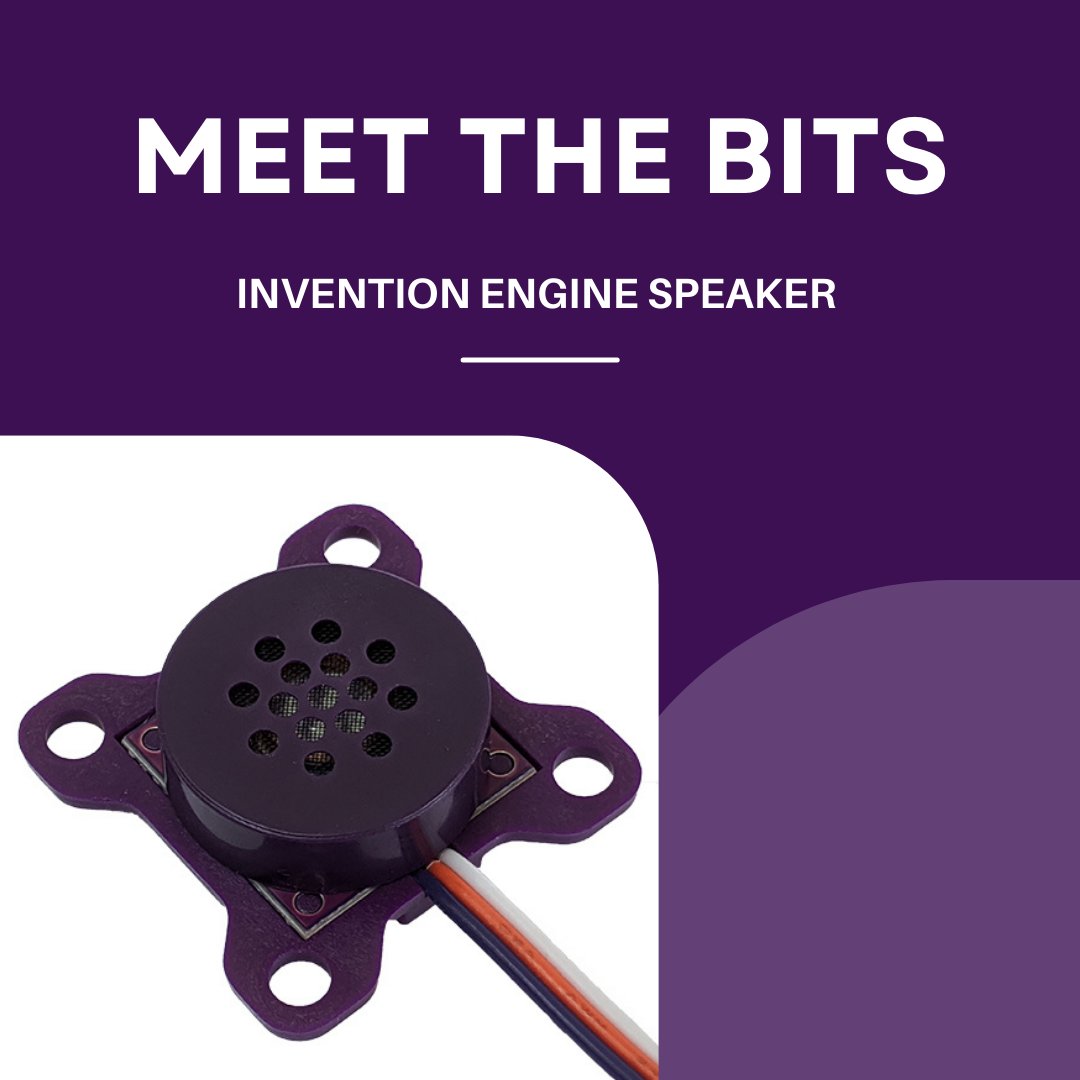
The Invention Engine Speaker bit can play a range of sounds including several pre-programmed ones. You can also code the speaker to play musical notes or frequencies & customise the volume and duration of both!
Learn more about the speaker bit at https://t.co/sA5X7pMfob
#STEM
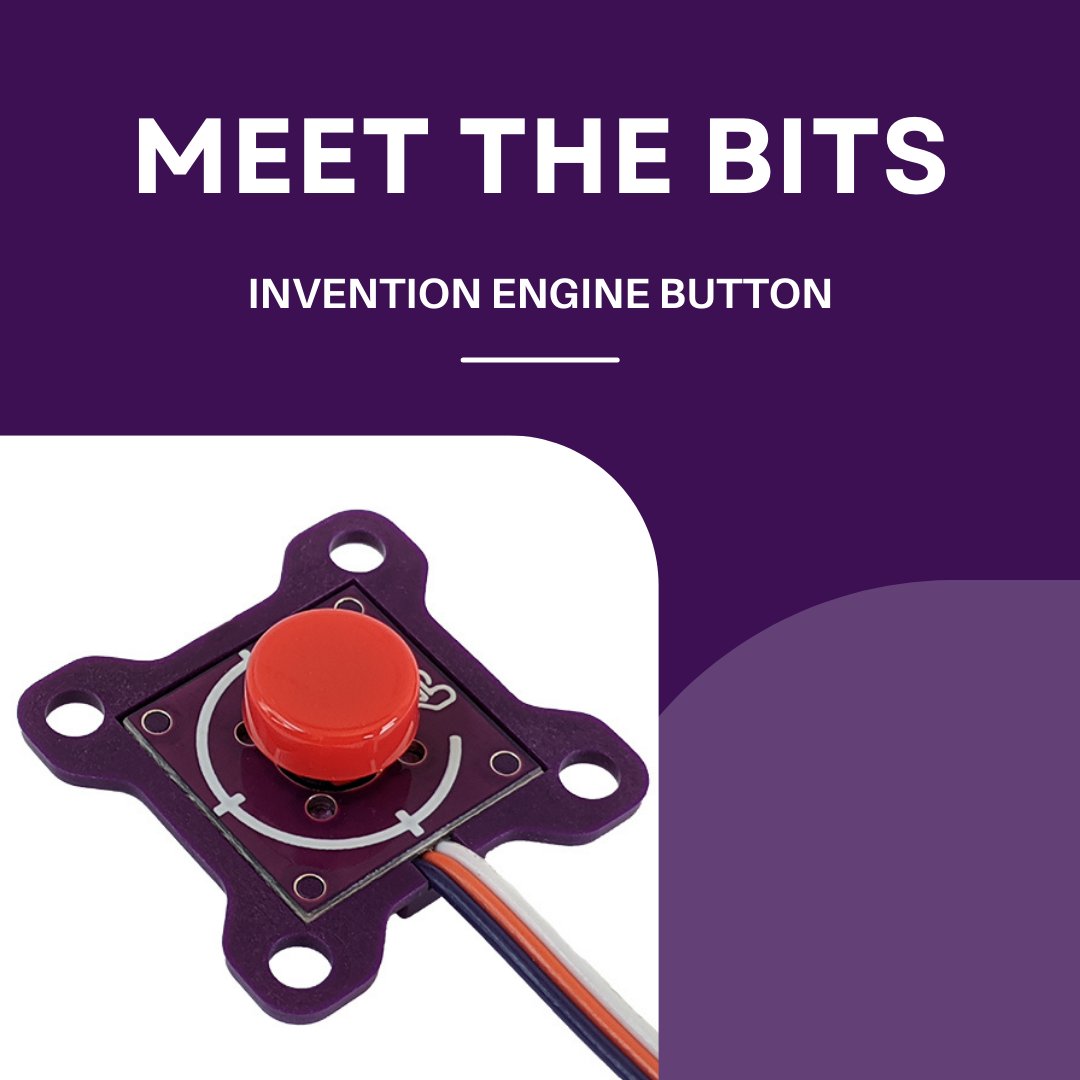
The button is an input bit that allows a user to command an invention to do something.
The button bit also has a removable button cap that can be changed to red, green or white!
Learn more about the Invention Engine button bit at https://t.co/sA5X7pMfob
#STEM#STEAM#edtech
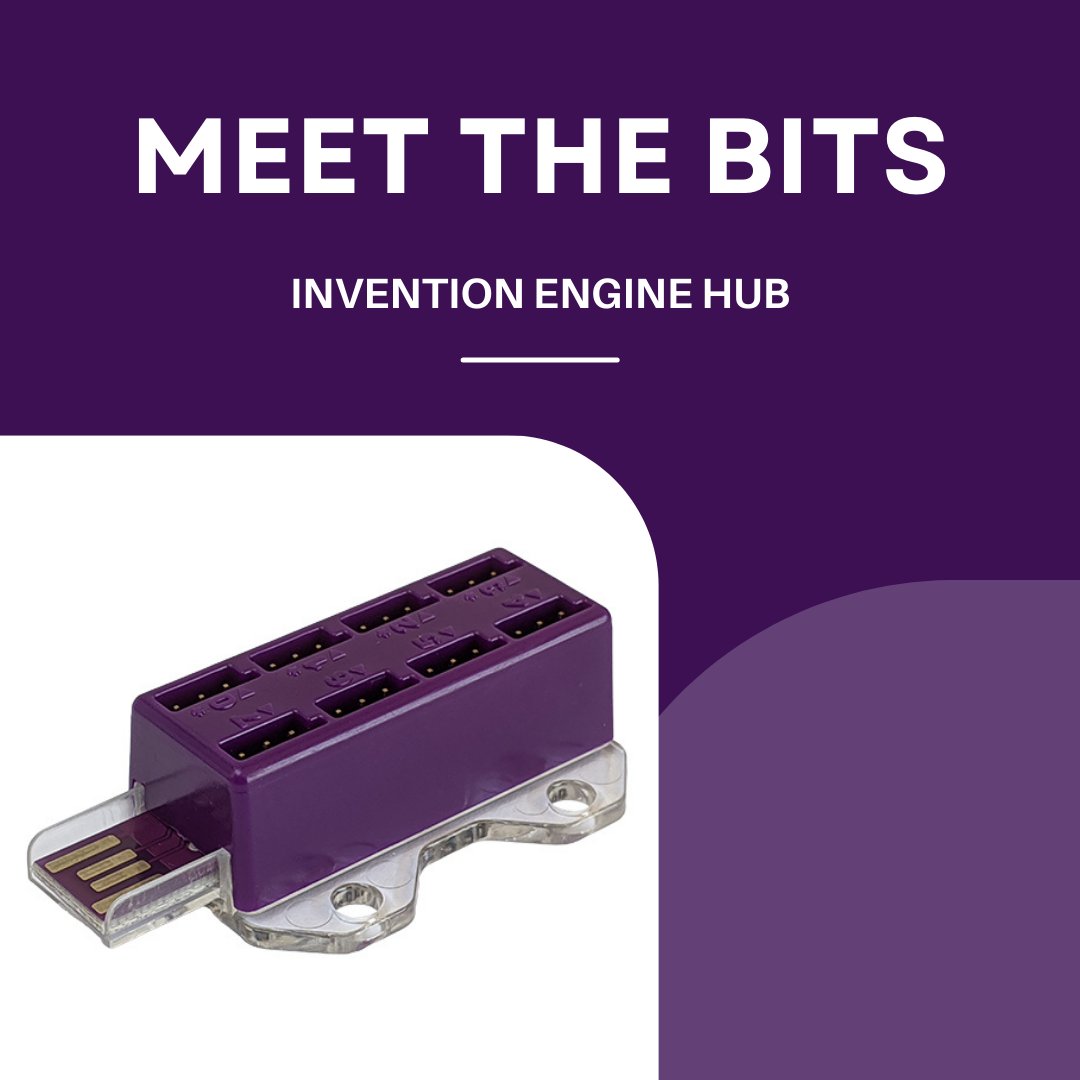
The Invention Engine Hub is the programmable controller for the Invention Engine system where all the Invention Engine bits connect.
Learn more about the Invention Engine bits at https://t.co/sA5X7pMfob
#STEM#STEAM#edtech#coding#learntocode#engineering#designthinking