We have just finished reading “For white Folks who teach in the Hood” by Chris Emdin, and I had a question. What was your greatest inspiration to write this novel for future educators? @chrisemdin#GCCEDU
Educators need to be looking out for this kind of behavior and condemning it. Making sure we create an inclusive environment for all students no matter where they are from. Please if you see an issue such as this arise in your school do something about it! https://t.co/39FjOuhwRf
https://t.co/Oqowi3yGLm
We as teachers need to be aware of the homeless population in our schools. Especially after Covid-19, we need to be aware and provide these students with the materials they need to succeed.
Kent Primary ENL Students Star in a Reading Comprehension Lesson https://t.co/KGxs92gKKC
We as teachers need to be thinking of new ways to help our ENL students grow in the English language. This school is truly empowering these students! #GCCEDU
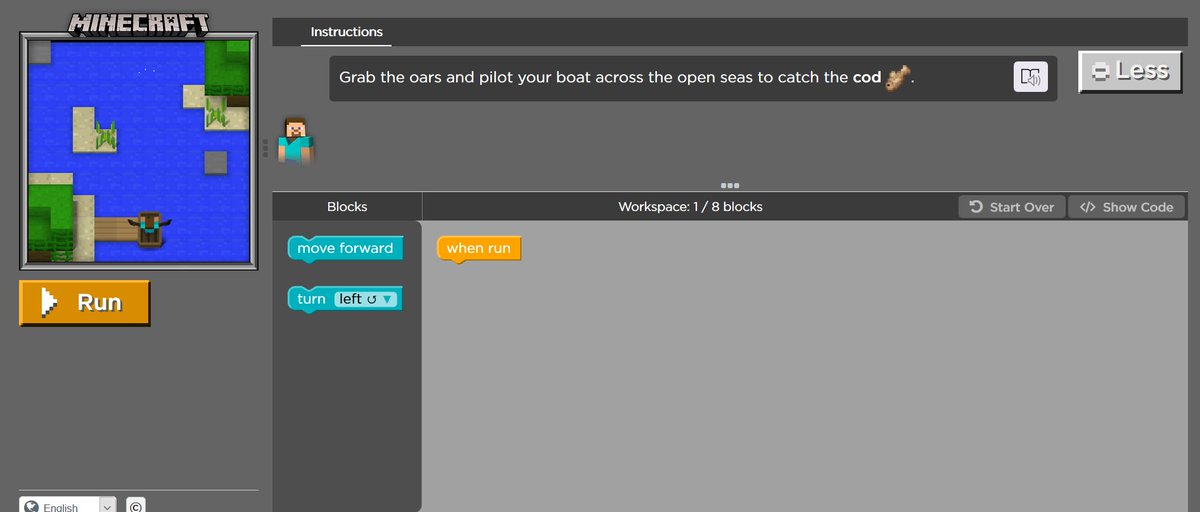
Today we used https://t.co/WLuVenEwoy and learned how to start coding in Tech ed. This is what I worked on. It was a fun activity great for younger students to explore and be creative. #gccedu
Today in Ed. Tech we used wakelet to create a list of great tech tools for teachers of all grade levels and subjects. You should check it out through the link below! #gccedu
https://t.co/vvjsoHkS9j
Today in my tech Ed. Class We had a gust named Laura Goll. A takeaway I got from the session was, as teachers we must expand our knowledge of tech to better support our students learning.#gccedu
I learned a lot about Augmented reality today, such as chromville and I think this would really help younger students interact with there work. Check it out!https://t.co/NKZUbIlQKB
#gccedu
I was shown this wonderful resource In my Ed. Tech class today, I believe it will be very useful in the classroom!
https://t.co/uqbIKDlq6N
#gccedu#classroommanagment#edchat
@commonsensemedia
#edtech
We had a wonderful Guest speaker in Tech. Ed. Class today. Here are a few of my takeaways.Thank you @jordyn_pistilli #gccedu!
1. Get involved in Twitter group chats.
2. talk to experienced teachers and learn from them.
3. The knowledge you gain now will help your future students.
Three things you could do with Canva in your classroom:
1.)You can create posters for events you are participating in.
2.)You can use it to create simple fun projects.
3.)You can use it to create a weekly scheduled for your class.
#gccedu@canva
I used adobe spark for the first time today, and it made me think about how I could use it in the classroom as a teacher. One idea I had was I could get the students to use it for personalized projects or skits for online or in person class. @adobespark#gccedu
#gccedu My TSTE standards for students and teachers! I found that learners and educators both have responsibilities when it comes to using tech. In the classroom.