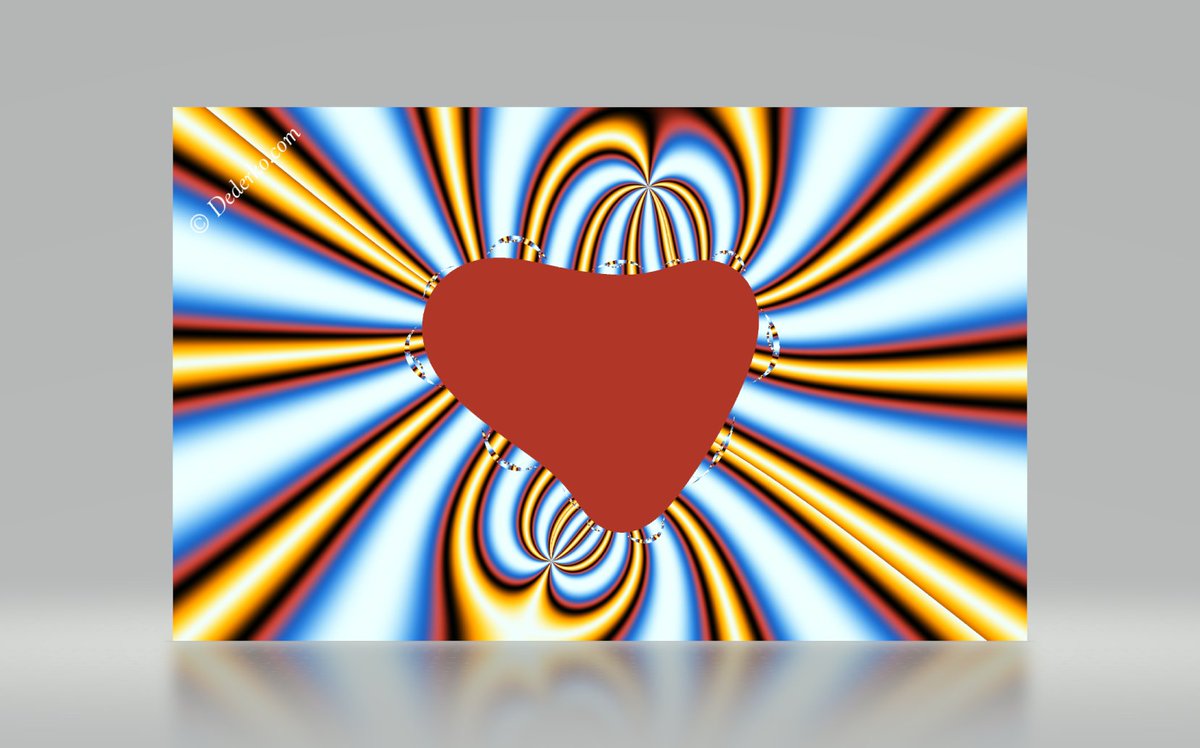
Is there a math formula for a hot heart?
Yes, and I am the author of this iterative mathematical formula - is one of my own favorite fractals, which I called "Hot Heart"
Dederko Fractal No. 19940714 (Julia Set)
#Fractal#Fractals#DederkoFractals
https://t.co/tm0pS8wafe
Launch infrastructure is every bit as complicated as the rockets themselves, and is designed to operate in some of the most extreme conditions on Earth. Learn more about what it takes to launch the most powerful rocket on the planet in this clip from the second episode of our ongoing documentary, Starship → https://t.co/0nNgKtf7M5
For my first post, I’m sharing a letter @NVIDIA signed on why open models matter.
AI will transform every industry, power every company, and be built by every country.
Open models strengthen safety and cybersecurity, accelerate innovation and diffusion, and enable sovereignty.
The world needs both frontier closed models and frontier open models.
https://t.co/AUKzoQ5Ikb
Using FSD is far safer than driving manually, as measured over 12 billion miles of its use. Safer by a margin of 2x the miles between collisions!
It can do so, because, FSD is trained on corner cases extracted from more than a 1000 lifetimes of driving. It has learnt to accurately predict the probability of collision even for crazy cases such others running red lights, swerving into us, kids running into roads and such. Do watch the full video for some highlights.
A no-brainer way to significantly improve your and your family's safety is to get a Tesla with FSD. It also completely takes the stress out of driving. Not saying this just because I work at Tesla, rather that it's genuinely a great product already and is continuing to get even better.
A few drives and over 100 miles in with the new FSD v14 lite update and here are my thoughts:
V14 lite was already quite good and this update brought some HUGE UI improvements which makes it feel so much better.
Tesla has added a great Start Self Driving from park change where you now don’t have to confirm by pressing the brake pedal to start FSD from park. Seems like a minor change but it’s a huge quality of life improvement.
Tesla has also added the same parking options tab as AI4 cars, when approaching your destination it pulls up the tab to show you your parking options at destination. It shows the blue P and you can press it mid drive as well. Something else to note is Curbside has now been changed to Pull Over just like AI4 FSD v14.3.
The Self Driving App has been added in this update just like AI4 cars, it tracks your overall percentage of FSD usage. Doing the math on my current usage/odometer it seems like the tracking started when I installed 2026.8.6. The Self Driving app shows you instructions on how to use FSD too as well as monthly stats.
This new update has also brought streaks! Just like AI4 cars it tracks your continuous streak of FSD usage. It also shows you how many days in a row you have used FSD. Got a 100 mile streak tonight and it showed confetti just like AI4.
Highway performance is SO good still. Keeps a consistent speed with no unnecessary lane changes and I saw zero left lane camping tonight. It handles high speed curves so perfectly and doesn’t ping pong and it feels so dialed in. Dare I say almost as good as AI4, almost all the way there- just wish it would accelerate stronger in hurry onto the highway when merging from the on ramp. Great lane choices and passing decisions. No traffic so it sat at 2mph slower than it used to when no cars around in standard and hurry but if a quicker car would come by it would speed up a bit. DMS might also be slightly more sensitive but it was dark out, will confirm with some more driving later today.
City streets: this update is similar than before but seems to be slightly more confident around city streets. Hurry was a bit quicker than before but I wish it would accelerate slightly stronger in hurry profile only. Really good yellow light performance on the three I encountered and had smooth braking and no overreactions. I did however see the weird turn signal bug for the second time ever tonight at a traffic light so this is still present with this update as well as the slight steering wheel wobble at around 40mph and still way improved over v12.6.4.
They definitely improved the way it leaves stop signs and lights though, slightly more linear and smooth acceleration from a stop. Obeyed both no right on red signs I encountered too. Dips and speed bump speed is perfect as it was before too. Most importantly, FSD v14 lite feels so much safer than v12.6.4.
Parking might be slightly improved in this build where it took a better approach angle like I mentioned it needs to in the previous build reviews. It still doesn’t straighten out wheel at the end which I would like to see changed. It also still “double stops” when almost done with a parking job backing up to a supercharger space. Speed might be a tad quicker than the last build as well but will get some more parking in later today to confirm my findings.
Overall, this update (2026.20.6.10) brought some massive UI changes, quality of life improvements, and really made this update feel like v14 even more. Absolutely incredible what they’ve accomplished with v14 lite on HW3 cars. Feels like I got a new car.
Thanks @Tesla_AI and UI teams for all the hard work getting this out and I really hope it rolls wide soon!
@ChuckCook It is still not required for safe operation of the vehicle. Connectivity is primarily meant for navigation, customer service and, in general, fleet management.
FSD v14 Lite now without brake confirm. Tap & go, just like AI4.
This update also brings the Self-Driving app to AI3 vehicles – including streaks
And many more improvements
Announcing Grok 4.5, our first model trained specifically for coding and agents. It was trained with Cursor and offers frontier intelligence at leading speeds and cost efficiency.
https://t.co/i8HpU7w64k
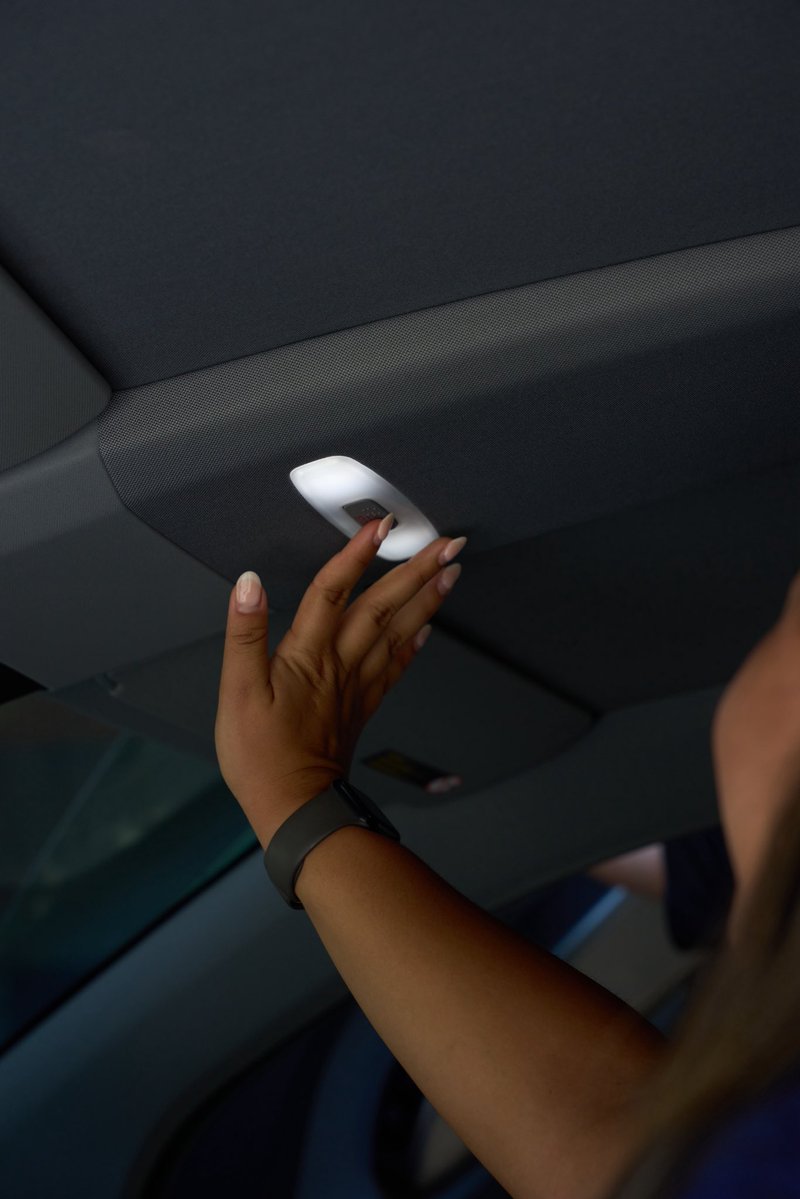
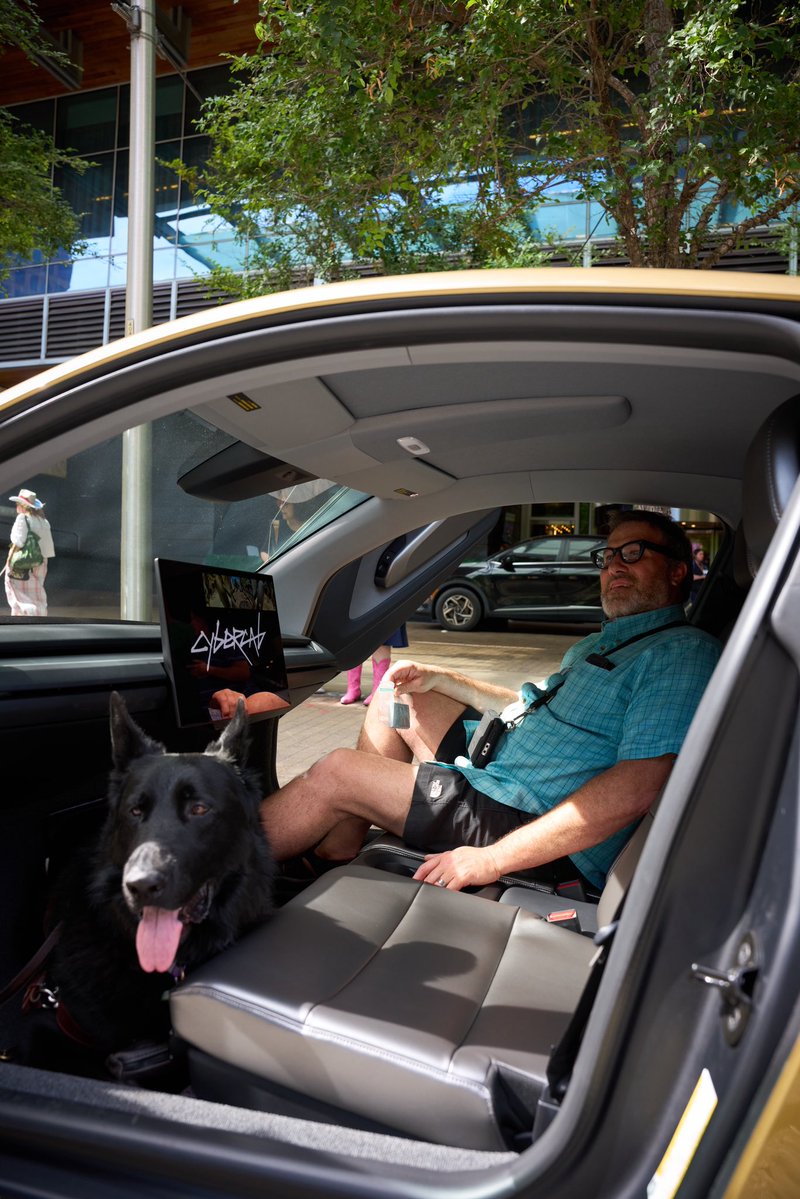
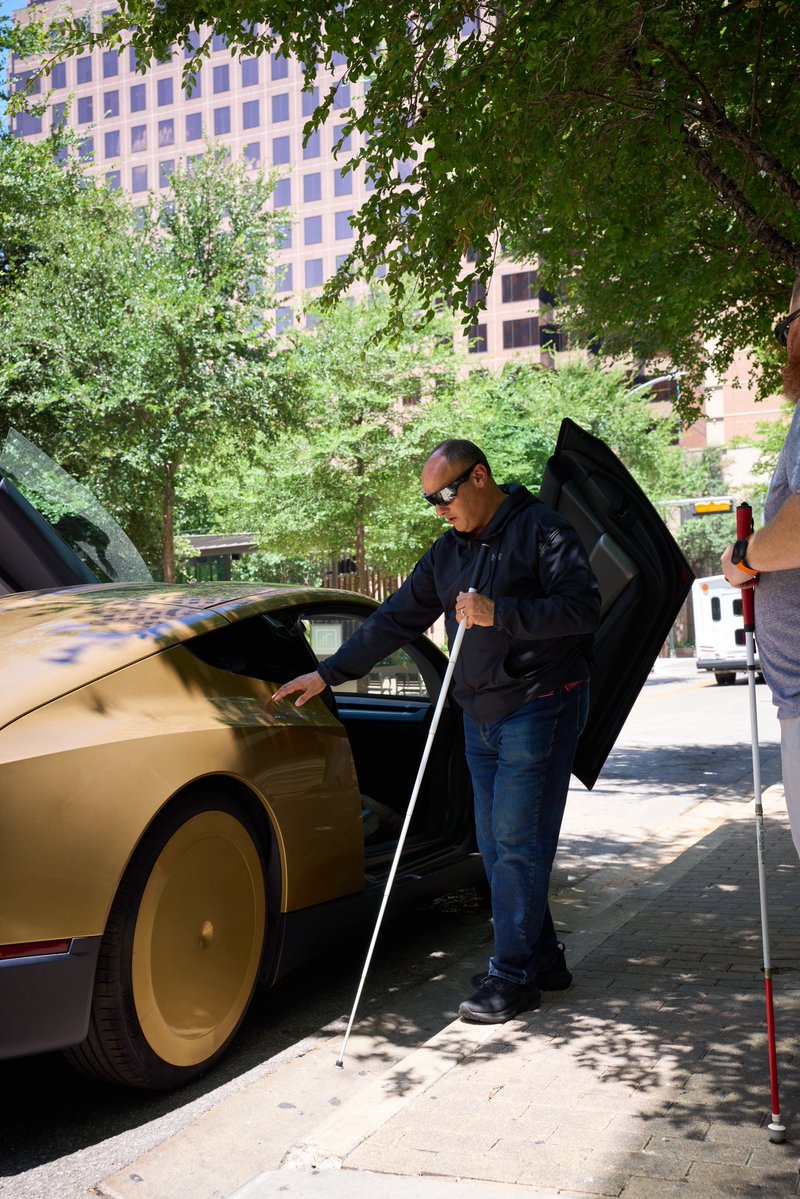
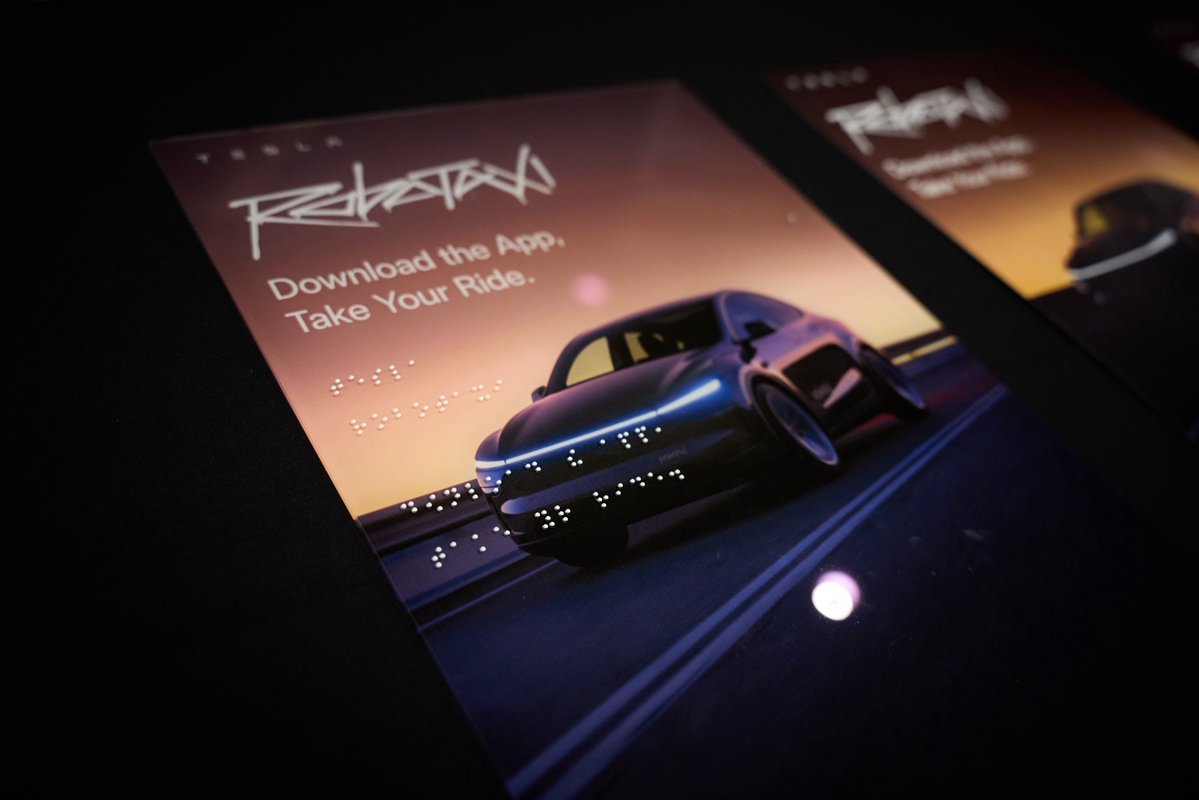
Cybercab at the National Federation of the Blind's Annual Convention in Austin for a hands-on experience of its accessibility features for blind or visually impaired customers For example: – Braille lettering on physical controls
– Space for service animals & assistive devices
– Wheelchair-height seating for easier transfers