💎 Stream Schedule for 07/06 - 07/12 💎
I'M BAAAAACK!!
Had an amazing holiday in Italy but also very happy to get back to streaming!
Hope to catch up with you, my precious Gems!💜
🎥 https://t.co/jHkgItSfHB
📲 https://t.co/tE1jtRFTRi
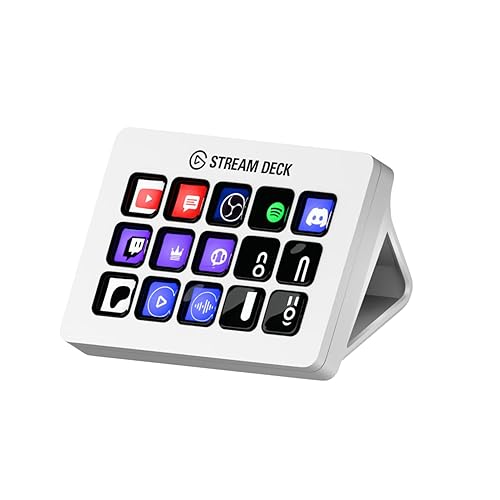
THANK YOU SO MUCH 😭😭😭 Just knowing I’m one step closer to getting a stream deck makes me so happy and I feel so honored to have people helping me with it! 🫶🏻 It’s so very kind
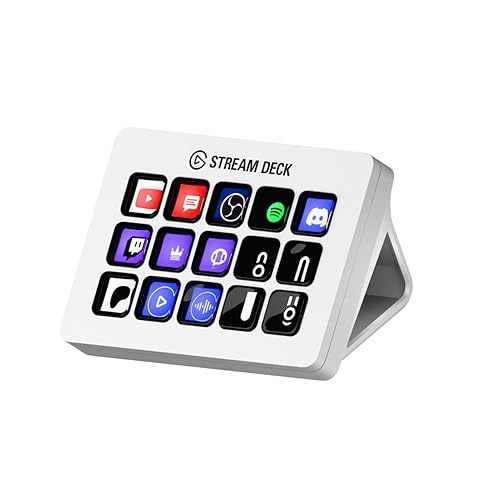
I just received a contribution towards Elgato Stream Deck MK.2 White – Studio Controller, 15 macro keys, trigger actions in apps and software like OBS, Twitch, YouTube from Cagedizm89 via Throne. Thank you, my precious Gem! https://t.co/aRewuH4jPp #Wishlist#Throne
I just received a contribution towards Elgato Stream Deck MK.2 White – Studio Controller, 15 macro keys, trigger actions in apps and software like OBS, Twitch, YouTube from Cagedizm89 via Throne. Thank you, my precious Gem! https://t.co/aRewuH4jPp #Wishlist#Throne
🔴🎥 LIVE NOW
We’re playing some Yakuza 0 today!
Also got new intermission scenes done!! So excited to show you guys!
Over here! ➡️ https://t.co/jHkgItSfHB
Growing up hearing “Wikipedia isn't a valid source” and then entering a workplace where people say “just ask ChatGPT” is a surprisingly strange timeline
🚨 VTUBERS! 🚨
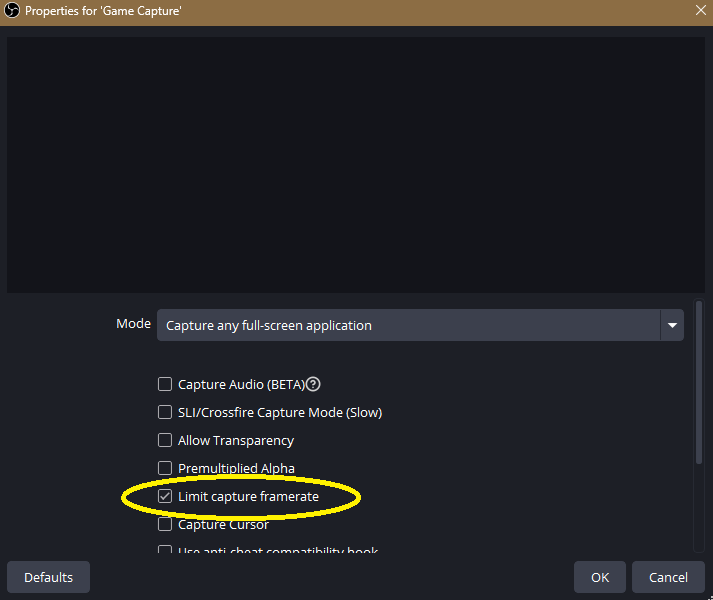
Struggling to play certain games on stream? Have to swap to your PNG model? Here are some tips if your Live2D model is lagging/not co-operating that well with a high demanding game.
Make sure your Game Capture in your OBS has 'Limit Capture Framerate' checked!
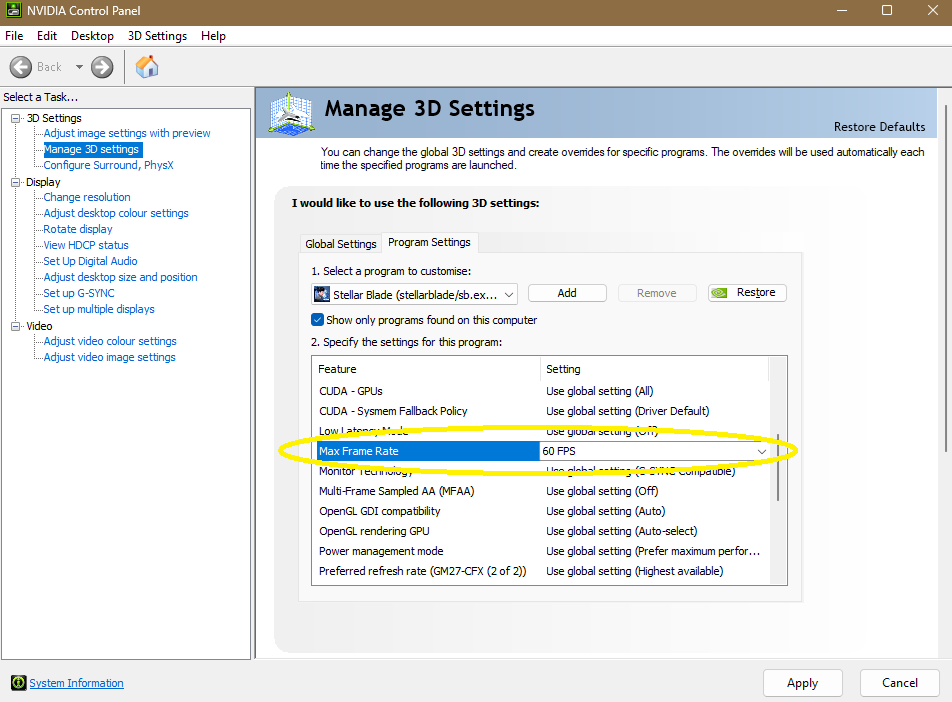
Go into your NVIDIA Control Panel/App > Manage 3D Settings > Program Settings > Add/Select the game > Max Frame Rate set to 60fps!
Sometimes changing the FPS in-game is more practical but with some games that dont have an FPS limiter, this is helpful for those with struggling PC's and good to ensure its being forced to run on 60fps the whole time!
HOPE IT MAKES A DIFFERENCE 💛