Draw your initials or name try and make a Minecraft figure, or make the most creative shape you can, rounding off a few lessons for Y4 on Logo #programming#logo#creative
Year 6 have been busy developing their choice of a story, game or animation to celebrate #scratchtober#computing - Rose made a 'Flower Power' project https://t.co/tkWTKL3yKn
It's time for Y5 to develop their own video sensing games using @scratch#codingisfun#coding not quite the #ScratchWeek themes but lots of fun and learning anyway :)
Year 3 are using @scratch to develop a virtual pet! The first stage is to add a pet, some food, some water and a toy to play with. Lots of fun to be had and lots of coding skills developed along the way...
Not everything you see online is real of course. Year 4 have been manipulating digital images on #GoogleDrawings to see who can make the most realistic 'fake' image - which will be voted best image on our @padlet? @pixabay full credit given to image owners too :)
Top Trumps Databases in Y3 - using #GoogleDrawings skills & https://t.co/Li9C9Rgd6b turning text into a robot and good old-fashioned dice to generate the data! #GoogleWorkspace#edtech#JISBrunei
Using @PlayBlooket with 6W today they didn't realise they were recapping about Gmail it was more about collecting gold! https://t.co/rTvJVQ5BHx #learningisfun
Using @TheAnimaker for creating life-like avatars with 3 differing emotions for Year 5 online safety project; this is going to be fun! #onlinesafety#DigCitWeek
Digital Leaders' Wednesday meeting today. Looking forward to seeing how their project ideas develop over the coming months #digitalleaders#edtech#thefutureisbright
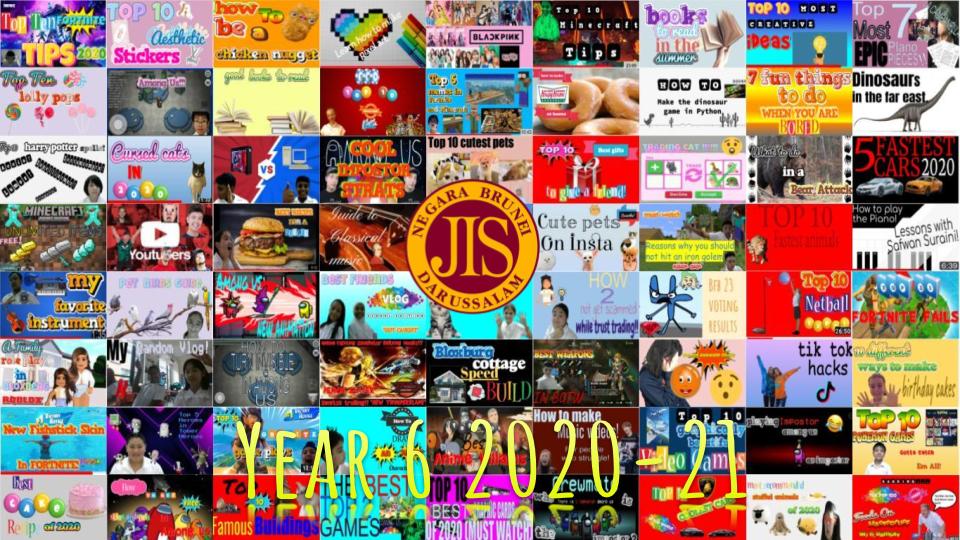
Year 6 designing a @YouTube thumbnail on #GoogleDrawings it's harder than it looks to get a pro look but made easier with https://t.co/k0vxnkGC3c and https://t.co/GuroZhMS4n #GSuiteEDU#creative