We're investigating reports of users experiencing issues accessing Exchange Online mailboxes through multiple connection methods in the Americas. More details can be found in the Microsoft 365 admin center under EX1550543.
We're investigating reports of users experiencing issues accessing Exchange Online mailboxes through multiple connection methods in the Americas. More details can be found in the Microsoft 365 admin center under EX1550543.
Starting Jan. 21, 2027, Duo Mobile will no longer support iOS 17. If your device is running iOS 17, please update to iOS 18 or later before the deadline. https://t.co/N0GMjoSTfa
You don’t have to be a cybersecurity expert to help stop a scam. Recognizing suspicious messages and reporting them promptly helps protect you and the K-State community. https://t.co/GDFDyQ8rEy
For 10 years, the Berney Family Welcome Center has been the front door to the K-State experience, welcoming students, families, employers and visitors from around the world. Because of your generosity, it has become a place where dreams take shape, futures begin and countless Wildcats take their first steps toward what's possible. Thank you for making this impact possible. 💜
To learn more, click here: https://t.co/aUyOHIJmSz #BoldlyAdvance#KState
Would you drive a car without wearing a seatbelt? You might make it to your destination without a problem, but why take the risk when buckling up takes only a few seconds? The same idea applies to staying safe online. https://t.co/ufBFnGJPb1
Following a national search, Jordan Wilson has been appointed assistant vice president and chief information security officer at Kansas State University. https://t.co/vkUqK7DZ5v
October is Cybersecurity Awareness Month, making it a great time to learn how to spot scams and protect yourself. One K-State retiree recently recognized the warning signs of a scam and avoided becoming a victim. https://t.co/7pFzPMIWY1
Pause before you scan.
✓ Check where the QR code came from
✓ Be cautious if it asks you to sign in
✓ Watch for requests for personal information
✓ When in doubt, don’t scan it
Need access to a computer on campus? K-State computing labs offer PCs and Macs, software and printing at several campus locations. https://t.co/KV9ngYbzqX
Looking for something at K-State? Start with Search. 🔎 Simply hit the search button at the top of any K-State webpage.
Find websites and information with Web Search, faculty and staff contact information with People Search, or browse campus directories.
Looking for software? Check K-State first. K-State provides access to free and discounted software for work, learning, research and other projects. https://t.co/m3gbRc4g70
Need to print on campus? Students receive $10 in free printing at the beginning of the fall and spring semesters. Find a printer near you on the Manhattan campus. https://t.co/GU3iKfYM3H
Download K-State Safe and keep campus safety resources right at your fingertips. Access emergency resources, Friend Walk, Virtual Walkhome, Wildcat Walk and more.
Search “K-State Safe” in the App Store or Google Play.
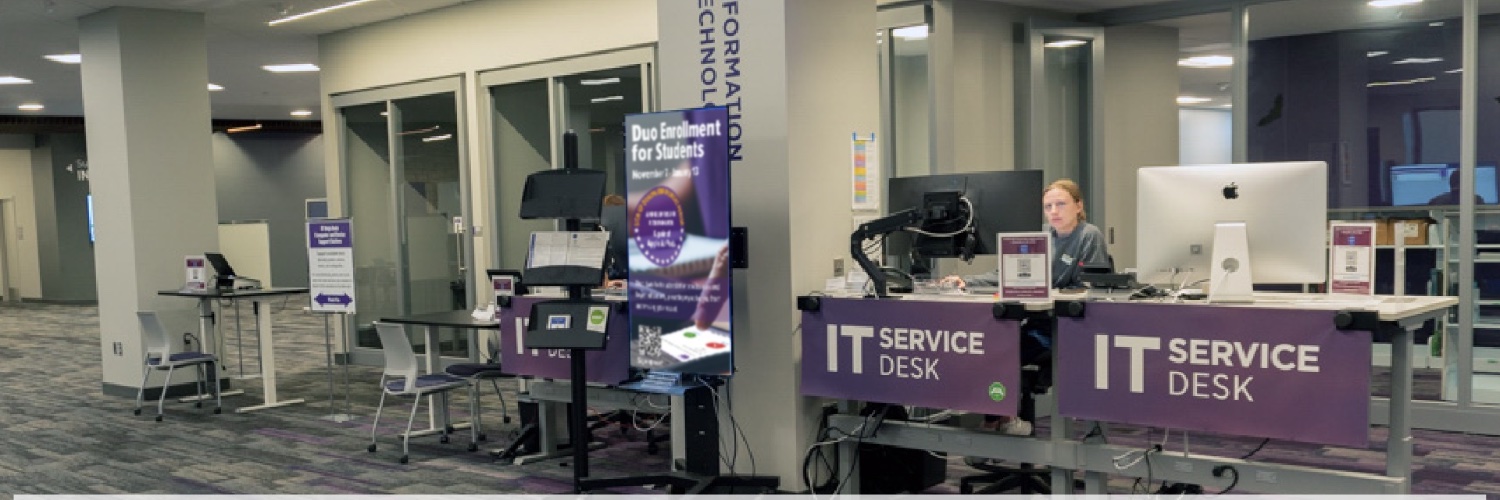
Need IT help? Start with the IT Service Desk. Get help with email, eIDs, passwords, Microsoft 365 and other technology questions. https://t.co/ZcqwZkIcfp
Unexpected text? Think before you respond.
✓ Stop before responding
✓ Question urgent or unusual requests
✓ Verify the request another way
✓ Never share sensitive information by text