Windows is using AI to decrease your PC Performance while Gaming and Streaming
Do these Settings to Disable and Improve System Usage on Windows 10/11 Computers
(Increased FPS + Reduced Latency) More Info Below!
OBS is causing MAJOR Input Delay and FPS Drops while your Gaming
Do these Settings for Maximum Performance while Clipping/Recording on Windows 10/11
(Increased FPS + Reduced Latency) More Info Below!
The Best NVIDIA Control Panel + Color Settings for Improved Performance
Get a Faster Windows 10/11 Gaming PC in 90 Seconds
(Increased FPS + Reduced Latency) More Info Below!
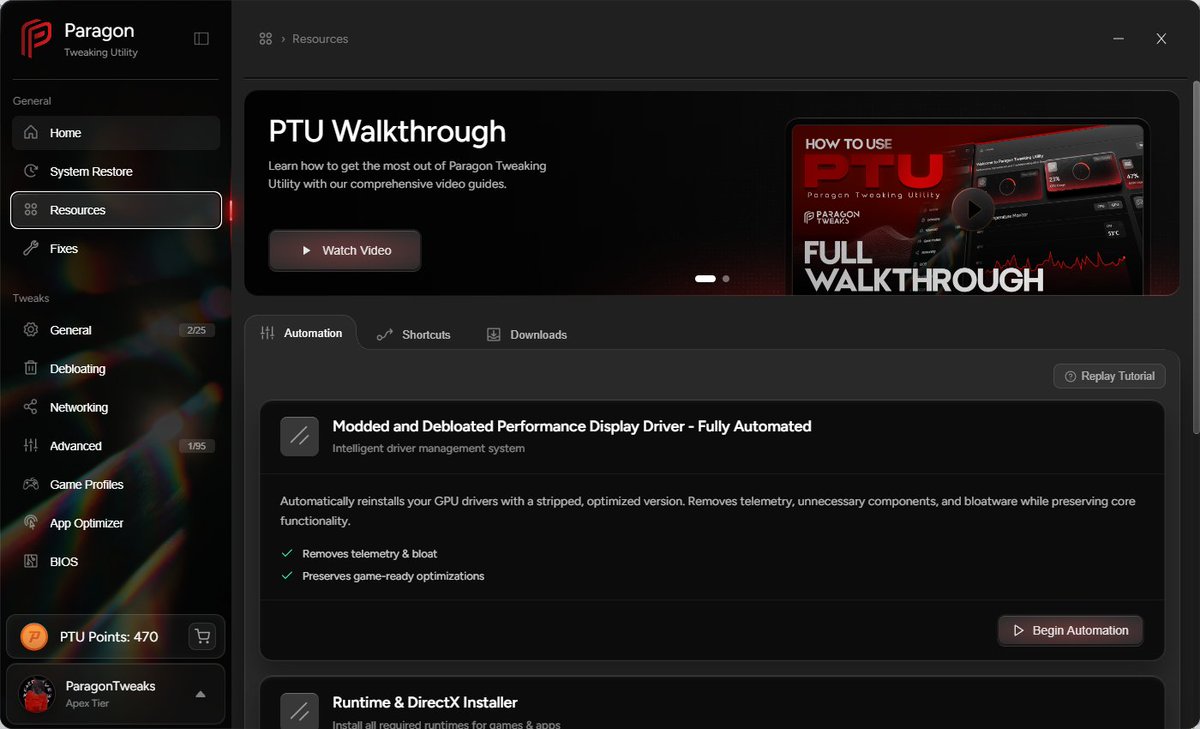
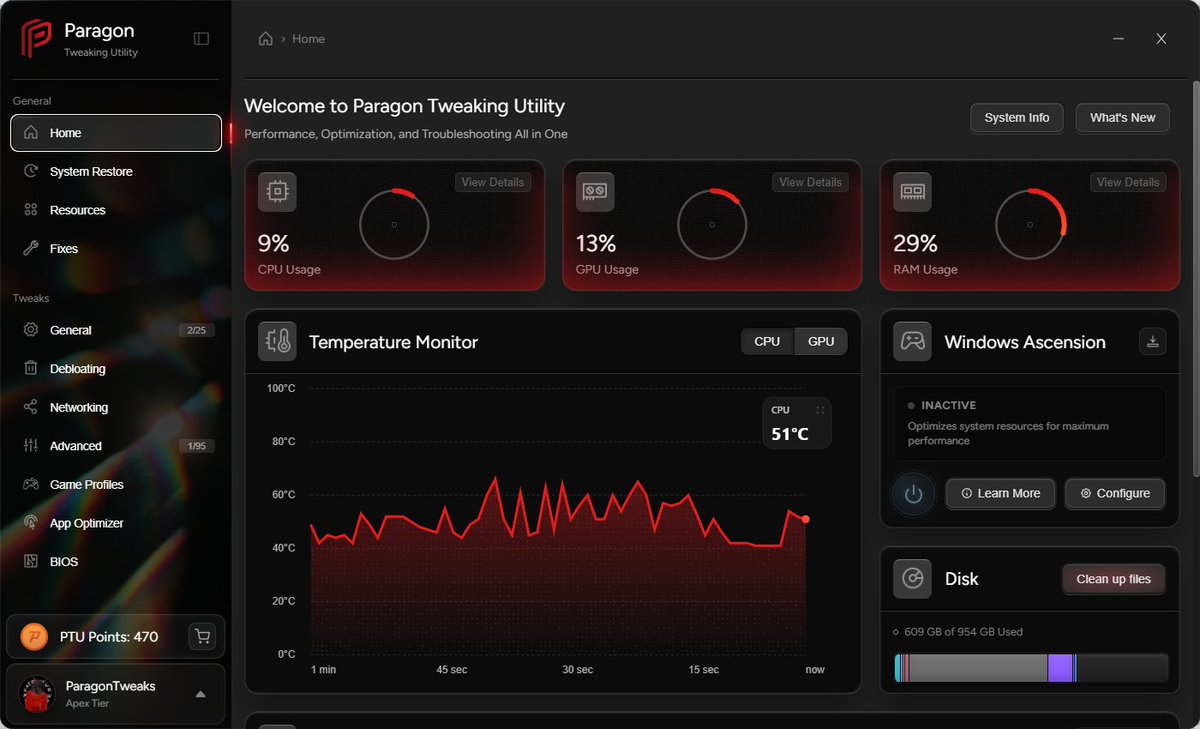
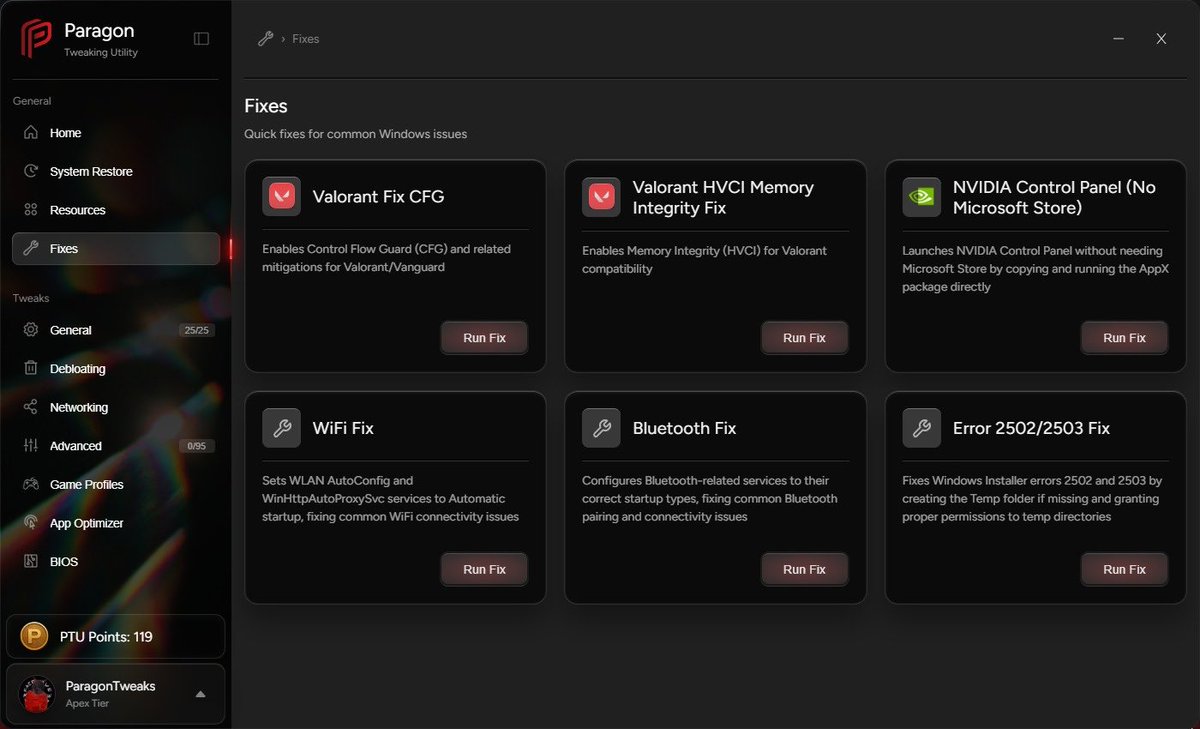
We launched our PTU App a little over 2 Months with INSANE Results🔥
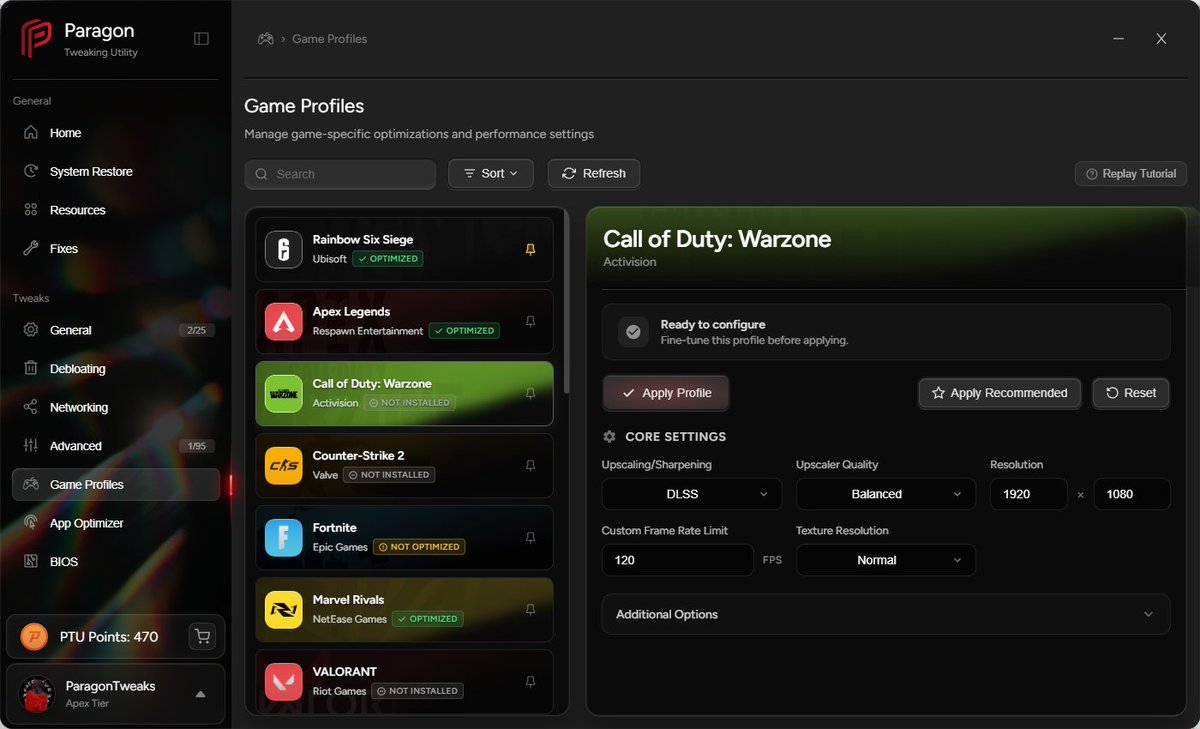
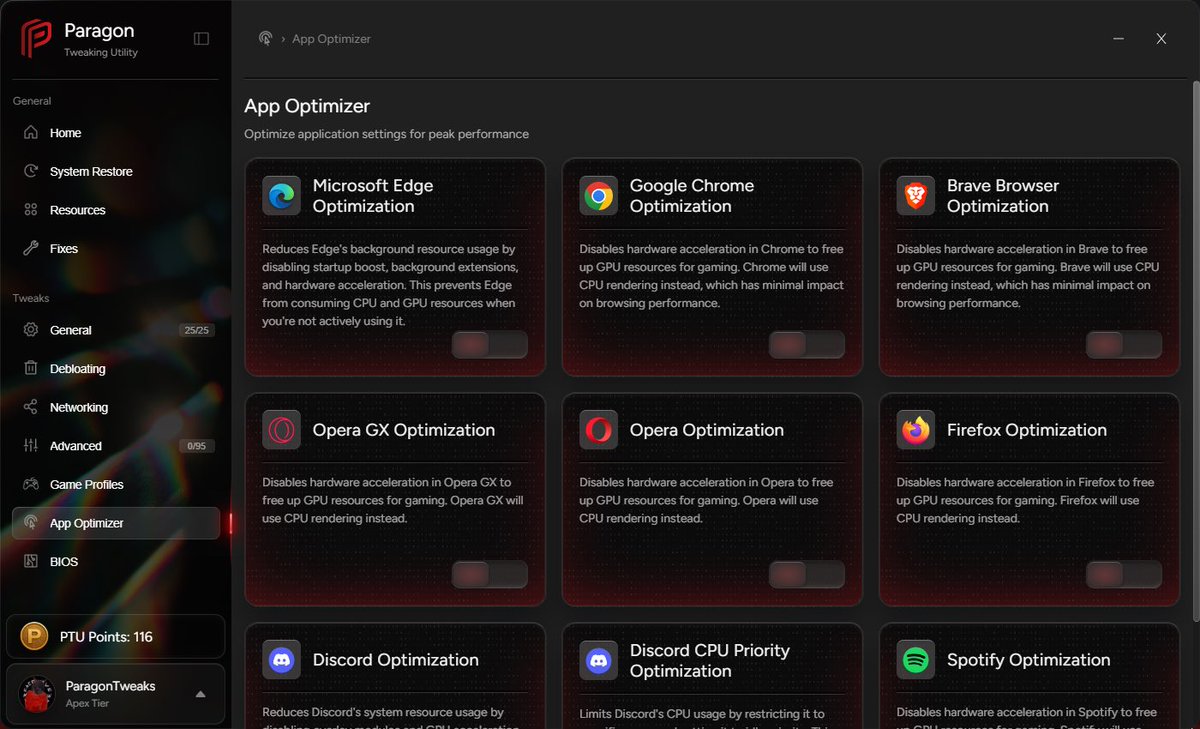
✅PTU Core is a PC Optimization Utility with Competitive Gamers in Mind
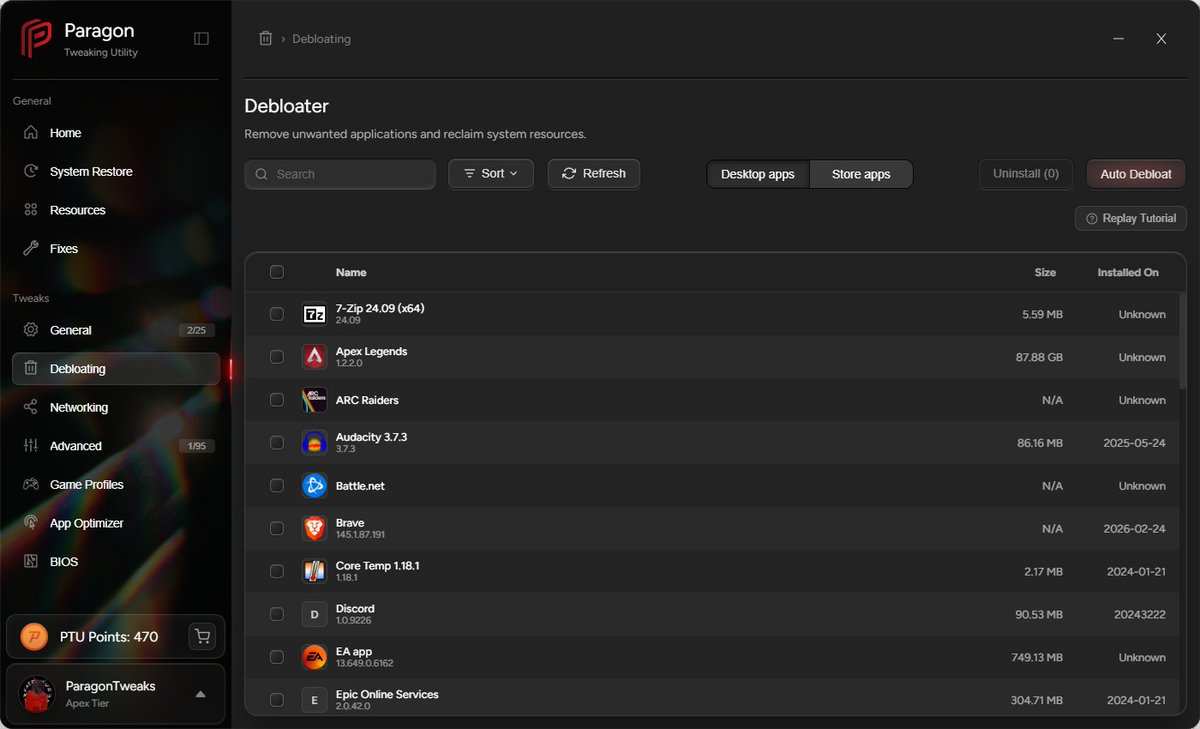
✅Auto-Reinstall Drivers, Debloat Windows, Apply Custom Game Profiles and Performance Tweaks
Try it for Free👇
https://t.co/MZ3vsGDOTl
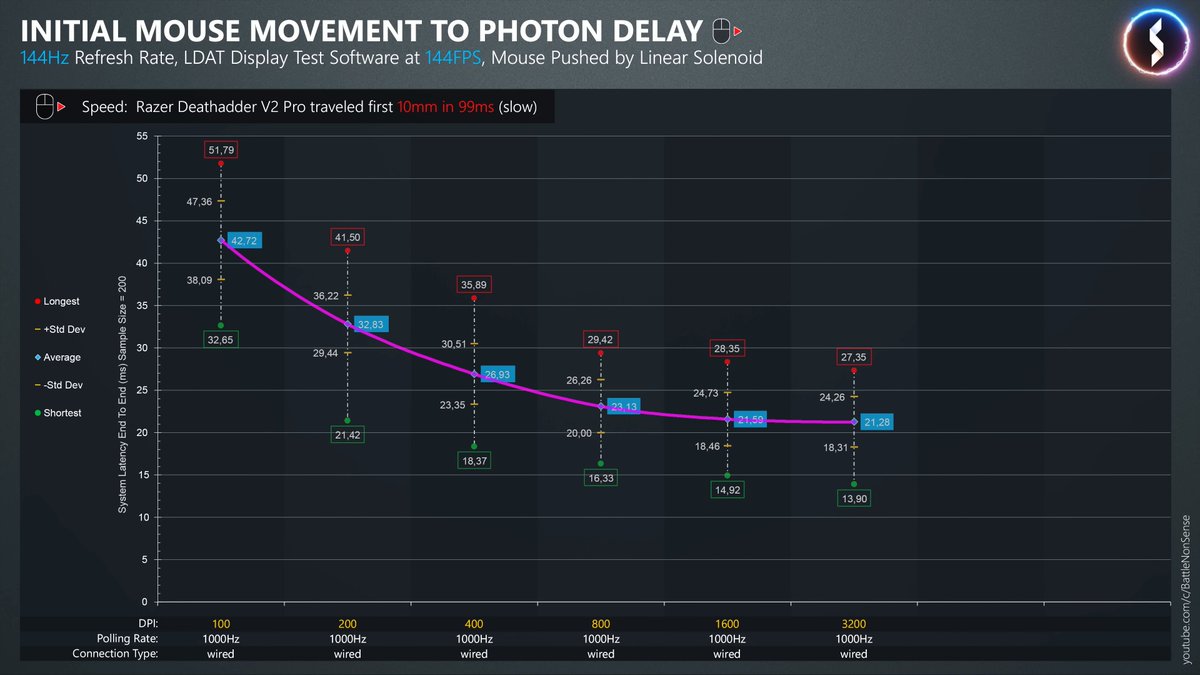
🚨 Low DPI is adding DELAY to your Aim🚨
• Very low DPI means fewer sensor updates
• Fewer updates increase motion delay and jitter
• 200–400 DPI is common, but it is not optimal
Raise DPI.
Lower in game sensitivity.
You get faster updates and cleaner tracking.
Spread this.
❤️+♻️
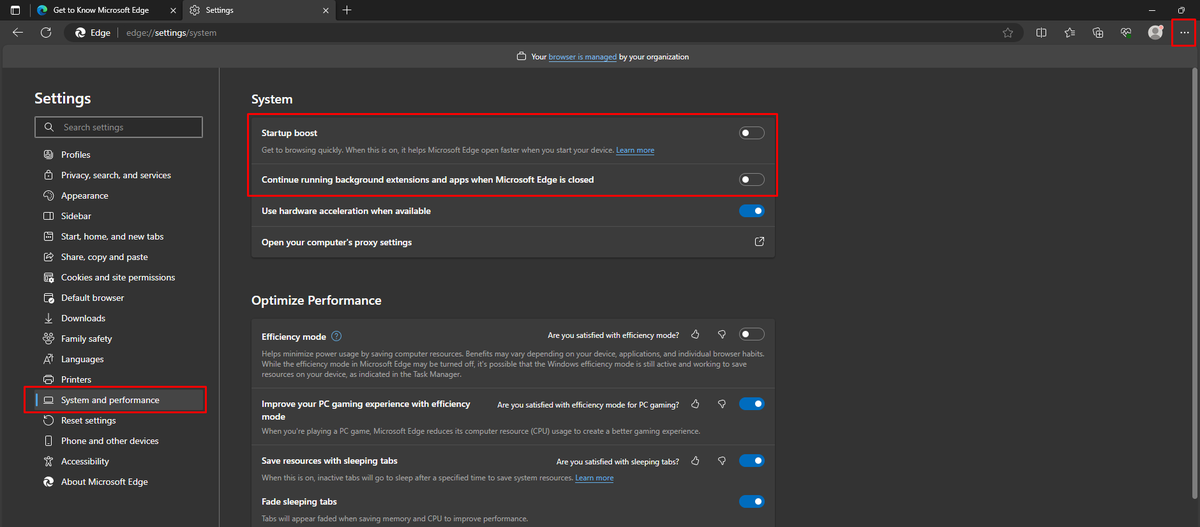
Improve System Performance on Windows 10/11‼️
Edge is installed by Default + Utilizes Memory/CPU Resources even if it's not your Main Browser
Go to the Dots top Right and Disable the Spotlighted settings in System and Performance regardless if Edge is your Main Browser
♥️+♻️
🚨Decrease Windows Processes by 50%
🪫@Windows comes stock with a ton of useless services, which decreases performance.
🔋Using our PTU Utility, we can fix this issue for FREE.
- Start PTU
- Follow Vid Below
- Restart!
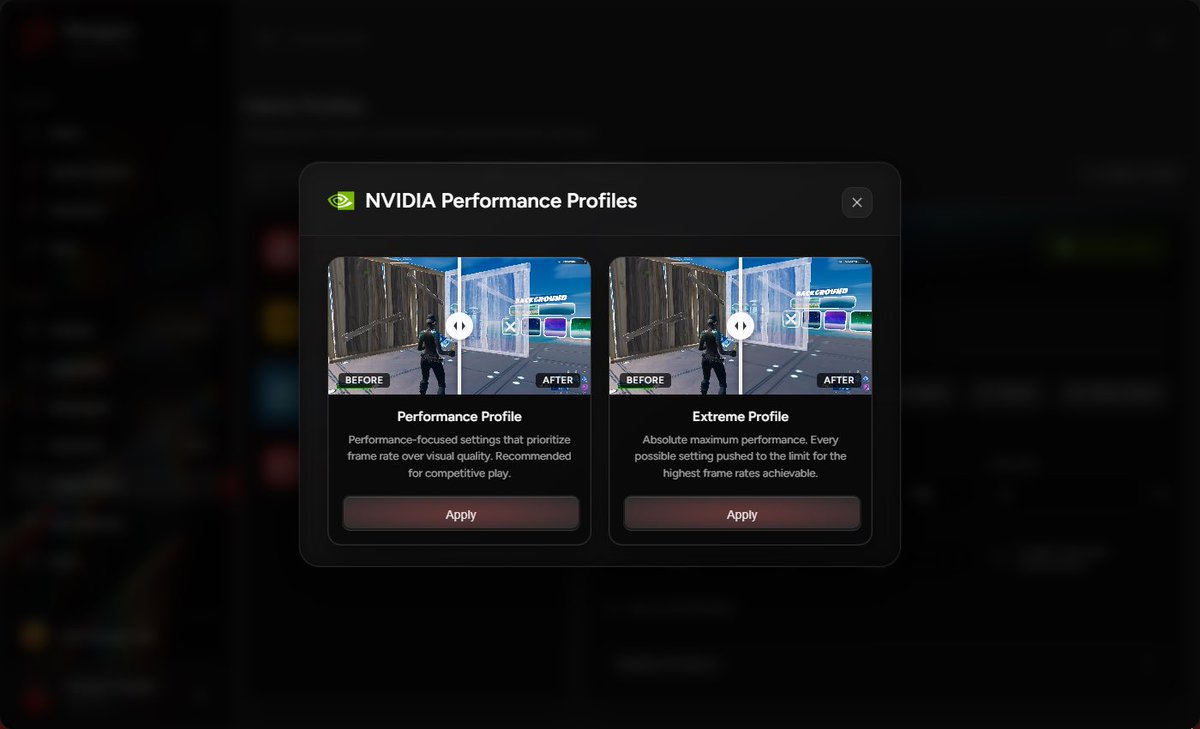
📈Increase Gaming PC Performance
https://t.co/wMSOzwgx7k
🚨BOOST PC GAMING PERFORMANCE FOR FREE🚨
⚡ A proper Power Plan + Global GPU settings can increase FPS dramatically.
At @ParagonTweaks, we give you this FREE.
✅ Open PTU
✅ Enable the Power Plan
✅ Apply NVIDIA global settings
📈 Instant FPS, better frame pacing, lower latency in ANY game.
🔗 https://t.co/nfT2NQwi2C