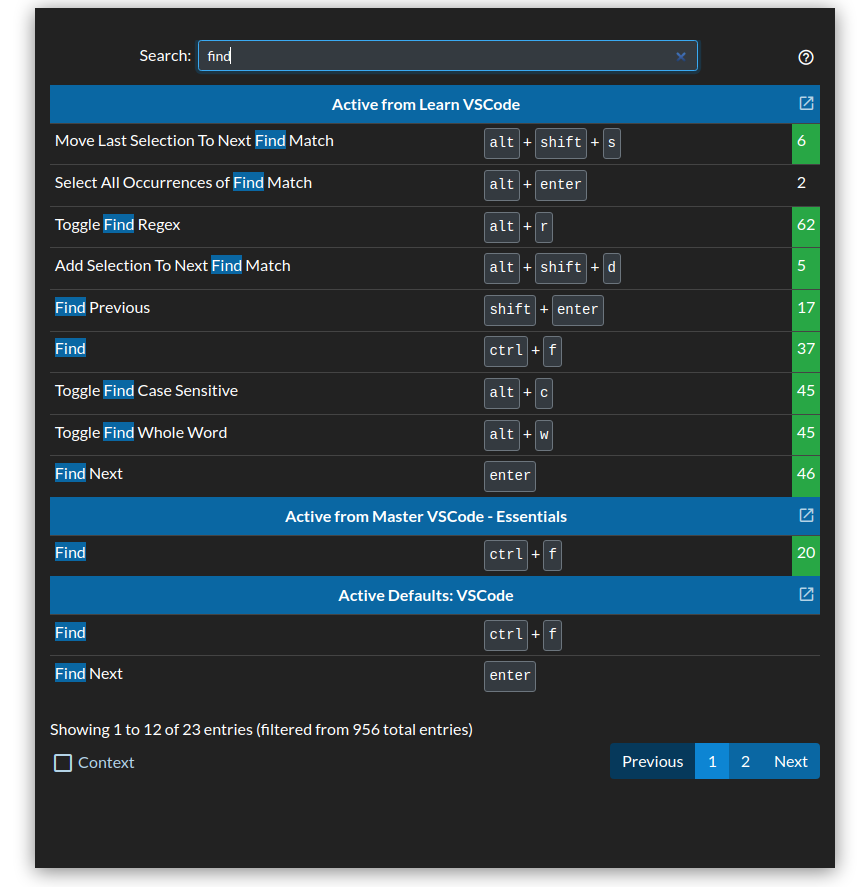
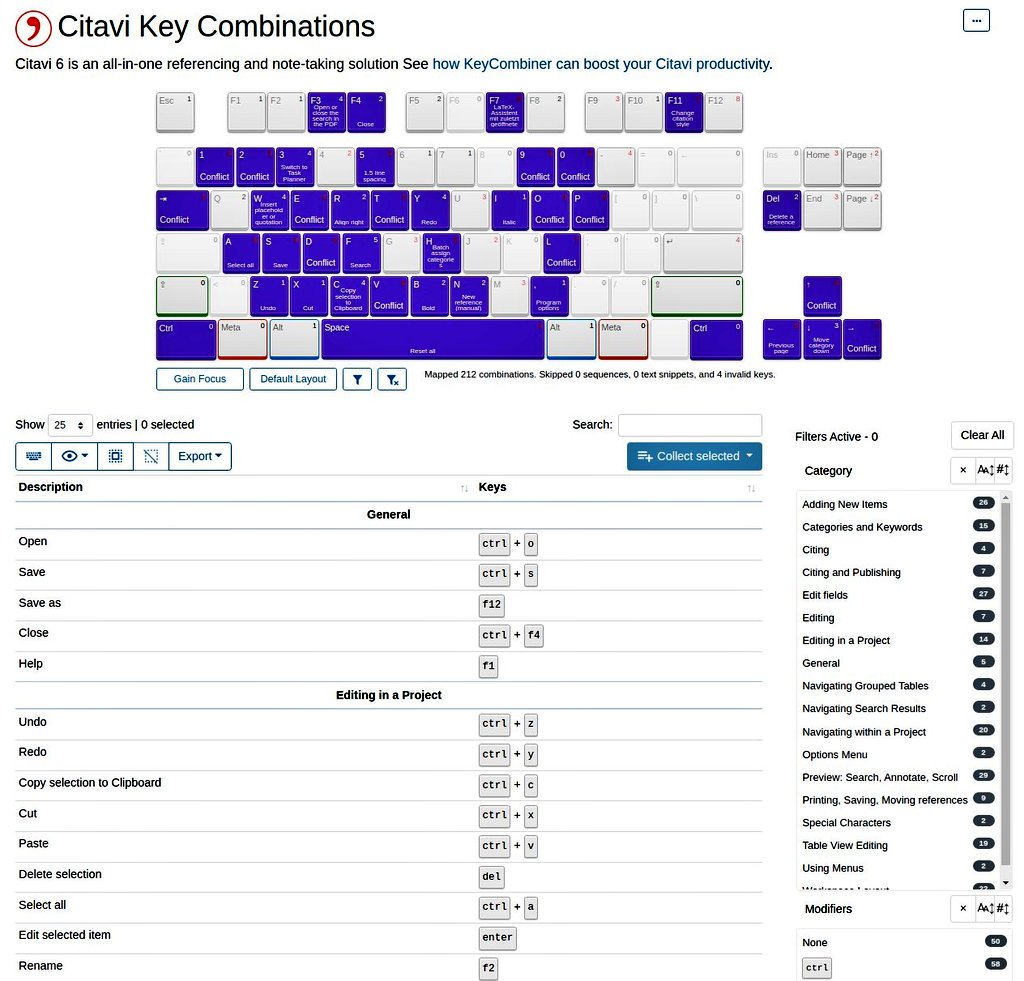
It was the most popular user request, and now finally it's done!
KeyCombiner has a Dark Mode 🎉🌙
As a Pro user, enable it through the new Appearance Settings category.
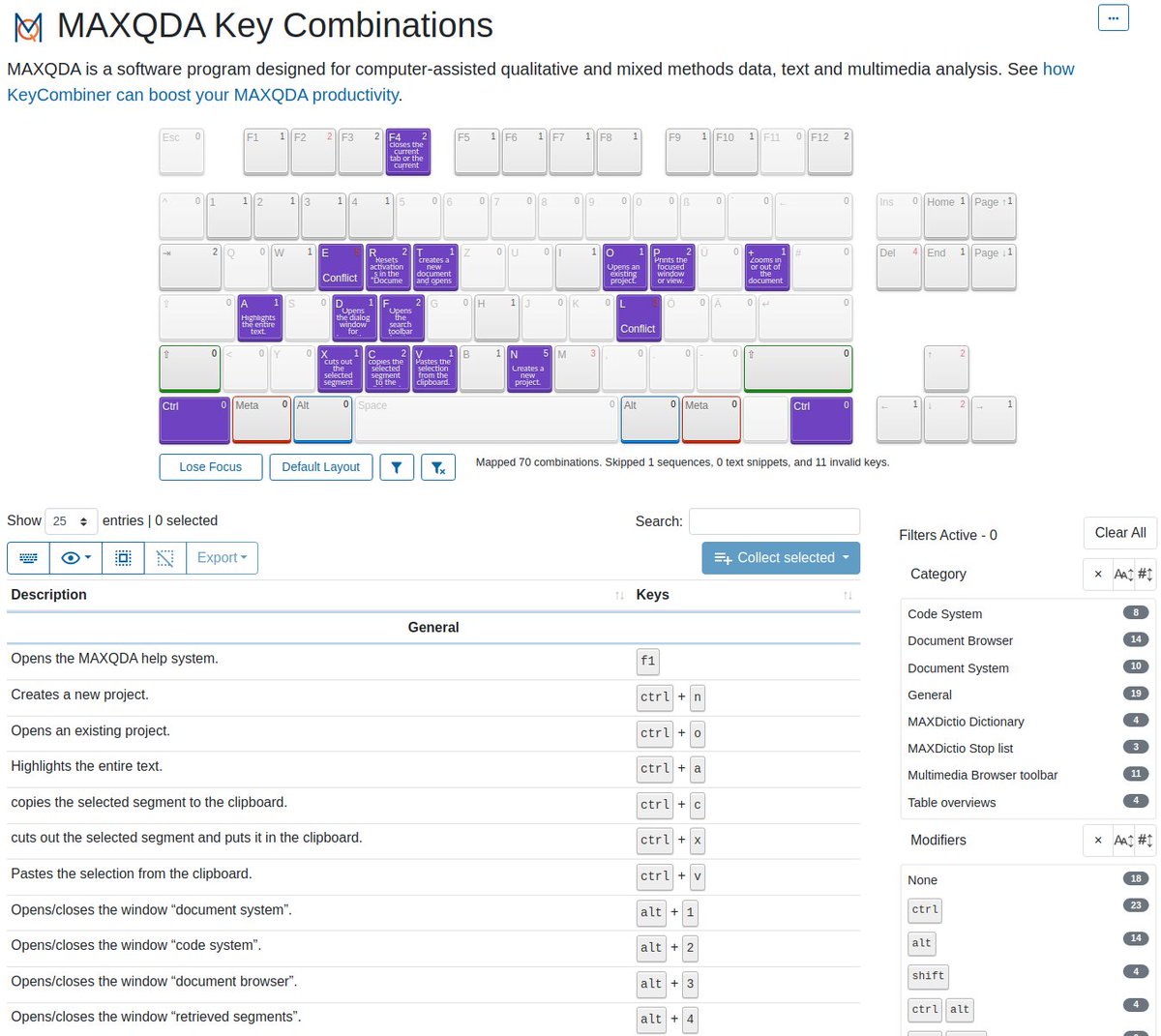
Thanks to a user's request, there is a new public collection for @VerbiSoftware MAXQDA 🆕
Collect and learn the keyboard shortcuts at https://t.co/7sM5WbZji2
https://t.co/rQ7wtHdaUh
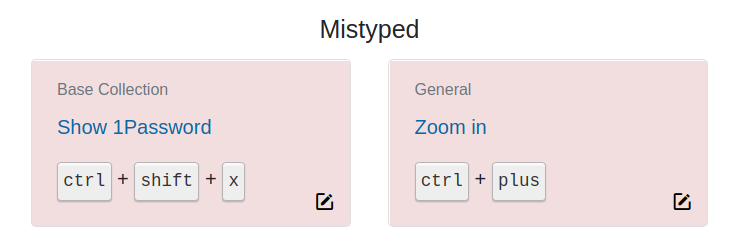
There is a brand-new improvement for the summary page after spaced repetition reviews.
KeyCombiner now shows the collection name in the cards for mistyped combinations.
https://t.co/jRJ9YCfCjL
Updating keyboard shortcuts in KeyCombiner just became more efficient with autofocus on the first input field.
Thanks to the person requesting this on GitHub.
https://t.co/JayPHHQ4Un
I set goals for the new system:
1. easy to learn and remember,
2. ergonomic to use,
3. predictable modifier keys,
4. avoid collisions with OS and browser,
5. consistent across platforms,
6. easy to extend as we grow.
KeyCombiner is often used by developers to design a set of keyboard shortcuts for their app.
This blog post gives advice on the topic that is backed up by data from both @CommandBar and KeyCombiner.
https://t.co/Y7bsp4qCcV
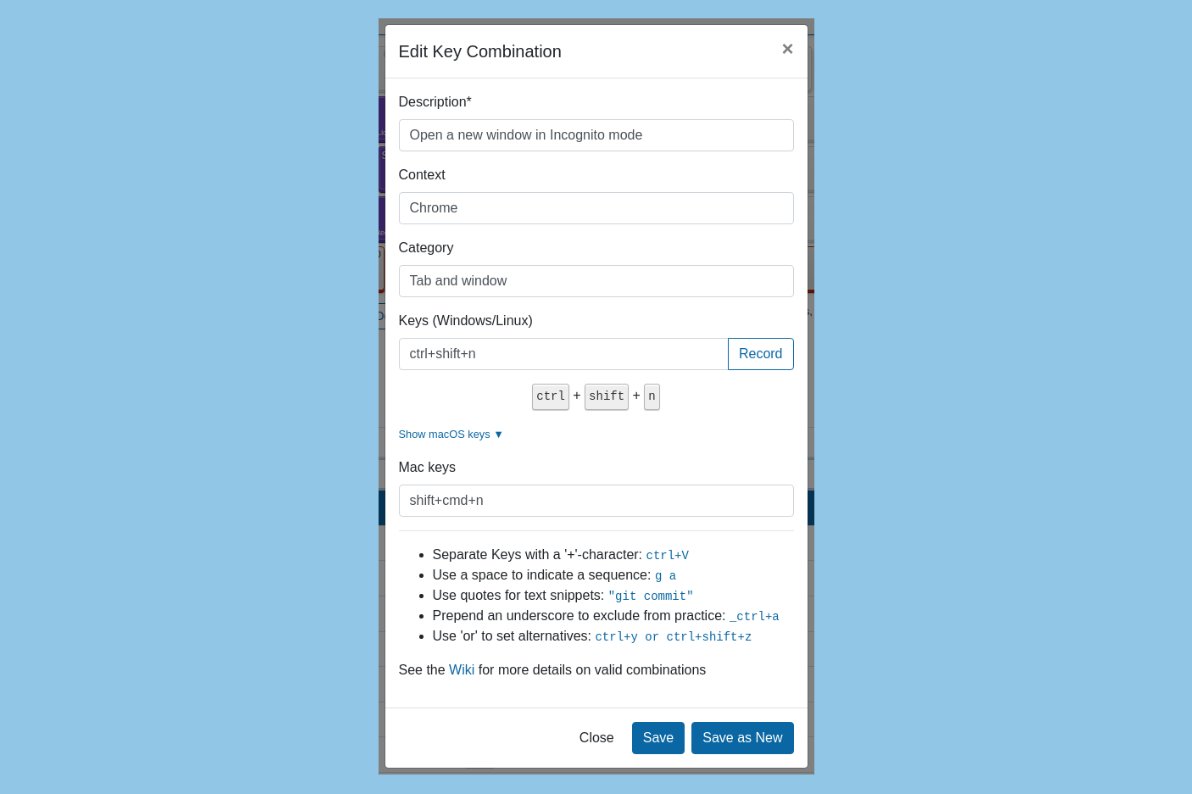
It is now possible to edit keys for macOS when you are on Windows/Linux and vice versa.
Thanks to the user requesting the feature on our public GitHub issue tracker!
https://t.co/PhNu5DOgBn
We have a brand-new public collection for @geogebra!
Browse the shortcuts of the powerful geometry, algebra, statistics, and calculus application at https://t.co/m9UhiyM66t
Thanks to a user's report, we could fix a problem with yesterday's KeyCombiner Desktop release that broke the instant lookup on Windows.
If you are on Windows, please update again 🙏
https://t.co/eb8dAYhML6
KeyCombiner Desktop 0.8.0 is out 🎉
Comes with
- Support for Apple Silicon via universal installer⚡️
- Auto reloading of instant lookup window when relevant settings are changed 🔄
- Setting to permanently disable accessibility permissions check on macOS 🛑
@venkatamutyala Your personal collections will always be included in the instant lookup!
However, they will be below the current app's combinations, if a supported one is detected.
Scroll down or, even better, type a search term to show your personal combinations.
KeyCombiner's public GitHub wiki is now searchable from the CommandBar ⌨️⚡️
Check if the wiki has answers for your advanced use cases without leaving the app.
@venkatamutyala Do you want to open the desktop app's instant lookup? By default, it is Cmd+Alt+C.
See this list for all of KeyCombiner's own shortcuts:
https://t.co/C7LRC439xi
@venkatamutyala You can check the log at ~/Library/Logs/KeyCombiner/main.log to see which application name KeyCombiner detects.
Workaround: Add the combinations to your personal combinations so you can always look them up independent of context.
@venkatamutyala The window should pop up for any application. However, for some, you might only see the combinations in your personal collections.
Terminal applications are a problem because KeyCombiner will usually not be able to detect what's running within the terminal.