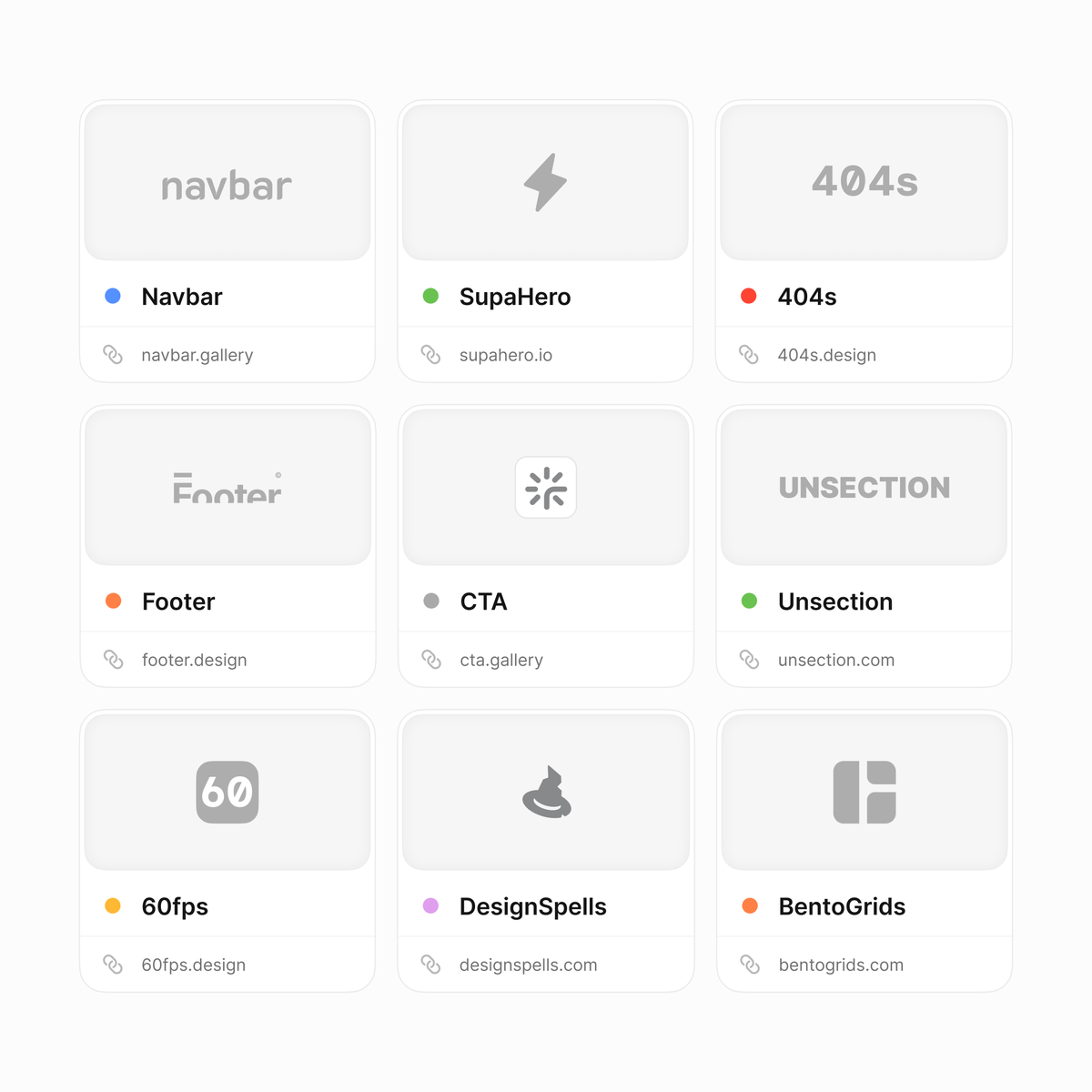
Website inspiration, broken down by section. Save this 👇
- https://t.co/mKbtZhzBUY
- https://t.co/khNSNs6jN6
- https://t.co/Yf86m9gQ9p
- https://t.co/WXOPeoTYBz
- https://t.co/97dcGLYSP8
- https://t.co/FEtH4rrhwB
- https://t.co/4oWPi7xQMl
- https://t.co/bzGFpU7JLr
- https://t.co/Ki5NJwas2M
What am I missing?
Best DESIGN.md Resources for AI Coding, save this 👇
https://t.co/XoJEHGXjcd
https://t.co/gciPhu6Tyf
https://t.co/oO3d1b4ObI
https://t.co/y7A2Y6eyPb
https://t.co/KPTb1kZddi
https://t.co/3FeNRSx5BA
https://t.co/1rkKn7eNG3
https://t.co/c7RHg13chZ
What Did I Miss?
I found 9 sites that generate Design Markdown files for your AI builds !
here are the links:
- https://t.co/TNZCQmfST8
- https://t.co/8YhM7a8bsY
- https://t.co/MeFj63Z9m0
- https://t.co/uFD1KBcgR7
- https://t.co/629jiFqTFe
- https://t.co/ycyThSL14h
- https://t.co/zSDN97Tfgp
- https://t.co/0RhwQ6G7KR
They help turn your visual direction into an actual design system your coding agent can follow.
typography, colors, spacing, radius, shadows, components, states and responsive behaviour.
before you build any screen, pick a visual direction and generate the design .md file aligned with your product mechanics and outcome goals
add it to Claude Code or Cursor, then use /design to describe what should stay consistent across every screen
this gives the agent actual constraints instead of asking it to “make the UI look premium” and hoping for a good output
you'll ship much cleaner product ideations at lightning fast speed !
( this and a folder of 5-6 visual references are the first things we prepare before starting a client build )