@juststerling117 Hello, try this, locate where the you installed UnrealEngine > \Engine\Plugins\Marketplace\FBP\Source\FBP
Then locate gRPCCertificates-Cpp.bundle in the https://t.co/XzgkoFHpm6.cs file for the platform your are packaging.
Comment it out or remove and see if it helps
@juststerling117 Hi, it should not since it can build.
But you can try to keep line 301 and comment out line 334 and vice versa.
X does not allow enough characters to paste the 2 lines here
@juststerling117 Hello, try this, locate where the you installed UnrealEngine > \Engine\Plugins\Marketplace\FBP\Source\FBP
Then locate gRPCCertificates-Cpp.bundle in the https://t.co/XzgkoFHpm6.cs file for the platform your are packaging.
Comment it out or remove and see if it helps
📣🛠️ Calling all devs, Gemini Pro is now available for you to build with.
Get started with Google AI Studio, the fastest way to build with Gemini. ➡️ https://t.co/LCKXIworJR
#BuildWithGemini
Login System in Unreal Engine using AWS Part 4
Sign In Lambda
View on YT:
https://t.co/u7D9GQB01M
View on https://t.co/GPY5k4ximm:
https://t.co/eH3FMwaD49
#UnrealEngine#UE#UE5#AWS#UE4
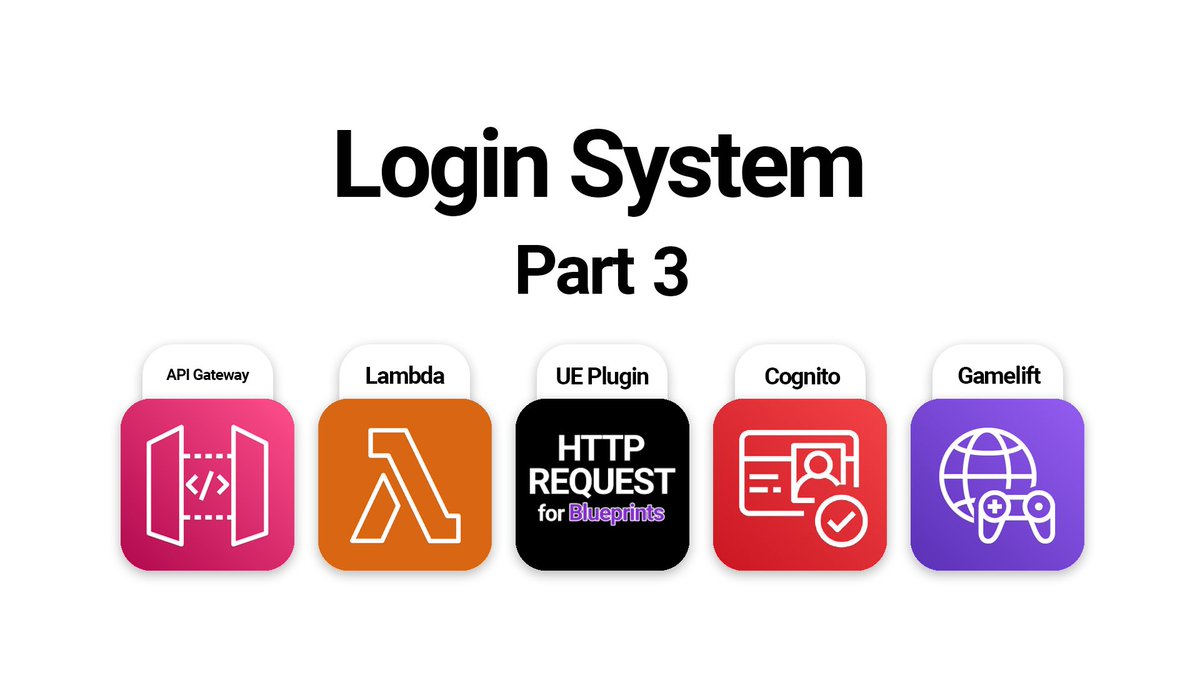
Login System in Unreal Engine using AWS Cognito | Lambda | API Gateway - Part 3
Confirm Account Lambda
View on YT:
https://t.co/OtAufrYbIW
View on https://t.co/GPY5k4ximm:
https://t.co/eMfhWBV0Je
#UnrealEngine#UE#UE5#AWS#UE4
Login System in Unreal Engine using AWS Cognito | Lambda | API Gateway Part 2:
AWS Cognito Setup
View on YT:
https://t.co/rDFaKycYxH
View on https://t.co/MiGZkD3POY
#UnrealEngine#UE#UE5#AWS#UE4
Login System in Unreal Engine using AWS Cognito | Lambda | API Gateway
Part 1:
https://t.co/aHDHgi5IdN
View on https://t.co/GPY5k4ximm:
https://t.co/57LwnjH45q
#UnrealEngine#UE#UE5#AWS#UE4
Building a Login/Authentication System in Unreal Engine with Firebase tutorial available now!
Watch on YT:
https://t.co/2JLcW5lGfy
Plugin documentation:
https://t.co/EHrtzDxir3
Download plugin:
https://t.co/BRbmRNvA5n
#codeible#unrealengine#ue5#firebase
See-through blur effect
Hello in this tutorial, you will learn how to create a see-through blur effect on your elements.
View on Codeible:
https://t.co/iEVatbL8Du
YouTube shorts:
https://t.co/Kbs6tej1uS
#Web#HTML#CSS#CSS3#webdesigner#webdevelopers#WebsiteDevelopment
Loop Clicker - An Auto Clicker app for Android Phone / Tablet!
Helps you perform clicks and swipe actions on the screen.
Easy-to-use interface.
Customizable settings for each action!
Get on Google Play
https://t.co/LbMmVUuNYC
#Android#androidapps#AndroidDev
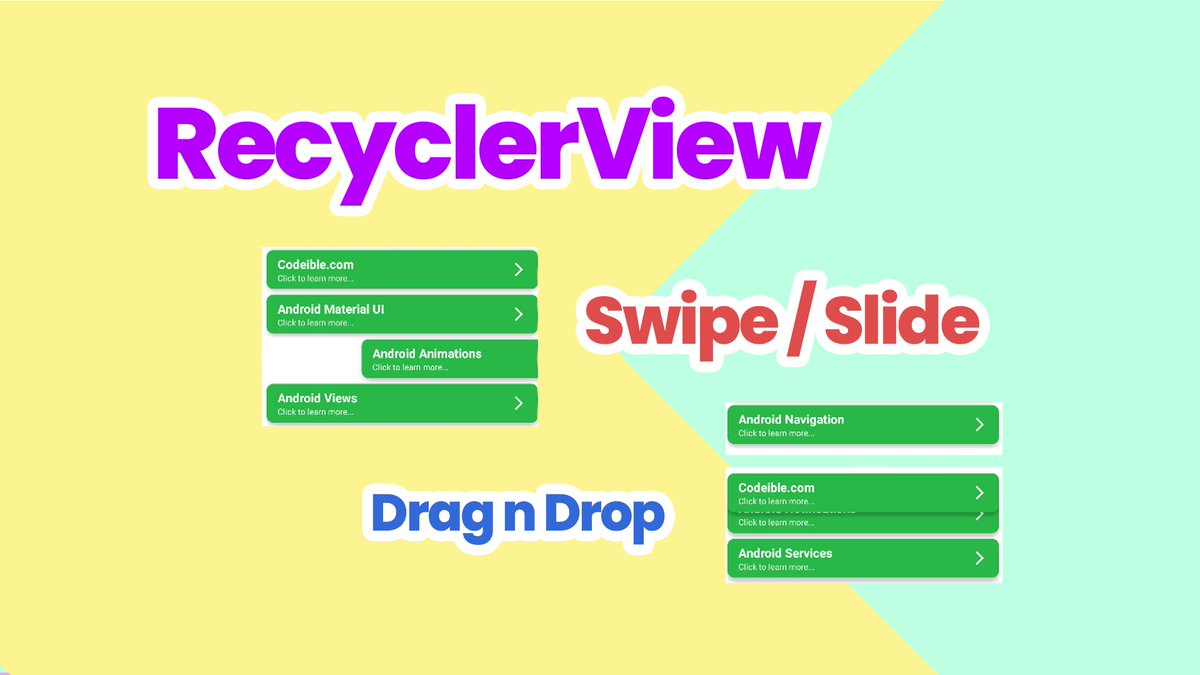
Swipe or Slide and Drag and Drop items in RecyclerView
View on Codeible:
https://t.co/SfJK2osBxG
View on Youtube:
https://t.co/UazpdYraps
#Android#AndroidDev#Java#Codeible
Shaped ImageViews
Hello, in this video, I’ll show you how to create custom shaped ImageViews using the Material UI Components library for Android.
View on https://t.co/GPY5k4ximm
https://t.co/VDOsO4gfvT
Watch on Youtube
https://t.co/Pmsq63CvTT
#AndroidDev#Codeible#Android
Animation: Animating Views using ValueAnimator in Minutes - Android
View on Youtube: https://t.co/Z0osekjOBV
View on https://t.co/GPY5k4xQbU:
https://t.co/F2NDnEIsRO