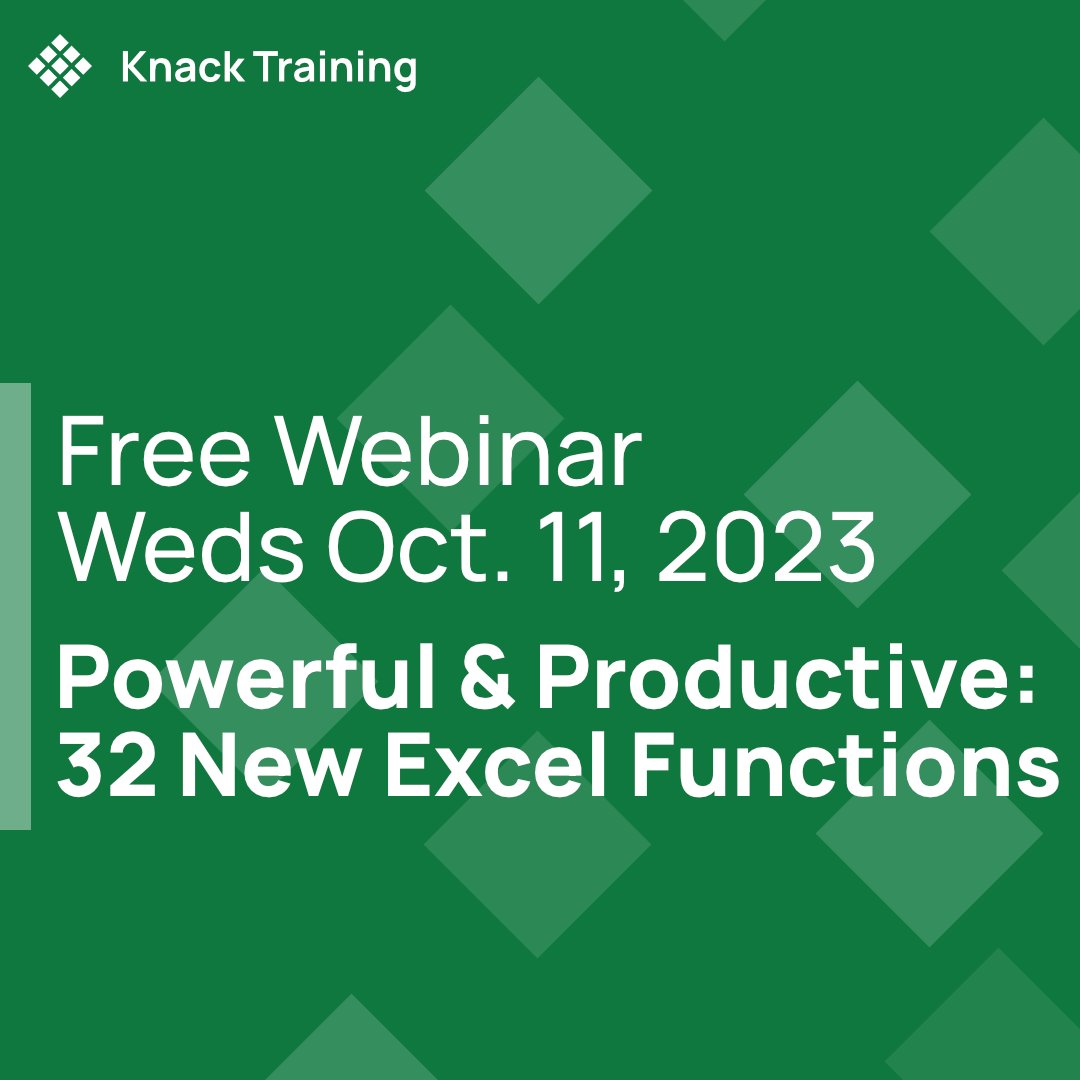
Don't miss out on the opportunity to enhance your professional development this June with our specialized summer programs created for educators. Our first training is tomorrow with @DeniseTsamouris! Secure your spot now by using this link to register: https://t.co/ANHqahfaJx
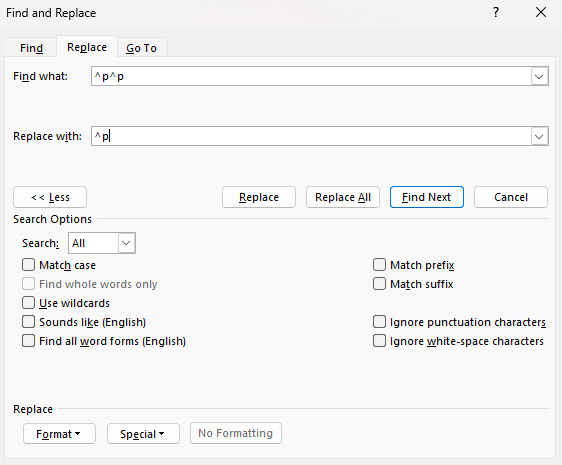
Did you know that Find & Replace works on a lot more than just text? If you click the More button, you can find and replace using wildcards, formatting, or even special situations like returns. #tipsandtricks
Are you still using #vlookup, or even Index and Match to combine and compare tables? Here's a how-to on the new #xlookup function in #Excel https://t.co/1M4wKQMvKE
Have you started using the newest Excel functions? Some huge new stars have been added since 2019 - VLOOKUP, LAMBDA, LET, FILTER - you can see how to use them (and download the completed workbook): https://t.co/Oha01y15z8 #excel#xlookup
Make your content inclusive with Microsoft's Inclusive Design toolkit!
https://t.co/aFaSKYPSv4
This website is packed with resources to help you create materials that celebrate diversity and resonate with everyone.
#KnackTips#inclusivedeisgn#microsoft#diversity
As @NinaBaliga says in this talk, we're all going to experience some disability in our lives; on top of that, accessible design is just good business! #accessibility https://t.co/m1GtJYyusS
Microsoft is unlocking Copilot AI inside Office apps for all businesses this week. Copilot for Microsoft 365 will now be available for businesses large and small, as Microsoft is removing the 300-seat purchase requirement. Details below 👇 https://t.co/zQHPnwV5v2
In this webinar by team member Denise Tsamouris, we get the foundational concepts of #projectmanagement - something a lot of us are missing! https://t.co/OXdKLLdhcr
Is your company inclusive and supportive of team members? Is it legally compliant with accessibility laws? Is your work connecting with its audience? Check out our free webinar this Wednesday, Accessible and Inclusive Design: https://t.co/1WCTiRyZA8