Tiny inpainting trick:
Do not select the whole broken area if only the edge is wrong.
Mask the smallest part you can. Smaller masks keep identity, lighting, and texture more stable.
Multi-model video tools are becoming normal: Sora, Kling, Veo, Seedance, PixVerse, all in the same buying conversation.
For marketers, the question is shifting from "which model?" to "which shot do I need?"
Ecommerce photo workflow I like:
1. background remover for a clean cutout
2. virtual try-on for fit context
3. inpainting for small fixes
4. upscaler before publishing
Four small edits, one usable asset.
The interesting AI editing shift: people do not want "generate me a new image" every time.
They want: keep this face, change that shirt, remove this object, upscale the final.
Control beats rerolling.
Video face swap has a serious use case: turning approved still creative into localized motion.
Same campaign idea, region-specific talent, short-form output.
That is a faster path from asset library to ad test.
Virtual try-on gets much better when you treat it like QA.
Same garment, 3 poses, 3 body types, consistent lighting.
You are not just making a pretty image. You are testing whether the product story survives variation.
A strong ad edit is usually 4 small edits, not 1 big one:
remove background
repair shadows
swap scene
upscale final
Do them separately and you keep control instead of gambling on a full reroll.
Adobe pushing Firefly toward a unified creative workspace says the quiet part out loud:
AI editing is not a single button anymore.
The winning workflow connects generation, cleanup, organization, and remixing in one place.
The best AI editing tools are starting to feel like a Swiss army knife:
background remover, enhancer, inpainting, face swap, try-on, image-to-video.
One asset, many outputs.
Image upscaling is not just "make it bigger."
For ecommerce, it means your tiny supplier photo can become a usable catalog asset after background cleanup, enhancement, and shadow repair.
A practical try-on workflow:
1. clean product photo
2. test on 3 body types
3. keep lighting consistent
4. turn the strongest still into a short video
That is a content pipeline, not a photoshoot.
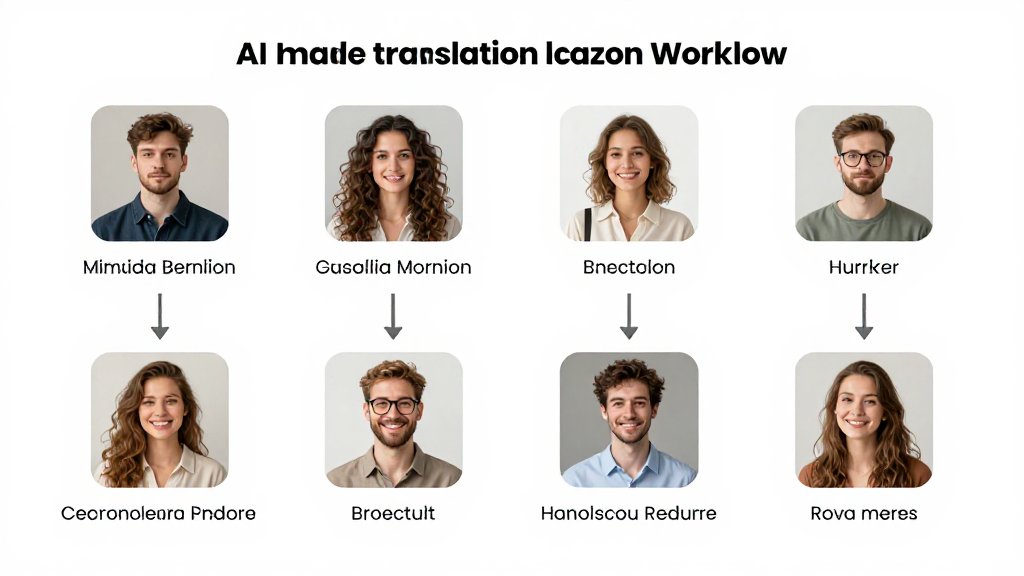
The underrated AI edit: image translation.
Not just swapping words. Keeping the same layout, lighting, product, and brand feel while localizing the asset.
That used to be a design queue.
Tiny inpainting trick: fix the smallest broken area first.
Bad fingers, logo artifact, messy sleeve, weird reflection.
If 90% of the image works, protect it. Regeneration is expensive chaos.
Face swap gets dismissed as a toy until you use it for localization.
Same campaign, different region, matched expression, consistent lighting.
The serious use case is faster creative testing.
Most ecommerce edits do not need a full reshoot.
Remove the background, place the product in a cleaner scene, fix shadows, then test 3 ad crops.
That is a marketing workflow, not a design chore.
Google's image model deprecation notes are a reminder: tools change fast, but workflows should stay portable.
Keep your edits modular: background, subject, face, text, video. Swap models without rebuilding the whole process.
AI editing gets interesting when categories blur. Face swap is not just for fun. Virtual try-on is not just for fashion. Inpainting is not just cleanup. The real value is combining them into one creative pipeline.
Most teams overuse full regeneration. Better move: keep the 90% that already works, then fix only the problem area with inpainting. Faster, cheaper, and usually more on-brand.
Practical ecommerce stack: remove the bad background, drop the product into a premium scene, test a virtual try-on, then turn the best still into a short video ad. One product shoot can stretch a lot further now.