Day #23 of #BuildingInPublic. Today I worked on billing and reminders, I focused on ensuring that 7 days to the set renewal date, an Invoice is created and email sent to the client. Reminders are then set on days 5,3 and 1, and 5 days later a termination email is sent.
Day #22 of #buildingInPublic. I was able to get a better simulation of a datacenter environment using cloudflare to proxmox locally giving me a static domain name accessible from anywhere. It allows me to create vms and provision them and get an IP I can ssh into (locally)
Day #21 of #buildingInPublic - my #proxmox woes continue... but in the meantime i tried to get a quotation for servers from different providers, Got one quote from Konza But it seems their offer won't cut it for me.
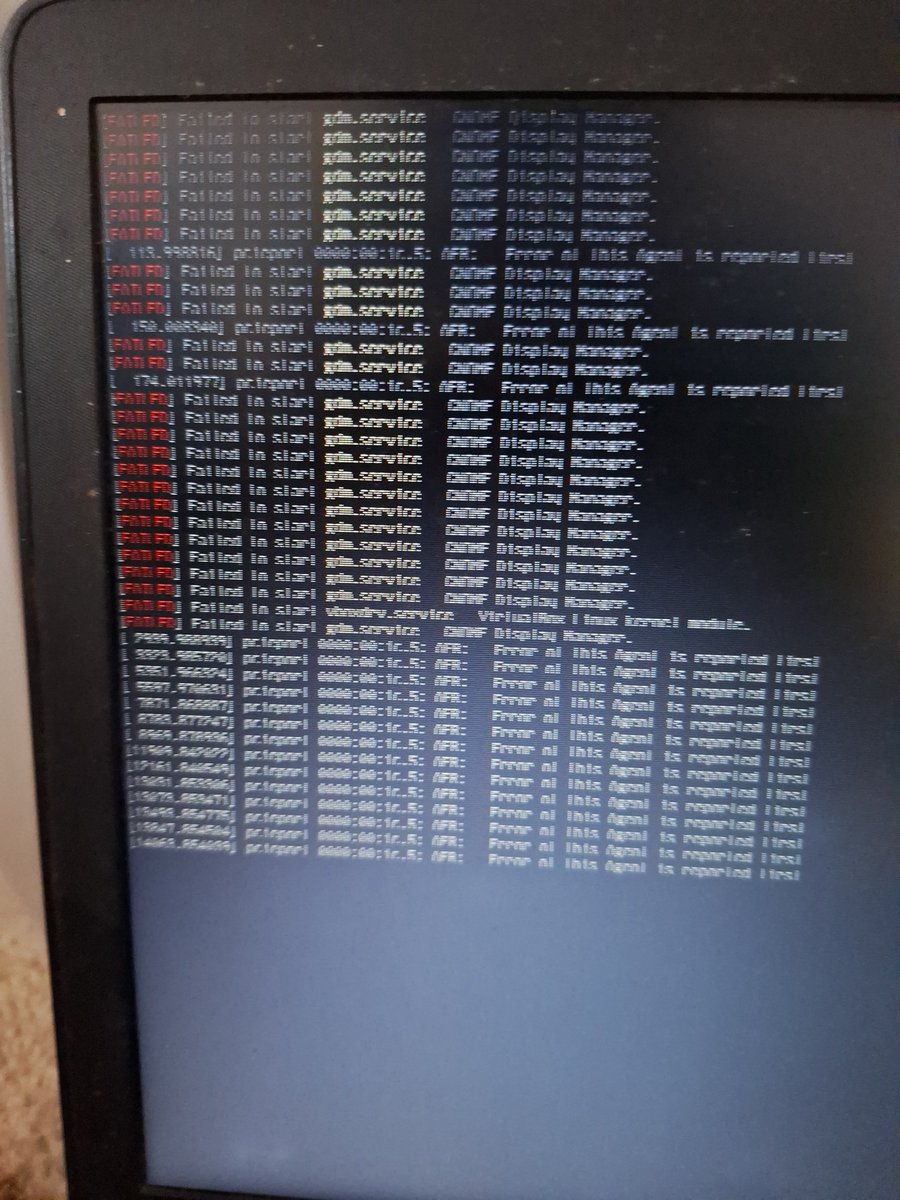
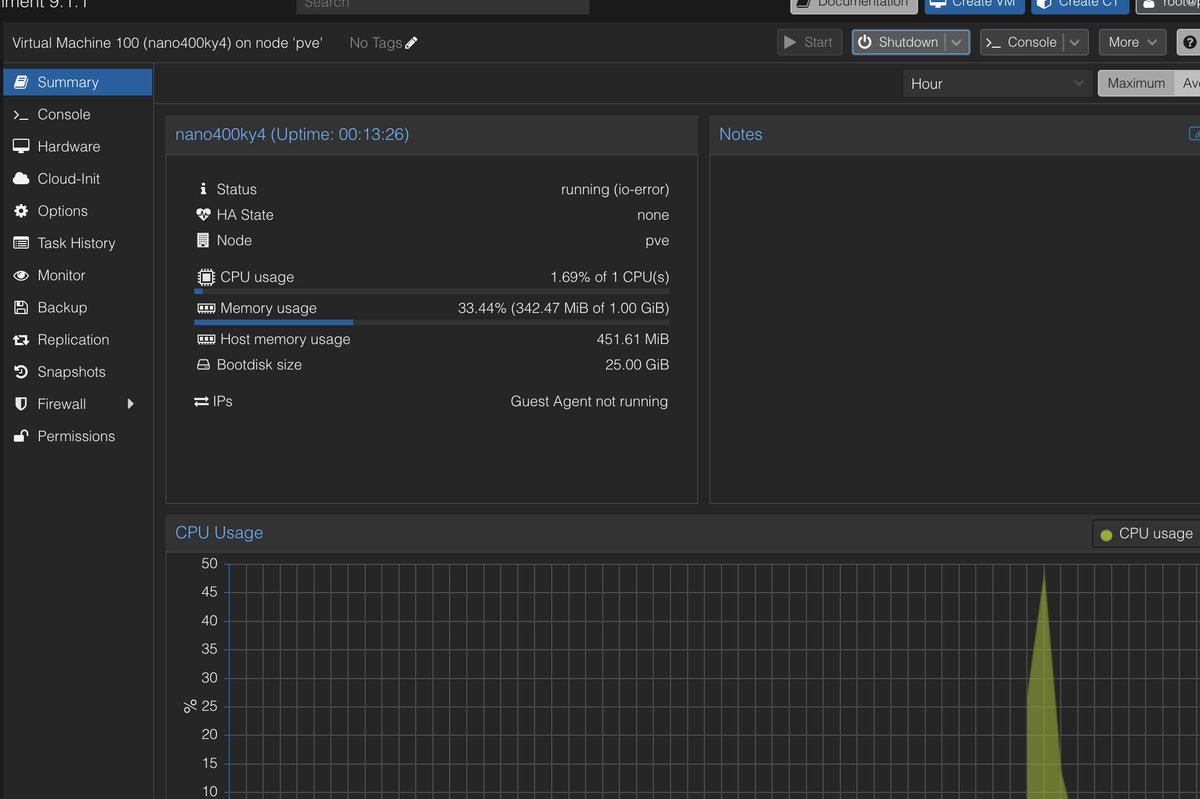
Day #20, of #buildingInPublic. My old laptop that runs proxmox crashed, so now I have to find an alter alternative or reinstall proxmox on it again. Unfortunately proxmox does not allow nested virtualization on mac. Only managed to set up this page and change this status columns
Day #19 of #buildInPublic, Focused on creating background tasks to start server provisioning once an invoice status is changed to paid. Also created another task to start the vm after provisioning
Day 18 of #BuildingInPublic I displayed VPS instances and added actions for users to start, stop, and restart their servers.
Working on the the apis for these next. I’ll also work on background tasks to trigger server provisioning once a user pays for a subscription.
day #17 of #BuildingInPublic, well today, I did... nothing. Well, not nothing really, but I made a realisation, that the more I obsess on any one thing, too much that is, eg working way past 6 on my day job, or too much tv, the real important things go undone.
I had to create a disk on the template, download the os into it, and configure the init script to detect this disk automatically. Its 1.20am. Final Push !
Day #16 of #BuildingInPublic, hardest one yet, I was trying to automatically provision a vps once an order gets paid, the process goes like pay order -> update order as paid -> trigger provisioning script -> call proxmox service -> call proxmox client 🧵
Solution to #1 was simple, create an image with the OS that can then be cloned when creating the server
#2 was more difficult! I had to figure out a way to install the qemu quest agent on the template - codex to the rescue
#3 Was even harder,
Day #15 Building In Public: Shipped my first Python package! 🚀
Just published facebook-ad-library-scraper on PyPI.A clean tool to search, scrape, and export Facebook/Instagram Ad Library results.bashpip install facebook-ad-library-scraper
Day 14 of #buildingInPublic i created a client file that wraps all the Proxmox apis that i need for now. I'll be using this client to call proxmox without exposing the actual api to the calling function. Btw, I'm finding open AI codex to be quite good
day #13 of #buldingInPublic
Today was all about understanding the proxmox api. I was able to figure out authentication and the basics of how to create, configure and run vms using the apis. However, still stuck with an isssue where vms cannot access the internet.