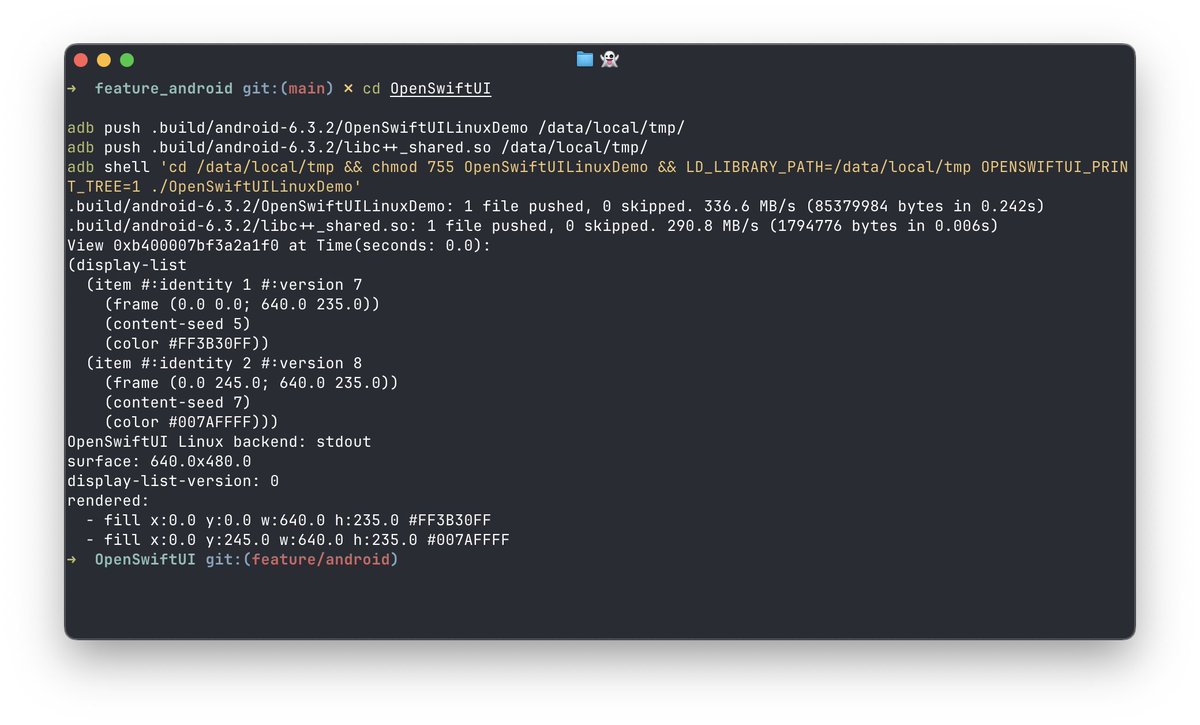
@desugar_64 I’m using Skia for Linux. For Android the demo is currently using the OSUI for UIKit pipeline via UIKit-cross-platform. You can know more on how we map DSL to UIView in OSUI repo and how UIKit work on Android on ucp repo.
Swift on Android is becoming real!
We’ve started working on bringing OpenSwiftUI to Android — contributions are welcome!
Check for issues labeled "platform: Android"
eg. https://t.co/G7Nj0pMPnb
We are bringing OpenSwiftUI support to Linux!
So far no GUI backend is added. Only a basic stdout renderer compared to the UIKit/AppKit view renderer of OpenSwiftUI on Apple platform.
But you can evaluate the full OpenSwiftUI API here like Layout and other stuff here.
@_silgen_name Yeah. It is true. I made most of it last weekend. Both Linux and Android is ready.
After the foundation PR is merged. I'm welcome for any GUI backend PR support.
It is using the same architecture you love about SwiftUI and share the same API interface.
I do not know why Apple does not open source it and make it cross-platform.
But that's why OpenSwiftUI kicks in to fill the gap :)
We also managed to bring OpenSwiftUI to Android via many patches. There are more compiler issue (both clang and swift) need to be resolved upstream.
If you know some android workgroup member who is also interested in this project. Please reach to me via DM.
We also managed to bring OSUI to Android. But there are more compiler issue (clang and swift) need to resolve. If you know some android workgroup member who is also interested in this project. Please reach to me via DM.
Fun fact: on appleOS 26, it’s possible to disable all SwiftUI tap gestures in an app without affecting other gestures or functionality.
No source code changes nor hooking required.
I’ll share a full write-up and the accompanying Gist this weekend. 👀
(Hint: Env & UserDefaults)
@pepicrft Nice, I’ll check it out. The existing automatic Swift Package to generated project flow in Tuist has a few limitations for my use case, like SwiftPM target headers not showing up in Xcode automatically. Explained the limitation in detail in this post
https://t.co/72hqt4VYJW
I also add directly linking private API support as I explained in the blog.
You can enable it by setting SCREENSHIELDKIT_USE_SPI_INTERFACES=1 in the latest 0.2.1 release
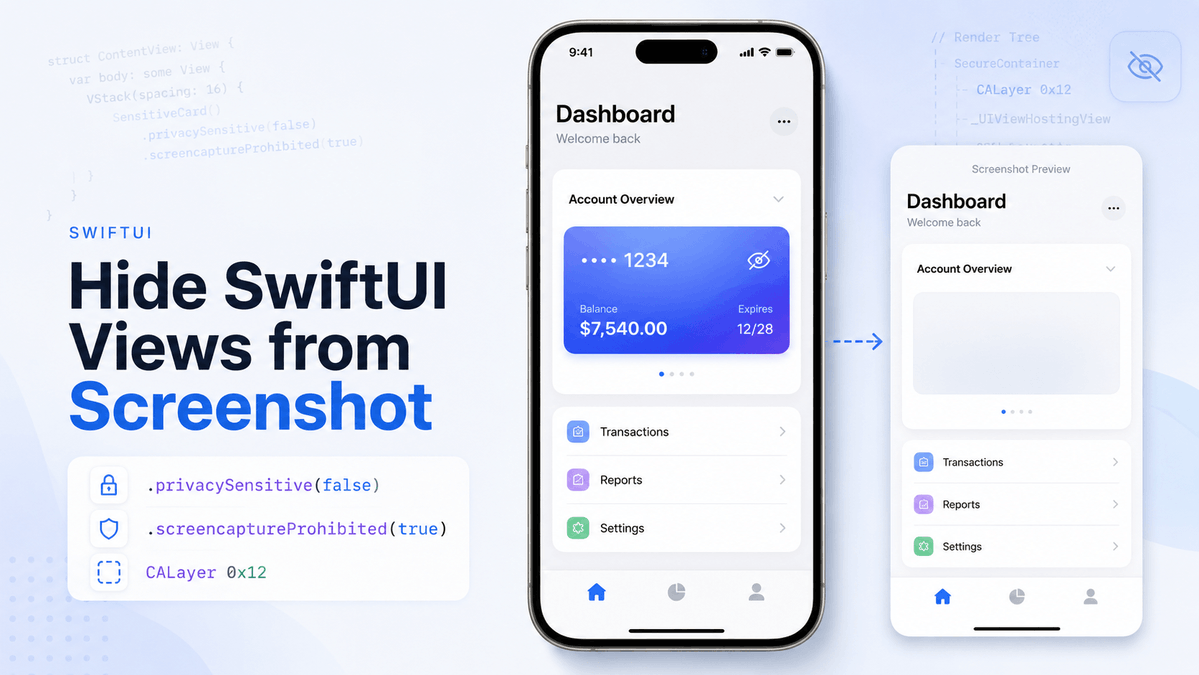
SwiftUI can also hide a specific view from screenshots directly without wrapping it in a secure UITextField.
The trick is to reuse privacySensitive(false), inject SwiftUI's private redaction reason.
Check the detail here
https://t.co/hNxrpYI1iZ
Looks like there may be inconsistent account state across backend APIs here.
It is indeed banned, but the appeal flow sees current_appeal=null and standing=good_standing(via api/account/standing), so /restricted redirects away instead of showing the form.
@ClaudeDevs@claudeai
A month after my Claude account was banned, there’s still no appeal result.
Worse: the appeal form no longer works:
account-ban-appeals → 307 /restricted → /new since API showed current_appeal=null and standing is good.
Support email just loops me back to the same broken form.
Been using Claude Code for quite a while.
This morning I even got a “Claude for Open Source check-in” survey — happily filled it out.
A few hours later… my account got banned.
OpenSwiftUI 0.18.0:
- Initial OpenSwiftUI renderer support is added and on by default.
- Start with this release, you can run OSUI on the latest 26 now.
See full release notes here
https://t.co/BoAami4QXs
#OSUI
OpenSwiftUI 0.17.2:
- Add code signing for XCFrameworks and OpenSwiftUI-spm binary package integration.
Binary integration is now easier than ever — just add the OpenSwiftUI-spm package:
See more information on https://t.co/HBXPkRhN7k
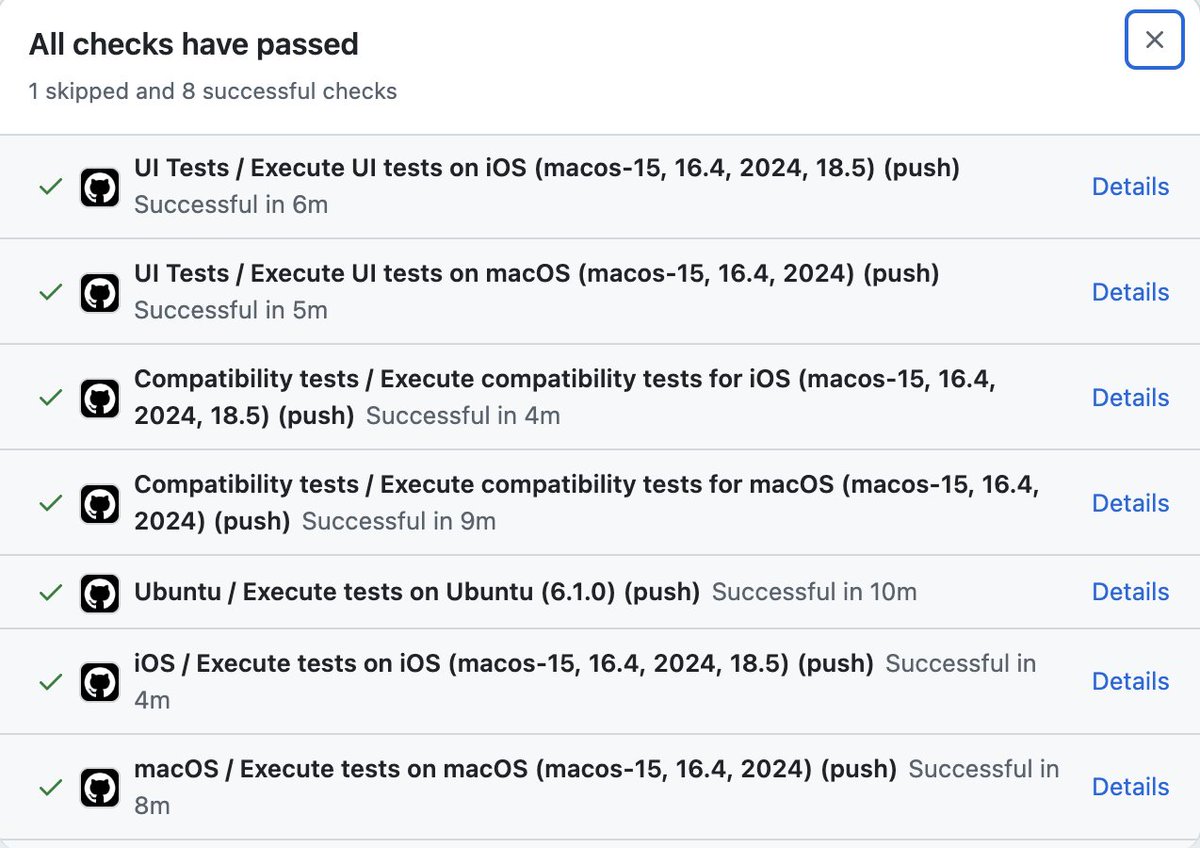
Finally found some time to get OpenSwiftUI’s CI fully green again.
The UI test pipeline now has a persistent reference-image cache, so we no longer need to re-record SwiftUI baseline snapshots on every run.
It's much faster now.