Download Office Lens and use the Immersive Reader feature if you would like support when you are reading things. Check out the post below to find out how it can help you
Introducing the free and accessible Immersive Reader in Office Lens! @lesliefisher shows you how to take a picture of text at any angle, and easily have it reformatted, read aloud, and even translated into a different language. #MicrosoftEDU
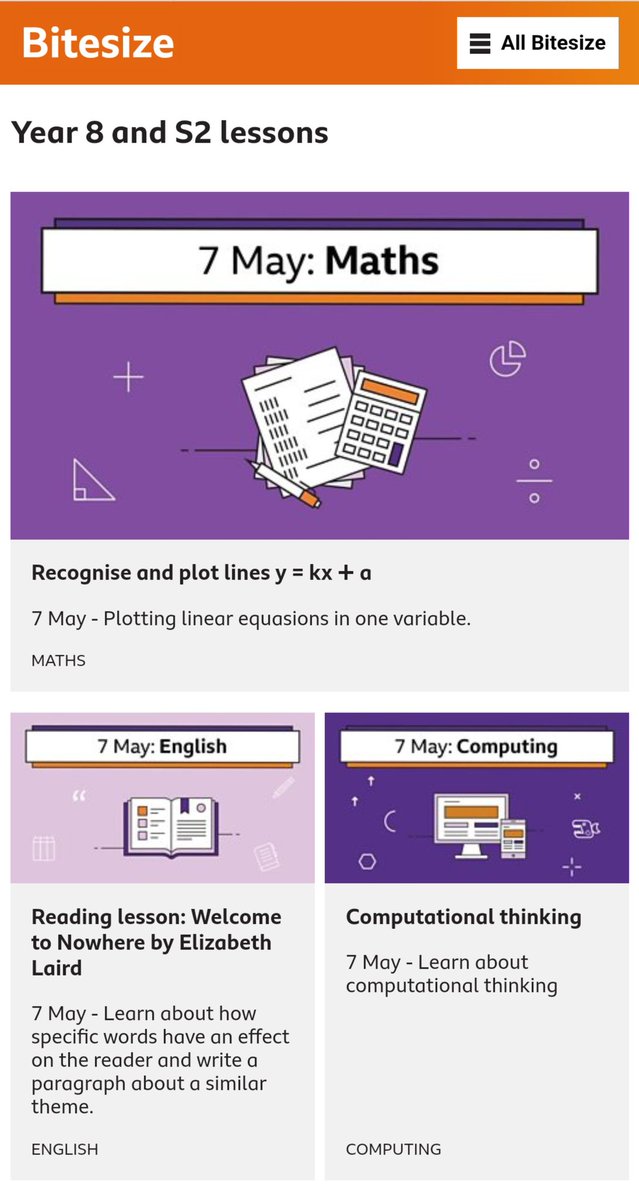
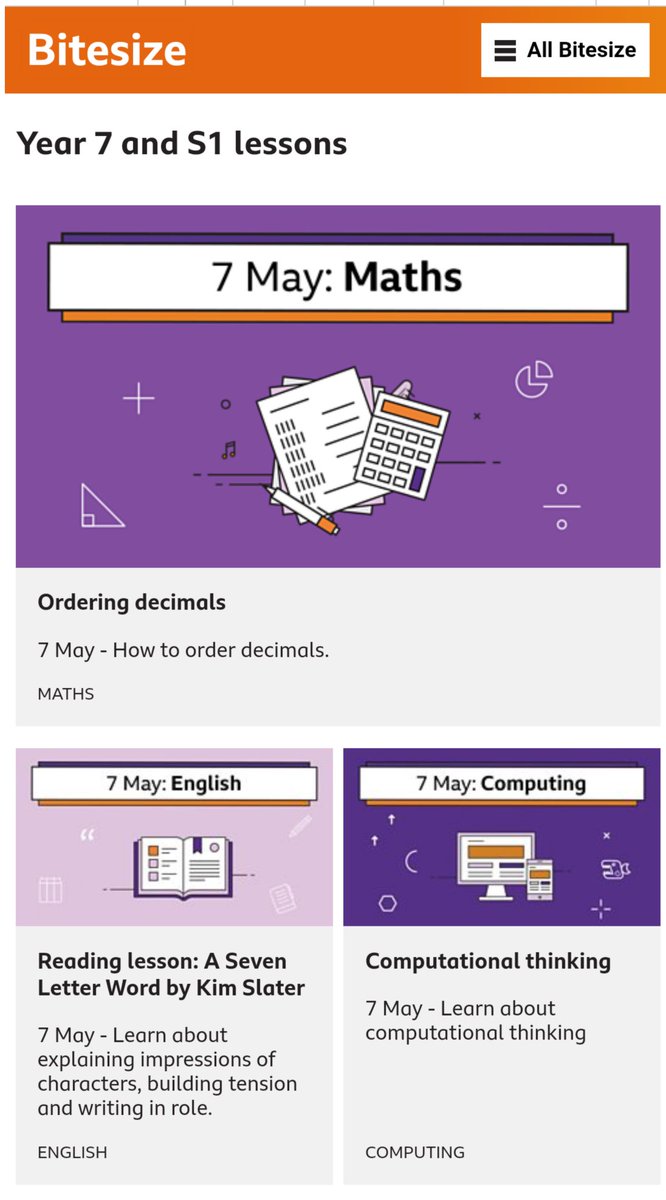
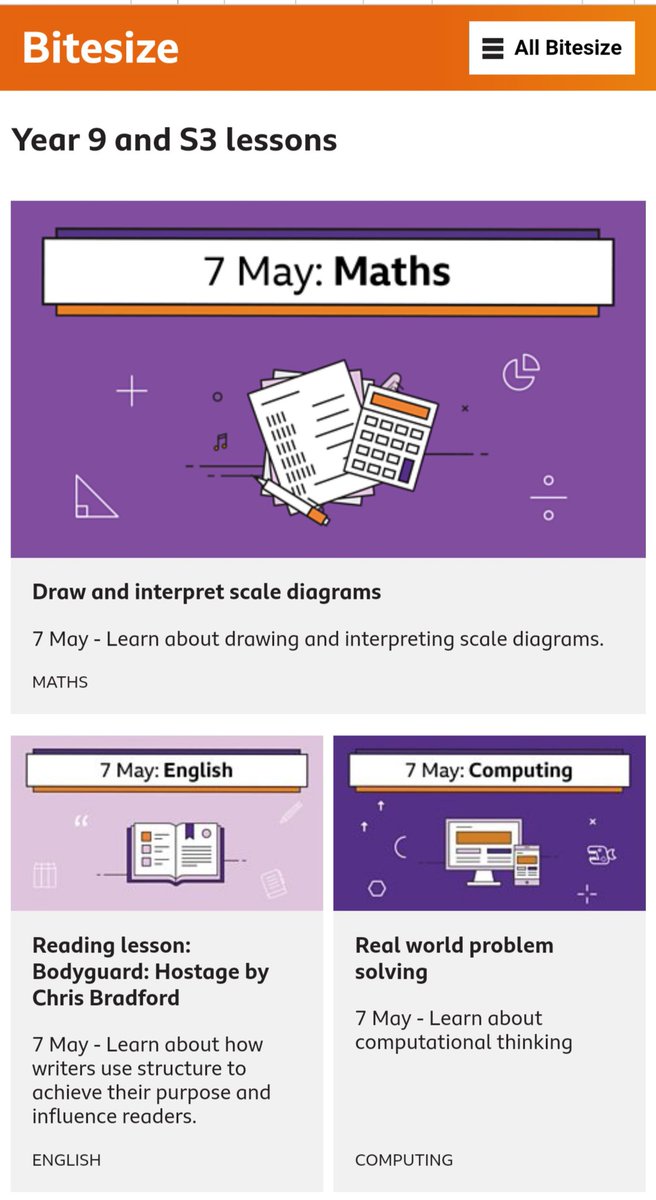
S4s here's your Computing lesson from BBC Bitesize daily lesson. Tell me something new that you've learnt about computing after you do the lesson.
@bbcbitesize#bbcbitesizedaily https://t.co/hSQuIc8Hnu
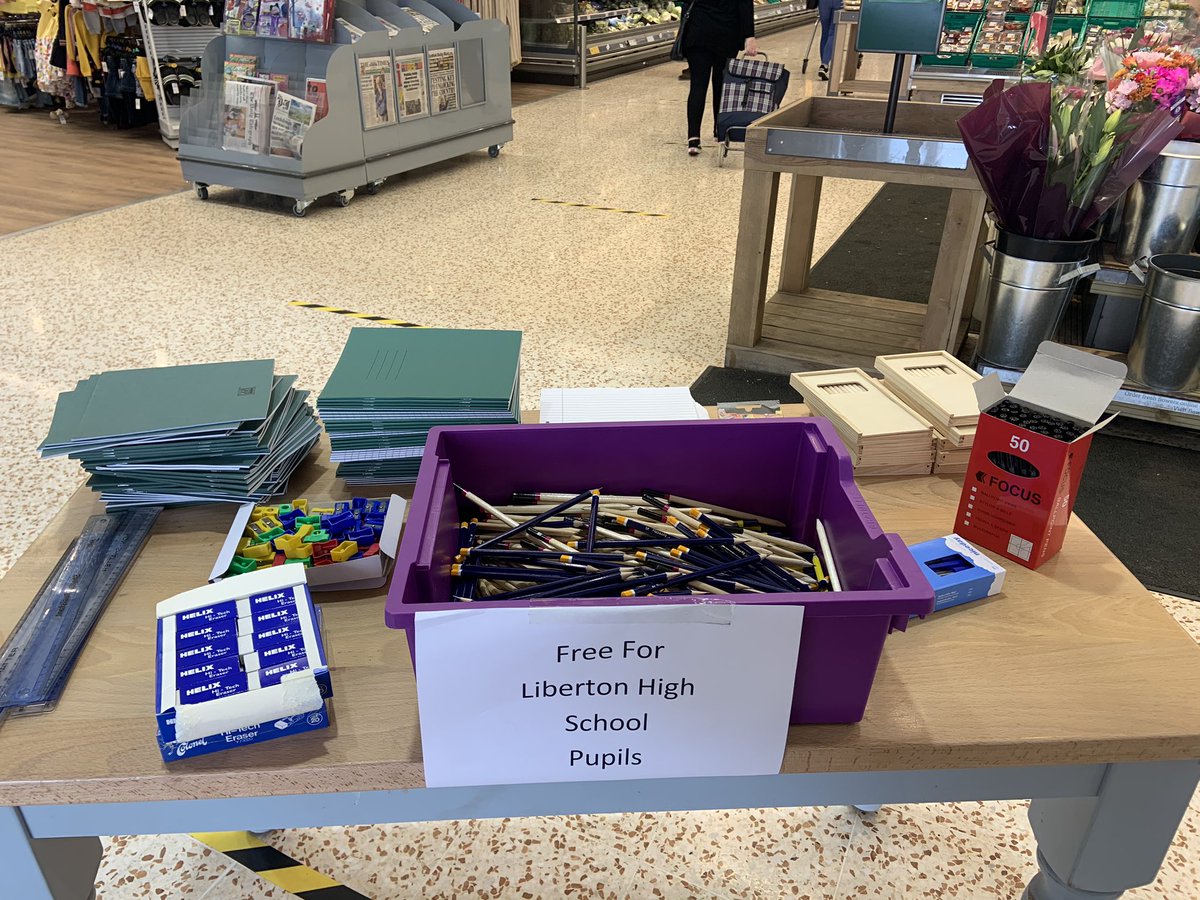
Liberton High Pupils, the timetable changes tomorrow. Let me know if you have run out of paper/pens/pencils... For seniors, a lot of your work will be completed on TEAMs so you can get feedback. Please don’t worry about having separate jotters for each of your new subjects.
Please don't click on links in emails asking you to verify your bank details – your bank would never ask you to disclose information in this way. If you're asked to do this, find our how to report it. https://t.co/f12jRCjrc6 #BeScamAware
@kevlar316@Digitaleagles It seems like it has been removed ☹️ but there are other challenges you can do you go to the Digital Eagles website.
https://t.co/G9oDgs2nRM
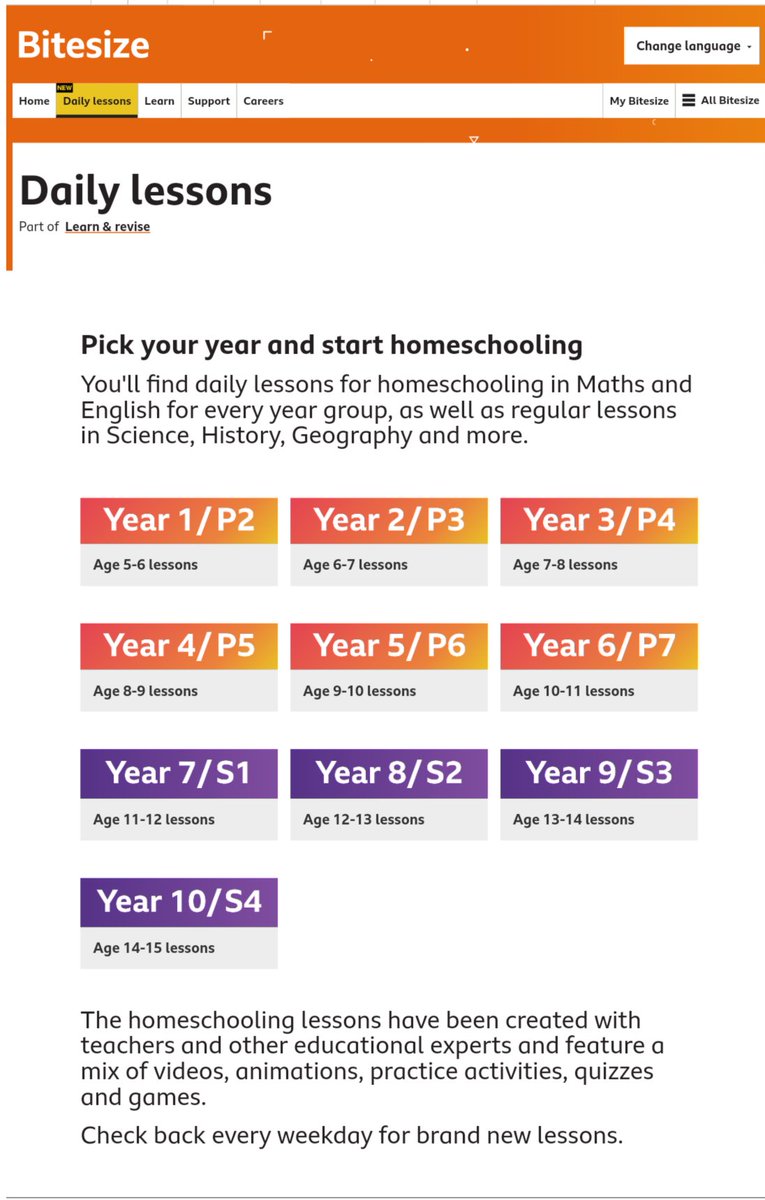
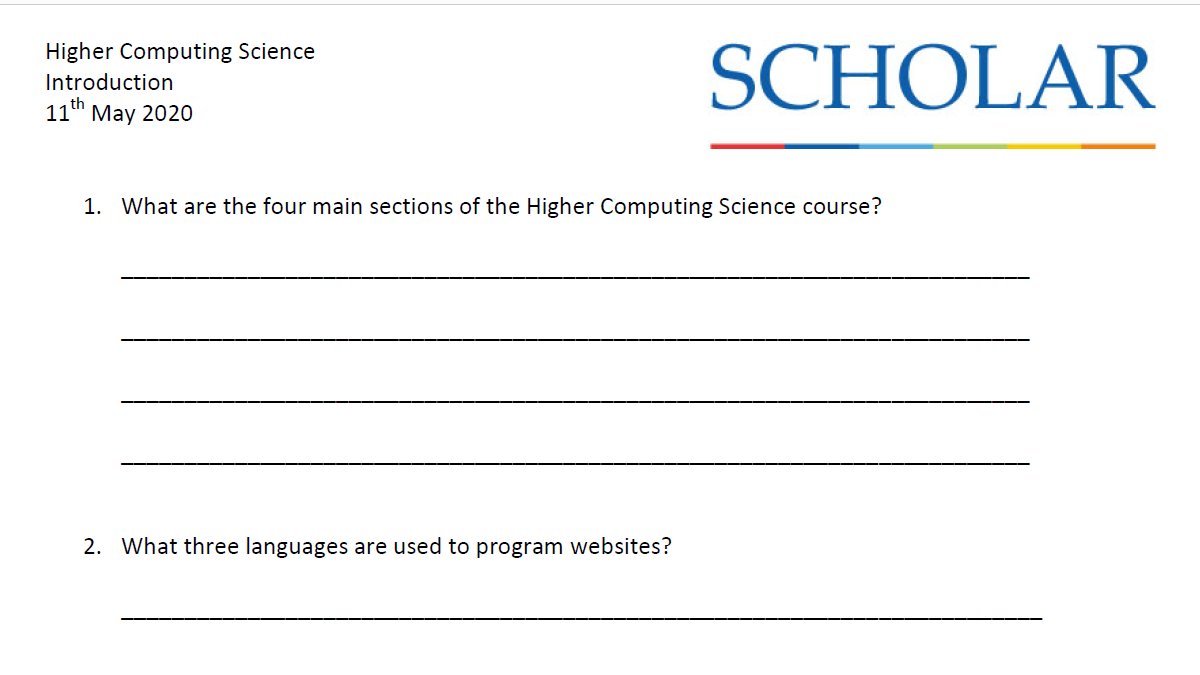
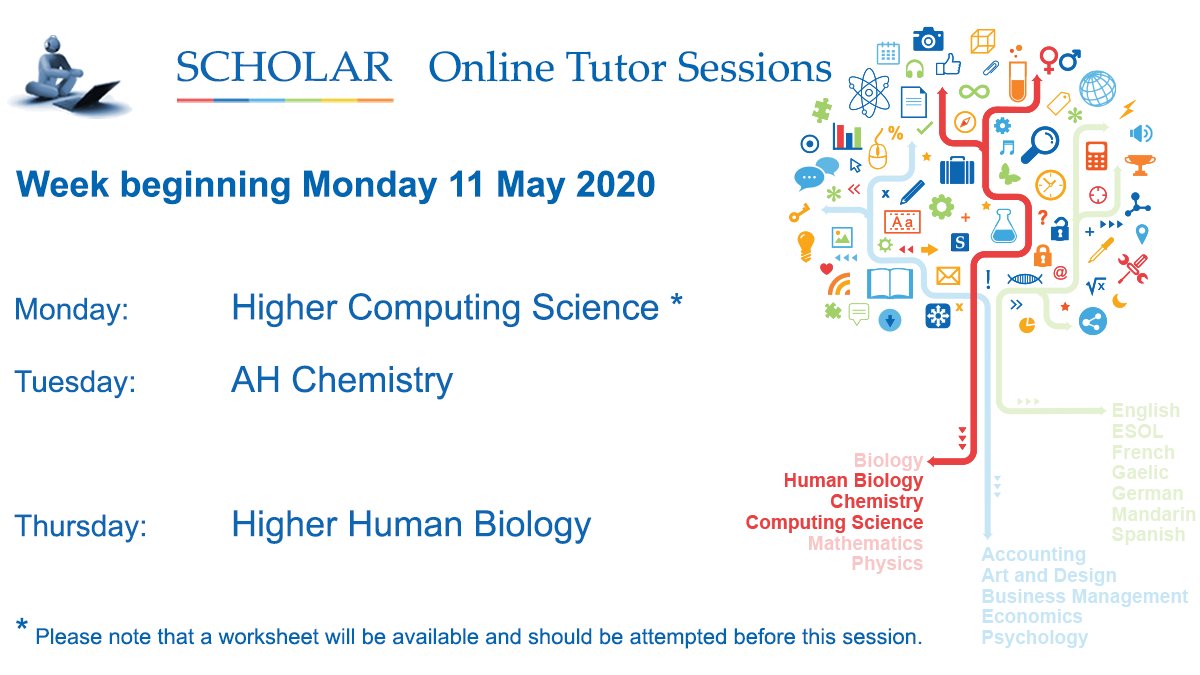
Ok Liberton, today we finally have Computing lessons on @bbcbitesize daily lessons. There are different topics for S1, S2, S3 & S4. #BBCBitesizeDaily I want to see some pics of you giving it a go. Enjoy
Here's some help for you #HomeSchooling heroes! 💪
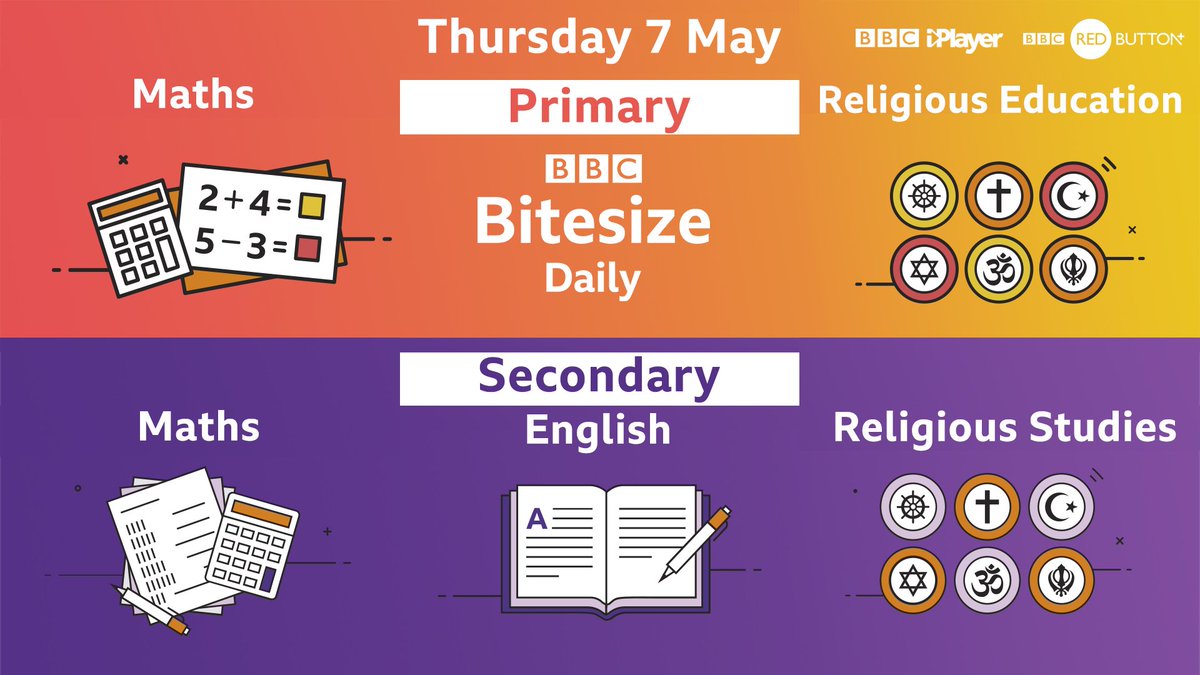
👀 Watch #BBCBitesizeDaily from 9am on @BBCiPlayer and Red Button 👉 https://t.co/zZOO8l1o53
The learning doesn't stop there! Head to our website for online Daily Lessons 👉 https://t.co/eemHEmfOUu
#HomeSchoolingUK
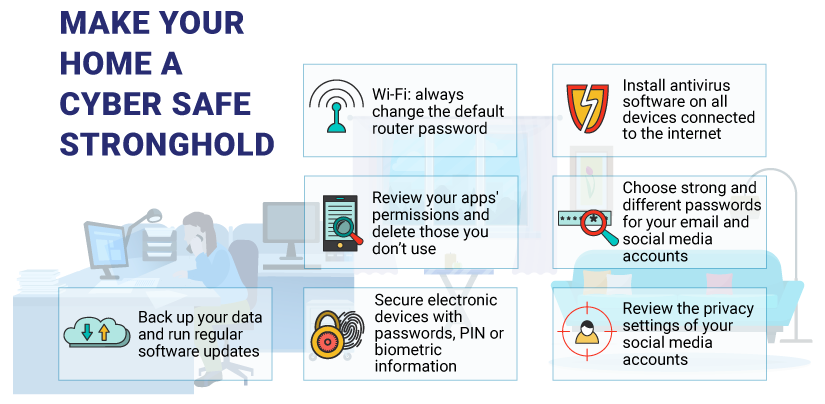
It's important to know that the apps and services we use on our Computing devices have the right things in place to keep our data and devices safe and secure
@edinburghpaper There is an 8th dog. His name is Bruce, his a 13 month Lurcher. He has half blue eyes and a stunning blue merle coat. His Instagram is @brucethelurcher
With many of us working from home due to #Coronavirus it's more important than ever to protect yourself online.
Shield sensitive info by using a reputable VPN & don't use an untrusted WiFi network. For further advice visit 👉 https://t.co/R9pSvs94ki #ShutOutScammers#COVID19
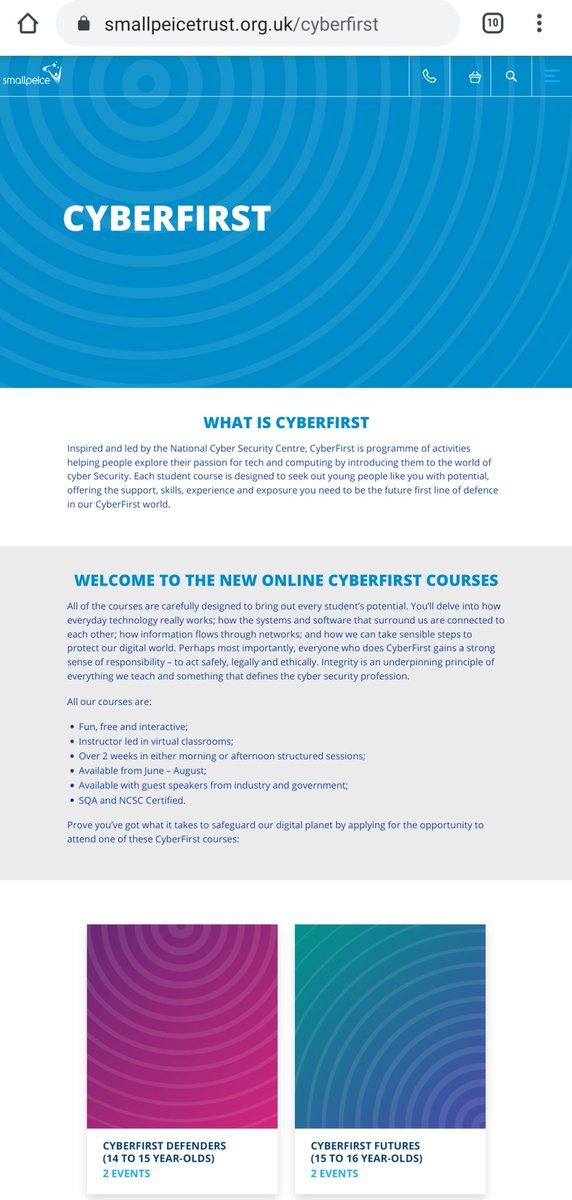
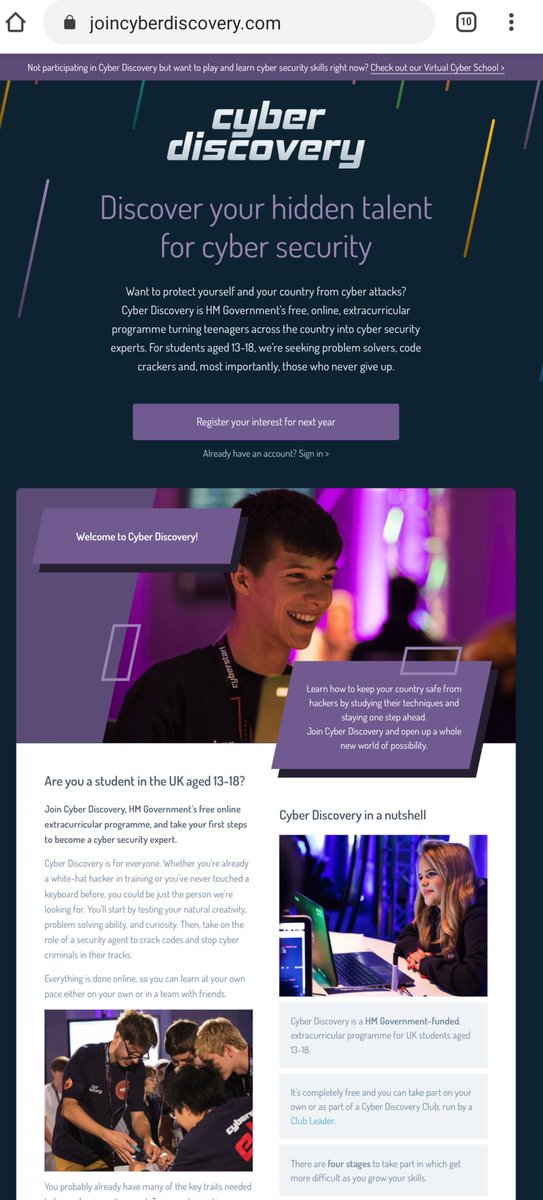
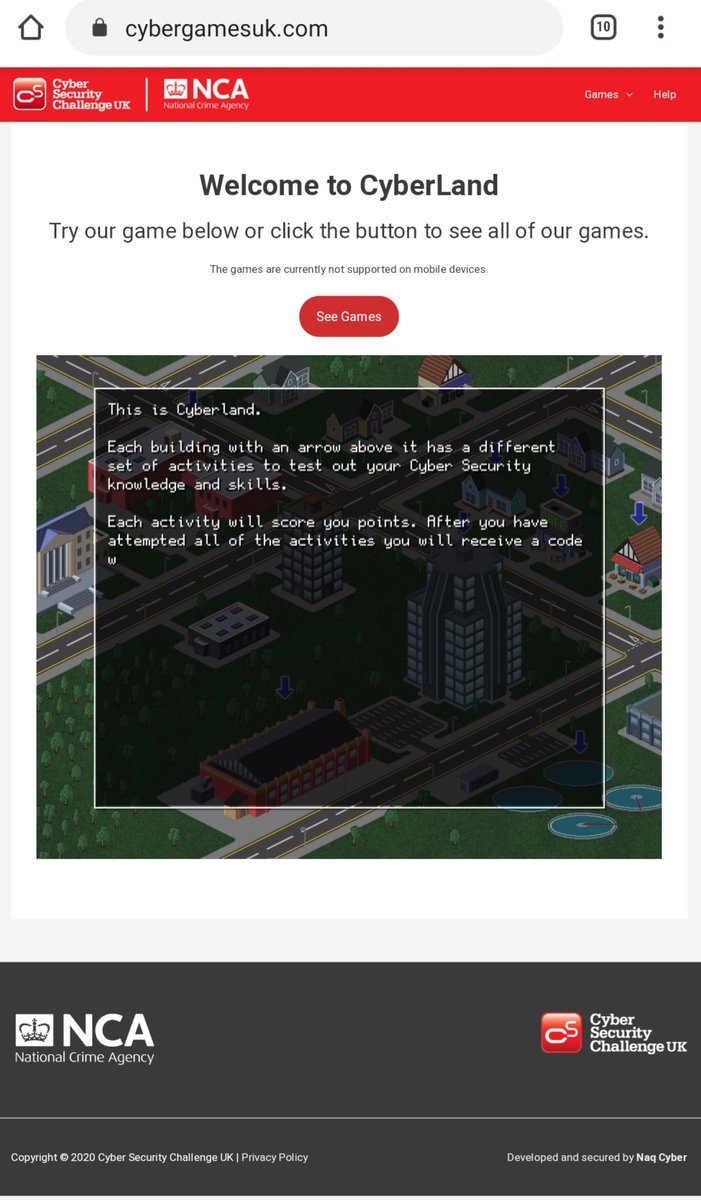
Anyone interested in an exciting career in Cyber Security should really start developing their skills now. Here's a couple of really good, free, links for you to visit. Let me know how you get on.