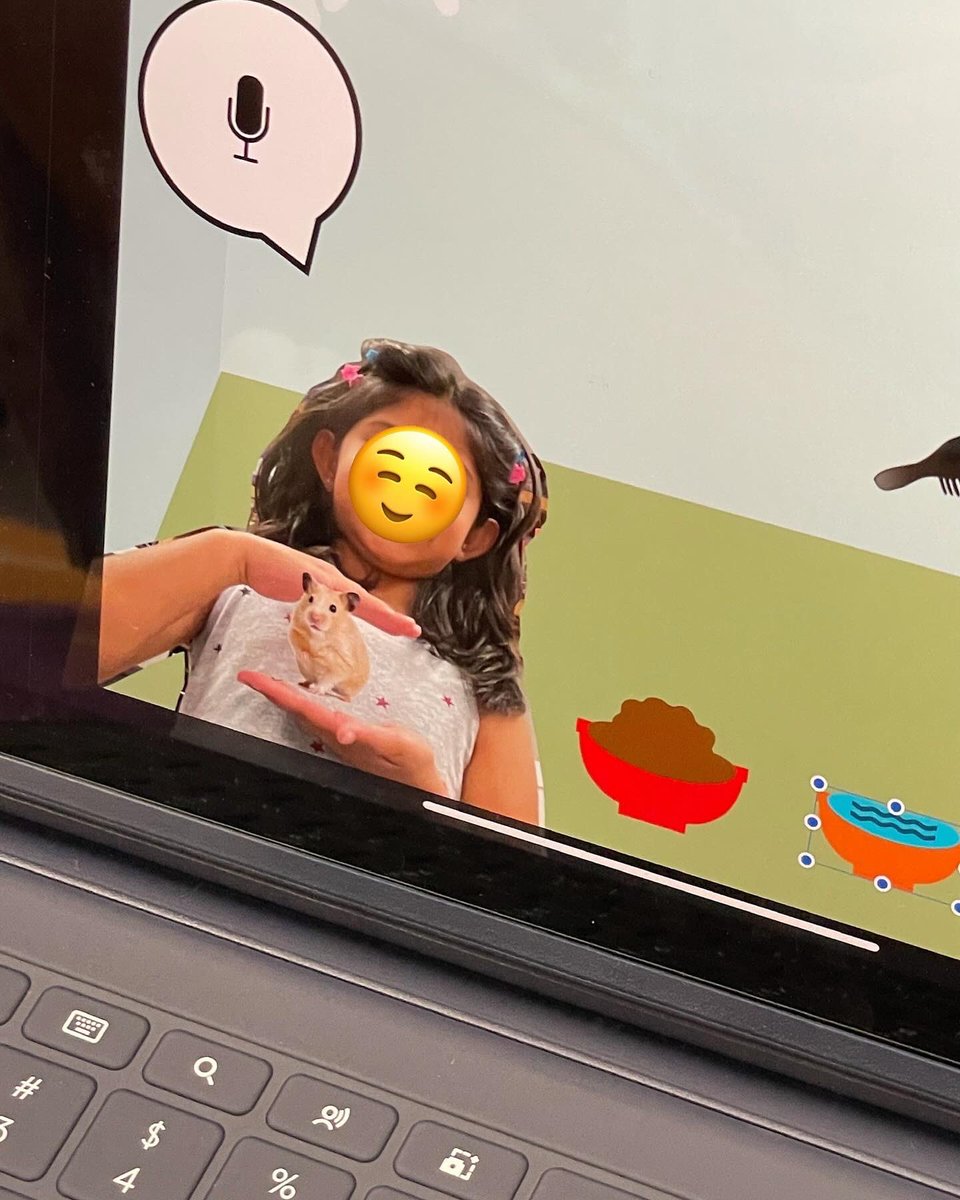
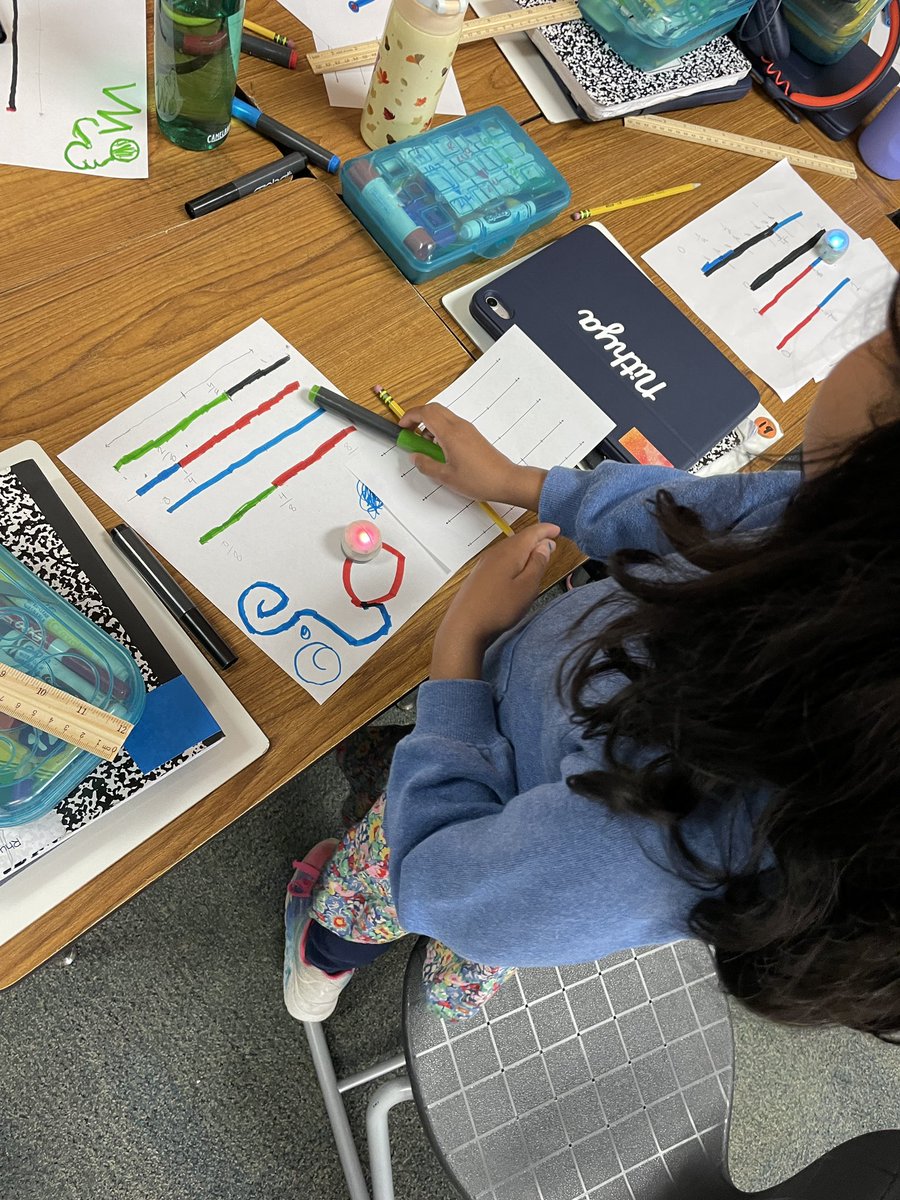
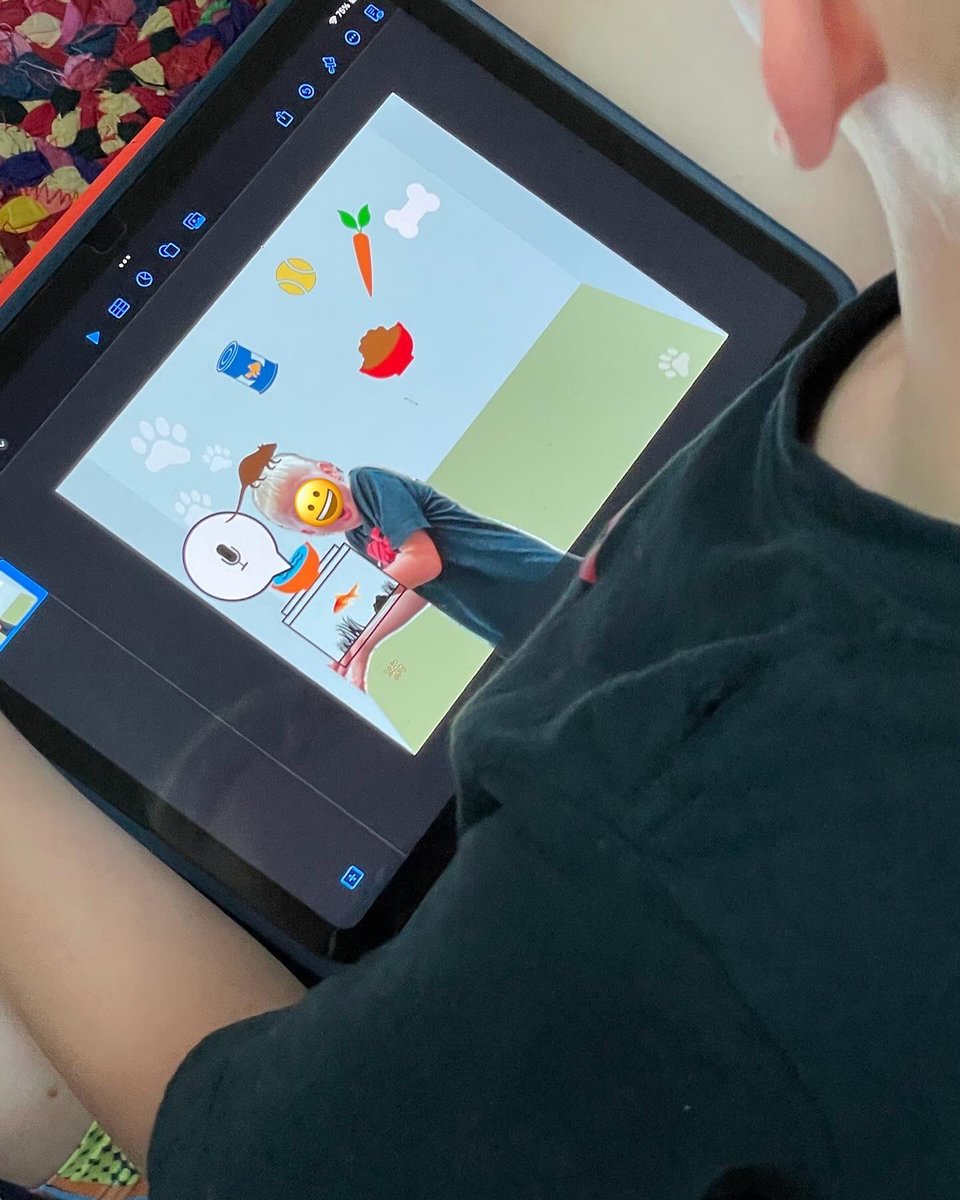
@pinkertoncisd Kindergarteners designed a room for their perfect pet in Keynote. We practiced copying, pasting, removing image backgrounds, using the magical undo button, voice recoding, and more! Never underestimate the amazing things our littles can do!
@AppleEDU#tinytechies
@pinkertoncisd Kindergarteners designed a room for their perfect pet in Keynote. 🐹 We practiced copying, pasting, removing image backgrounds, using the magical undo button, voice recoding and more! Never underestimate the amazing things our littles can do! 🙌
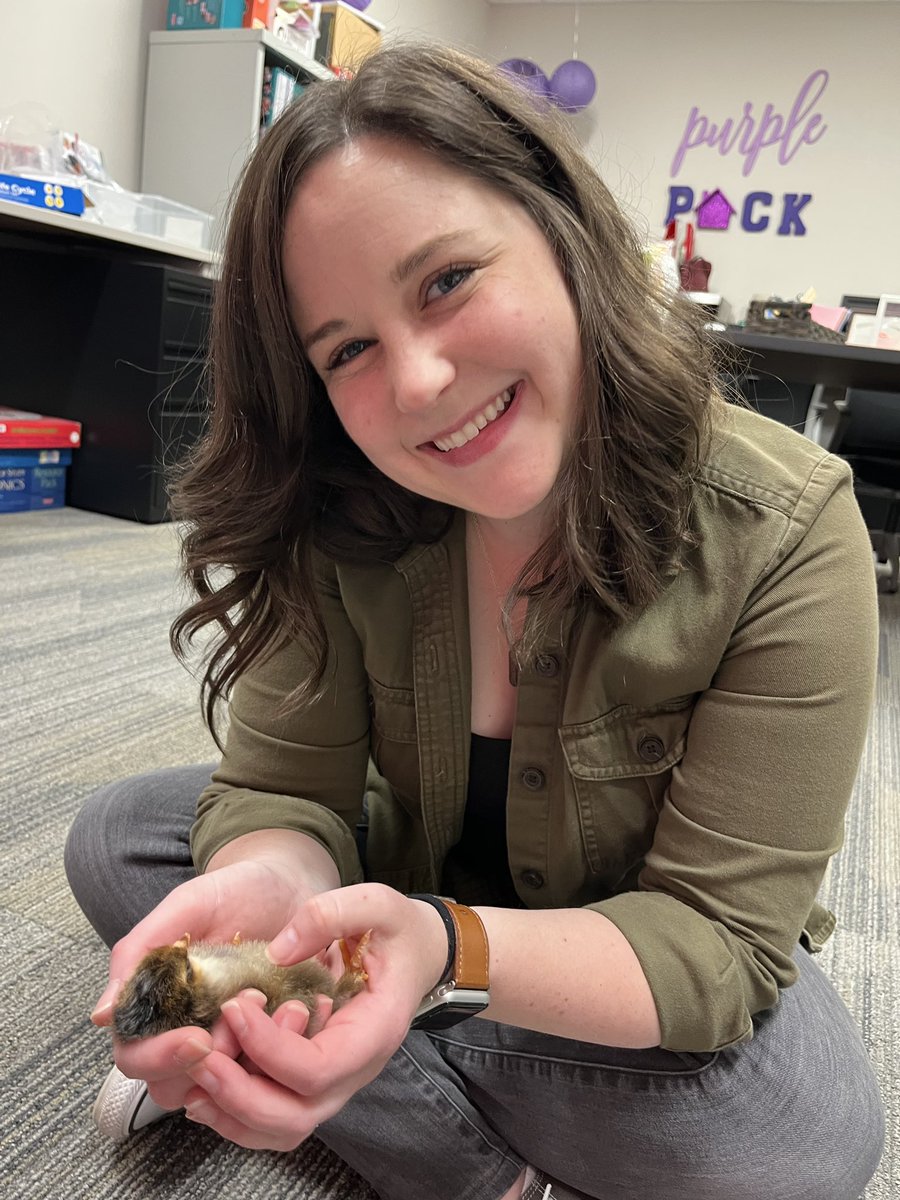
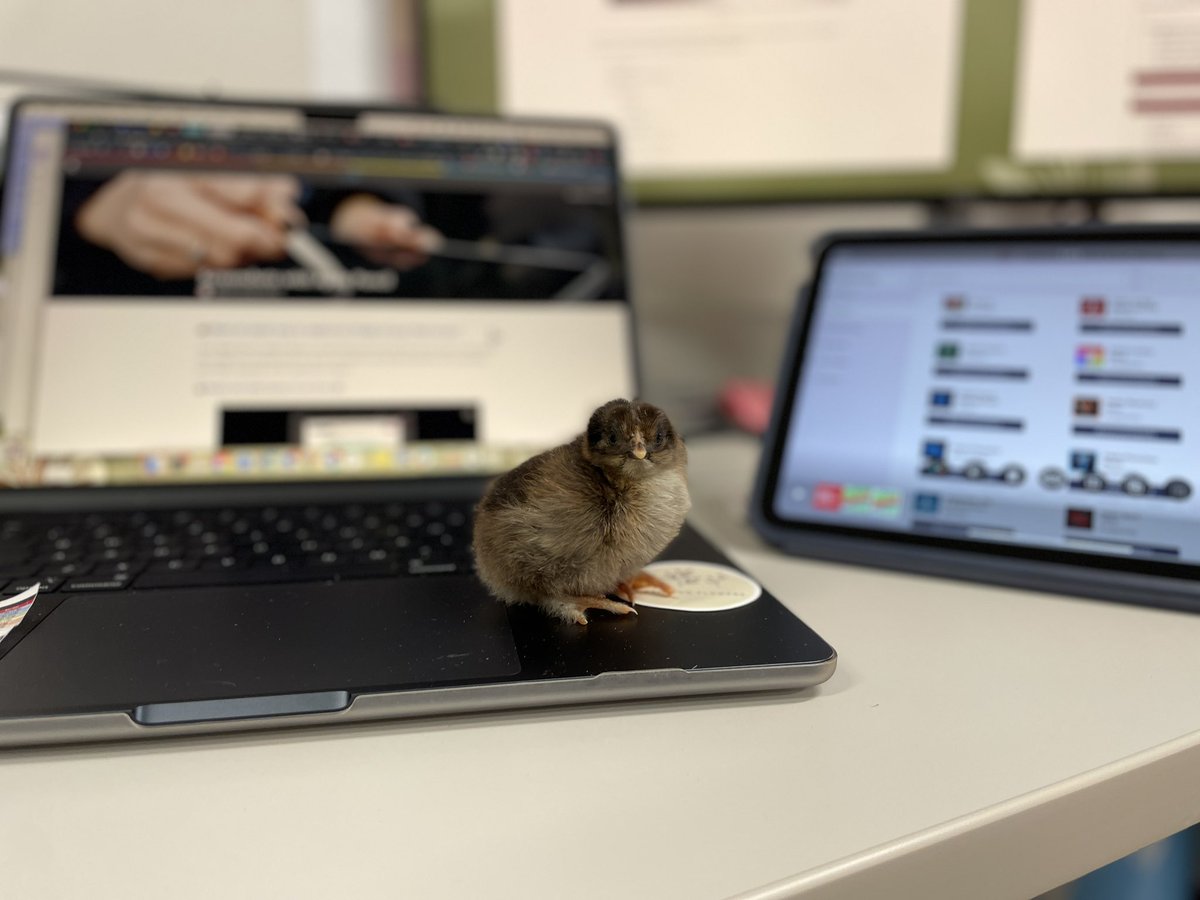
Looking for a fun way to get started with @AppleEDU GarageBand + Keynote? Give this a try! Create 3 very simple melodies and paired them with each stage of a chicken's life cycle (or character change!), then used Keynote to create a simple animated video to the music. So fun!
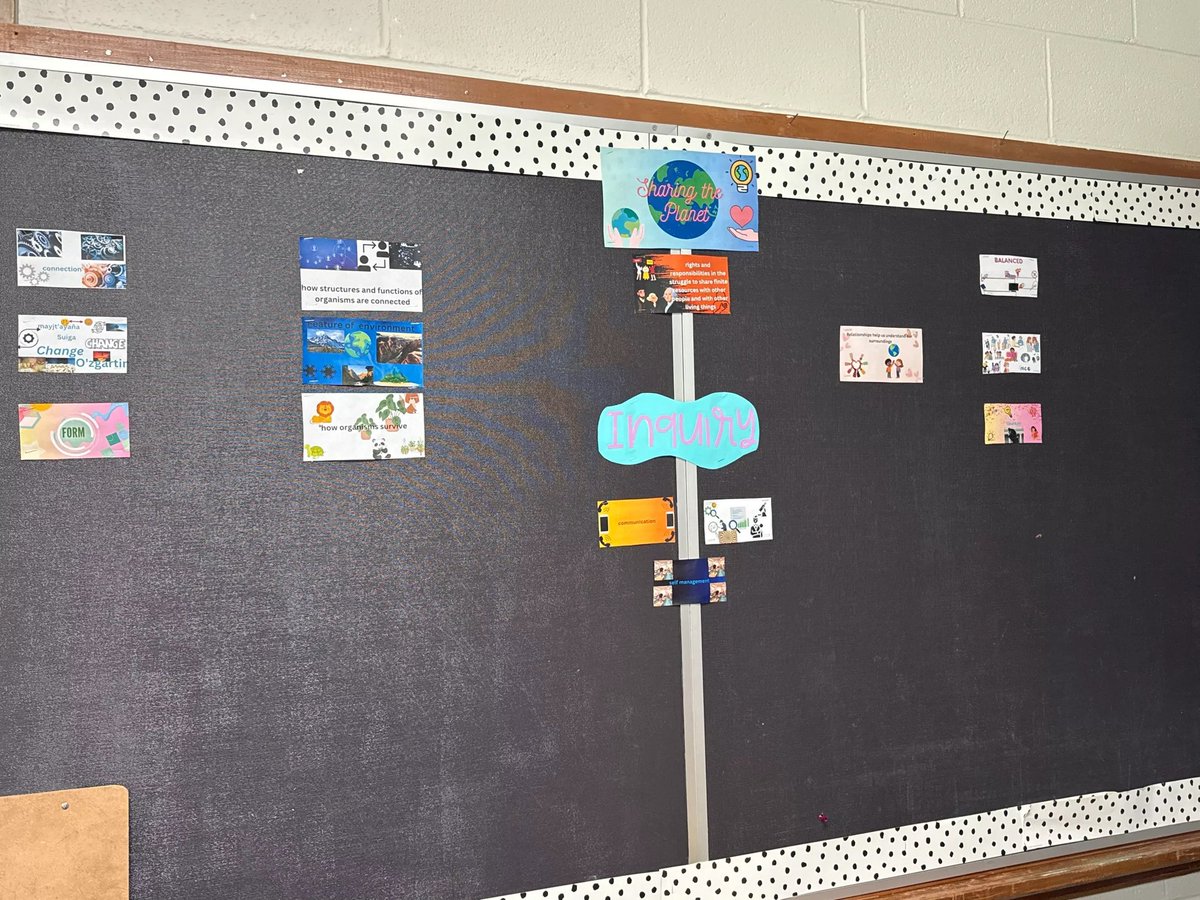
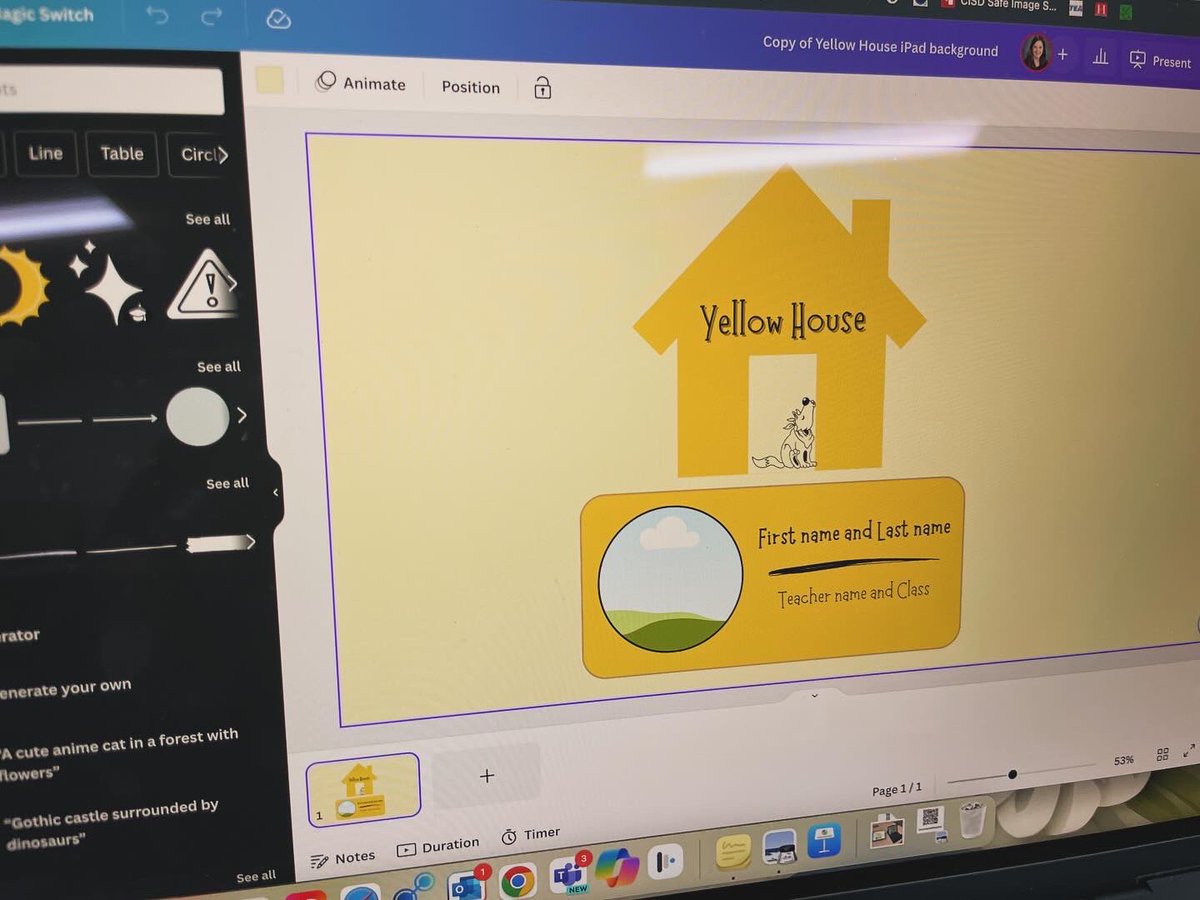
@pinkertoncisd third graders used Canva to create graphics for the classroom IB boards. 🌎 Displaying learner-created artifacts in the learning environment fosters ownership of authentic learning. I LOVE it!
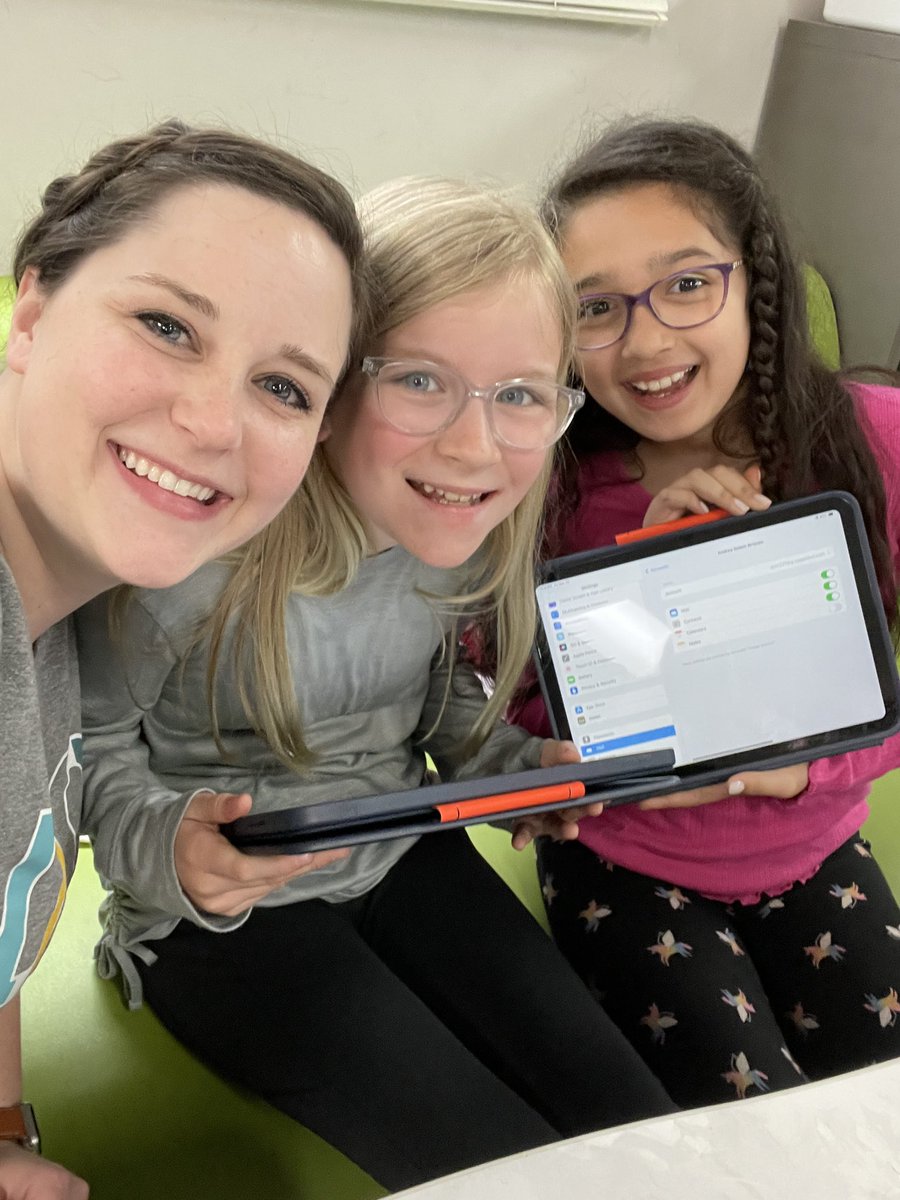
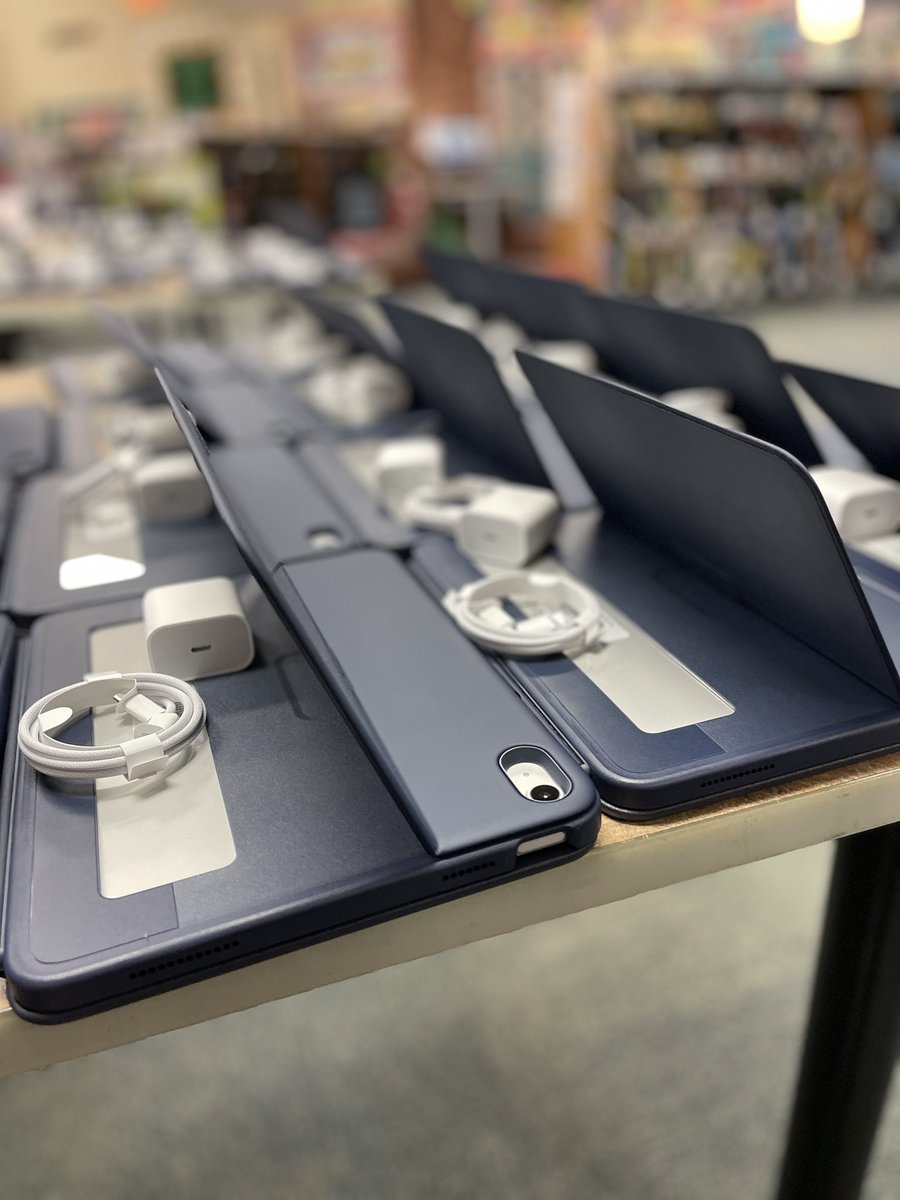
It filled my heart to spend time with some of my former Wilson learners and teammates today during iPad rollout. We love the new devices!! 📱💙
@gowilsonrangers@coppelldlc#cisdmissionpossible
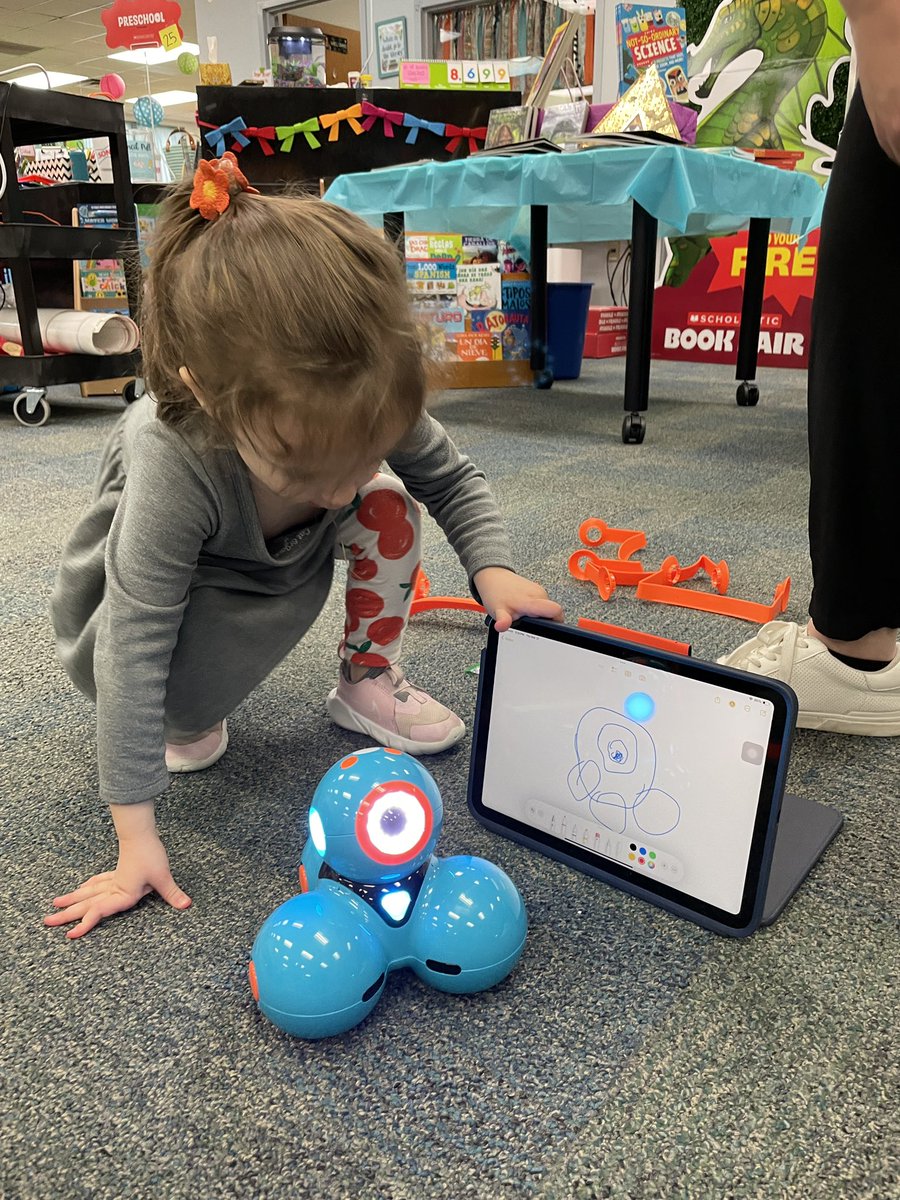
We had a special visitor (my almost four-year-old 👧🏻) join us at robotics club today. Look at the Dash portrait she drew in Notes! ✍️ @AppleEDU@WonderWorkshop
From @itslitwithmrsc on IG: “You’ll definitely want to ❤️ and Save this reel for science! Highly recommend this activity when teaching your students about FORCE! The kids loved making the background for their butterflies and earlier in the week they made tracks for their cars!”
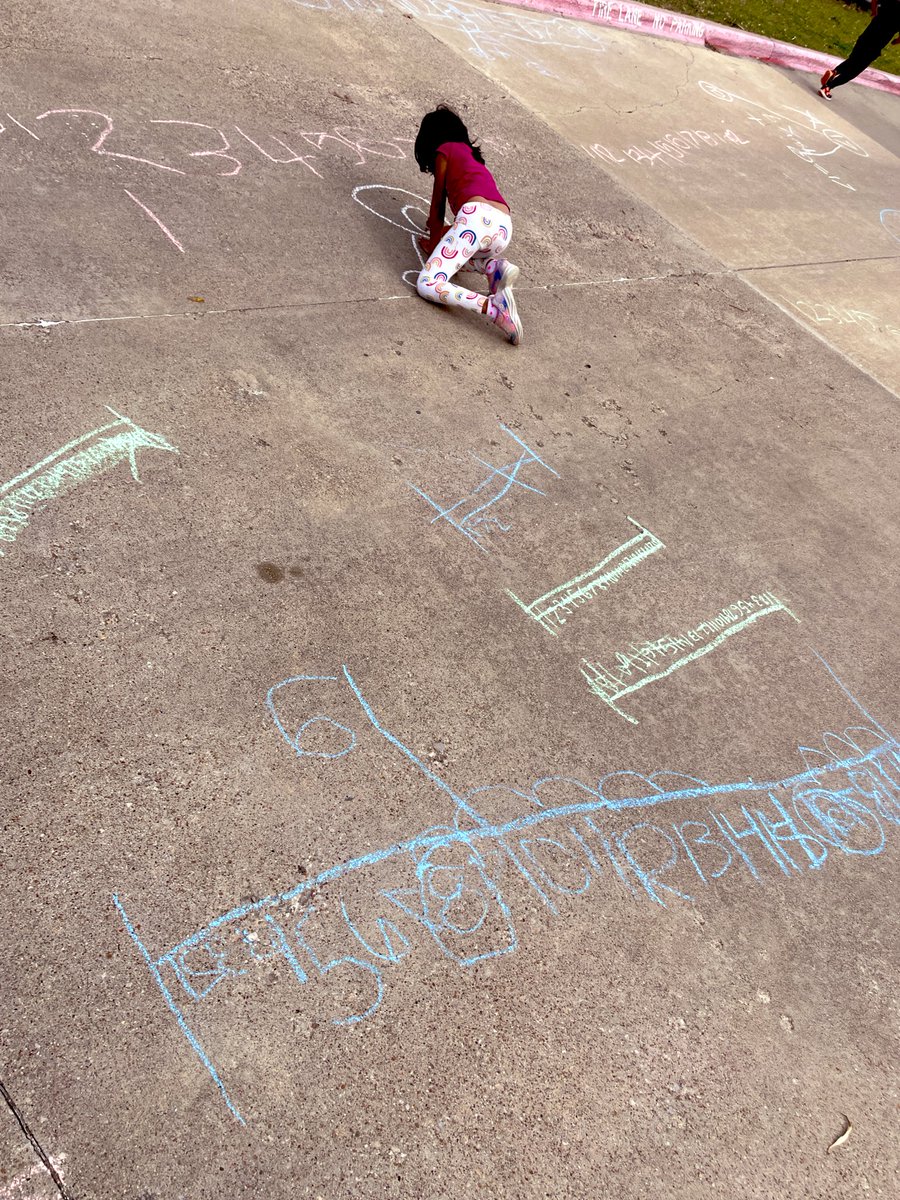
When it’s 70 degrees out in February, you chalk your number lines and number bonds in the sunshine! ☀️
Mrs. Denard’s @pinkertoncisd kindergarten class made my day!