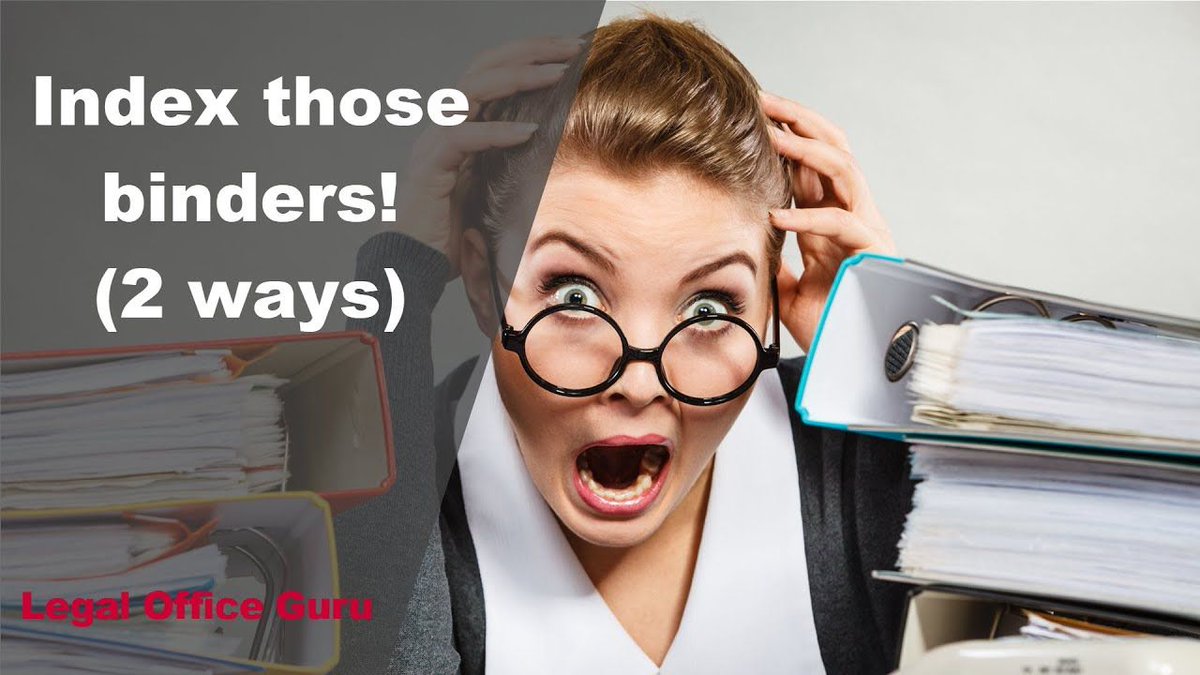
If you work in a law office, you've probably seen your share of binders. Here's how I create binder indices in #msword for easy reference: https://t.co/uKb8FfE5vj
Don't forget about today's webinar on automatic paragraph numbering. If you've ever wanted to save a numbering scheme for later use, you'll want to tune in at 12:15 p.m. CT (US) here: https://t.co/EPrNVxcziU
If you could master automatic paragraph numbering in your #msword documents, how much time would that save you? About 67.23%, according to my estimation. https://t.co/fHC8MFzOsk
Legal administrators: Looking for a good lunch-and-learn for your team? Consider this 30-minute webinar premiering TODAY at 12:15 CT (US): https://t.co/EPrNVxcziU
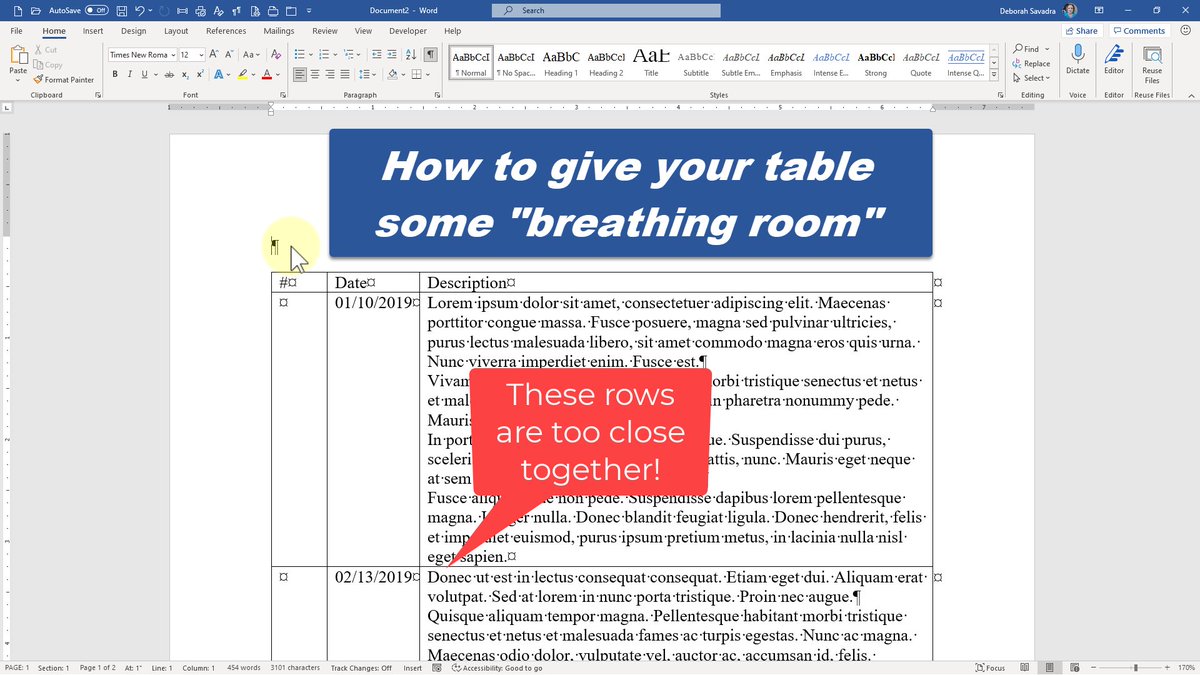
If the text in your #msword tables is a little too cramped for your liking, fix it by adjusting your cell margins and alignment. Here's a video showing you how: https://t.co/RyXsV5eZAj
#msword tables and columns are both useful for displaying information side-by-side ... but which to use when? I go through some examples to demonstrate https://t.co/iasbyut95L
Legal administrators: Looking for a good lunch-and-learn for your team? Consider this 30-minute webinar premiering 6/30 12:15 CT (US): https://t.co/VLXB9rNCP8
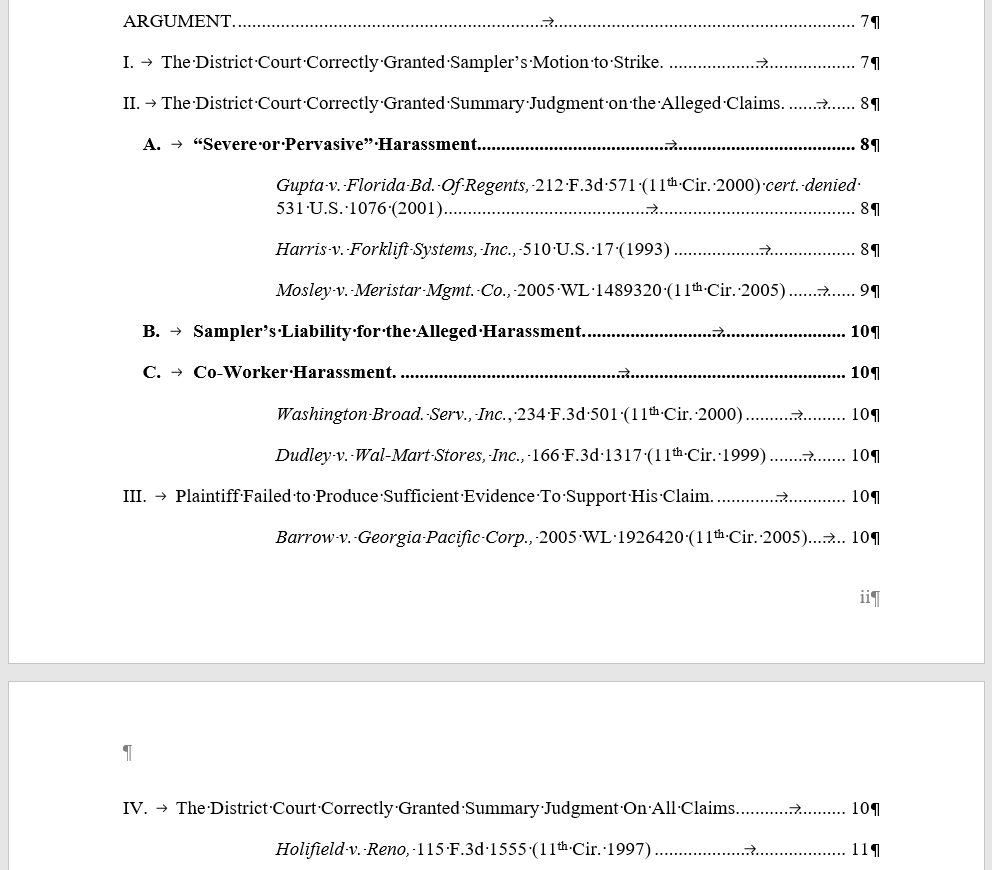
If your legal brief needs a Table of Points & Authorities AND some of your citations are in footnotes, you'll want to see this update: https://t.co/d4oHbv7L8T
Maybe you can't (or don't want to) use Styles to build your #msword Table of Contents. Or maybe you want more than one TOC. Here's how to use legacy TC fields to build a TOC. https://t.co/YcYuWMvq8t
Can #msword produce a Table of Points & Authorities? Not with the Table of Authorities feature, but you can do it by hacking Table of Contents. https://t.co/d7YGyxiYS9
Got a discovery request that needs to refer back to another discovery request? Here are two ways to use the Cross-Reference feature in #msword to embed a self-updating reference to another request. https://t.co/7NOd5JP3Uc