Let's Do is a task manager for Slack. Assign to-dos, set due dates, and discuss the work to get done. Without leaving Slack 🎯
It is built for teams that want to keep the focus and fully leverage Slack to get things done.
✅ Check out the free trial at https://t.co/k1KaLVQfyL.
Looking to get started with using Slack for task management? It is a great way to leverage the platform your team is already using to ensure everyone is on track.
Read our introductory blog post on using Slack to manage tasks 👩🏫🚀
https://t.co/4ccDyAymks
I just remembered Slack supports sed-like syntax to edit a message. 🤯
For instance: /s/great/amazing/ would replace the word “great” by “amazing” in the last message. 🔥
Don't over-engineer your productivity system.
If Trello works, use it. If Apple Notes works, use it.
Less is more, when it comes to productivity systems.
Looking for a way to manage those repeated tasks? In your favorite Slack-based task manager?
Great news, it is now available in Let's Do 🚀
More on this here: https://t.co/2tPh9HnD1o
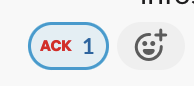
a new-to-me practice in Netflix Slack culture is the :ack: emoji to signify that something has been read and acknowledge
surprisingly useful and appropriate for a number of situations
Needs some tips and ideas on how to start working with your to-dos? We just did a blog post on that and how it can be done using Let's Do right within Slack 🍰✅
https://t.co/qVTjy9i7NI
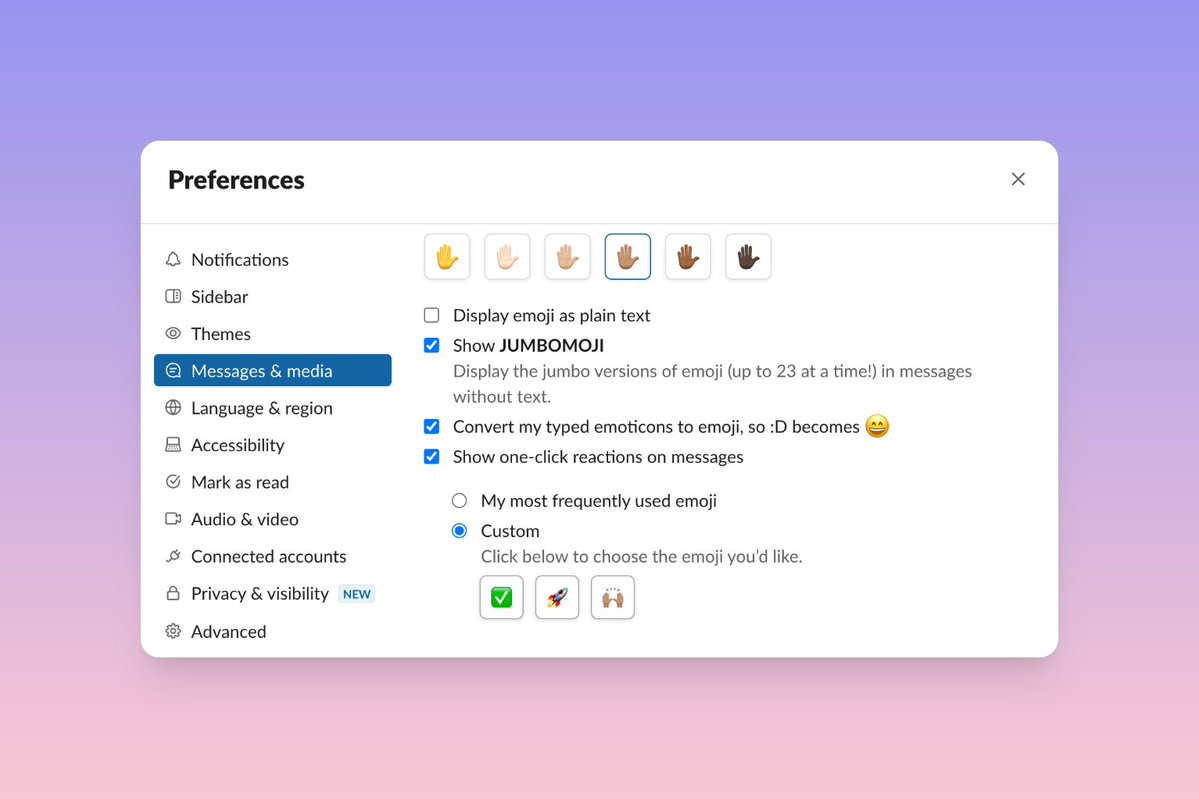
Did you know that you can customize the quick reaction emojis for messages in Slack?
Just open up preferences, select ”Messages & Media”, scroll down to ”Emoji”, and select your best emojis. Pretty handy.
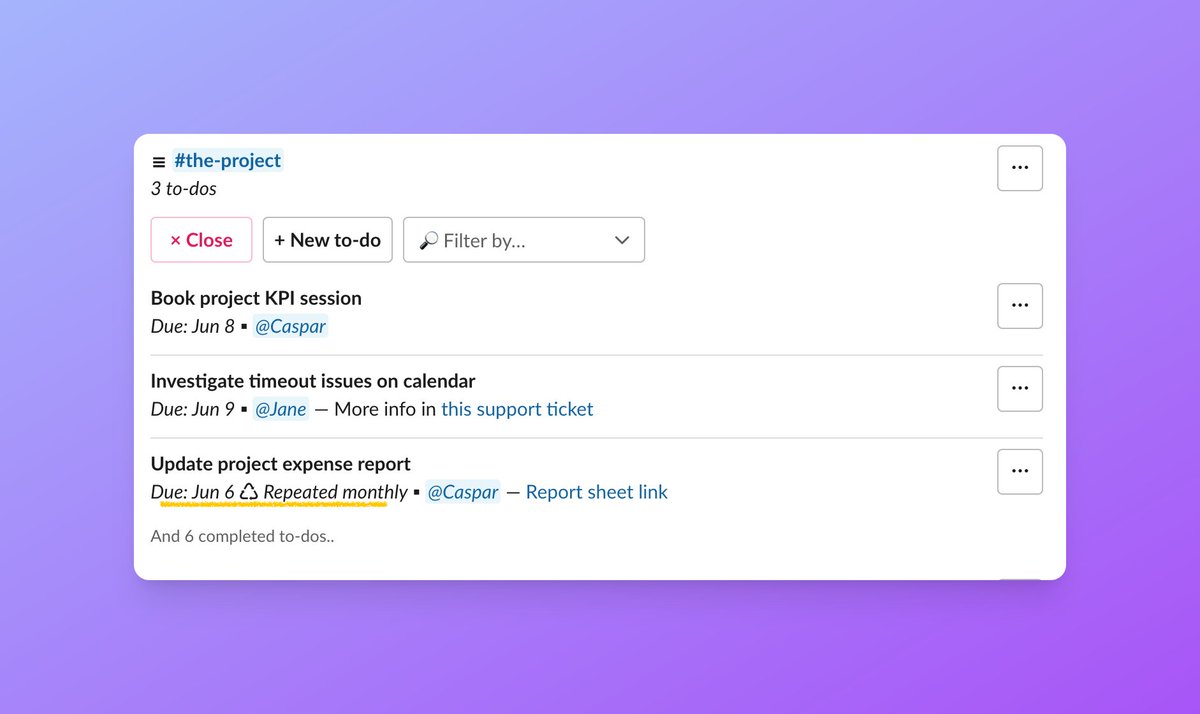
… and this is how it looks in lists of to-dos. You find the repeat details next to the due date.
📚 There is a section in the Getting started guide with more info on the feature: https://t.co/6QUnpMltTa
Need to update a report monthly? Or remember to plan the biweekly team lunch? Repeated to-dos are here to keep your routine going ✅♻️🎯
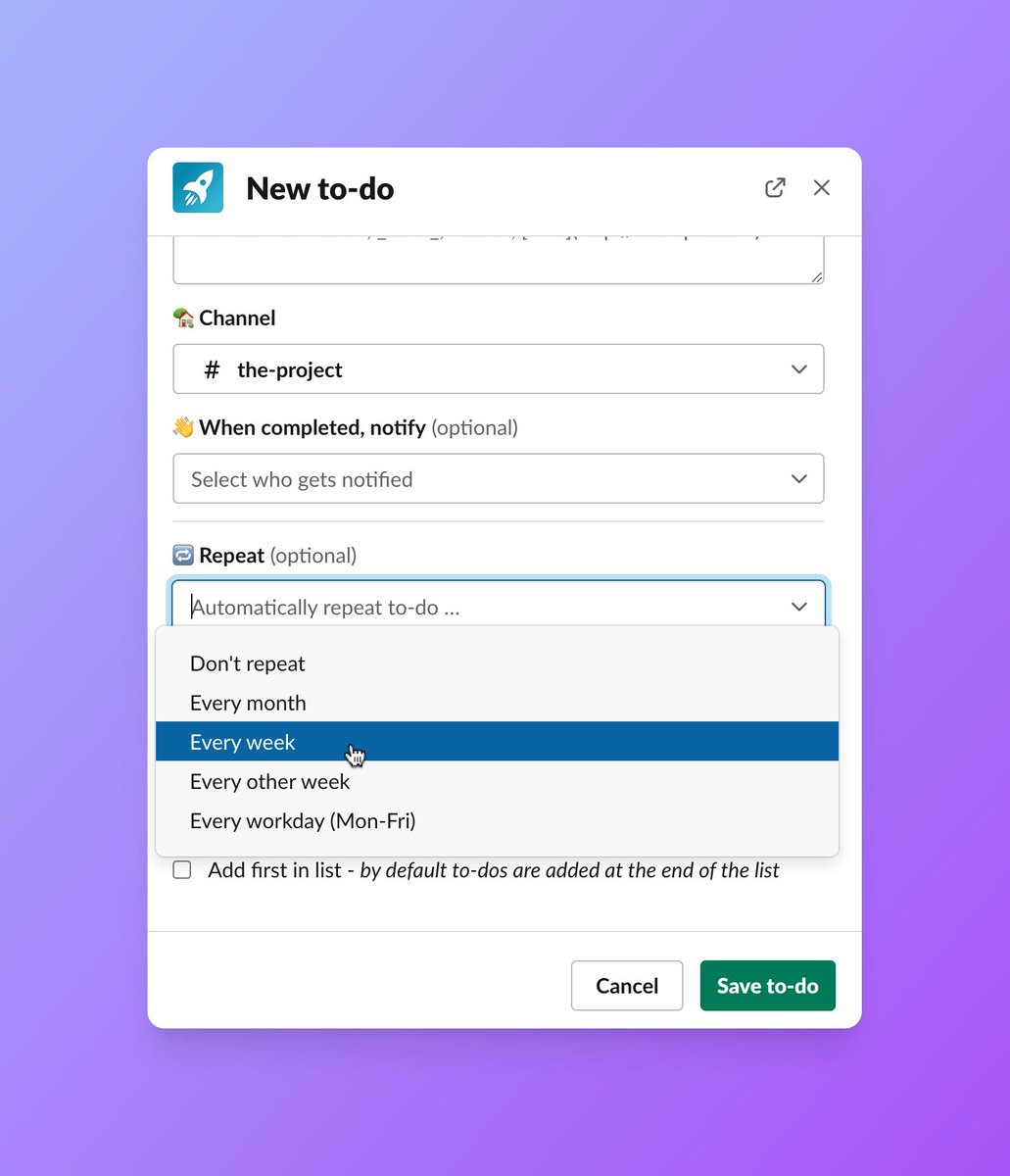
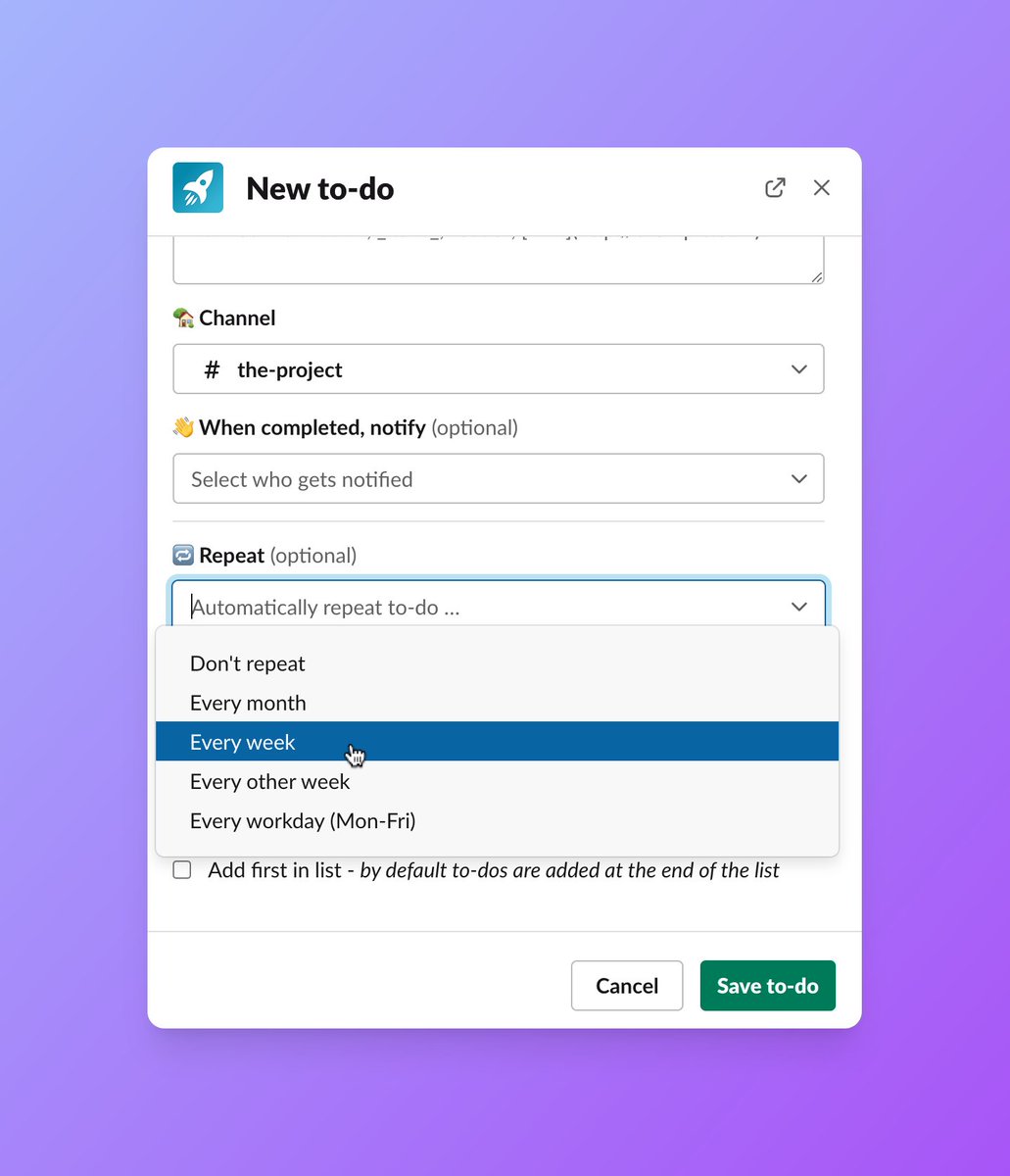
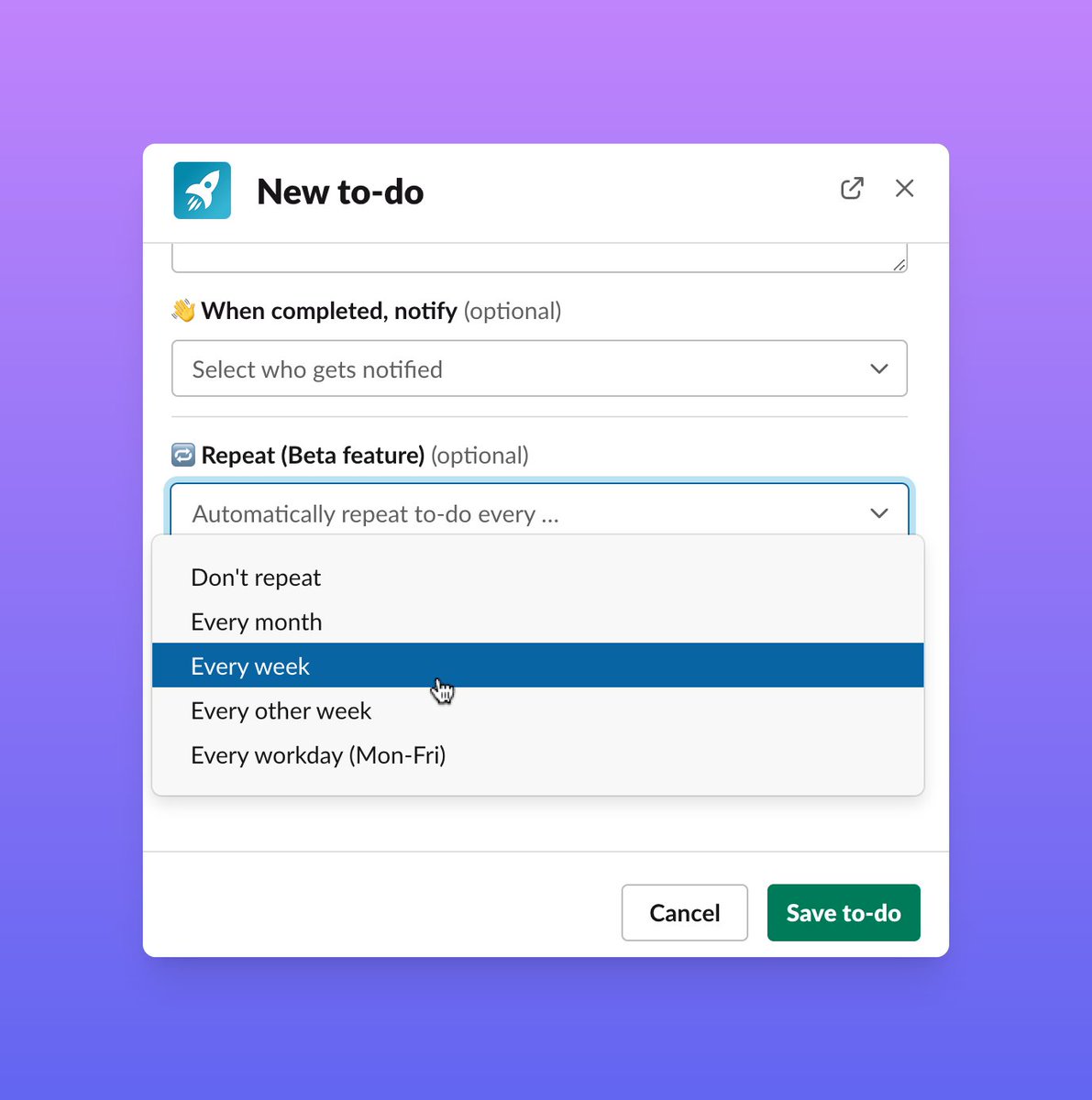
Repeated to-dos are now available in Let's Do as a beta feature to test out. You find the repeat settings at the end of the new to-do window:
Stumbled upon this post from @slackhq with some good points on saying no to meetings without feeling guilty. Got to keep the priorities in check ✋
https://t.co/FhjXPpFD1b
A preview of a new feature that is beta tested for Let's Do right now - repeated to-dos ♻️
With it you can setup up tasks that will automatically repeat on a schedule. Almost like getting a superpower to ensure those recurring tasks are not forgotten and get done.
Feeling frustrated with common workplace pain-points and looking for a solution? I broke down my 10 fav @SlackHQ features I rely on to simplify my day-to-day in my latest YouTube video. Watch here and 👀below for a sneak peek at the top 5! https://t.co/DQoXcMyuDn #SlackPartner
Did you know Slack channels have a bookmarks bar?💡
You find it under the channel name in a Slack channel. Bookmarks are a great way to keep track of important links for a channel's members.
Use bookmarks to add links to dashboards, docs, recurring video meetings etc.
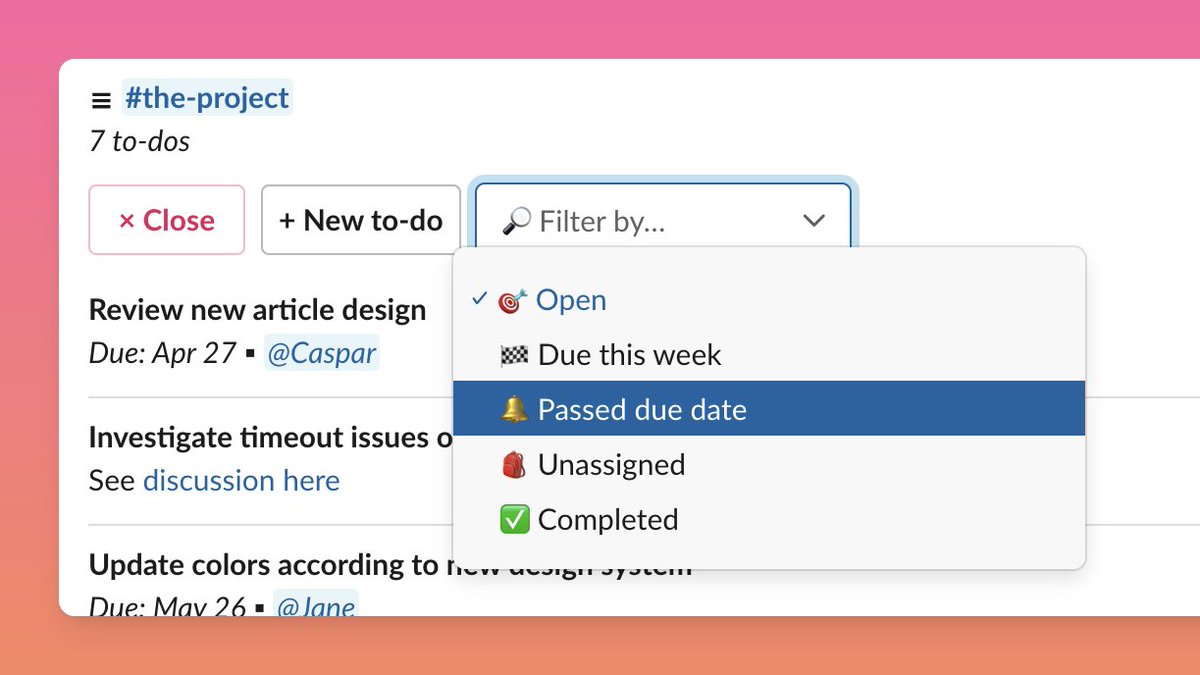
The selected filter will be saved for shared and pinned lists. With this, you can for example, keep a pinned list of the tasks due this week for a channel to keep everyone on the same page on the week's focus.
Recently we have been working on making it easier to get an overview of to-dos for channels by adding list filters.
Get the details in the blog post: https://t.co/rQHzqsrcW2