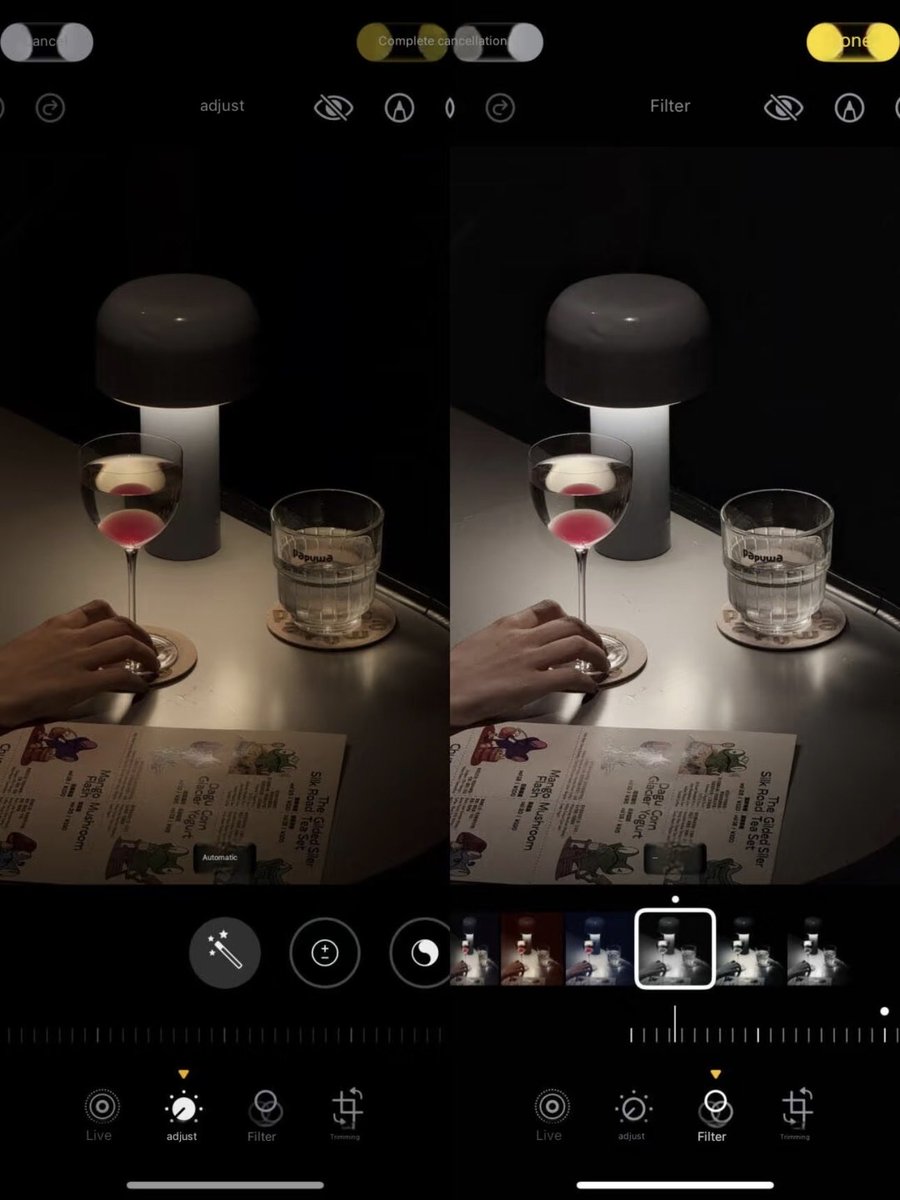
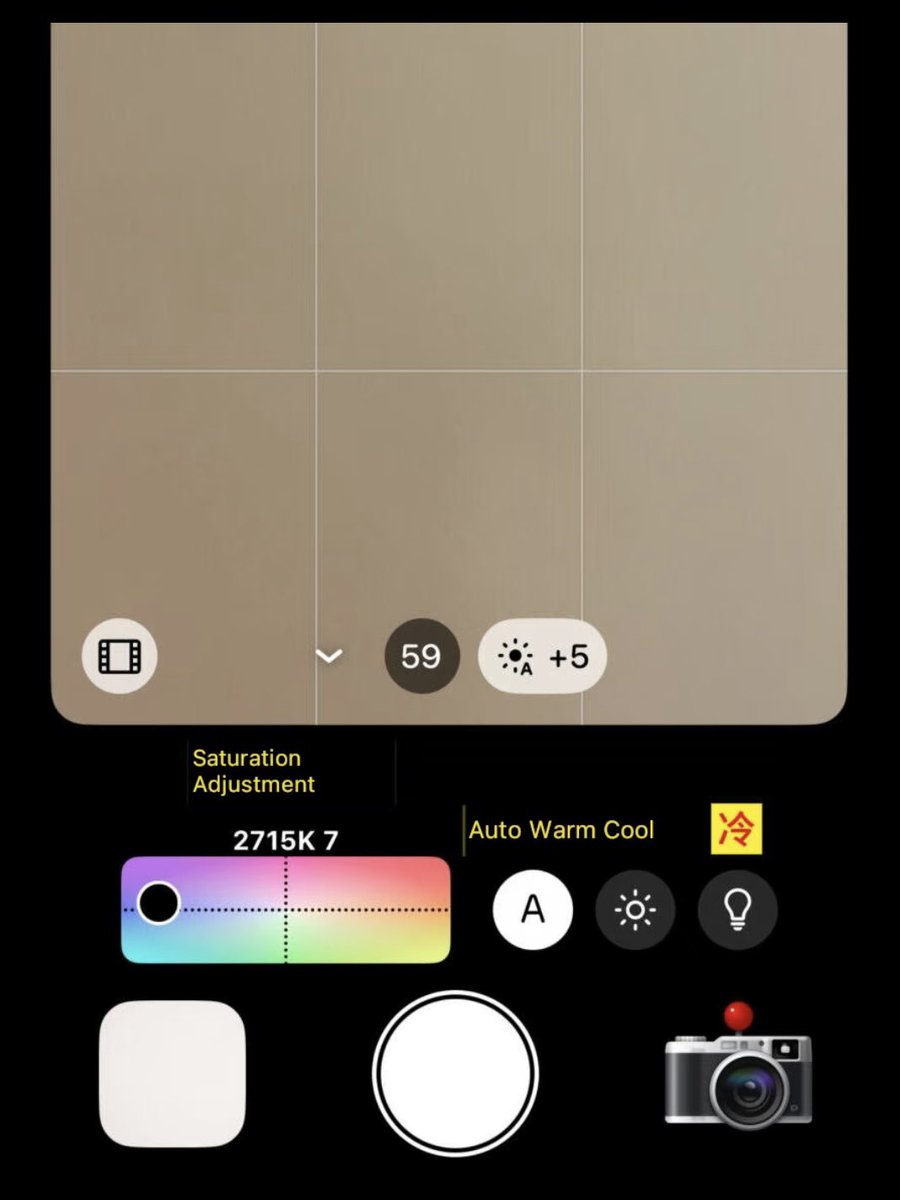
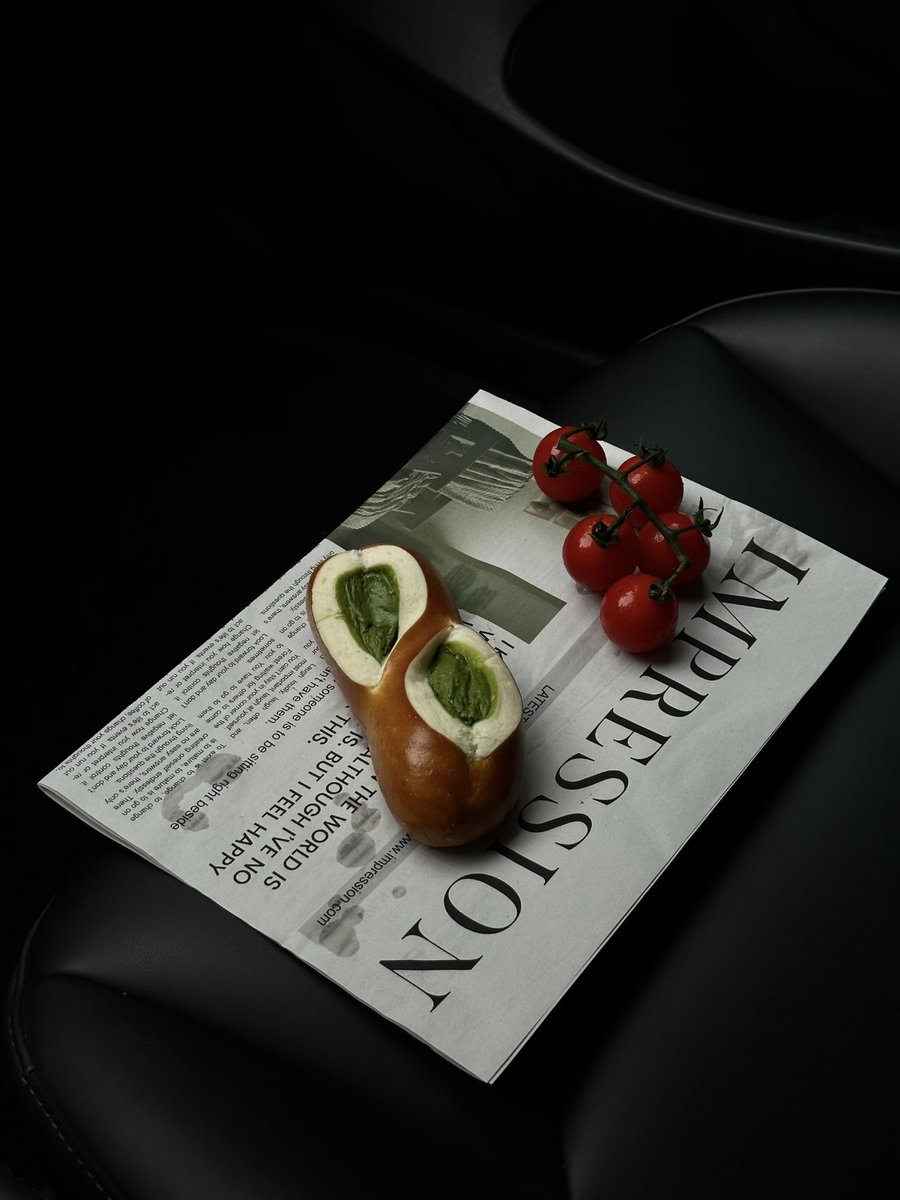
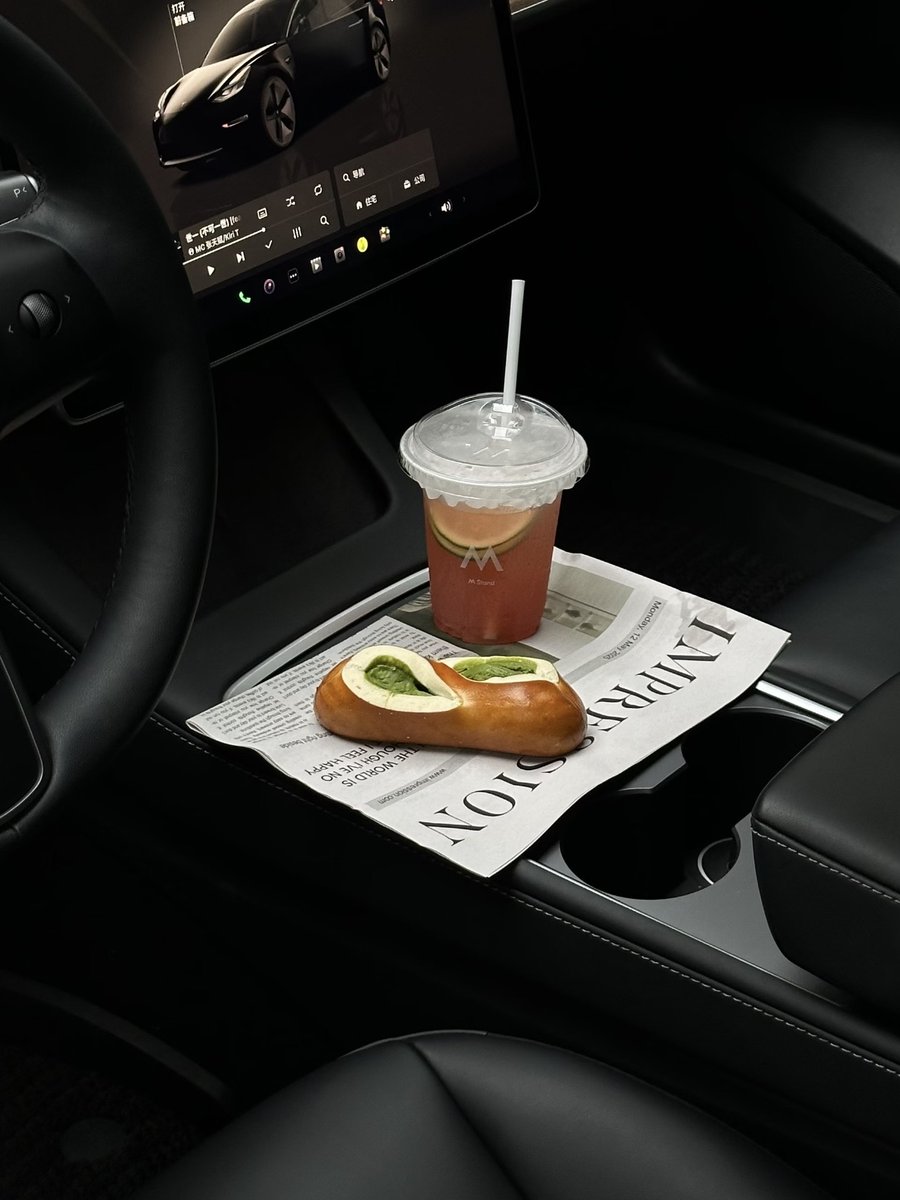
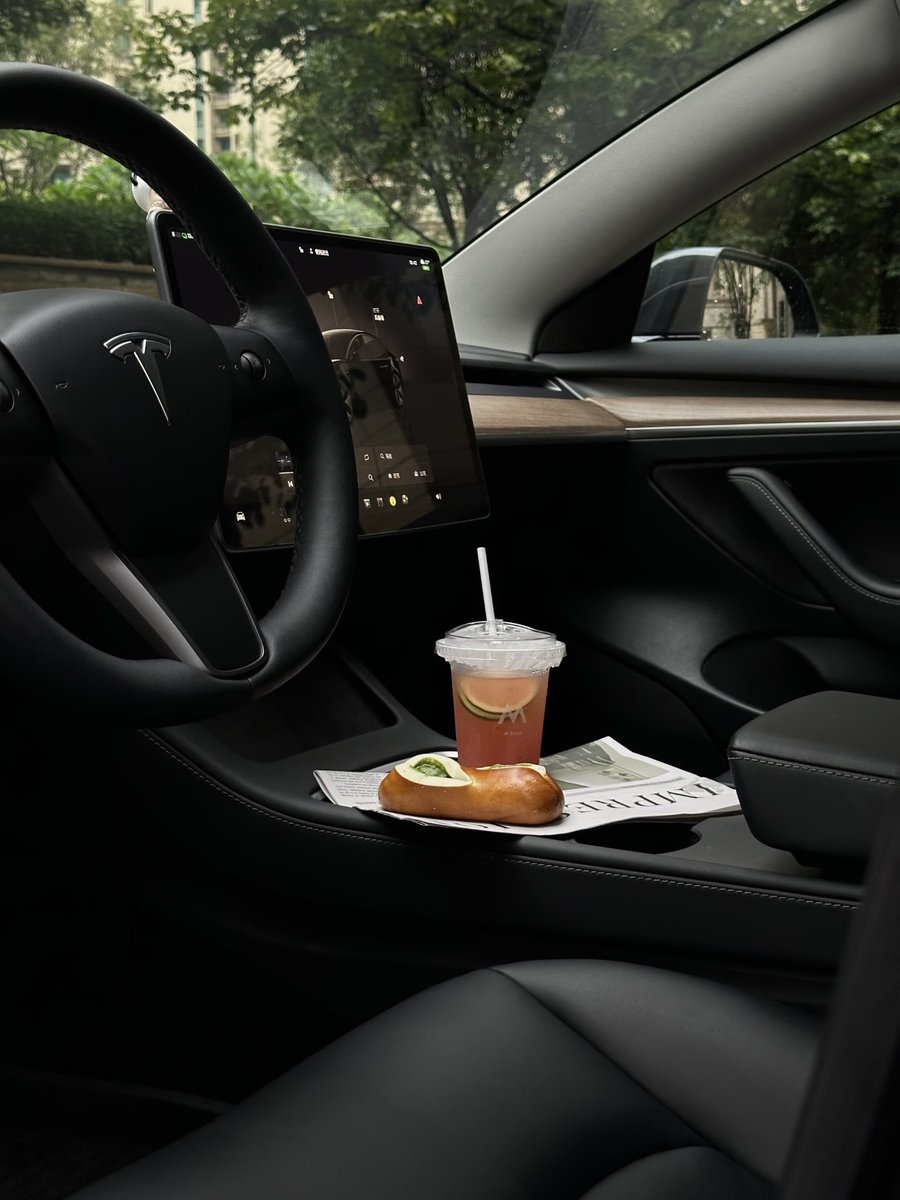
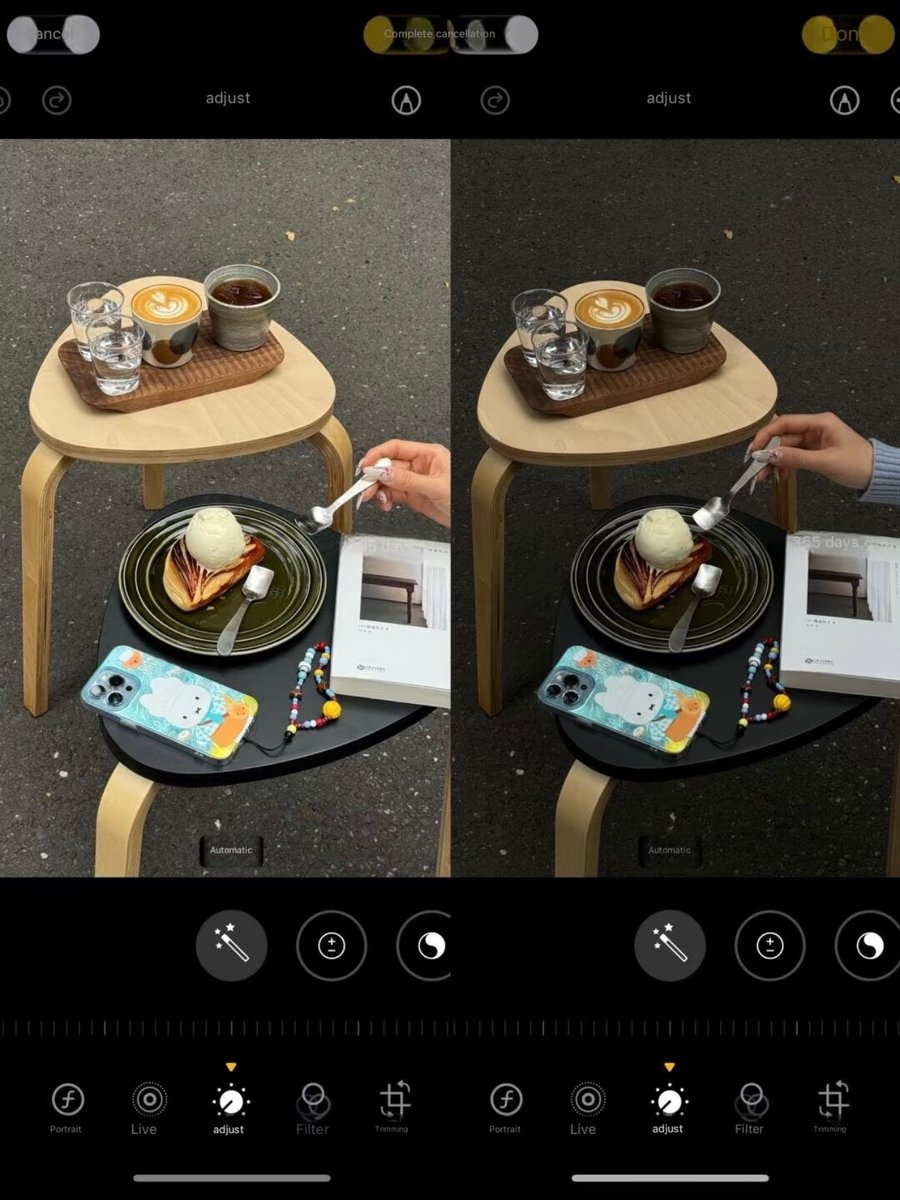
iPhone Photo Editing Tutorial!!
📱iPhone Original Camera
•Exposure: -5
•Brilliance: -15
•Highlights: -30
•Contrast: +15
•Brightness: -5
•Vibrance: +15
•Warmth: -5
•Tint: +5
•Sharpness: +35 (The secret to that glow!)
•Definition: +10
📸tips:
☑️Zoom in to 1.5x or 2x!
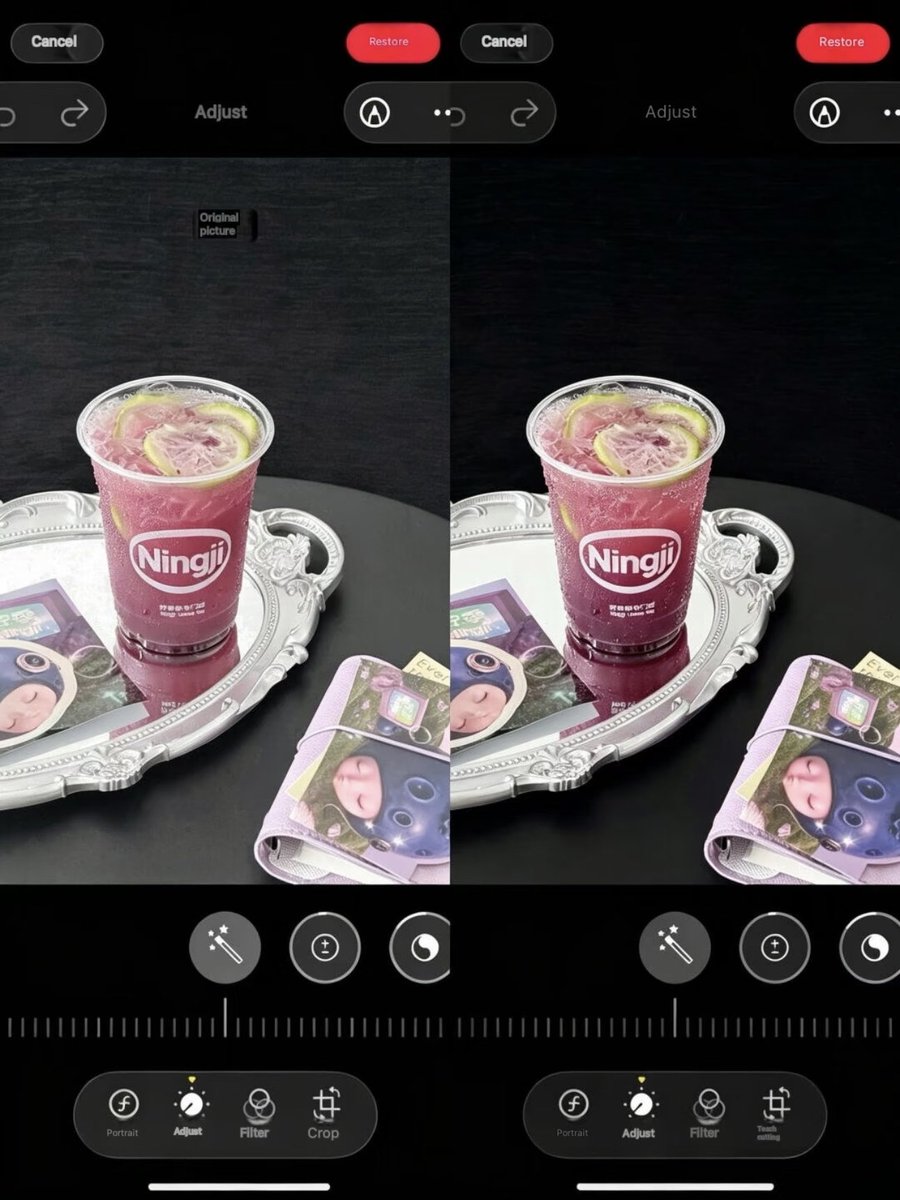
Finally got the hang of this clear and glowing filter...
📱Editing: Original Camera Edit
•Exposure +10
•Brilliance +56
•Highlights -35
•Contrast +32
•Saturation +8
•Warmth +10
•Sharpness +80
✅Lighting changes, so tweak these settings as needed!
✅Don't forget to run a quality fix after adjusting!!
how to get this dark glowing filter look! (iPhone & Android version)
🍎iphone:
• Exposure +8 (makes the image darker)
•Brilliance +15 (boosts the overall light)
•Highlights -35 (this is what creates the glow)
•Brightness +12 (makes your subject pop)
•Shadows +15 (gives your photo more depth)
•Sharpness +60 (this is the secret to the glow)
•Definition +62 (makes everything look clearer)
📱Android:
• Light sense -26
• Brightness -9
• Exposure -24
• Contrast +35
• Natural saturation +45
• Sharpening +100
• Structure +57
• Highlights +52
• Color temperature +16
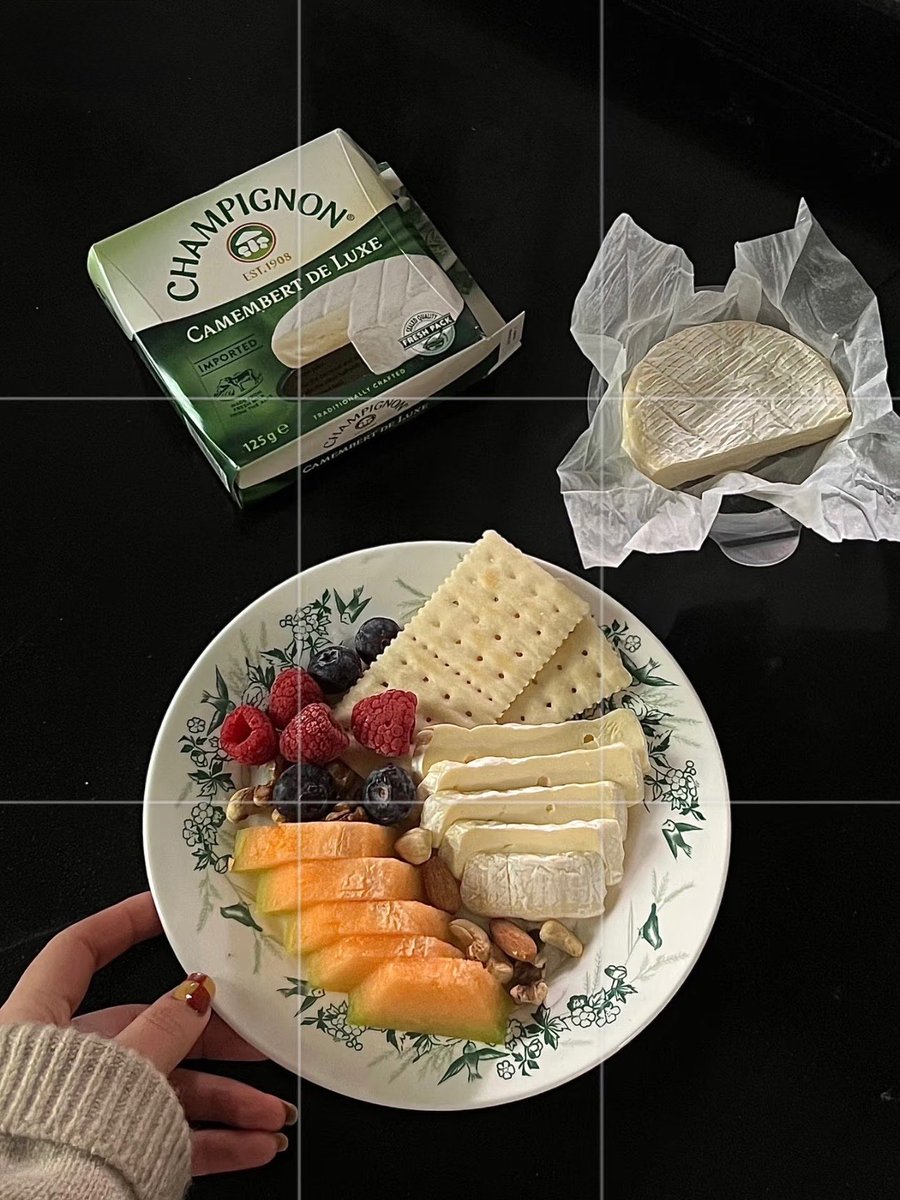
how to adjust this dark food exploration filter!! Dark-themed cafes, cakes, restaurants, welcome in!!
📱iPhone original camera editing
✅Zoom: 2.5x - 3.5x
•Exposure: -5
•Sharpness: -25
•Highlights: -10
•Contrast: +15
•Black Point: +3
•Saturation: +25
•Clarity: +5
✅After adjusting a photo, click the top-right corner "Copy Edit Points"
✅Copy to other photos and you're all set
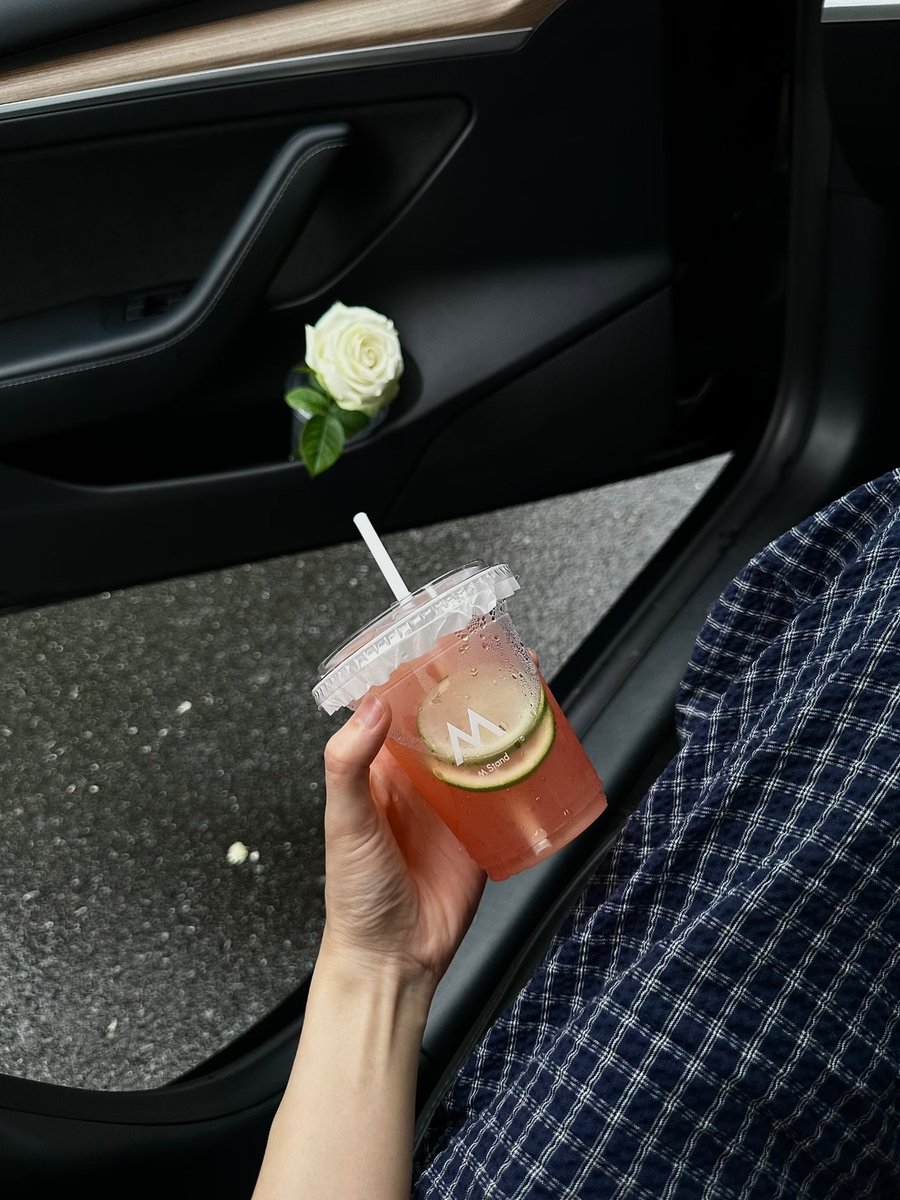
How to Get That Cafe Vibe in Your Photos!!
✅My settings:
Exposure -13
Highlights +11
Shadows +9
Contrast +10
Brightness +11
Saturation -14
Temperature +9
Sharpness +15
Clarity +9