@GerraldKevin 😭😭😭 nangis gak batin lu ngelihat beginian...
Lu sekolah pinter-pinter sampe lulus kuliah..
Lu kerja capek-capek sampe berasa susah naik jabatan..
Lu kerja capek-capek cuman dapat duit seadanya..
Tetapi di negara lu di isi sama orang-orang gak danta seperti ini.
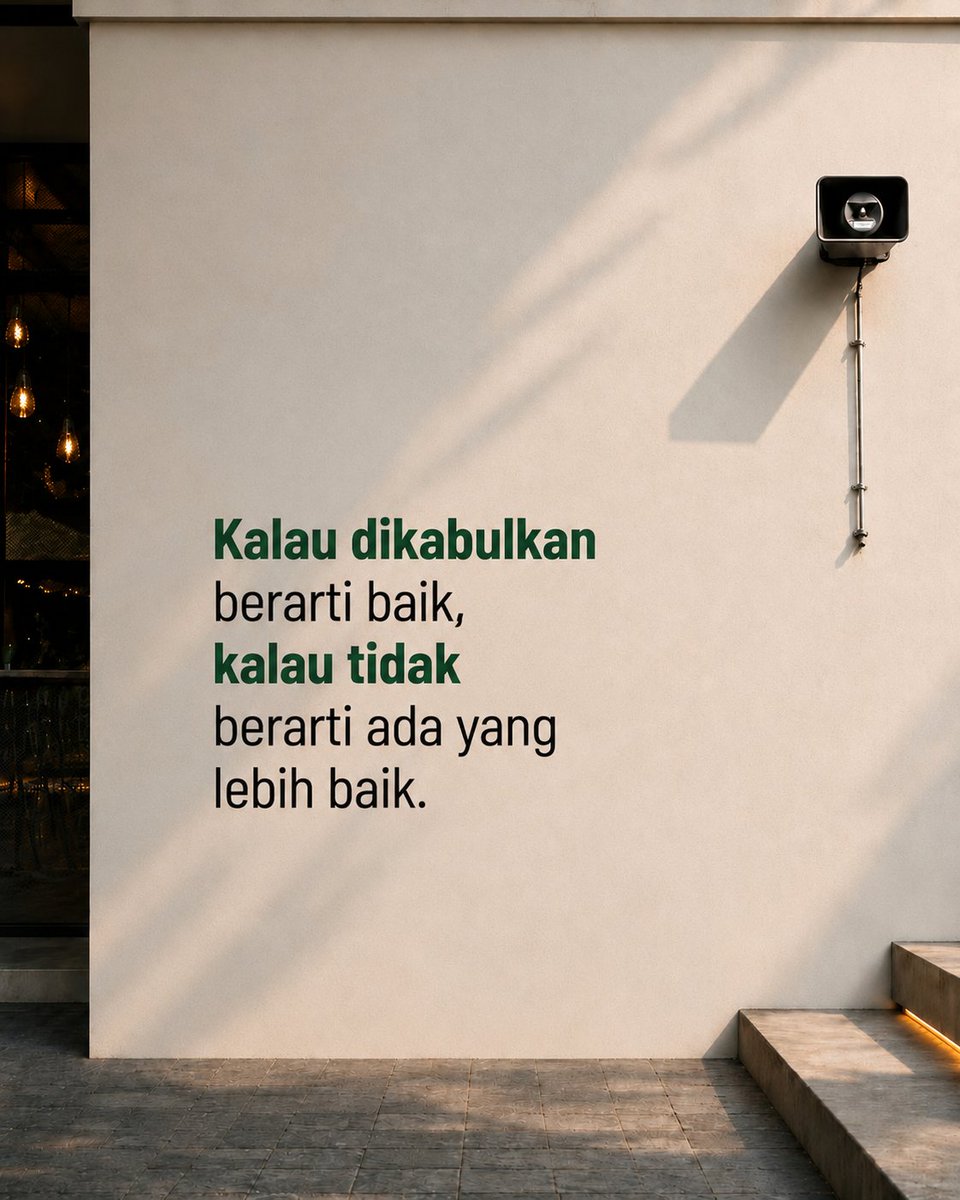
Ya Allah kalau ini (A) yg terbaik maka mudahkanlah dan lancarkan semuanya. Dan jika A bukan yang terbaik maka kasihlah hamba tanda kalau emg ini bukan yang terbaik buat hamba.
Apakah ketidaknyamanan ini tanpa bahwa ini bukan yang terbaik?
Sumpah gw ngerasa ga nyaman banget akhir2 ini. Nyesek, anxiety bener2 ga nyaman pokoknya. Then today I realize kalau sebenarnya ini selalu jadi doaku kyk gini: (1)
Pidato terbaru Prabowo: kondisi Indonesia lebih baik dari Jepang & Eropa. Hhmmm...
Jangan salahkan bapak ini kalau semakin aneh isi pidatonya.
Kalau saya akan salahkan yang kasih mic. 🎤
How to prompt Gemini for infographics:
1. Go to YouTube. Find a stupidly viral video.
2. Open Gemini to extract content from the video.
3. Copy paste this prompt:
"Act like an expert Content Strategist and Information Designer for a leading digital publication. Your goal is to repurpose video content into a structured infographic brief that's ready to be designed.*
Please analyze the following YouTube video: [YOUTUBE LINK].*
Part 1: The Extraction
First, provide a comprehensive breakdown of the video content. Do not just summarize; extract the "meat" of the content using the following structure:
Core Thesis: What is the single most important argument or lesson in one sentence?
Key Data/Facts: List specific numbers, case studies, or hard facts mentioned.
Golden Quotes: Extract 3-5 verbatim quotes that are punchy or profound.
The Framework: If the speaker uses a specific step-by-step process or mental model, outline it clearly.*
Part 2: The Infographic Structure
Based only on the extraction above, organize the content into a single, visually clear infographic layout.
Constraint: Avoid vague titles like "Summary of [Video Name]."Requirement: The infographic must tell one focused story with a logical flow from top to bottom.
Format: Provide the following:
- A catchy headline for the infographic
- A one-sentence subtitle explaining who it's for or why it matters
- 4 to 6 clearly labeled sections, each with a short heading and 1-2 key data points or takeaways-
A closing takeaway or call to action*
Example of a good infographic structure:
Bad: "Everything About Sales"
Good: "The 3-Call Close Framework: Why 78% of Salespeople Lose the Deal After the First Follow-Up"→ Section 1: The Problem (stat + context)→ Section 2: The 3-Call Framework (step-by-step)→ Section 3: Results (data + proof)→ Closing: One sentence takeaway"
1. Copy Gemini's answer.
2. Go to Gamma(.)app.
3. Click "Create with AI" → "Generate"
4. Select "Graphics" → "Infographics".
5. Paste Gemini's answer. Select "Minimal text."
6. Hit generate. It creates multiple options.
7. Choose your style. Edit it. It's done.
You just turned a 20-minute video into an infographic you can edit, with AI images.
Do it for the videos you've been 'saving for later'.







![rubenhassid's tweet photo. How to prompt Gemini for infographics:
1. Go to YouTube. Find a stupidly viral video.
2. Open Gemini to extract content from the video.
3. Copy paste this prompt:
"Act like an expert Content Strategist and Information Designer for a leading digital publication. Your goal is to repurpose video content into a structured infographic brief that's ready to be designed.*
Please analyze the following YouTube video: [YOUTUBE LINK].*
Part 1: The Extraction
First, provide a comprehensive breakdown of the video content. Do not just summarize; extract the "meat" of the content using the following structure:
Core Thesis: What is the single most important argument or lesson in one sentence?
Key Data/Facts: List specific numbers, case studies, or hard facts mentioned.
Golden Quotes: Extract 3-5 verbatim quotes that are punchy or profound.
The Framework: If the speaker uses a specific step-by-step process or mental model, outline it clearly.*
Part 2: The Infographic Structure
Based only on the extraction above, organize the content into a single, visually clear infographic layout.
Constraint: Avoid vague titles like "Summary of [Video Name]."Requirement: The infographic must tell one focused story with a logical flow from top to bottom.
Format: Provide the following:
- A catchy headline for the infographic
- A one-sentence subtitle explaining who it's for or why it matters
- 4 to 6 clearly labeled sections, each with a short heading and 1-2 key data points or takeaways-
A closing takeaway or call to action*
Example of a good infographic structure:
Bad: "Everything About Sales"
Good: "The 3-Call Close Framework: Why 78% of Salespeople Lose the Deal After the First Follow-Up"→ Section 1: The Problem (stat + context)→ Section 2: The 3-Call Framework (step-by-step)→ Section 3: Results (data + proof)→ Closing: One sentence takeaway"
1. Copy Gemini's answer.
2. Go to Gamma(.)app.
3. Click "Create with AI" → "Generate"
4. Select "Graphics" → "Infographics".
5. Paste Gemini's answer. Select "Minimal text."
6. Hit generate. It creates multiple options.
7. Choose your style. Edit it. It's done.
You just turned a 20-minute video into an infographic you can edit, with AI images.
Do it for the videos you've been 'saving for later'.](https://pbs.twimg.com/media/HEVCMYrbYAEUB8N.jpg)





