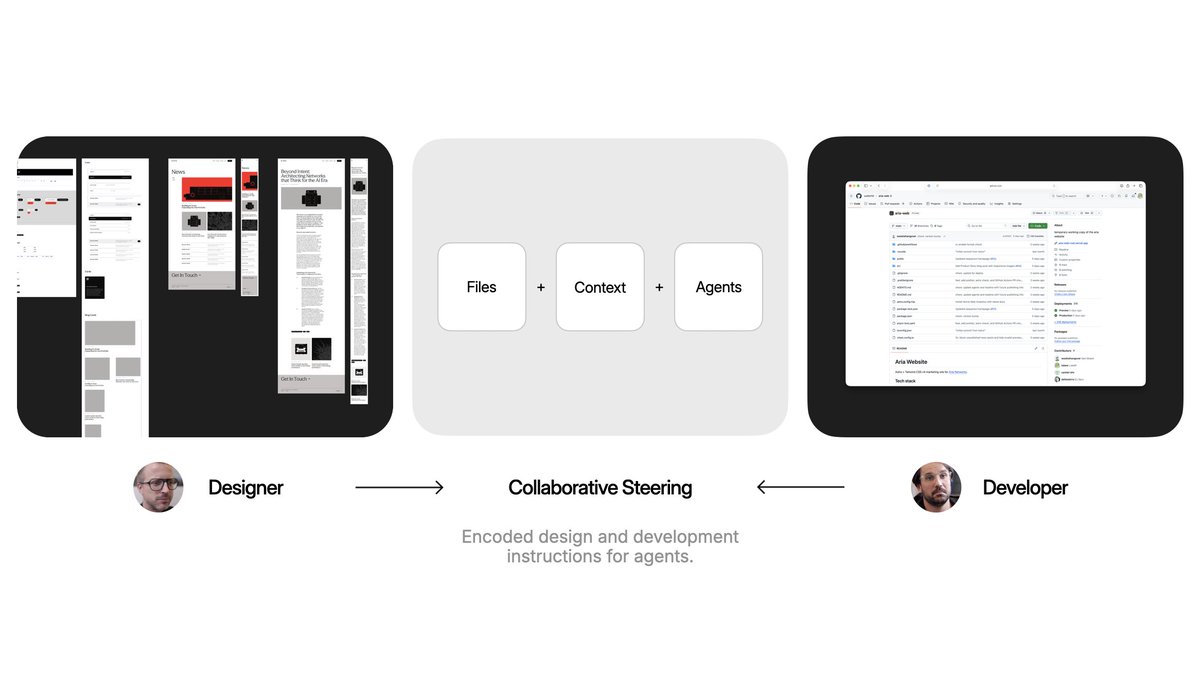
design teams have spent years trying to get people to actually read their design system documentation. agents can read them every single time they write code.
new article on design systems for agents:
https://t.co/MYvG4UyQSS
design teams have spent years trying to get people to actually read their design system documentation. agents can read them every single time they write code.
new article on design systems for agents:
https://t.co/MYvG4UyQSS
@Wattenberger why? more is being produced by agents faster (docs, images, code). where/how to display it all? hence windowing solutions.
still a fan of this approach which results in a thread of results only, not process.
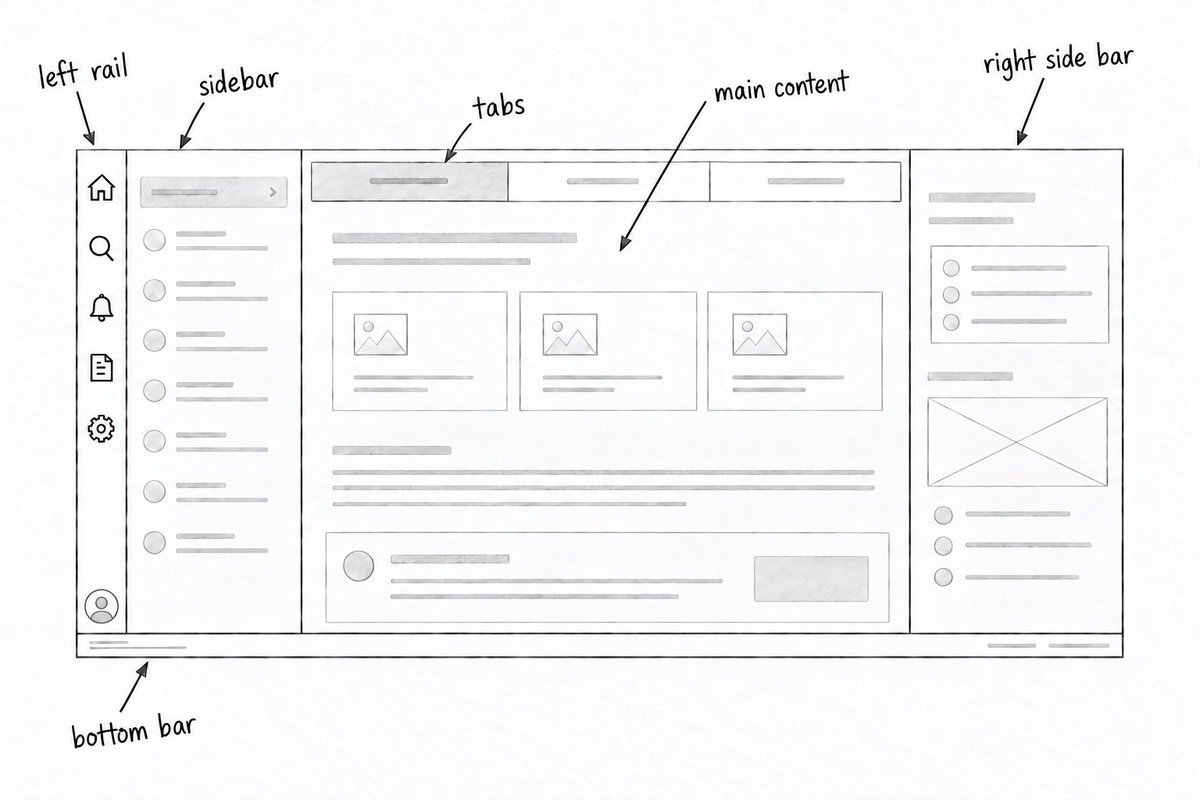
and as @Wattenberger reminded me... window management. everyone is searching for the best tabs, panels, canvas, sidebar approach.
aka re-thinking the SaaS shape.
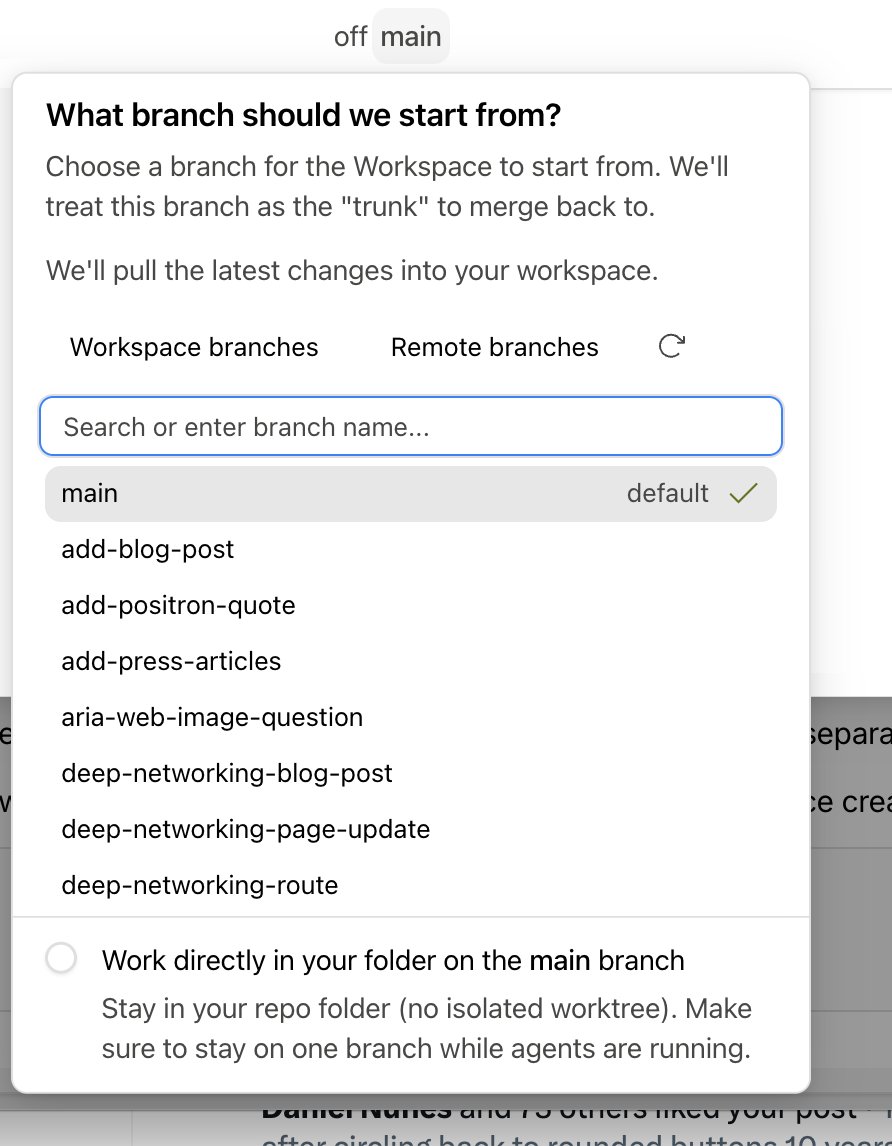
@sanjay15693 do you mean no worktree? if so, yes:
A workspace is Intent’s container for files, notes, and agents. A worktree is a separate Git checkout. checkbox on the bottom for no worktree.
new in Intent today:
- group work by detailed status
- paste images into agent answers
- reuse sent messages
- global Assistant can add & check MCP servers
- global Assistant can manage your chats
- provider CLI version warnings
- long chats open faster
- plus fixes & polish in release notes: https://t.co/xkl4TLaPwH
a personal AI is only as good as its content. bunch of ways I improved mine:
- voice-aware transcription to recognize me
- real-time indexing of new tweets
- audio & video timestamps to jump to right moments
- vision model to describe PDFs and images
- hourly indexing of new content
- and more: https://t.co/tIis0hjfVo
thole stack in your hand
run commands in full terminals and start or stop saved scripts with a tap. preview your dev servers to review changes. manage context in specs and notes.