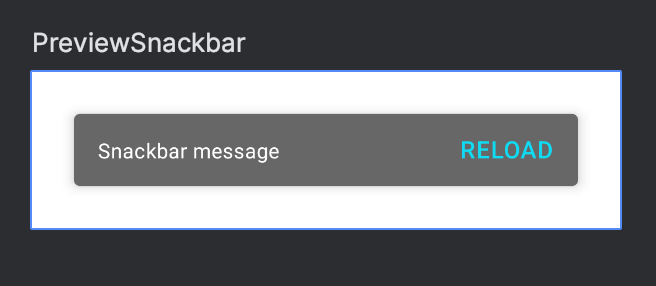
If you’re building a custom #JetpackCompose component that has transient state such as a Snackbar there are a couple of things you’ll need to do to get the preview working as expected.
Compose Preview for Snackbars with Interactive Mode
https://t.co/pd7M8rRCUt
3. 100 releases (almost)! 🎉
4. Over 3 million downloads
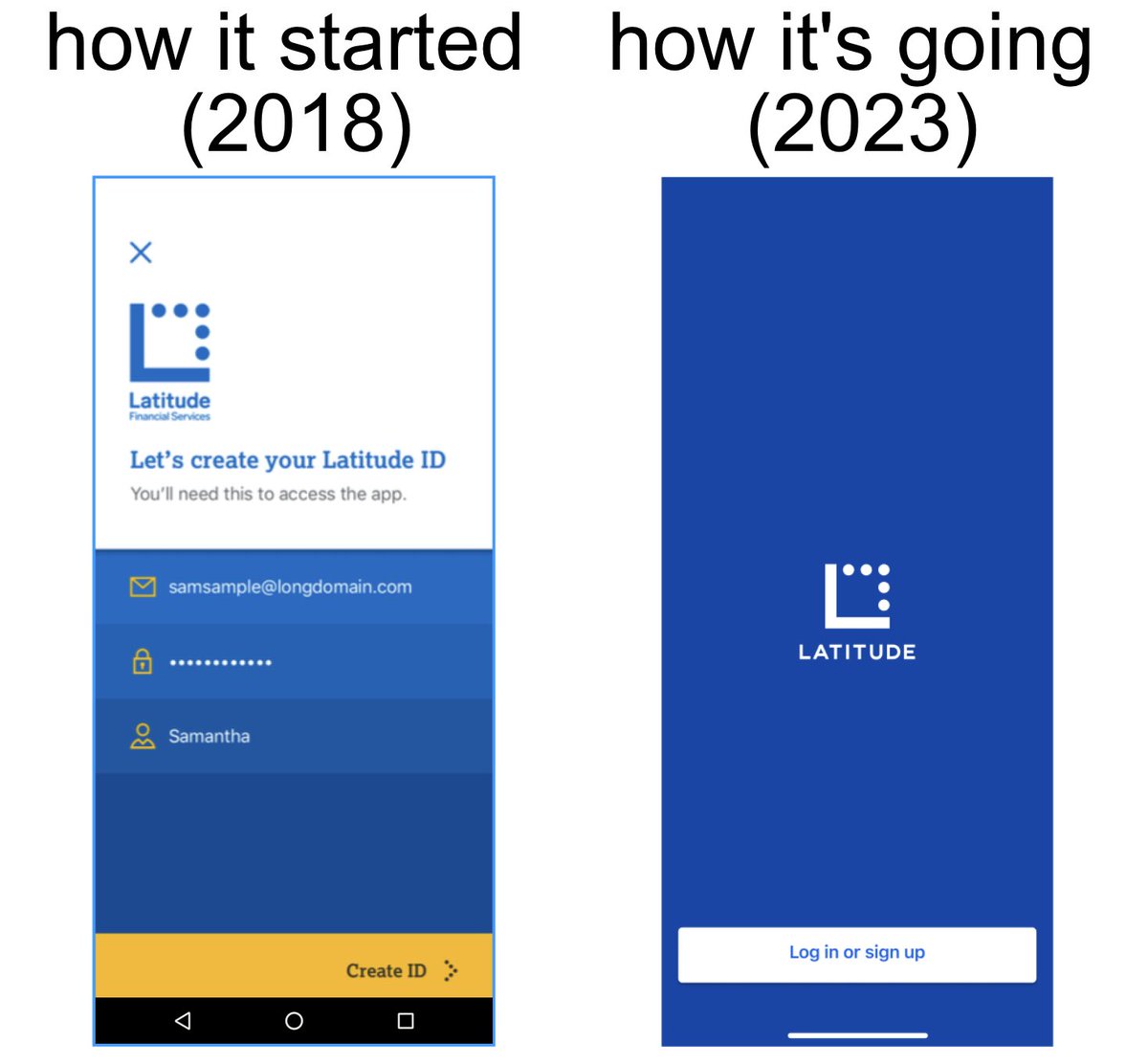
Our next releases will use version 2.0 to signify the fact the apps have entered the second-generation of their lifecycle. A big thanks to everyone that's contributed over the years!
2. Extensive overhaul of our tech stacks, resulting in apps that are still easy to maintain and with no need for a drastic, large-scale re-write. More here:
The Evolution of Latitude’s Android App: Views to Compose; RxJava to Coroutines & Version 2.0
https://t.co/Nd3WmzYpbU
Edge-to-edge screen content can give your app a professional, polished finish. But there are a few gotchas to be aware of when trying to adapt to both #JetpackCompose and XML layouts, as well as older Android versions.
🧵👇
In the example below we maximise the screen space by having content run directly under the transparent system gesture navigation bar. Note that the colour of the gesture navigation bar changes depending on the content behind it in order to provide good contrast.